- Updated
Outdoor adventure portrait
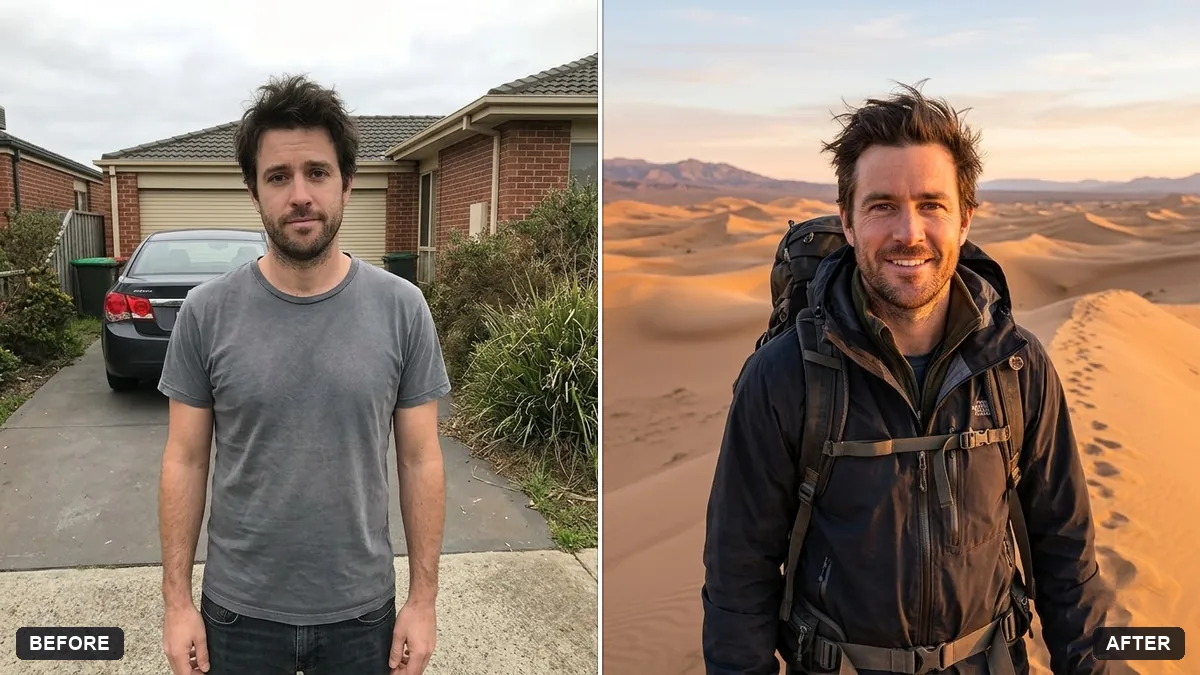
This prompt places you in a wide outdoor landscape wearing hiking gear with a backpack in golden hour light with wind in your hair. A photo in which you are standing gives the most natural result.
Turn this photo into an outdoor adventure portrait of me at [MOUNTAIN SUMMIT / FOREST TRAIL / DESERT DUNES]. Keep my face and features exactly the same.

Wear hiking gear with a backpack, golden hour light, wind in my hair, epic wide landscape behind me, a confident smile, natural colours.
A photo where you are facing the camera outdoors gives the AI the best light to work with.
Your photo goes to the AI app you choose, never to PromptUp.
Get a better result
You on a summit, forest trail or desert dune in hiking gear with a backpack, wind in your hair, golden light and a huge landscape stretching behind your confident smile.
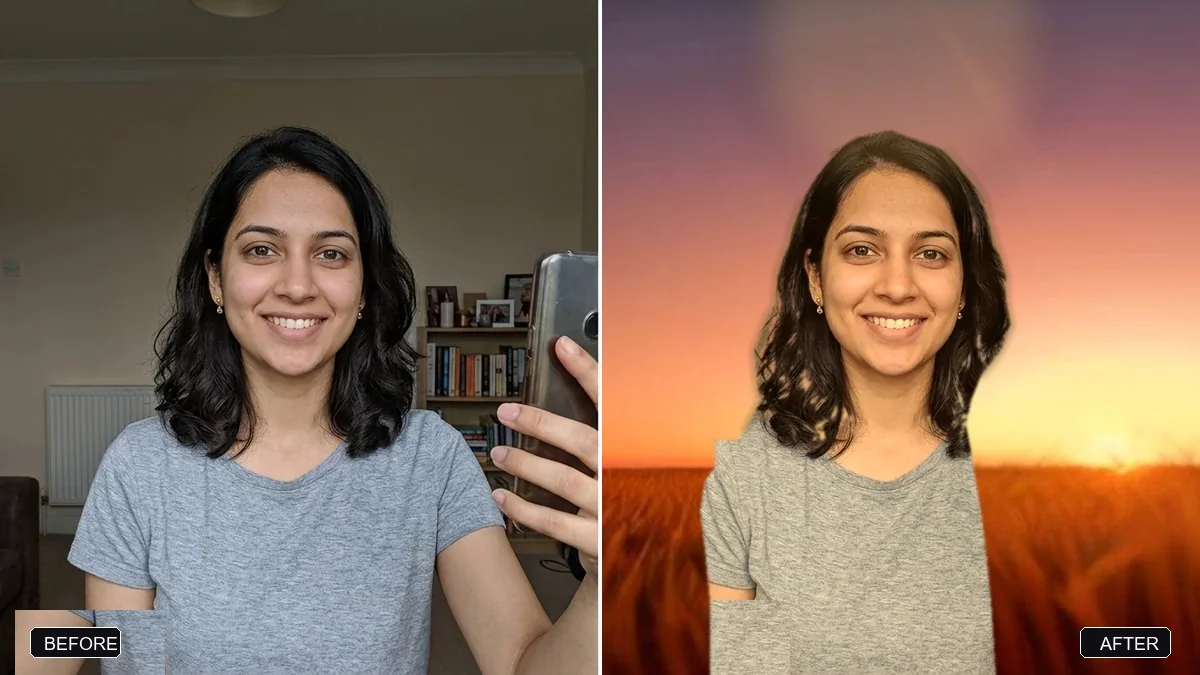
The landscape is lovely but you look pasted in.
Fix: Add “matching golden light on my face, natural shadow on the ground, same colour grade as the scenery”.
- The gear looks wrong, like a costume. List the items in order, such as “soft-shell jacket, trail shoes, small day pack”, and ask for realistic wear and creases.
- The pose is stiff. Ask for a movement, such as “looking across the valley, one hand on the backpack strap”, not a plain stand.
Ask for the same trail in autumn with orange leaves, or fresh snow with a warm hat, and keep your face and pose the same.
Keep the place and the outfit. Lower the camera for a hero angle and bring the horizon up behind my shoulders.
Guides on this topic
More photo editing prompts
See all 334 →
More like this
- Preview outdoor evening lightingGemini · ChatGPT
- Monsoon umbrella portraitGemini · ChatGPT
- Outdoor gear flat layGemini · ChatGPT · Midjourney
- Snowy winter portraitGemini · ChatGPT
- Beach sunset portraitGemini · ChatGPT