The film look trend: AI prompts that make your photos feel real, not AI-made
Published
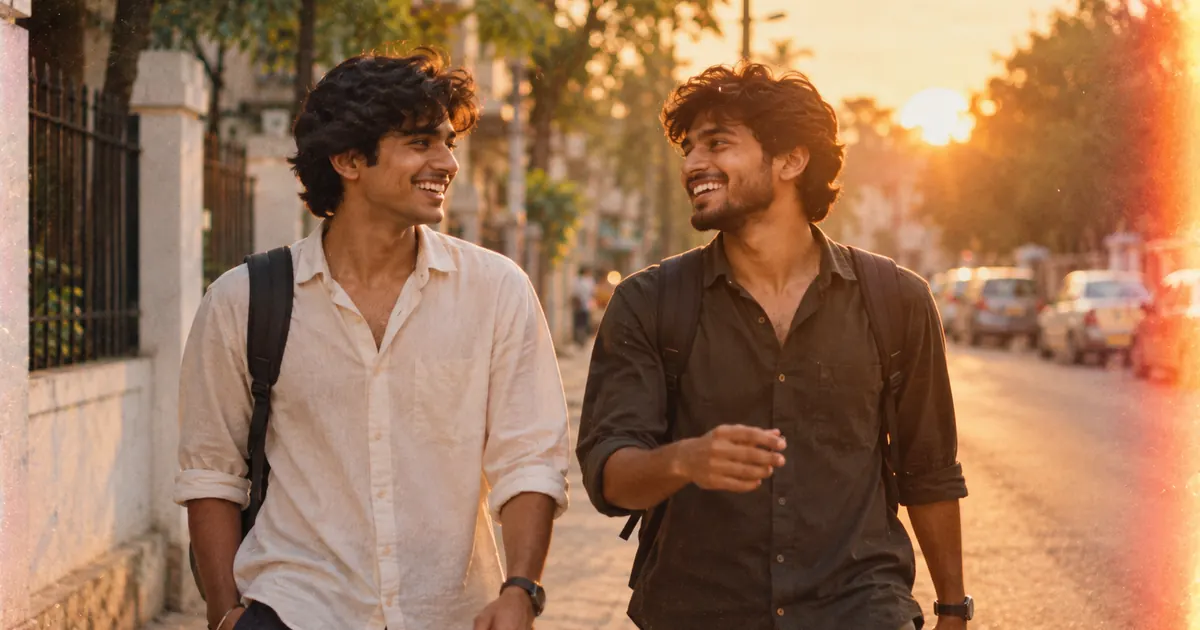
Short answerName a real film stock, ask for grain, halation around highlights and lifted blacks, and tell the AI what to avoid: plastic skin, HDR and over-sharpening. The "avoid" line matters as much as the look you ask for.
For a while, everyone wanted AI photos to look perfect: smooth skin, sharp everything, bright colours. In 2026 a lot of people went the other way. On Instagram and TikTok, one of the strongest photo trends is the look of real film, with grain, light leaks, slightly soft focus and faded colour. Photos that feel like a memory instead of an advert.
The funny part is that AI tools like Gemini and ChatGPT are very good at adding these "flaws", if you ask the right way. This guide gives you the prompts and explains the words that make the difference.
Why "vintage filter" isn't enough
Ask for "a vintage filter" and you usually get an orange tint and nothing else. Real film has several separate qualities, and naming them is what makes the result convincing:
| Word in the prompt | What it does |
|---|---|
| Film grain | Fine, random texture across the whole photo |
| Halation | A soft glow around bright lights and highlights |
| Lifted blacks | Shadows turn soft grey instead of pure black, the faded look |
| Colour cast | A slight overall tint, such as warm yellow or cool green |
| Focus falloff | Sharpness fades gradually away from the subject |
| Light leak | A warm streak of light at the edge of the frame |
People have also started describing a feeling instead of a filter. "Make this feel like a memory from a summer ten years ago" can work surprisingly well, especially after you've set the technical look.
The real 35mm film prompt
This is the core prompt of the trend. Upload a photo and paste the real analog film look prompt:
Re-render this photo so it looks like a real 35mm film photograph shot on [FILM STOCK, e.g. Kodak Portra 400]. Keep the composition, faces, and identities exactly the same.

Add natural film grain, gentle halation around highlights, slightly lifted blacks, realistic skin texture with pores, a touch of motion softness, and imperfect focus falloff.

Avoid: plastic skin, HDR, over-sharpening, perfect symmetry, and anything that looks AI-generated.
Naming a film stock is a shortcut: the AI has seen many photos labelled with these names and knows their colours. A few to try:
- Kodak Portra 400: warm, soft skin tones. Good for portraits.
- Fujifilm Superia: cooler, with stronger greens. Good for travel and nature.
- Ilford HP5: classic black and white with visible grain.
The "Avoid" line is what stops the typical AI finish from creeping back in.
Lighter touches
Not every photo needs a full makeover.
- Just grain: the authentic film grain prompt adds 35mm or 16mm grain, lifted blacks and gentle halation without changing anything else. Keep the grain fine for a natural result.
- Faded print: the vintage faded film look prompt gives travel and street photos the feel of an old print, with a slight yellow or green cast.
- Movie still: the cinematic colour grade prompt adds contrast, a soft vignette and a colour direction like warm gold or teal and orange.
A prompt for the "memory" feeling
Once the look is right, you can push the mood. Paste this after the first result:
Keep everything the same, but make it feel like a memory: slightly warmer, a soft light leak in the top right corner, a little softer at the edges, as if this print has been kept in a drawer for [NUMBER] years.
It works because you've already set the technical look. The feeling sits on top of it.
Fixing common problems
It changed the faces. Add "Keep every face exactly as in the original" at the start, and repeat it if needed.
The grain looks like digital noise. Ask for "fine, organic film grain, not digital noise".
It's too orange. Name a different cast: "a slight green cast" or "neutral colours with lifted blacks".
It still looks too clean. Add a small imperfection: "slight motion blur on the hands" or "focus a little soft on the background".
It's overdone. Ask for "the same look, at half the strength". Subtle usually looks more real.
Make a short memory clip
For Reels or a WhatsApp status, take your finished photo into a video tool and use the cinematic memory pan prompt. It adds a slow pan, a focus pull, drifting light and dust while keeping the faces the same. It's a lovely way to share old family photos, too.
Where to go from here
If you like this look, you'll probably enjoy the 80s AI photo trend, which uses the same film tricks with period outfits. All the prompts here are free in the PromptUp photo editing prompts collection, and the prompt builder can write a custom version for any photo.
Quick checklist
- Name a real film stock.
- Ask for grain, halation, lifted blacks and a colour cast.
- Add an "Avoid" line: plastic skin, HDR, over-sharpening.
- Keep faces the same, and say so first.
- Go lighter if it looks overdone.
Prompts to try
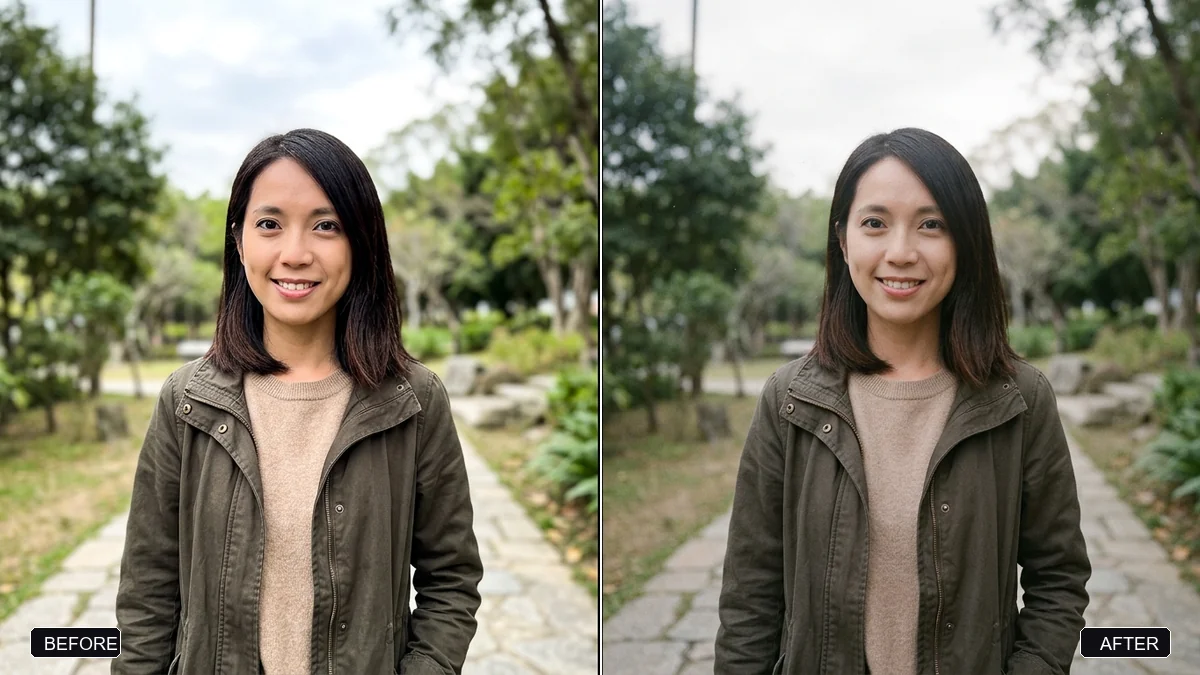
More prompt guides
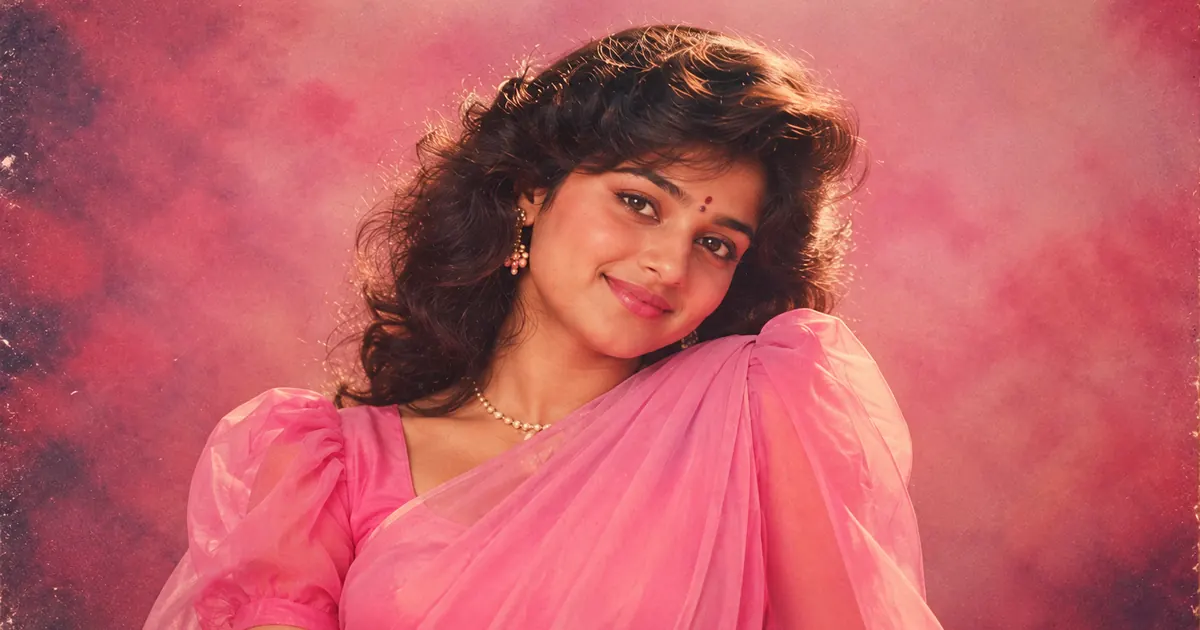 25 September 2026The 80s AI photo trend: prompts for retro Bollywood, family album and couple portraits
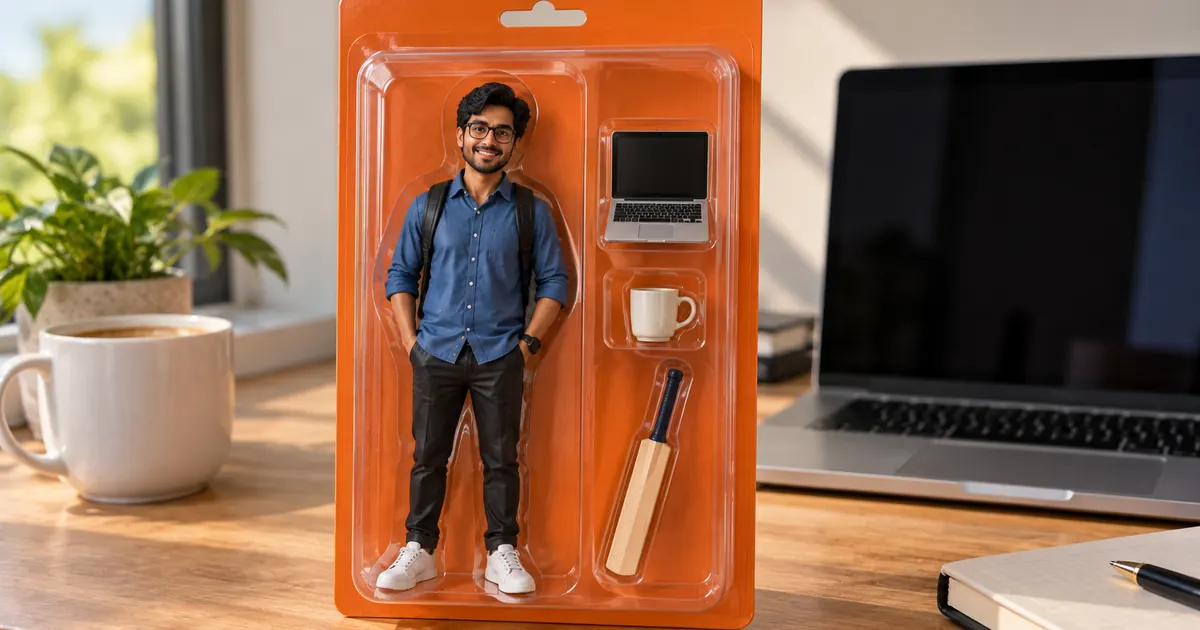 25 September 2026AI action figure prompts: turn your photo into a boxed toy, a chibi figurine or a brick minifigure
 25 September 2026ChatGPT Images 2.5 and Sketch: how to write prompts that work with your drawing
Comments
No comments yet. Be the first to share what worked for you.