- Updated
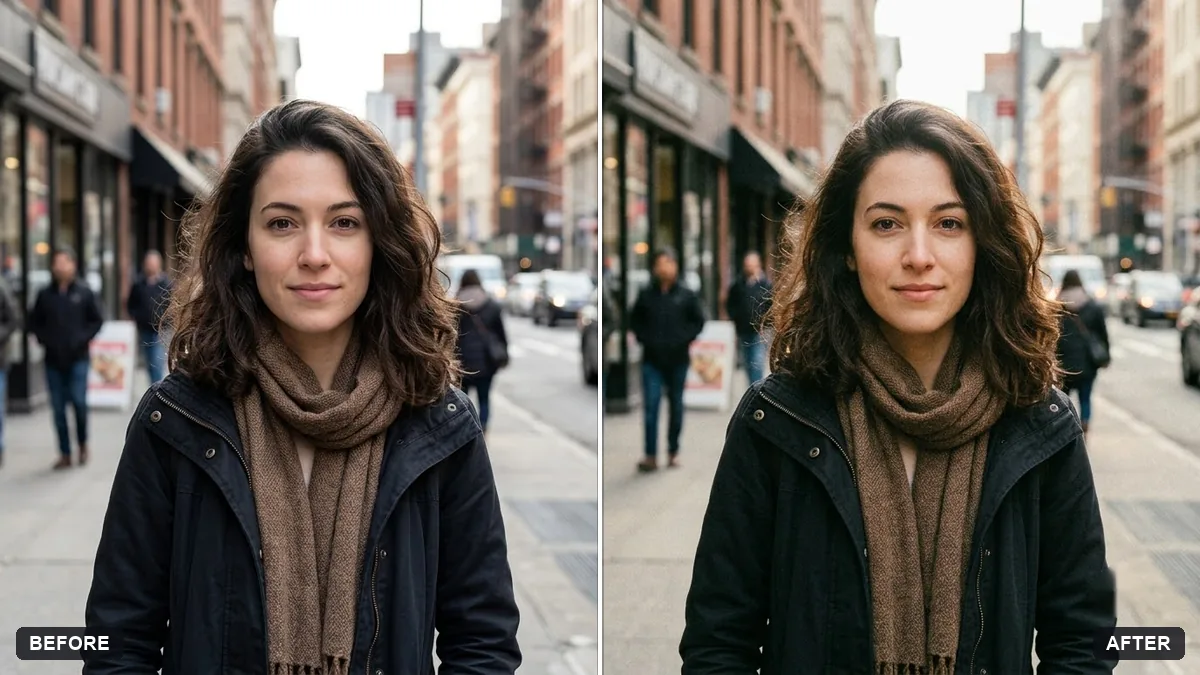
Vintage faded film look
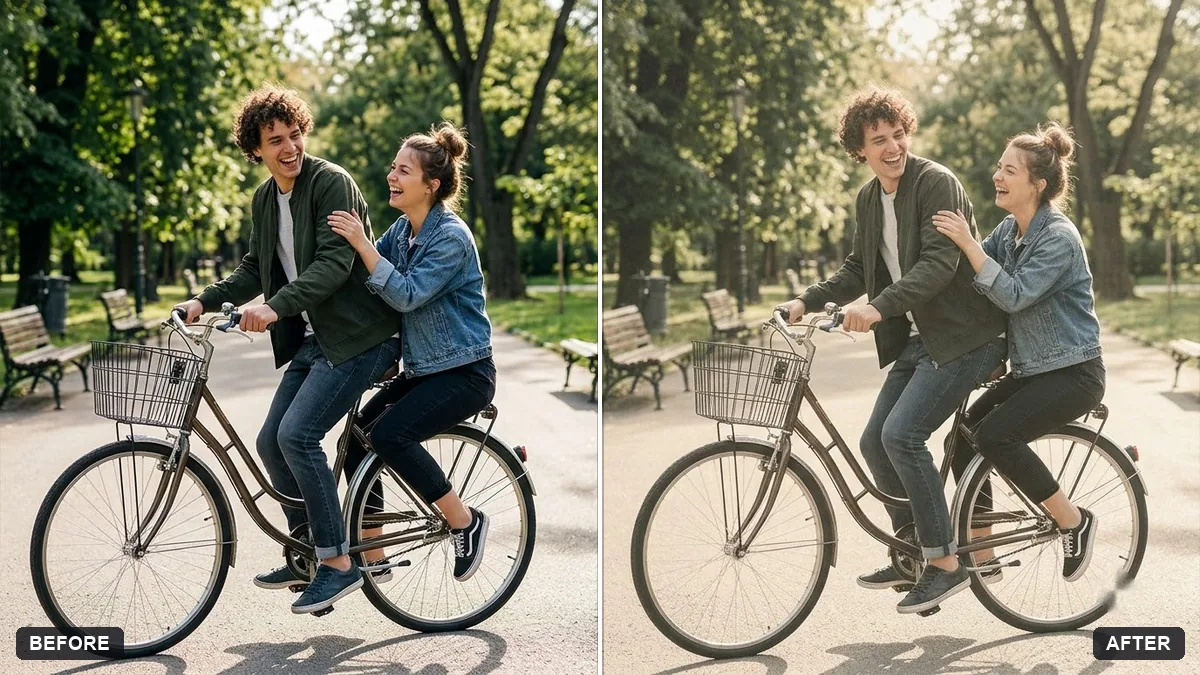
This prompt gives a photo lifted blacks, softly faded colours with a slight yellow or green cast, gentle grain and soft highlights. Try it on travel and street photos.
Give this photo a vintage faded film look. Lifted blacks, softly faded colours with a slight [YELLOW / GREEN] cast, gentle grain and soft highlights.

Keep the subject and details exactly as they are.
Try it on travel and street photos. Faded blacks give them an old-print feel.
Your photo goes to the AI app you choose, never to PromptUp.
Get a better result
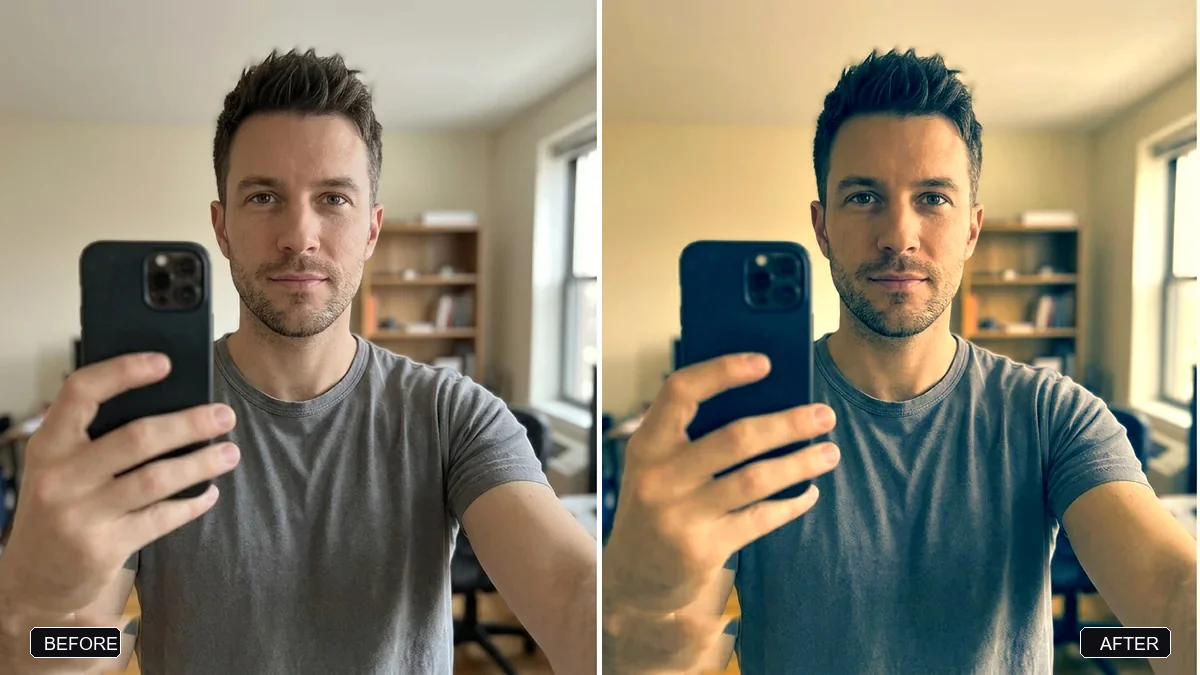
Your photo with a faded film look: lifted blacks, softly muted colours with a slight colour cast, gentle grain and soft highlights, while the subject and details stay the same.
Faded film looks come from lifted blacks, softened colours and a slight cast, and the prompt names each. Gentle grain and soft highlights finish it. The subject and details stay as they are.
The whole picture turns flat and muddy.
Fix: Say “lift only the darkest areas, keep the mid-tone contrast, do not reduce the overall sharpness”.
- The colour cast makes skin look unwell. Ask for “the yellow or green cast mostly in the shadows and the sky, skin tones kept natural”.
- Fake scratches, light leaks or a date stamp are added. Add “no scratches, no dust, no light leaks, no date stamp”. A fade preset needs only colour and grain.
Swap the cast for “faded teal shadows with warm cream highlights”. It is a popular old-print combination that suits street and travel photos.
Keep the mid-tone contrast, put the colour cast only in the shadows and sky, protect the skin tones and add no scratches or date stamp.
Guides that use this prompt
More photo editing prompts
See all 334 →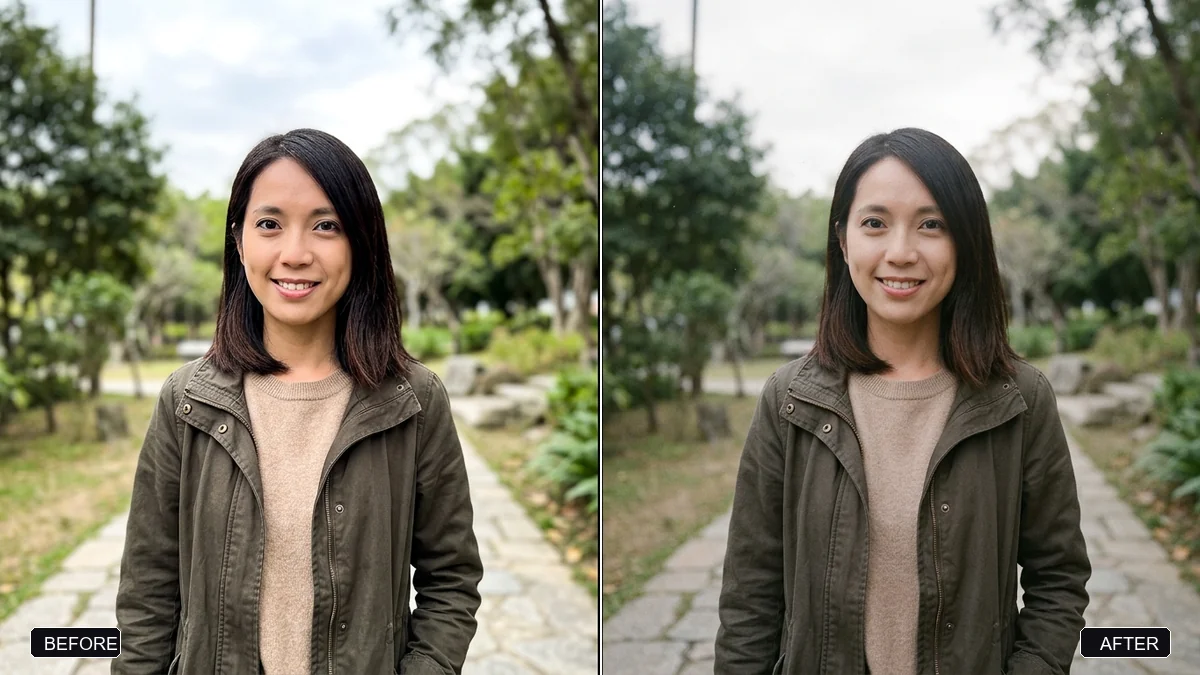
More like this
- Restore a faded colour printGemini · ChatGPT
- Moody dark photo presetGemini · ChatGPT
- Cinematic colour grade with vignetteGemini · ChatGPT
- 1960s mod-style portraitGemini · ChatGPT
- 1920s vintage studio portraitGemini · ChatGPT