- Updated
Long-exposure look for a night city
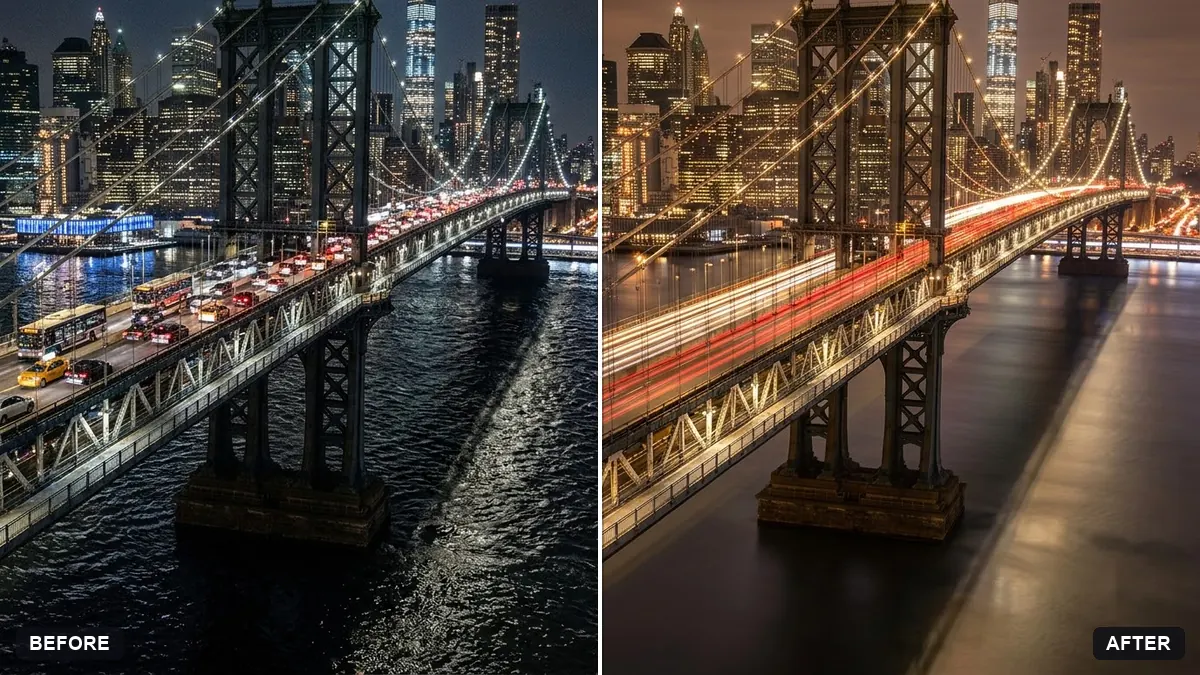
This prompt adds smooth light trails from traffic on a road or bridge, soft glow on the lights and smooth water or sky, while keeping the buildings sharp and the scene realistic.
Turn this night city photo into a long-exposure look. Add smooth light trails from the traffic on the [ROAD / BRIDGE], soft glow on the lights, smooth water or sky, and remove moving cars as solid objects.

Keep buildings sharp and the scene realistic.
Use a photo with a road or bridge in it for the most convincing light trails.
Your photo goes to the AI app you choose, never to PromptUp.
Get a better result
Your night photo with smooth light trails from traffic, a soft glow around the lights, silky water or sky, no solid cars and buildings still sharp.
Long exposures turn moving cars into light trails while buildings stay still, so the prompt asks for both. Smooth water or sky and a soft glow on lights complete the look. A road or bridge in your photo, as the tip says, gives the trails a path.
The trails do not follow the road.
Fix: Name the road or bridge and its direction, so the streaks follow the real curve of the street.
- Ghostly car shapes remain. Ask for all moving vehicles to be replaced by trails, and check parked cars separately.
- Buildings are smeared. Say that only moving things blur and the architecture stays crisp, as a tripod photo would.
Ask for wet roads, coloured reflections of the trails and a few faint raindrops in the air.
Make the light trails longer and smoother along the road, keep the buildings sharp and add a soft glow around each street light.
More photo editing prompts
See all 334 →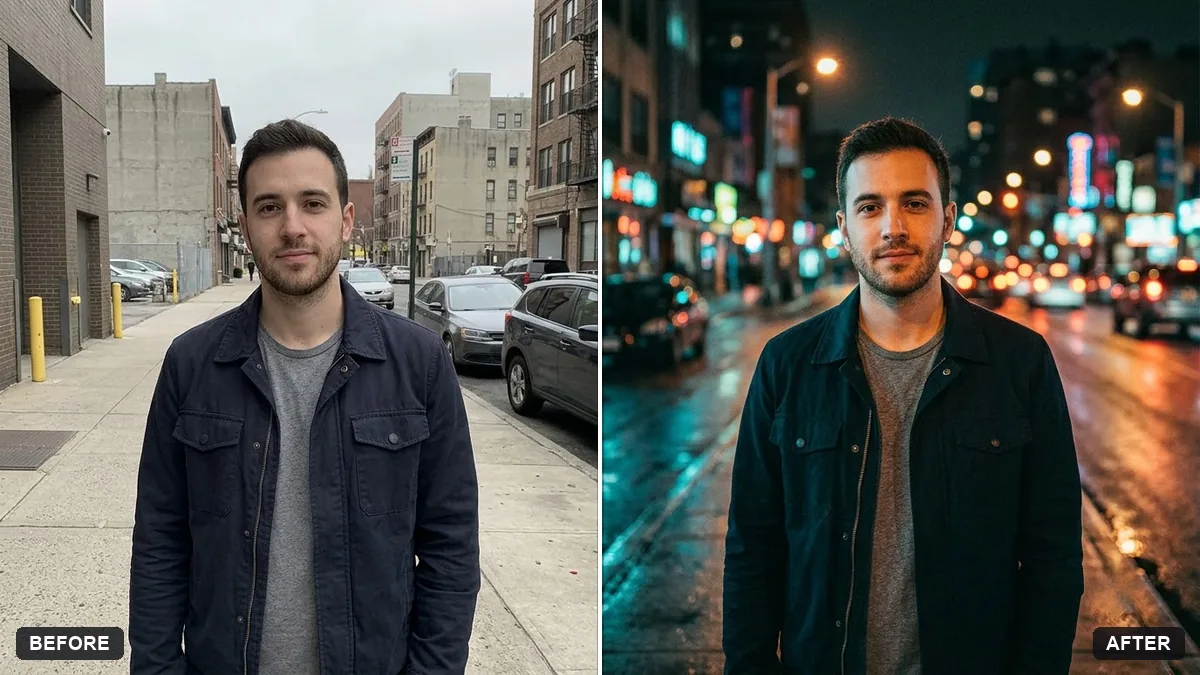
More like this
- Tilt-shift miniature effectGemini · ChatGPT
- Double exposure silhouette artMidjourney · Gemini · ChatGPT
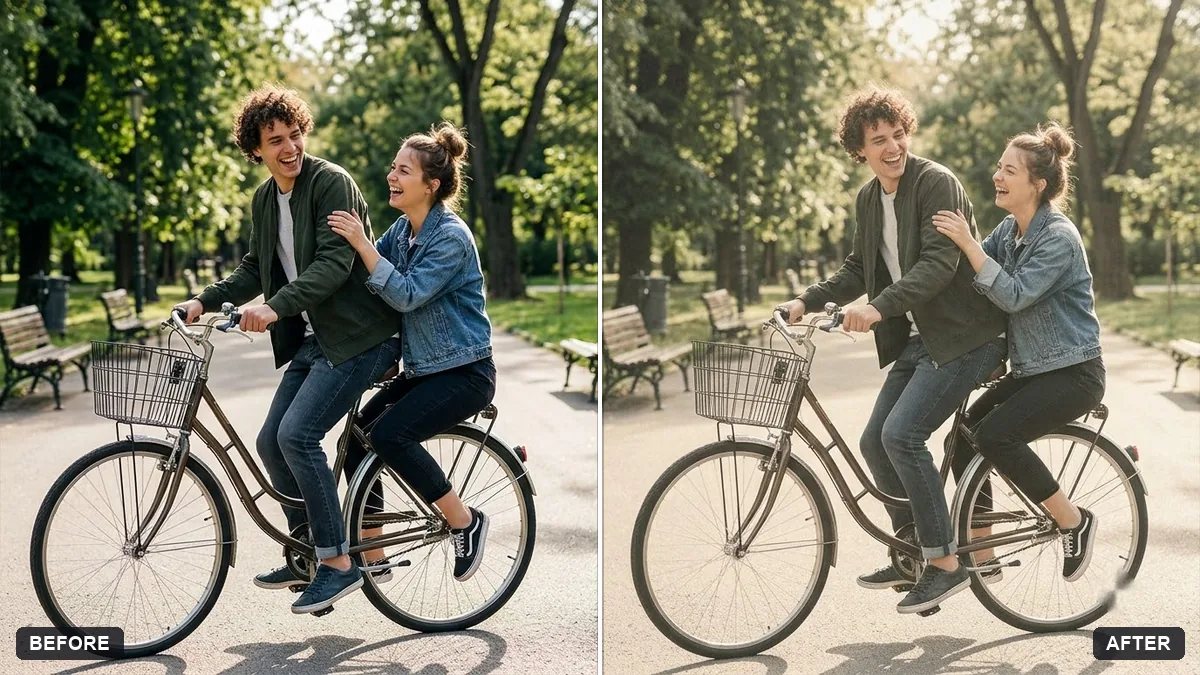
- Bright and airy photo presetGemini · ChatGPT
- Cinematic colour grade with vignetteGemini · ChatGPT
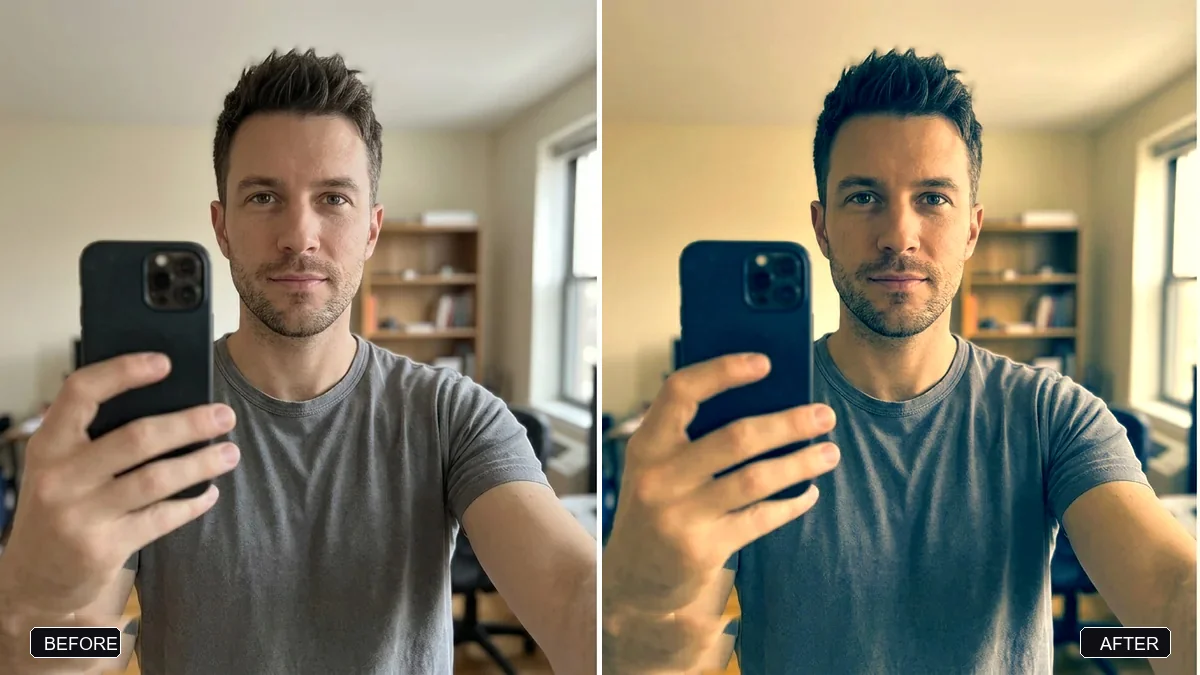
- Moody dark photo presetGemini · ChatGPT