- Updated
High-contrast black-and-white conversion
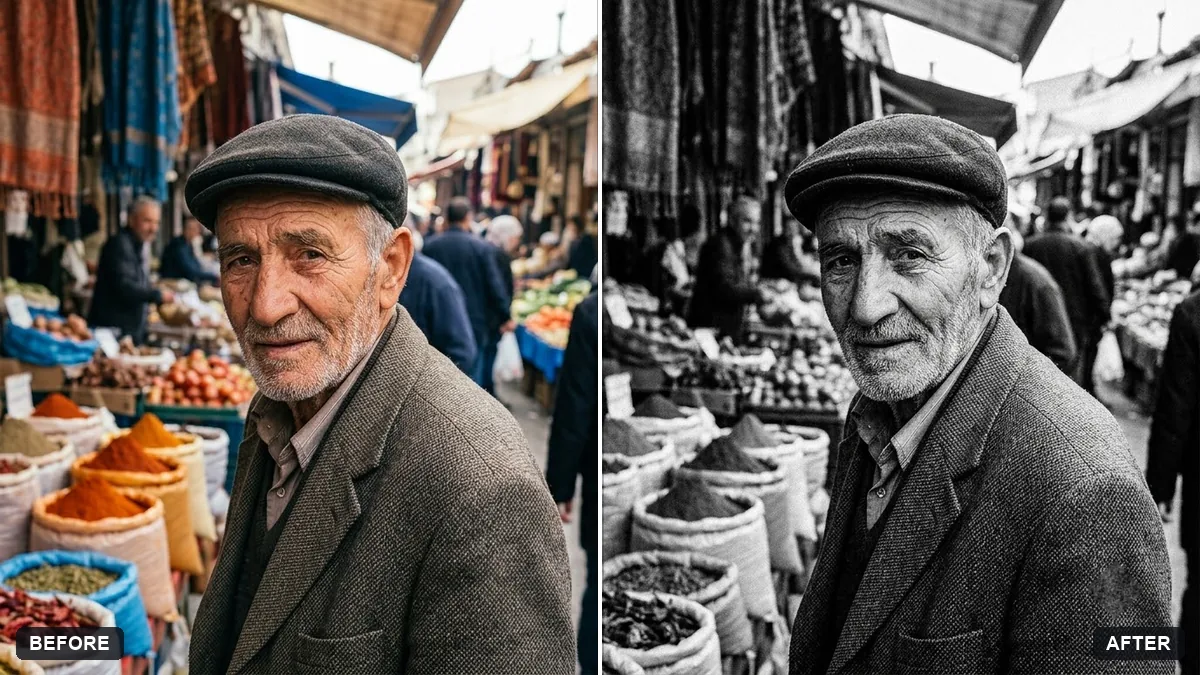
This prompt converts a photo to black and white with rich blacks, bright whites, strong tonal separation and fine grain, without cropping. Choose photos with strong shapes and shadows.
Convert this photo to a high-contrast black-and-white image. Rich blacks, bright whites, strong tonal separation, fine grain and crisp detail in the [FACE / BUILDING / TEXTURE].

Do not crop or change the composition.
Choose photos with strong shapes and shadows. Flat light photos do not convert well.
Your photo goes to the AI app you choose, never to PromptUp.
Get a better result
Your photo as a high-contrast black-and-white image, with rich blacks, bright whites, strong tonal separation, fine grain and crisp detail where you pointed, uncropped and with the same composition.
High contrast black and white depends on strong shapes, so the prompt asks for rich blacks, bright whites and clear tonal separation. Naming where to keep crisp detail, face, building or texture, points the edit. Leaving the crop alone keeps your composition.
Highlights or shadows turn into flat patches with no detail.
Fix: Ask for “deep blacks but keep texture in the shadows, bright whites but keep detail in the highlights”. Some clipping is fine, a lot is not.
- The result looks flat, as the tip warns for dull photos. Start from a photo with strong light, clear shapes and shadows. Flat overcast light will not gain depth from a conversion.
- The picture is cropped or a person is changed. Keep “do not crop or change the composition” and add “keep faces exactly the same”.
Add “hard side lighting, deep shadows across half the frame and a slight vignette”. This suits street photos and portraits with a strong light source.
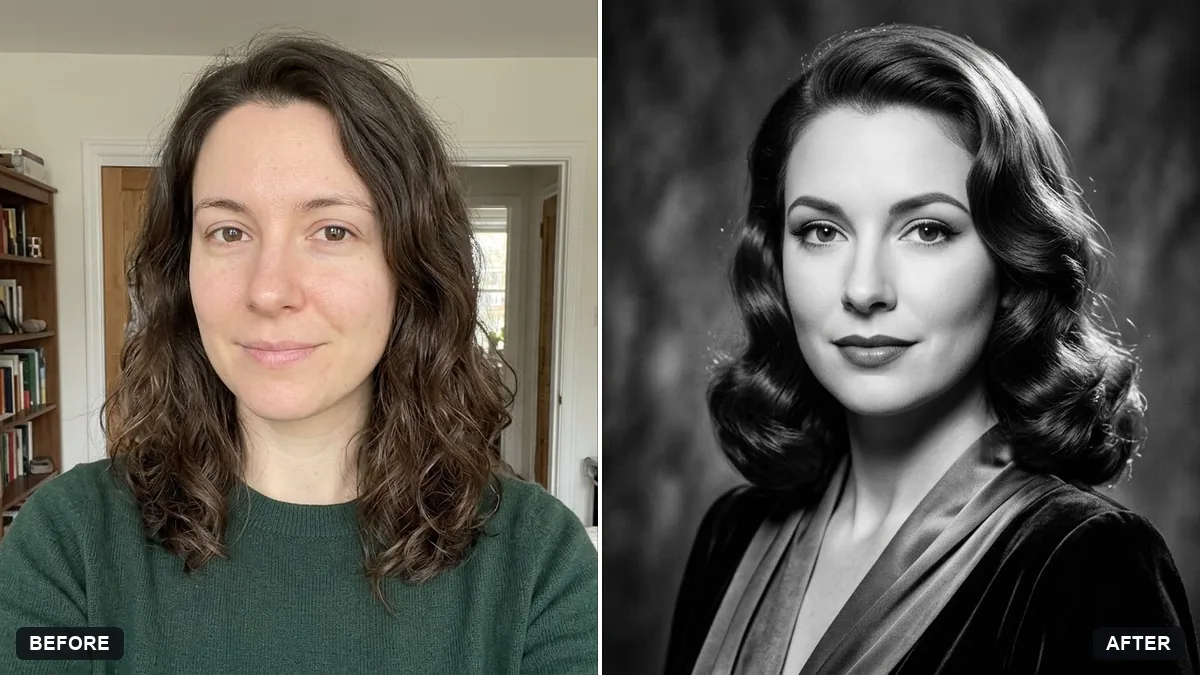
Keep my exact face from the original photo: same eyes, nose, smile, skin tone and age. Change only the style.
Guides that use this prompt
More photo editing prompts
See all 334 →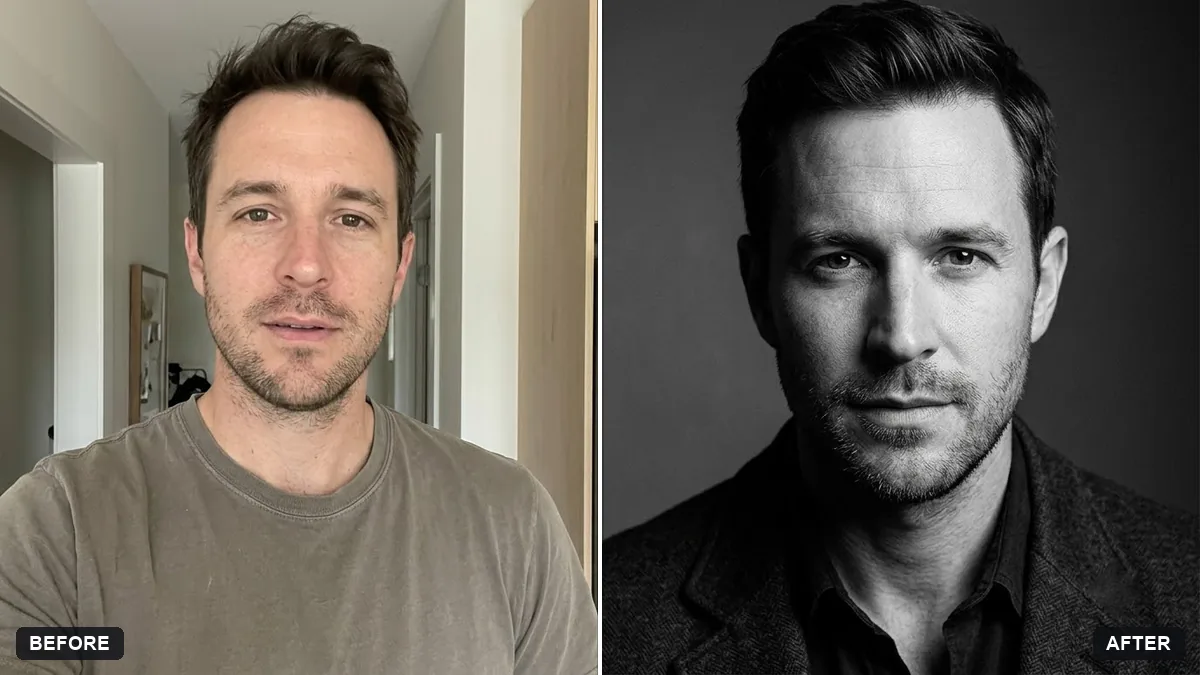
More like this
- Moody dark photo presetGemini · ChatGPT
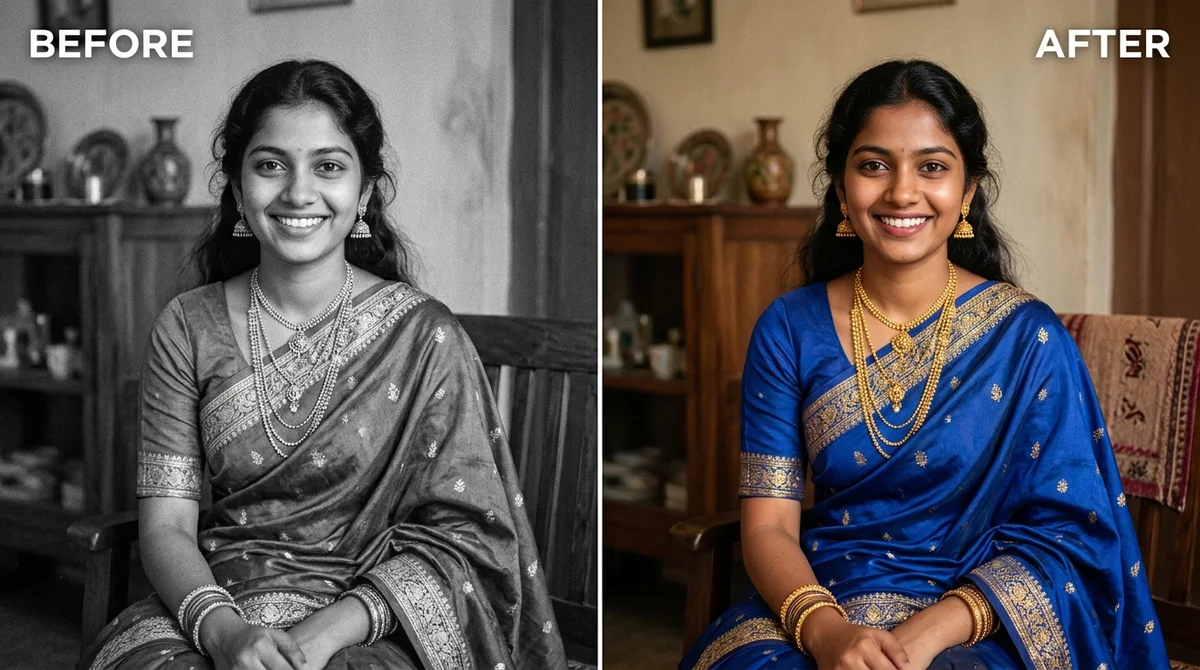
- Convert a film negative to a positiveGemini · ChatGPT
- Tilt-shift miniature effectGemini · ChatGPT
- Microcopy for a signup flowChatGPT · Gemini · Claude
- Teal and orange movie lookGemini · ChatGPT