- Updated
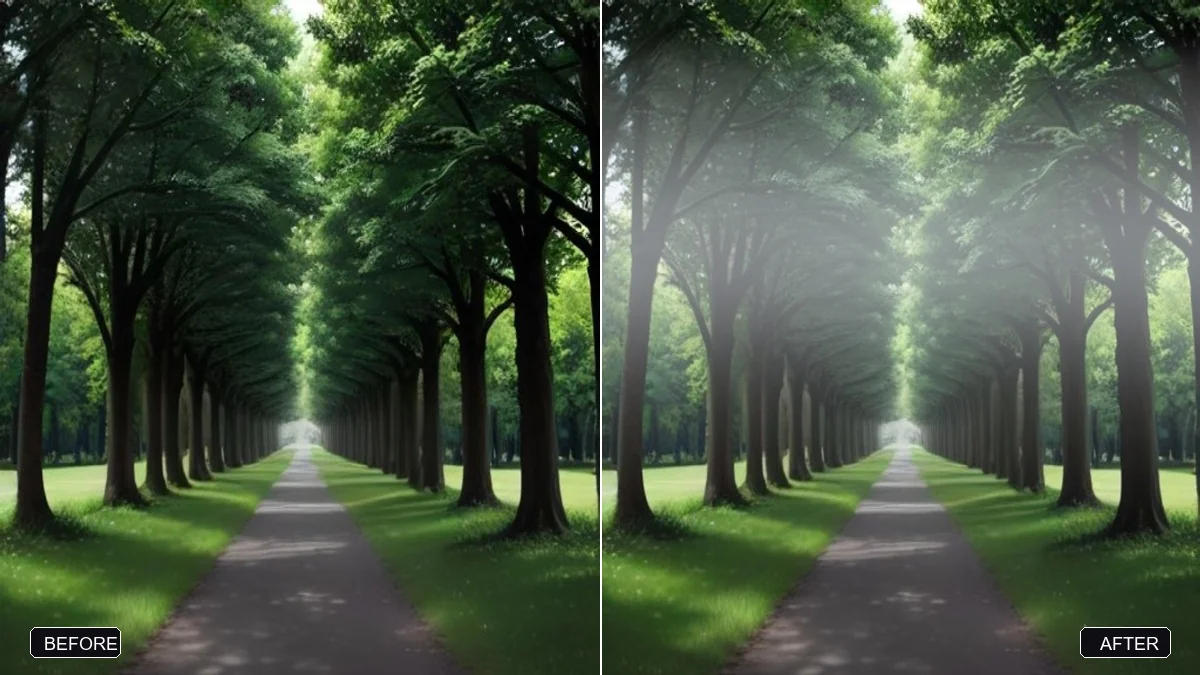
Add morning fog to a landscape
This prompt layers thin mist between trees, hills or buildings, thicker in the distance and lighter close up, with gentle diffused light. Ask for fog to sit low in valleys for a natural look.
Add soft morning fog to this photo. Layer thin mist between the [TREES / HILLS / BUILDINGS], with the fog thicker in the distance and lighter close up, and gentle diffused light.

Keep the main subject clear and do not change the original composition.
Ask for fog to sit low in valleys for a more natural look.
Your photo goes to the AI app you choose, never to PromptUp.
Get a better result
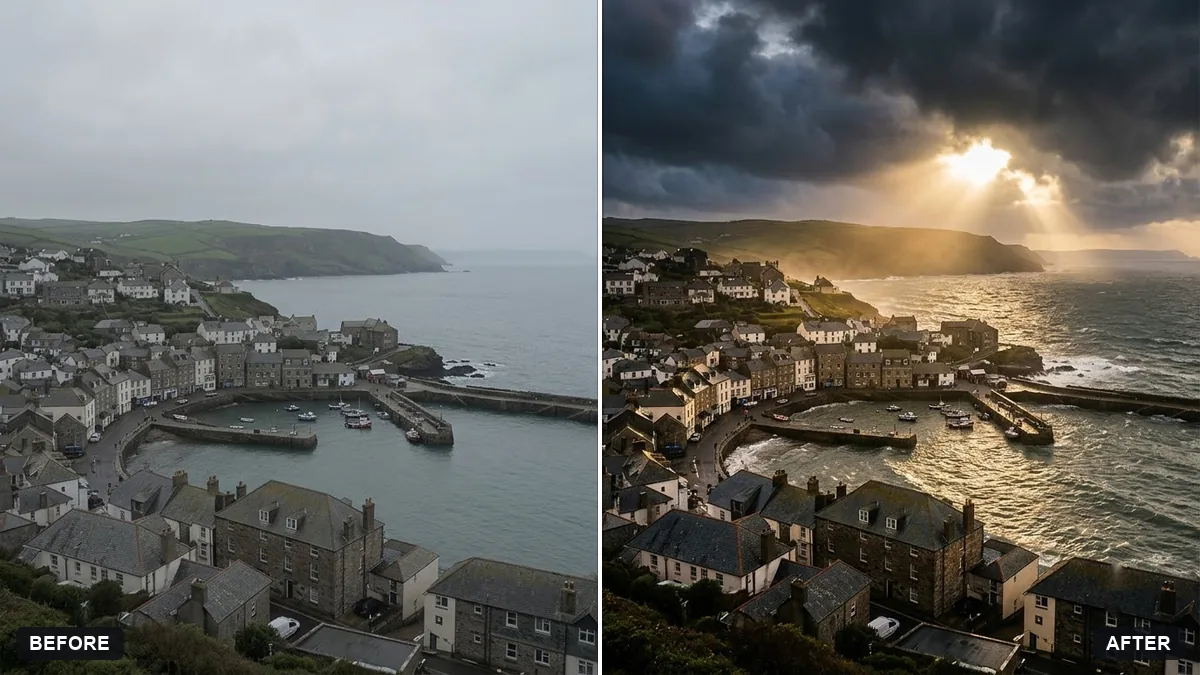
Your landscape with soft mist layered between trees, hills or buildings, thicker in the distance and lighter nearby, under gentle diffused light.
Real fog is thicker far away and thinner close up, and the prompt asks for exactly that, which gives the photo depth. Layering mist between trees, hills or buildings separates them into planes. Diffused light softens the whole scene, and the main subject stays clear and in place.
The fog hides the subject.
Fix: Say the main subject must stay sharp and clear, with the mist behind and around it.
- It looks like a flat white layer. Ask for fog that follows the ground and wraps around objects, thicker in valleys, as the tip says.
- The light is still harsh. Add “soft, diffused light with no hard shadows”, since real fog scatters sunlight.
Ask for faint beams of morning light through the mist, coming from one side, with the foreground left clear.
Make the mist blend naturally around the edges of branches and rooftops, with no hard outlines or halos, and keep everything else unchanged.
More photo editing prompts
See all 334 →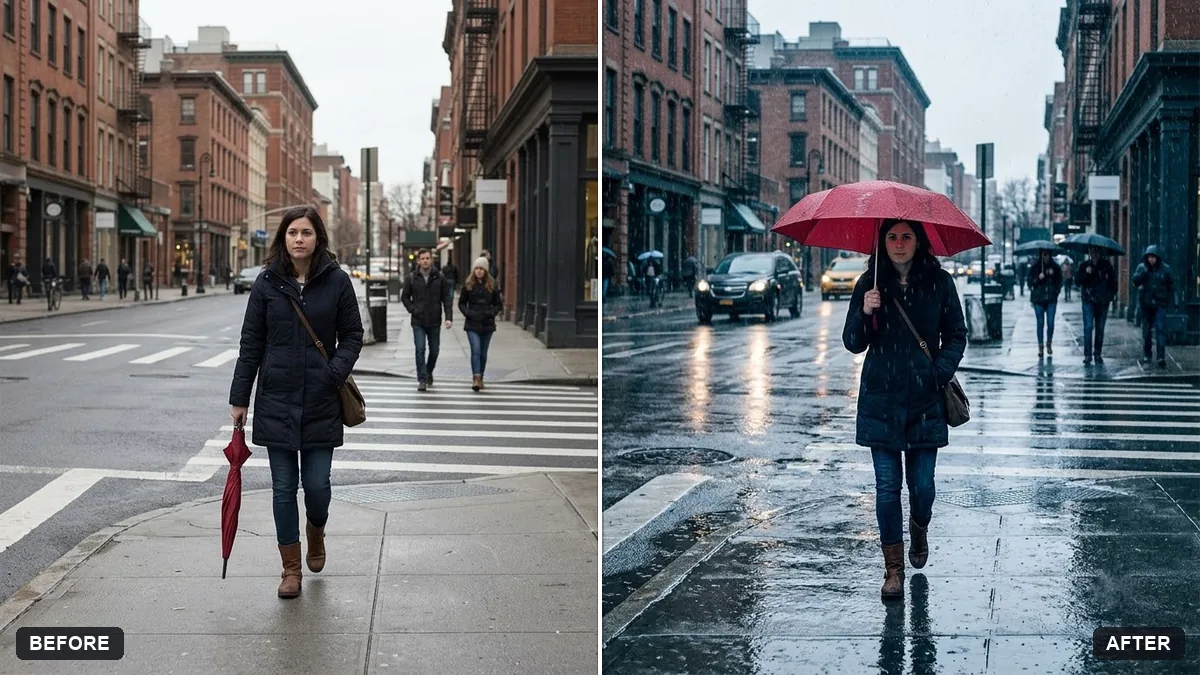
More like this
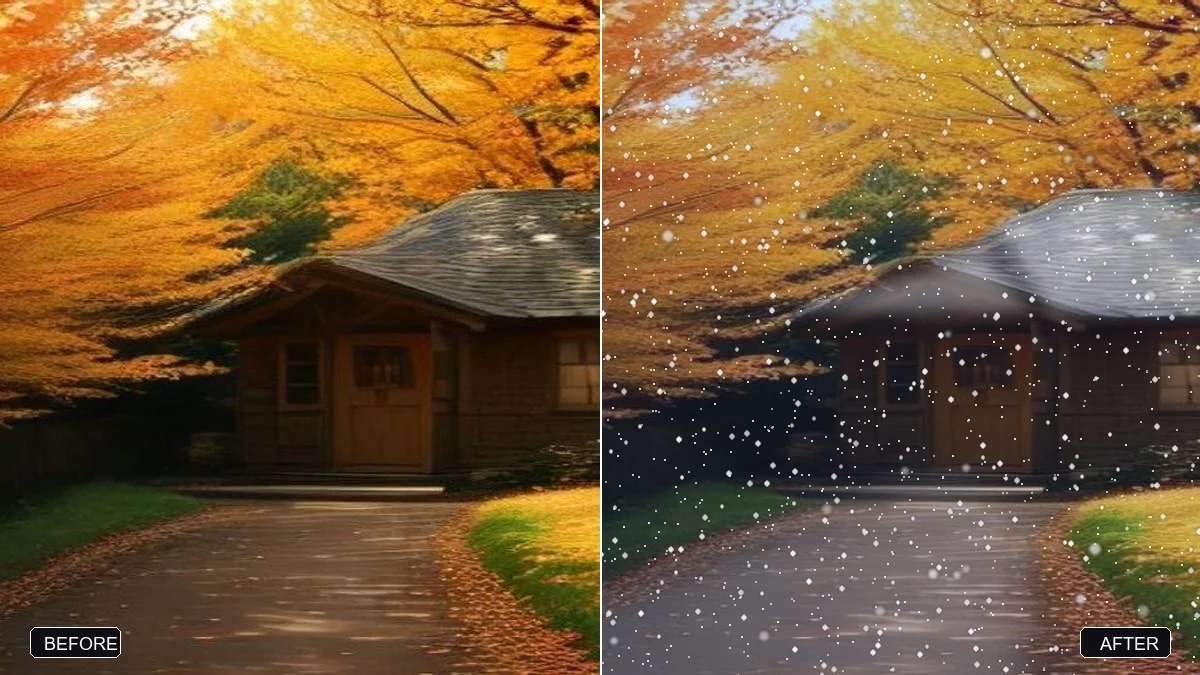
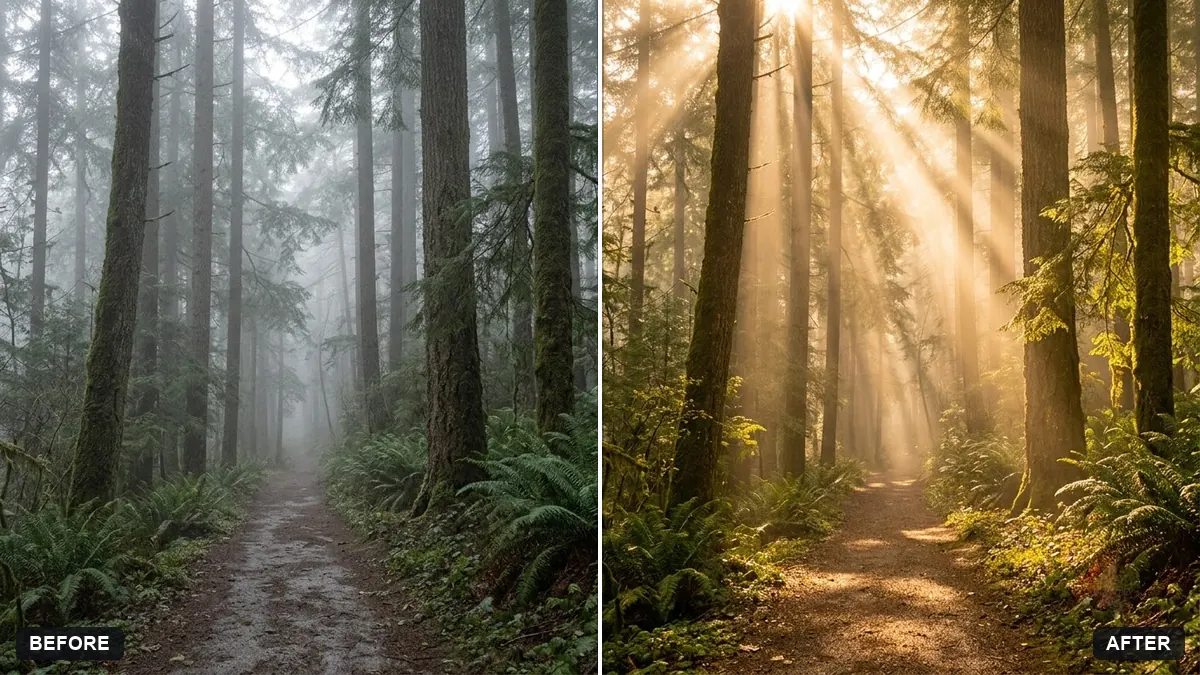
- Giant rising from the fog portraitGemini · ChatGPT
- Add stars to a night skyGemini · ChatGPT
- Add a rainbow after rainGemini · ChatGPT
- Add northern lightsGemini · ChatGPT
- Enhance a mountain landscapeGemini · ChatGPT