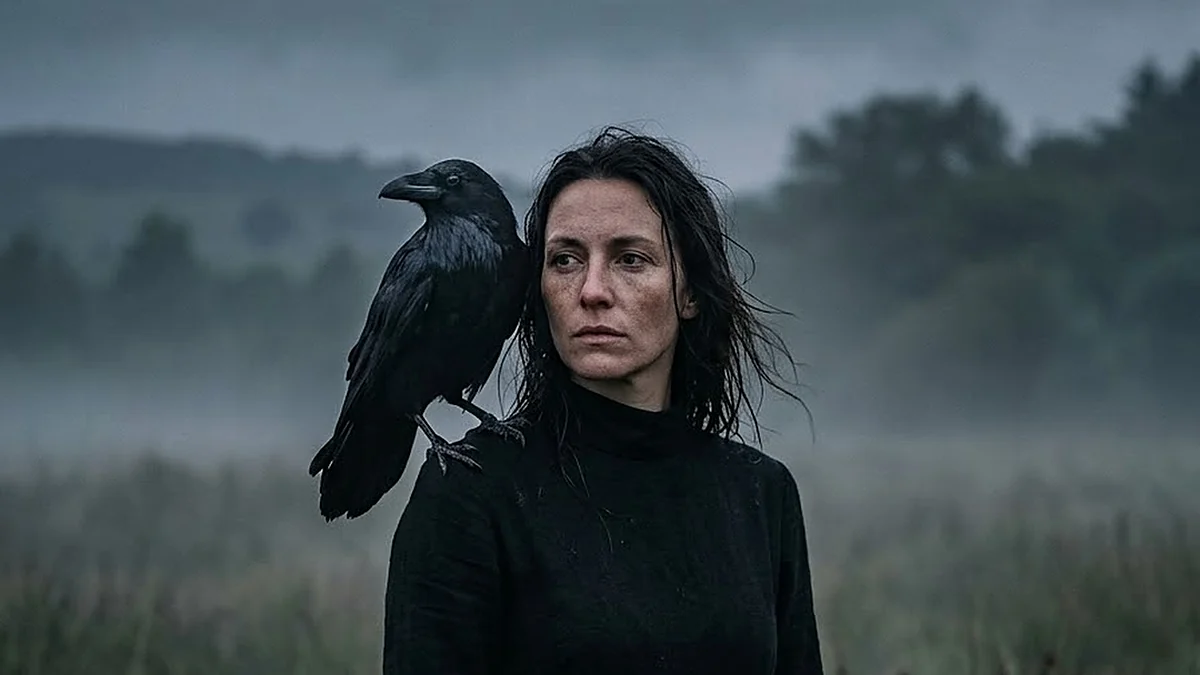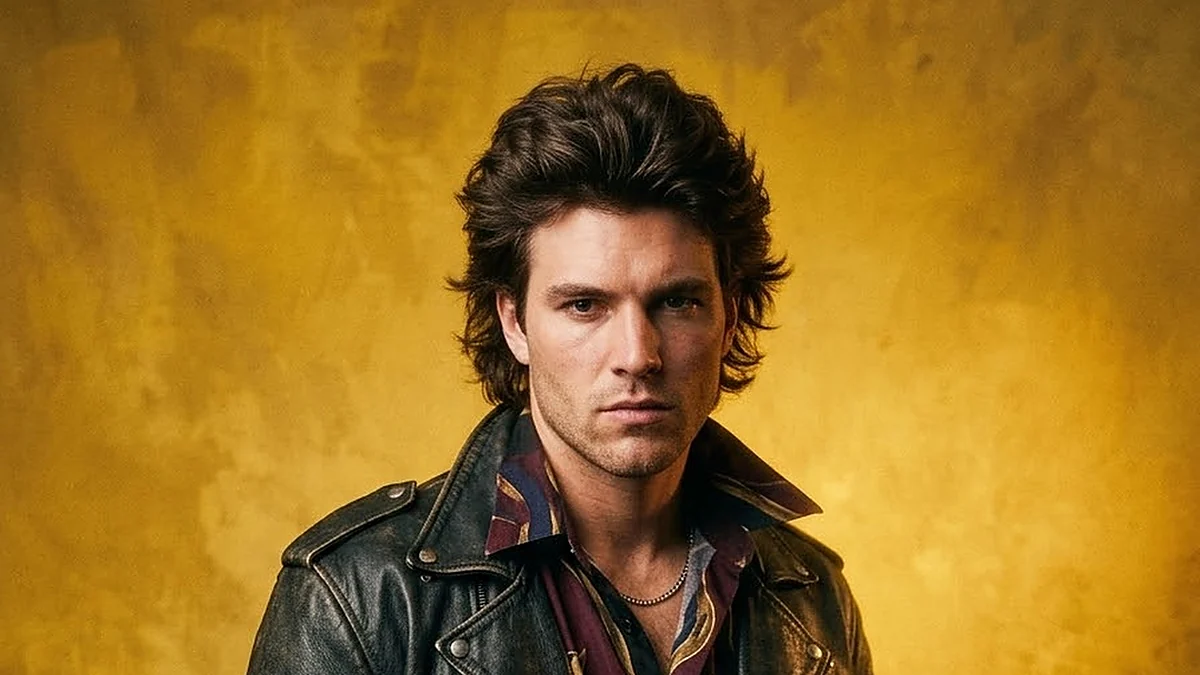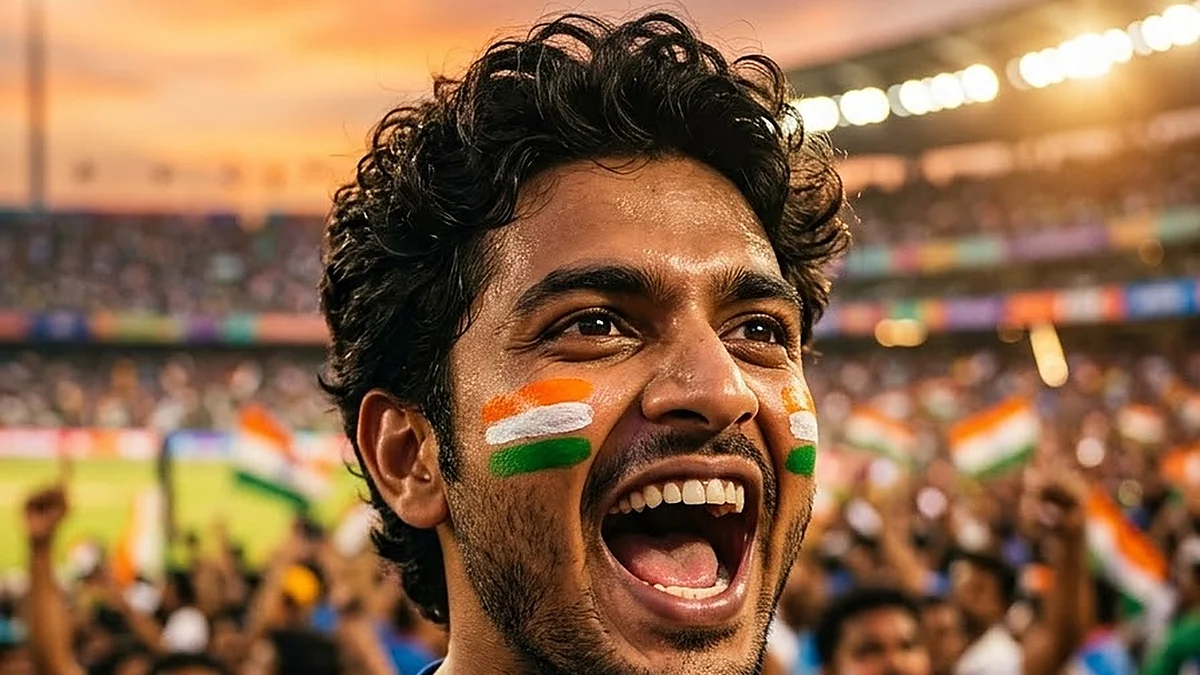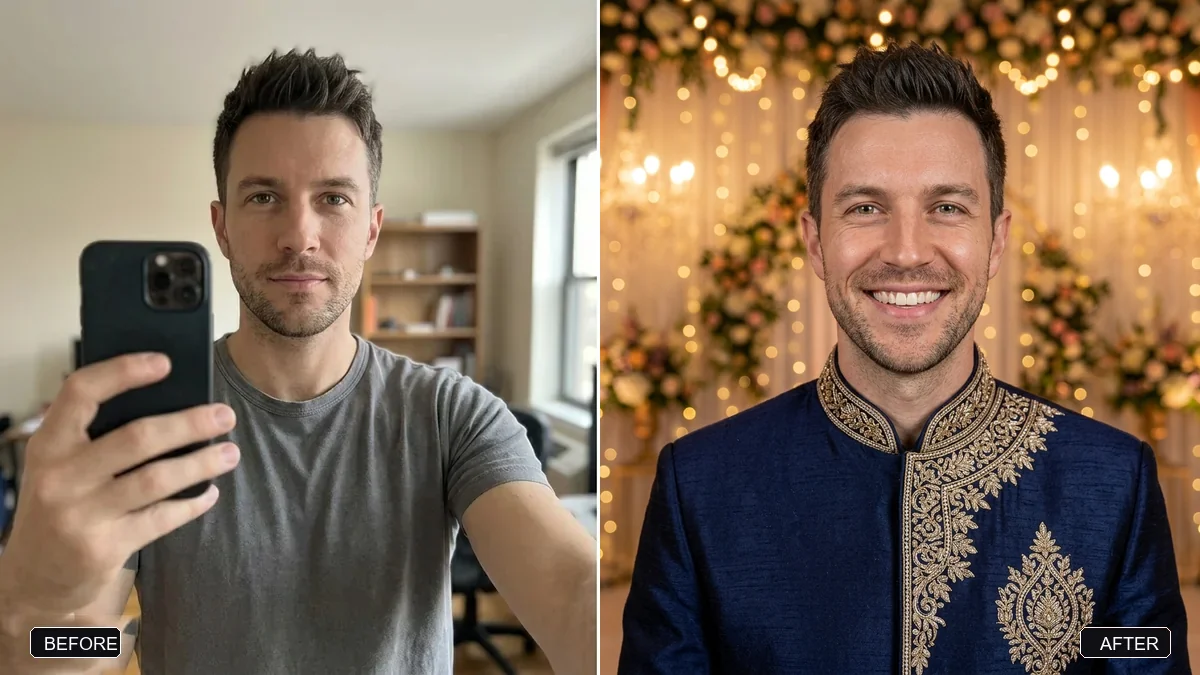
- Prompt at a glance
- Category
- Photo edit
- Works with
- Gemini · ChatGPT
- Latest versions
- Nano Banana 2 · ChatGPT Images 2.5 (checked September 2026)
- Length
- 104 words
- Fields to fill
- TOWN
- Last updated
Giant rising from the fog portrait
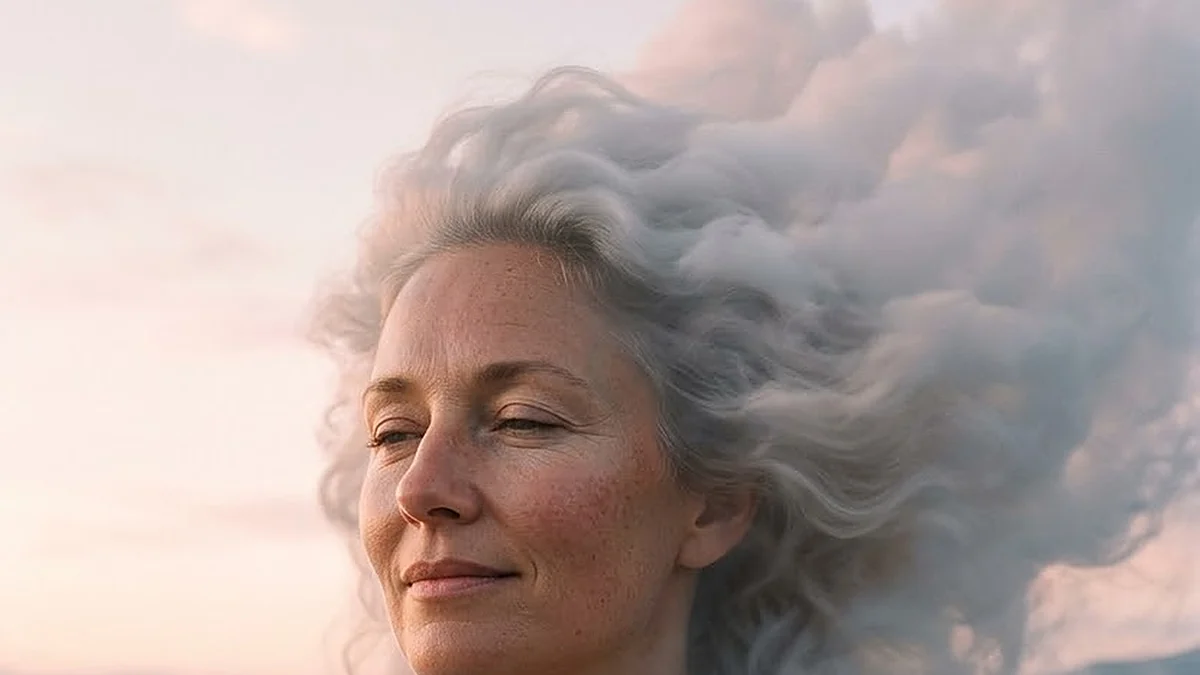
In this surreal portrait your head and shoulders rise out of a fog-filled valley at sunrise, far above a tiny old town. The prompt keeps your face recognisable and adds the pink dawn light, drifting hair and small lit windows that give the scale. Upload one clear photo to start.
Turn this photo of me into a surreal but photographic portrait of a giant version of me. Keep my face, features and expression recognisable — it must clearly be me.

Scene: my head and shoulders rise out of a fog-filled valley at dawn, towering over a tiny [TOWN, e.g. old-town skyline / Himalayan hill town] whose rooftops reach only my chin. Pale pink sunrise light on my skin, my eyes closed in a peaceful expression, my hair drifting like cloud, small lit windows and a winding river far below for scale.

Look: wide-angle lens, soft pastel colour grade. Portrait 4:5. No text, no logos.
Give the town a scale clue such as lit windows, a river or a church tower. Without one, the giant just looks like a big face.
From copy to finished photo in four steps
- 1
Open Gemini and start a new chat.
- 2
Upload your photo (a clear, front-facing one works best).
- 3
Paste the prompt and replace any [BRACKETED] fields with your own details.
- 4
Send it. If something is off, regenerate or change one detail at a time.
About this prompt
Which AI tools work with this prompt?
It is written for Gemini and ChatGPT. Both can edit a photo you upload.
What do I need to fill in?
Replace the field before you send it: TOWN. Each field shows an example in the prompt.
Will the AI change my face?
The prompt tells the AI to keep faces and identities the same, but results vary between runs. If a face drifts, regenerate or reply "keep the face identical to the original".
Is my photo uploaded to PromptUp?
No. PromptUp only gives you the text of the prompt. You upload your photo directly to the AI tool you choose, under that tool's own privacy terms.