- Prompt at a glance
- Category
- Photo edit
- Works with
- Gemini · ChatGPT
- Latest versions
- Nano Banana 2 · ChatGPT Images 2.5 (checked September 2026)
- Length
- 84 words
- Fields to fill
- OUTFIT, COLOUR
- Last updated
1990s Bollywood hero portrait
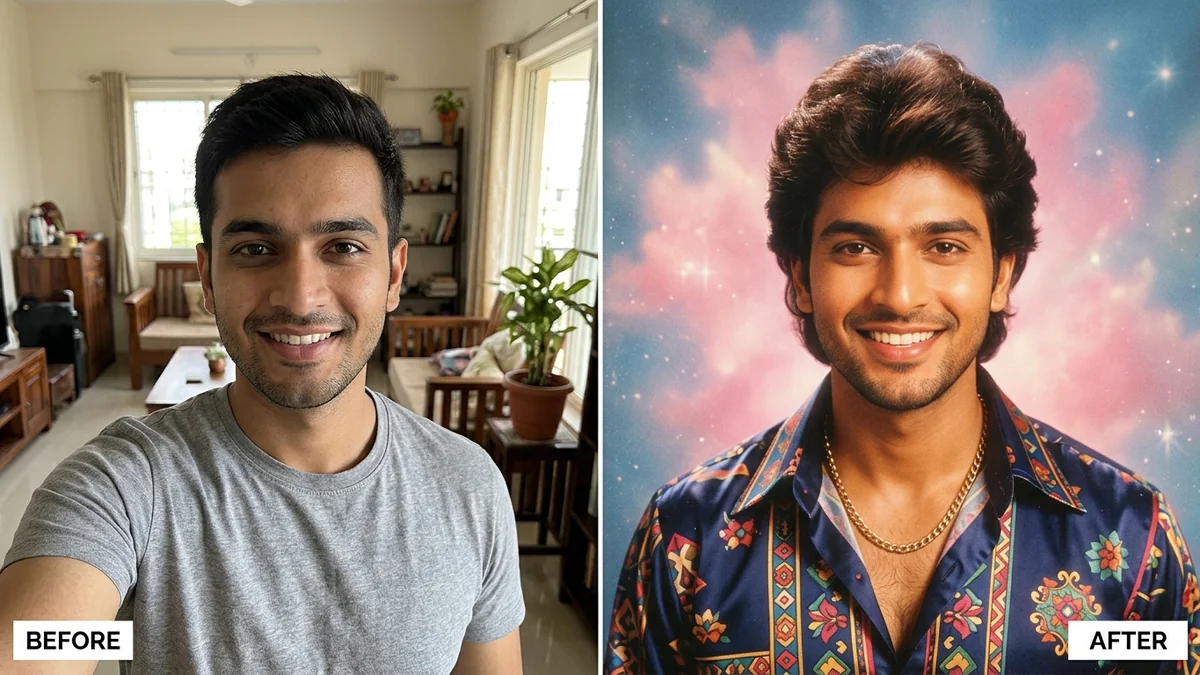
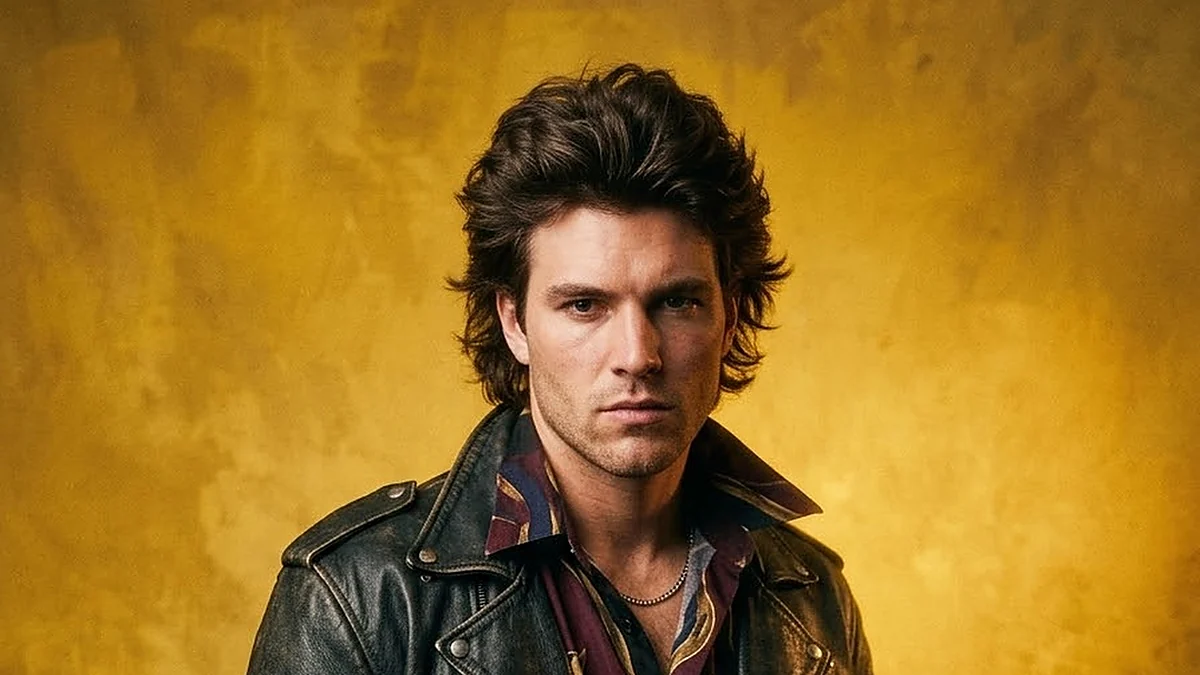
This prompt turns your photo into a 1990s Bollywood hero film still: a leather jacket, feathered hair, a painted studio backdrop and a wind machine lifting your collar. It keeps your face the same and sets the saturated, slightly soft film look. Change the outfit and the backdrop colour to suit you.
Transform this photo of me into a 1990s Bollywood hero film-still portrait. Keep my face, facial features, skin tone and expression exactly the same — it must clearly be me.

Styling: [OUTFIT, e.g. a black leather jacket over a printed silk shirt], neatly styled feathered hair and a brooding hero look. Background: a painted [COLOUR, e.g. mustard-yellow] studio backdrop with one dramatic spotlight and a wind machine lifting my collar.

Look: saturated 1990s film-still colours, a slight soft-focus glow and fine grain. Portrait 4:5.
Upload one clear, front-facing photo. If the face drifts, reply: “Keep my exact face from the original.” Swap the jacket for a sweater vest or a satin shirt for other 90s looks.
From copy to finished photo in four steps
- 1
Open Gemini and start a new chat.
- 2
Upload your photo (a clear, front-facing one works best).
- 3
Paste the prompt and replace any [BRACKETED] fields with your own details.
- 4
Send it. If something is off, regenerate or change one detail at a time.
About this prompt
Which AI tools work with this prompt?
It is written for Gemini and ChatGPT. Both can edit a photo you upload.
What do I need to fill in?
Replace these fields before you send it: OUTFIT, COLOUR. Each field shows an example in the prompt.
Will the AI change my face?
The prompt tells the AI to keep faces and identities the same, but results vary between runs. If a face drifts, regenerate or reply "keep the face identical to the original".
Is my photo uploaded to PromptUp?
No. PromptUp only gives you the text of the prompt. You upload your photo directly to the AI tool you choose, under that tool's own privacy terms.