- Updated
90s VHS camcorder still prompt
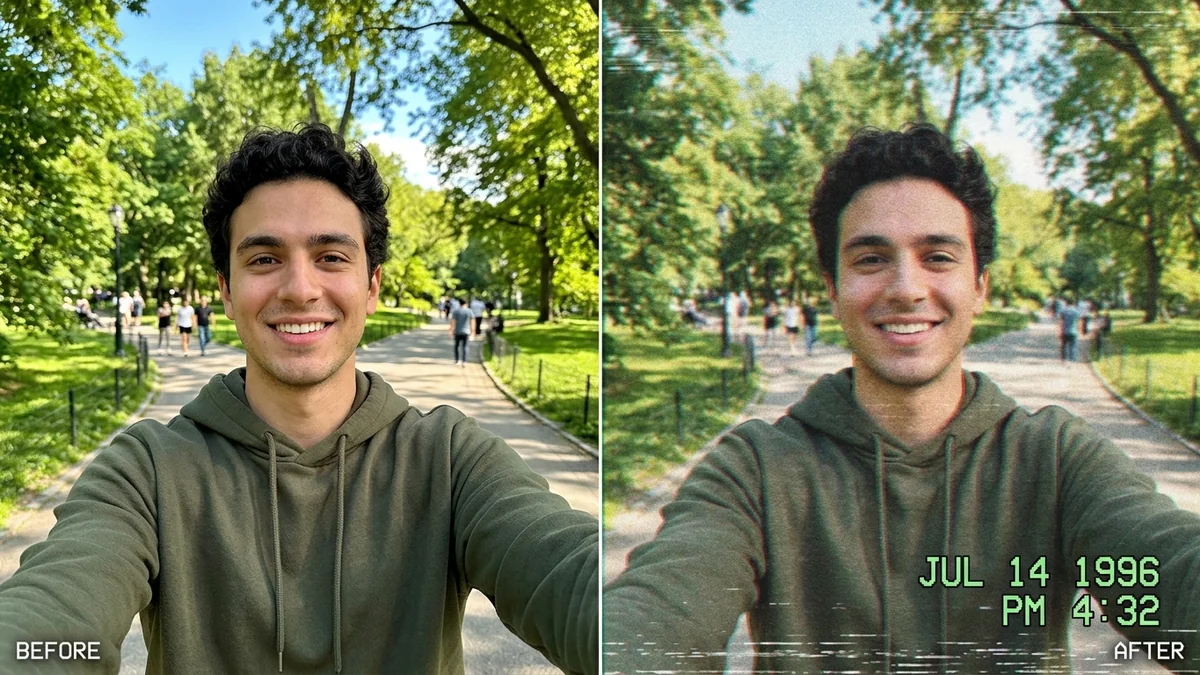
This prompt turns a photo into a still frame from a 1990s VHS camcorder home video: soft low-resolution detail, horizontal scan lines, a faint tracking wobble, washed-out colour and on-screen "PLAY" and date text in a 4:3 frame.
Turn this photo into a still frame from a 1990s VHS camcorder home video. Keep everyone's faces and identities unchanged.

Add soft low-resolution detail, slight chromatic aberration, horizontal scan lines, a faint tracking wobble at the bottom, and warm washed-out colours. Add the camcorder overlay text "PLAY ▶" at the top-left and "[DATE, e.g. JUL 14 1996] 6:42 PM" at the bottom-right.

4:3 frame. It should look like a real paused tape, not a filter.
Pair this with the “A Day in 1987” video prompt to make a full retro reel.
Your photo goes to the AI app you choose, never to PromptUp.
Get a better result
A still frame that looks like a paused 1990s VHS home video: soft low-resolution detail, chromatic aberration, scan lines, a tracking wobble at the bottom and washed-out warm colours, in a 4:3 frame.
The “PLAY” text and the date stamp come out garbled.
Fix: Keep the overlay text short and inside quotes, exactly as in the prompt, with the date written like “JUL 14 1996”.
- It looks like a clean photo with a filter on top. Add “heavy softness, visible interlacing, a slight smear on moving areas, slightly crushed blacks”. Tape flaws sell the effect.
- The 4:3 shape is not respected. Say “4:3, fill the frame, no black bars at the sides”. Some tools add borders.
- The faces become too soft to recognise. Add “keep faces recognisable; the softness comes from the tape, not a blur on the faces”.
Add an occasion: “a child’s birthday party in a living room, balloons in the background”. Home tapes recorded events, so a subject gives the frame a story.
Fix the overlay text so it reads exactly “PLAY ▶” at the top left and the date at the bottom right. Keep everything else the same.
Guides that use this prompt
More photo editing prompts
See all 334 →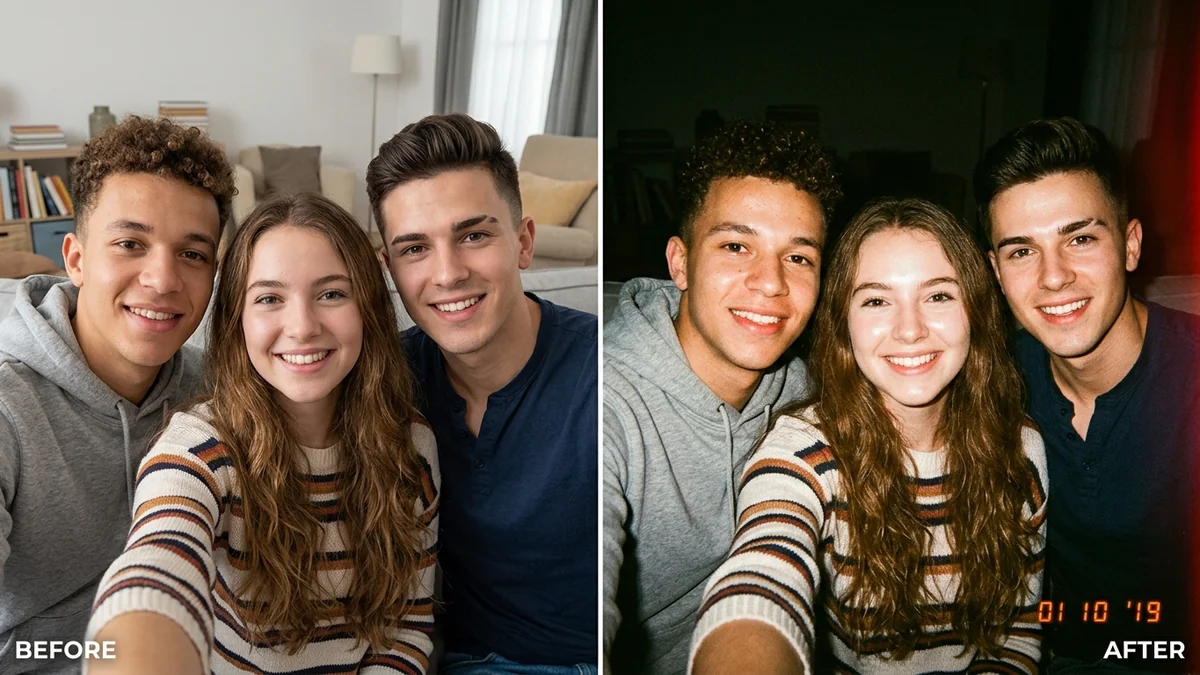
More like this
- A Day in 1987 (VHS home video)Seedance · Veo · Kling
- 1980s vintage Bollywood couple photoGemini · ChatGPT
- 1980s Bollywood retro portraitGemini · ChatGPT
- 1990s yearbook photoGemini · ChatGPT
- 80s retro saree lookGemini · ChatGPT