The AI 90s yearbook trend: do it for free, without the app
Published
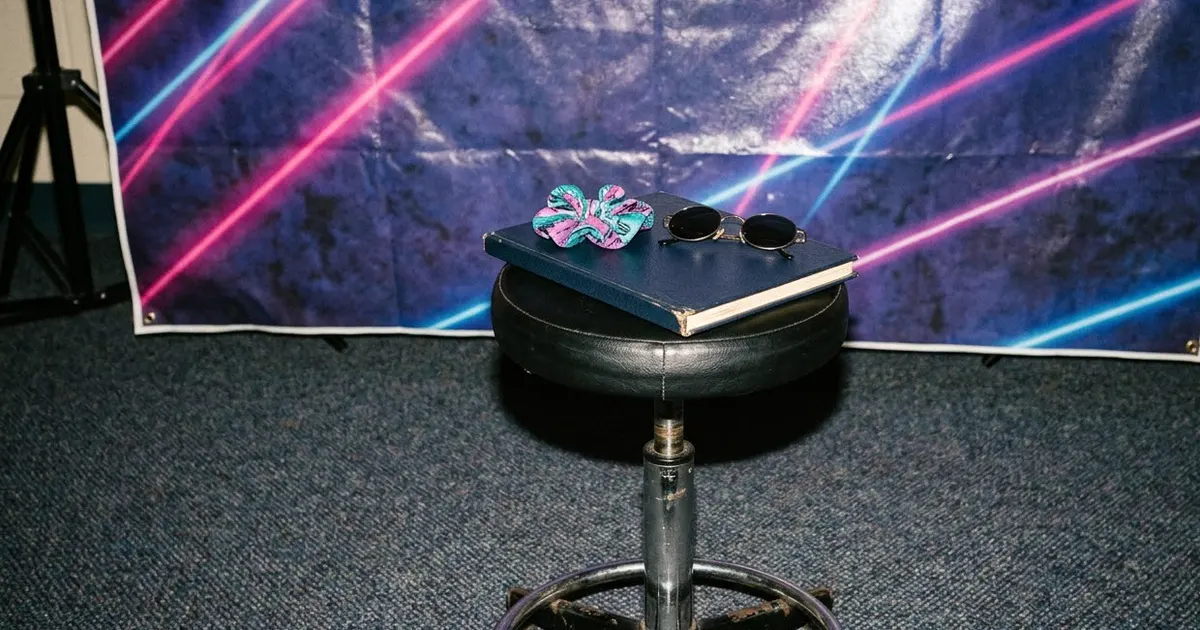
Short answerInstead of paying an app for an "AI yearbook" pack, upload your own photo to ChatGPT or Gemini and ask for a 1990s yearbook portrait directly. Name the blue laser backdrop, a 90s hairstyle and a small class caption, and keep your face unchanged.
Full collection1980s retro photo prompts for Gemini & ChatGPT9 prompts with examples, steps and fixes →Every few months, the "AI yearbook" trend comes back around. People upload a handful of selfies to an app, pay a few pounds, and get back a set of fake 1990s school portraits: blue laser backdrop, big hair, direct flash. Creative Bloq has covered it as one of the recurring AI portrait trends on TikTok, and NBC San Diego reported that the app behind it, Epik, became one of the top free downloads in the App Store at the height of the trend.
The look itself is just a prompt. You don't need to install an app, hand over a folder of selfies, or pay per pack. A chatbot that can already edit your photos, like ChatGPT or Gemini, will do the same thing from one clear instruction.
The yearbook portrait prompt
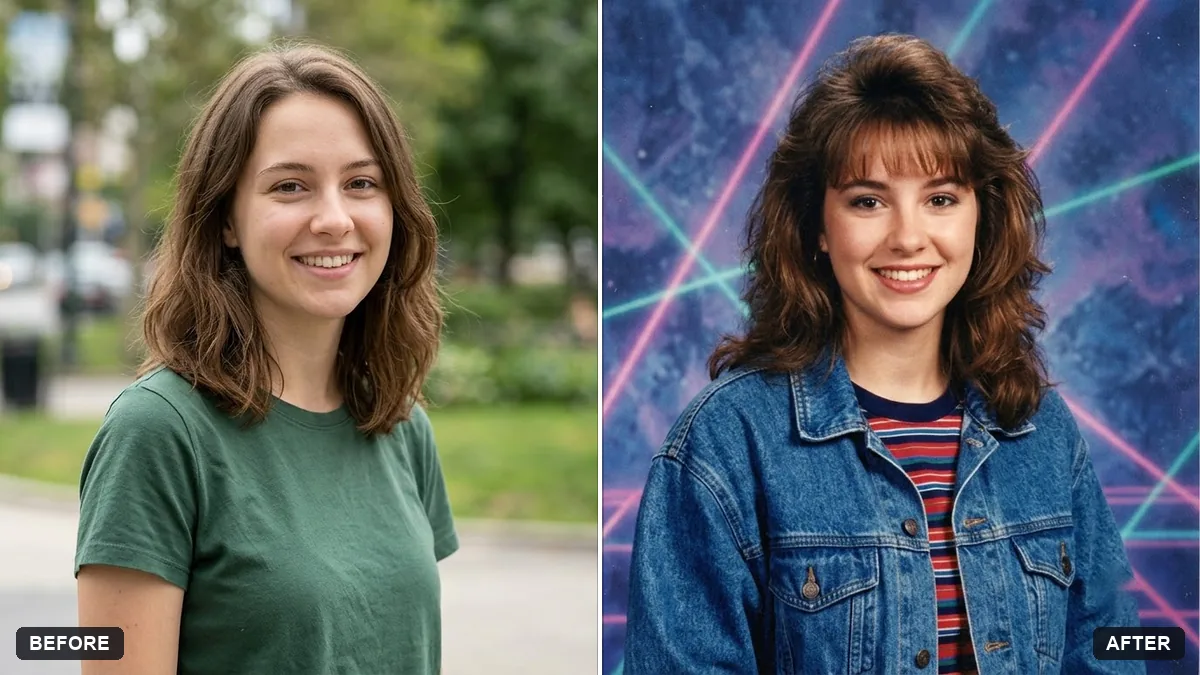
Start with a single clear, front-facing photo in good light. Then use the 1990s yearbook portrait prompt:
Turn this photo into a 1990s school yearbook portrait. Keep my face and features exactly the same.

Look: blue laser-style backdrop with mottled clouds, [OUTFIT, e.g. denim jacket over a striped tee], a 1990s hairstyle, direct flash lighting, slightly soft focus, glossy print finish, a small caption "[NAME] · Class of [YEAR]" at the bottom.
Two details do most of the work:
- The blue laser backdrop. This is the single most recognisable part of the look. Naming it, rather than just saying "90s background", is what makes the result read as a yearbook photo instead of a vague retro filter.
- "Direct flash lighting, slightly soft focus." School portrait studios used a harsh on-camera flash with a cheap lens. Without this line you'll often get a soft, flattering studio look instead, which is the wrong era.
The caption text is a nice touch, but AI models still misspell names and years fairly often. Check it closely, or leave the caption out of the prompt and add your own text afterwards in any design app.
Keep it to one photo at a time
Paid apps generate dozens of variations from a batch of selfies at once. You don't need that many. Pick your best one or two photos, run the prompt, and adjust the outfit or hair description if the first result doesn't match what you pictured. It's slower than an app's auto-batch, but you keep control of exactly which photo gets used and shared.
If the hairstyle looks too modern, add a specific one: "a side-parted perm" or "a feathered fringe" works better than just "90s hair".
Round out the set: VHS and disposable camera looks
The yearbook portrait is one piece of a bigger 90s look. Two more prompts pair well with it if you want a small themed set instead of a single photo.
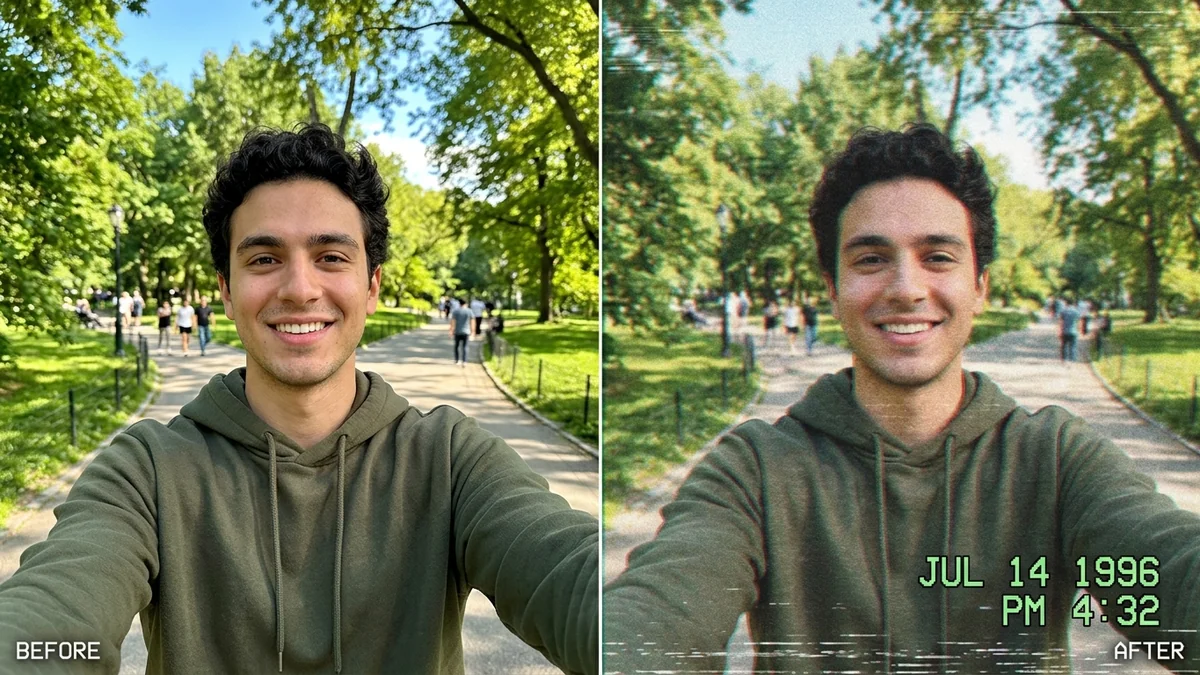
A paused VHS tape. The VHS camcorder prompt turns any photo into a still frame from a 1990s home video, complete with scan lines and a timestamp:
Turn this photo into a still frame from a 1990s VHS camcorder home video. Keep everyone's faces and identities unchanged.

Add soft low-resolution detail, slight chromatic aberration, horizontal scan lines, a faint tracking wobble at the bottom, and warm washed-out colours. Add the camcorder overlay text "PLAY ▶" at the top-left and "[DATE, e.g. JUL 14 1996] 6:42 PM" at the bottom-right.

4:3 frame. It should look like a real paused tape, not a filter.
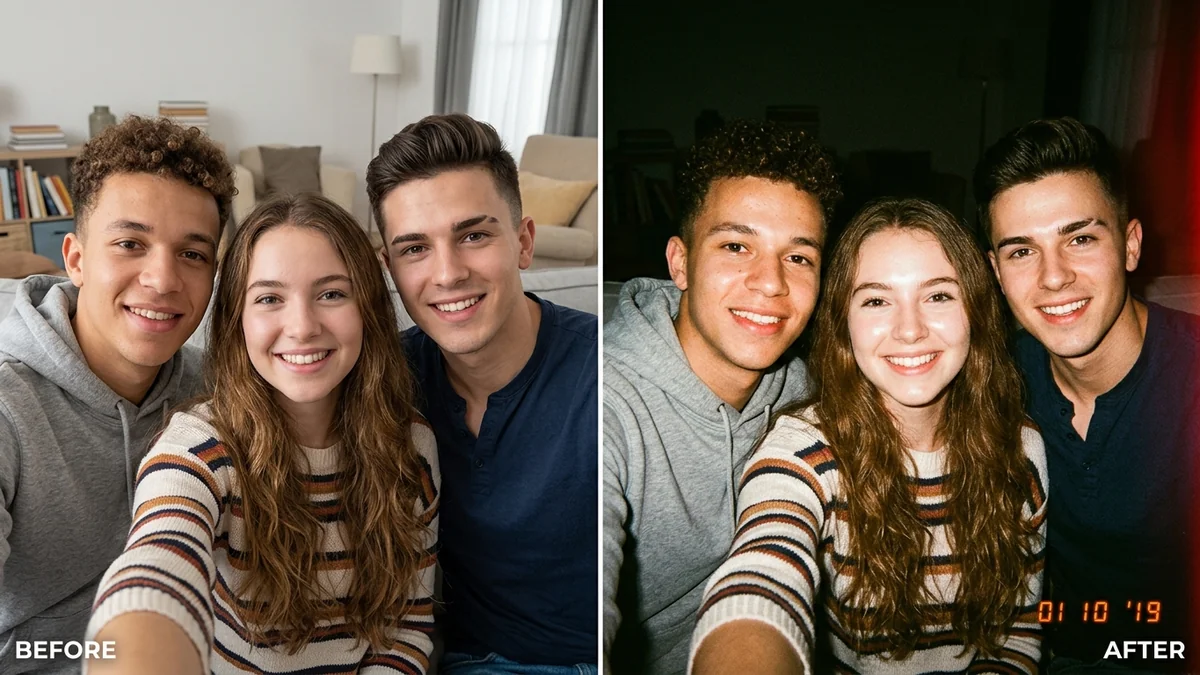
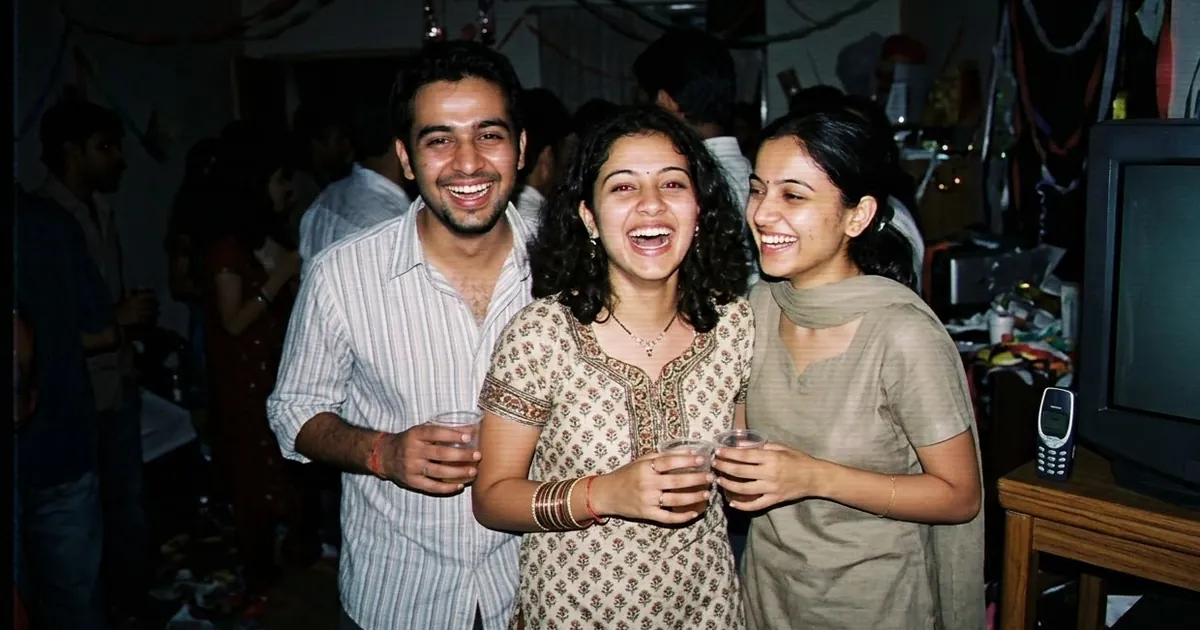
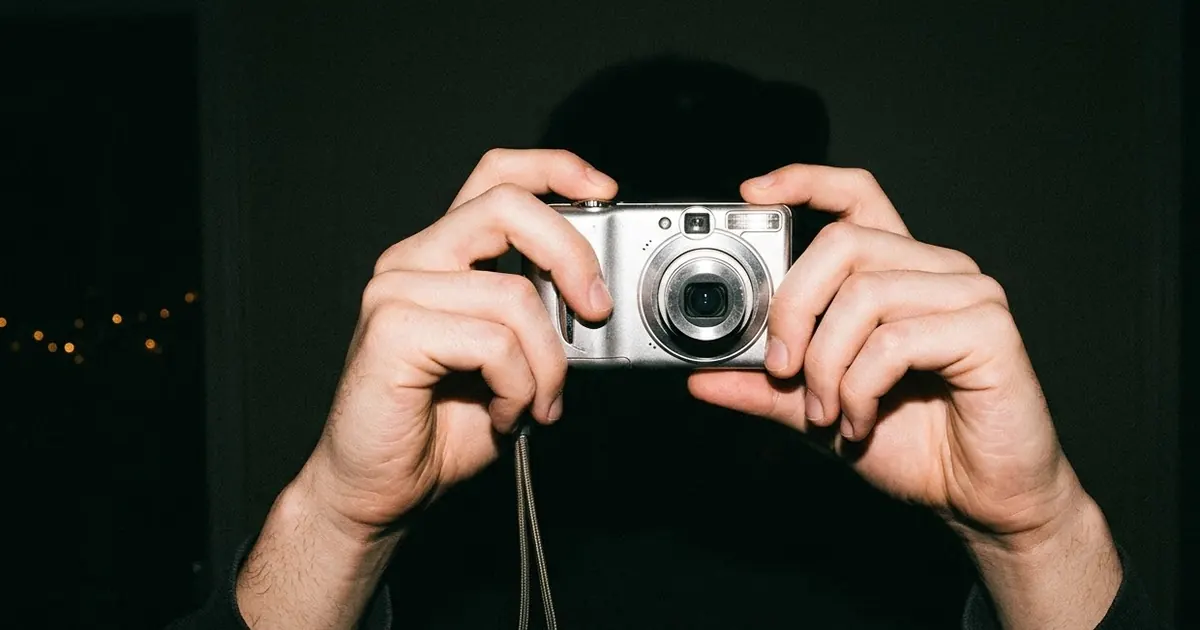
A disposable camera party photo. If the photo you're starting from is a group shot or a night out, the disposable camera prompt adds the harsh flash and blown-out look of a cheap film camera. It leans into imperfection on purpose: blown highlights, grain, a date stamp, nothing polished.
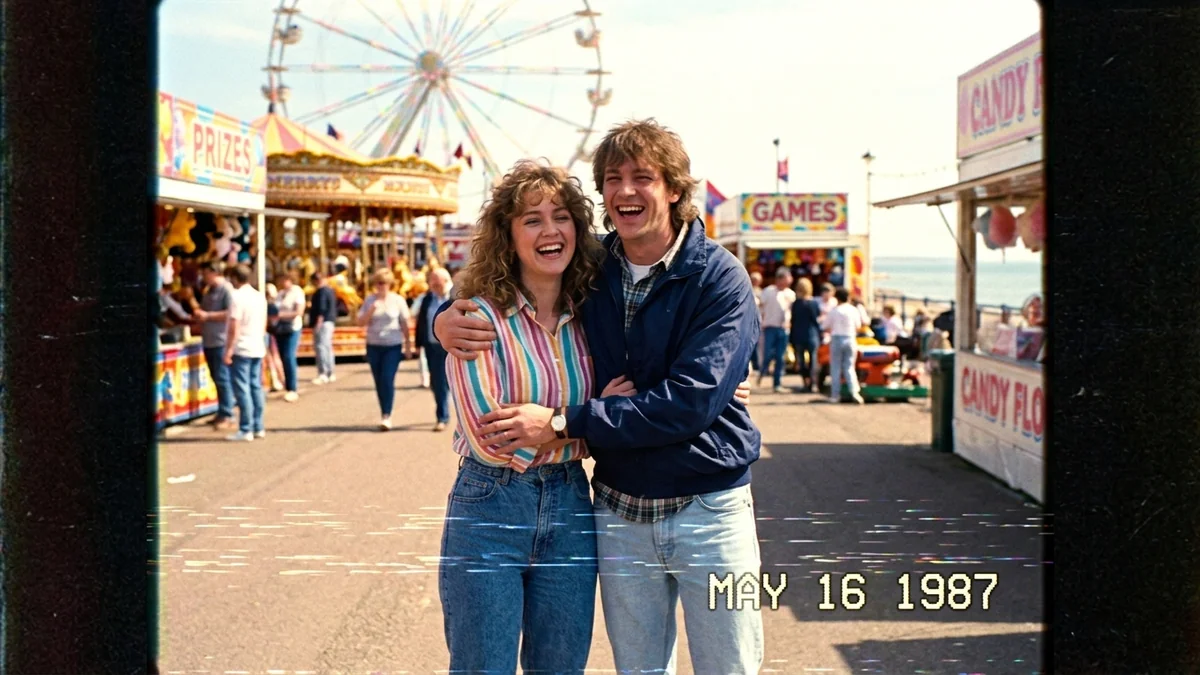
For a short video instead of a still, the A Day in 1987 prompt animates a whole scene, handheld camcorder footage of a day out, rather than a single frame. It works best when you start from your own photo so the result keeps your face.
Fixing common problems
It still looks too clean. Add "slightly soft focus, visible grain" and lower any mention of sharpness.
The backdrop looks wrong. Describe it as "mottled, cloud-like, streaked blue laser pattern", which is the specific studio effect, rather than just "blue background".
My face changed. Start the prompt with "Keep my face and features exactly the same" and repeat it if the first try drifts. A clear, front-on, well-lit source photo helps more than any wording.
It added text I didn't ask for. Say "no additional text" if you plan to add the caption yourself.
Where to go from here
For other decades done the same way, see our 80s AI photo trend prompts. Every prompt here, and dozens more nostalgia looks, are free in the viral AI photo trend prompts collection, and the prompt builder can adapt any of them to your own photo and decade.
Quick checklist
- Use ChatGPT or Gemini directly. No app, no sign-up, no per-pack payment.
- Name the blue laser backdrop and direct flash lighting, not just "90s style".
- Start from one clear, front-facing photo.
- Check any generated caption text before you post it.
- Pair with the VHS or disposable camera prompt for a small themed set.
Prompts to try
More prompts on this topic
- 1990s Bollywood hero portraitGemini · ChatGPT
- Turn this week's trends into content ideasChatGPT · Gemini · Claude
Comments
No comments yet. Be the first to share what worked for you.