- Updated
80s retro saree prompt for Gemini & ChatGPT
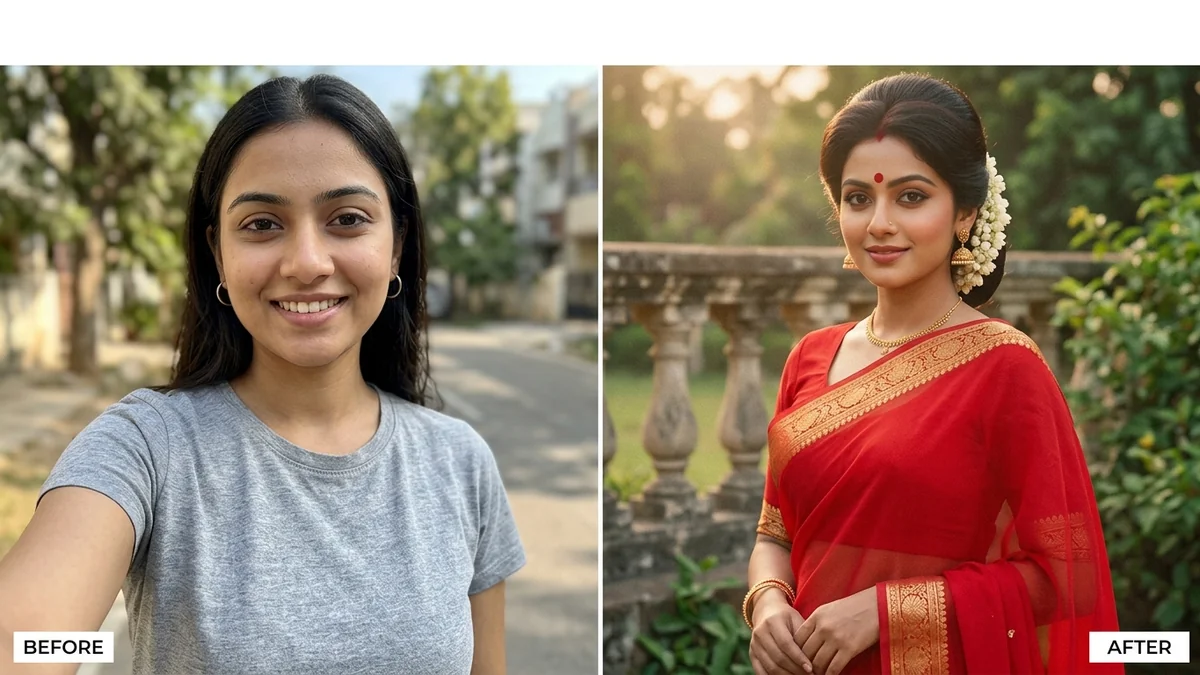
This prompt restyles your photo as a 1980s retro saree portrait: a saree you choose, a matching blouse, jasmine in the hair, a small bindi and period jewellery, posed in a vintage setting. It tells the AI to keep your face, body shape and skin tone exactly as they are.
Restyle this photo of me into a 1980s retro saree portrait. Keep my face, identity, body shape, and skin tone exactly as in the original.

Dress me in a [SAREE, e.g. red chiffon saree with a gold border] with a matching blouse, jasmine flowers in my hair, a small bindi, and period-accurate jewellery. Pose me gracefully near [BACKGROUND, e.g. a vintage garden with a stone balustrade].

Style: 1980s Indian film still, warm golden light, soft haze, faded film colours, subtle grain. Portrait 4:5.
Name the fabric — “chiffon” or “Kanjeevaram silk” changes the whole look.
Your photo goes to the AI app you choose, never to PromptUp.
Get a better result
A 4:5 portrait of you in a 1980s-style saree with a matching blouse, jasmine in your hair, a small bindi and period jewellery, posed in your chosen setting with warm haze and faded film colour.
The saree looks shiny and new, like a costume.
Fix: Name the fabric and border, for example “red chiffon with a thin gold zari border”, and keep “1980s Indian film still” in the prompt.
- The blouse and jewellery look modern. Say “puffed sleeves, a high boat neck, thick gold bangles, small round earrings”. Period details are what make it look like the 80s.
- The pose is stiff. Describe the moment: “glancing back over one shoulder, one hand resting on the balustrade”. A named pose looks like a film still.
- The background garden is sharp and modern. Add “soft focus, slightly hazy, painted-backdrop feel”. Film stills often had soft, simple backgrounds.
Replace the saree with “a Kanjeevaram silk saree in deep green with a temple border” and the setting with “a temple corridor with oil lamps”. Different fabric, different 80s look.
Make the saree look like real 1980s fabric, with soft, slightly faded colours and natural folds. Keep my face exactly the same.
Guides that use this prompt
More photo editing prompts
See all 334 →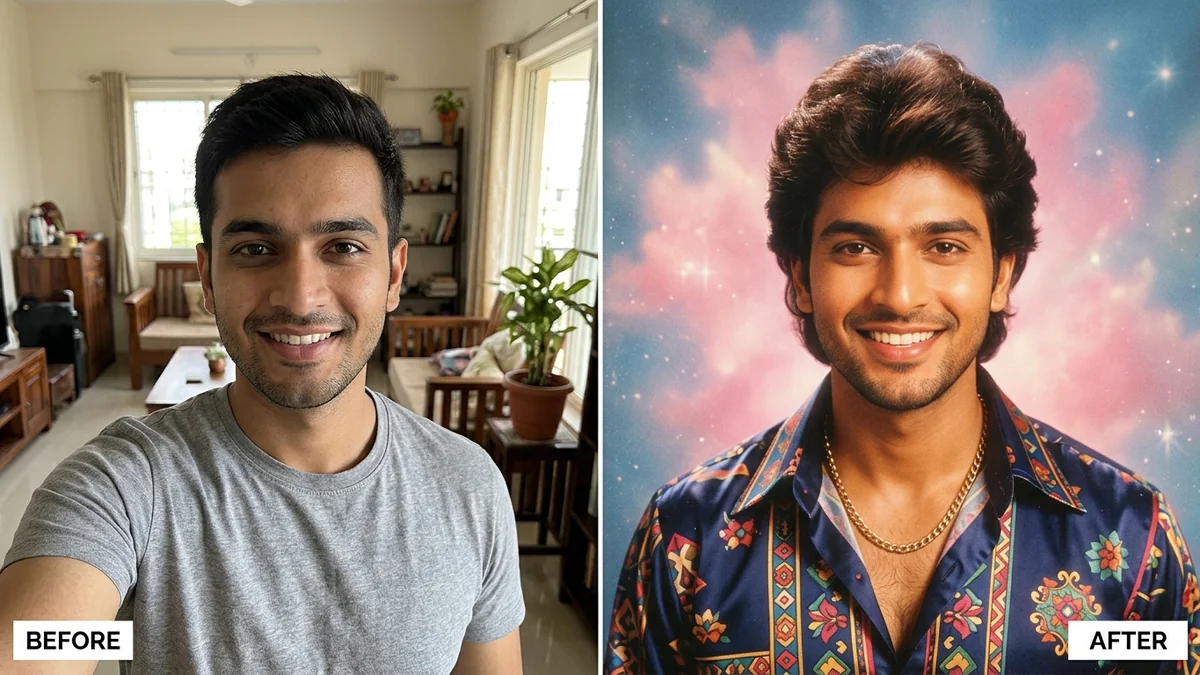
More like this
- 1980s Kerala-era portraitGemini · ChatGPT
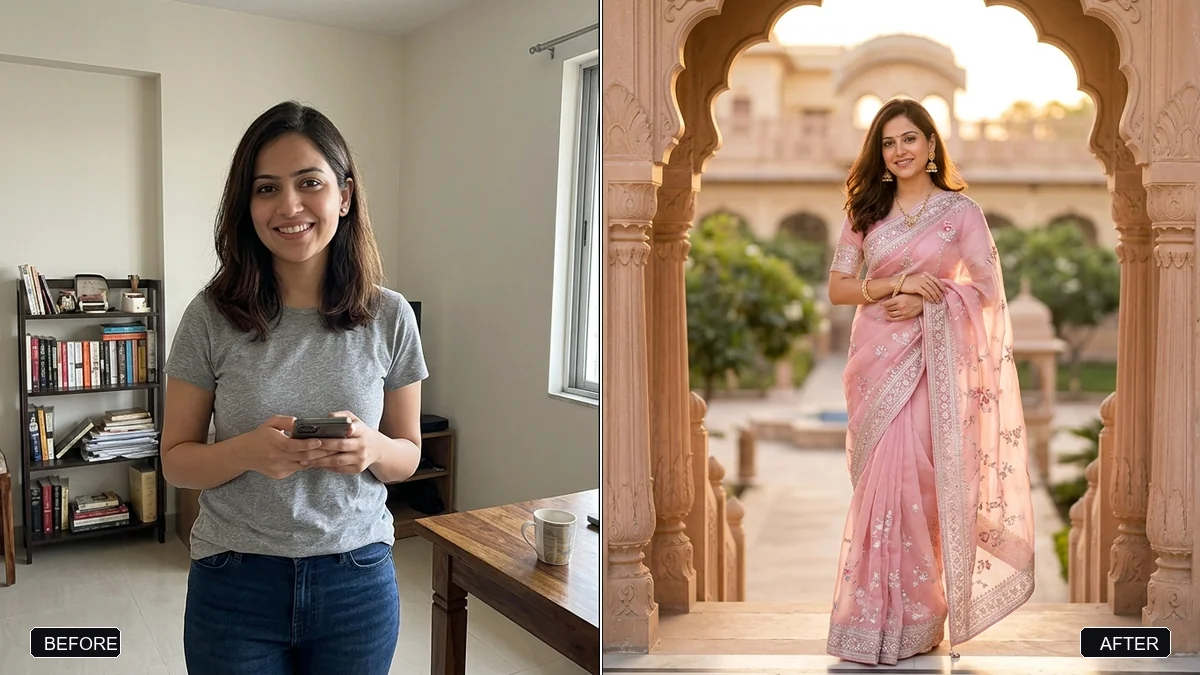
- Saree boutique promoVeo · Kling · Seedance
- 1980s family album photoGemini · ChatGPT
- VHS camcorder still (90s home video)Gemini · ChatGPT
- Saree flat lay for a catalogueGemini · ChatGPT · Midjourney