- Updated
Real analog film look prompt
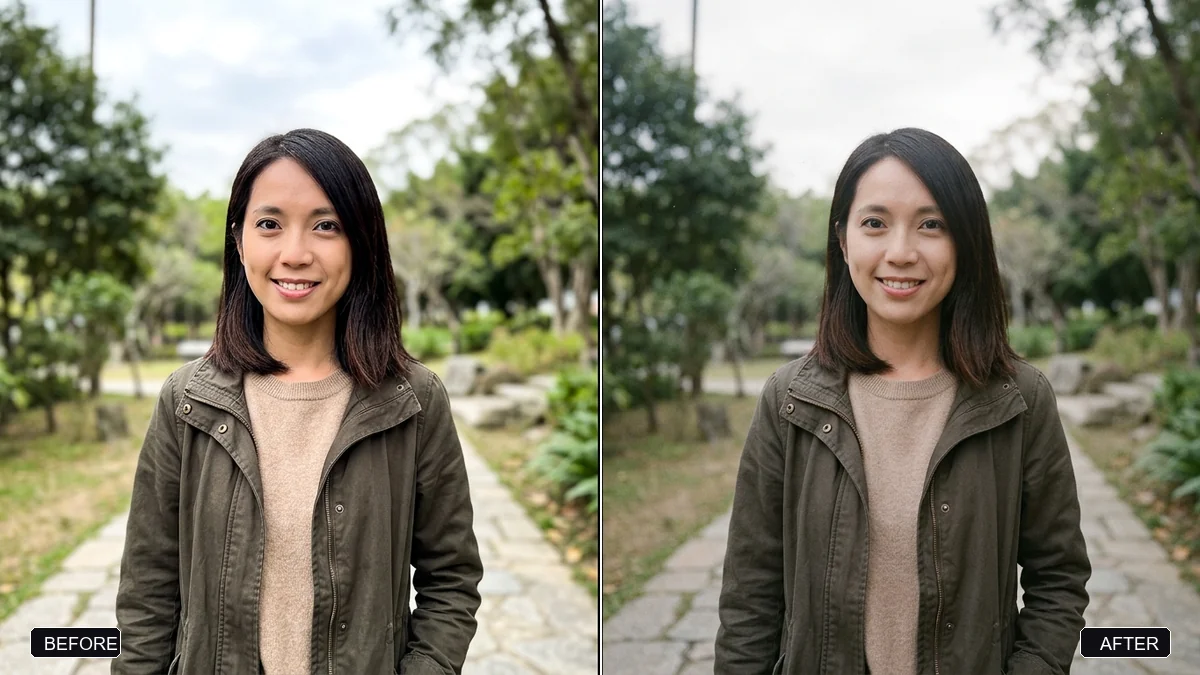
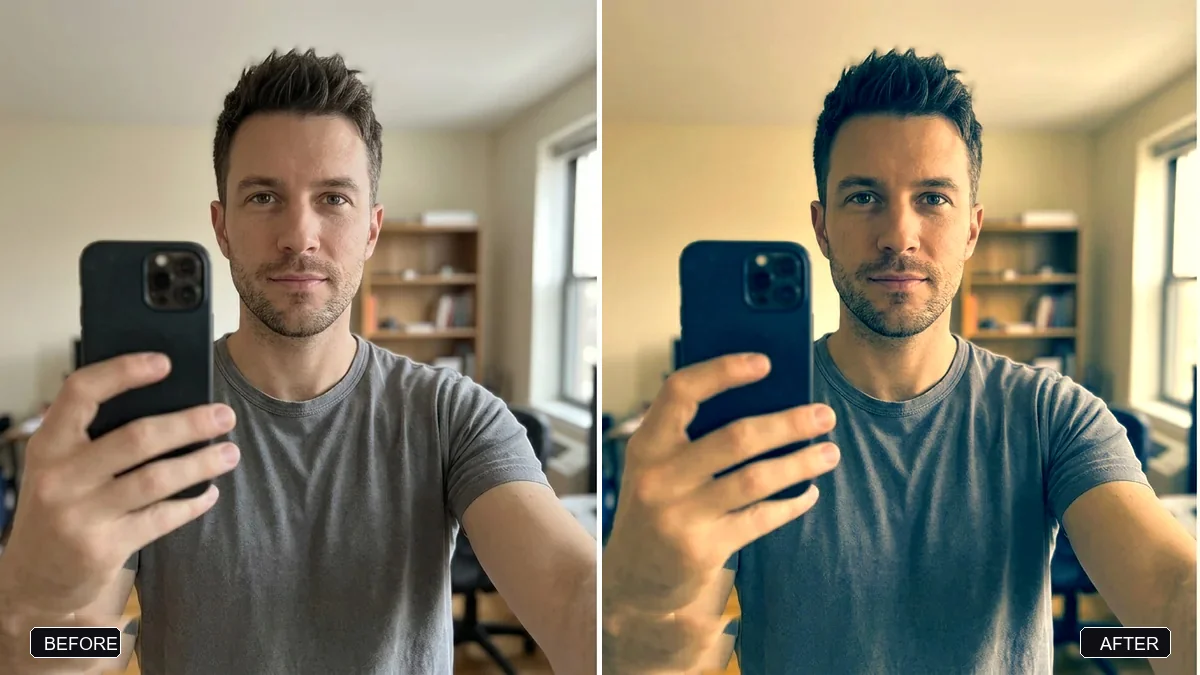
This prompt re-renders a photo as a real 35mm film photograph on a film stock you name, with natural grain, gentle halation, lifted blacks and realistic skin texture. It also lists what to avoid: plastic skin, HDR and over-sharpening.
Re-render this photo so it looks like a real 35mm film photograph shot on [FILM STOCK, e.g. Kodak Portra 400]. Keep the composition, faces, and identities exactly the same.

Add natural film grain, gentle halation around highlights, slightly lifted blacks, realistic skin texture with pores, a touch of motion softness, and imperfect focus falloff.

Avoid: plastic skin, HDR, over-sharpening, perfect symmetry, and anything that looks AI-generated.
Try “Fujifilm Superia” for cooler greens or “Ilford HP5” for black-and-white.
Your photo goes to the AI app you choose, never to PromptUp.
Get a better result
Your photo re-rendered like a real 35mm film frame on the stock you name, with natural grain, gentle halation, lifted blacks, realistic skin texture and imperfect focus falloff, with composition and faces unchanged.
It still looks like an AI photo, with smooth skin and perfect light.
Fix: Keep the “Avoid:” line in the prompt and name a real film stock. An ordinary phone photo works better than a polished one.
- The film stock name makes no visible difference. Add a plain description of the stock: “warm skin tones, soft contrast, pastel greens”. A description guides colour better than the name alone.
- Skin pores look drawn on. Say “natural skin texture, no added pores or wrinkles beyond what is in the photo”.
- The motion softness blurs the main subject. Say “keep the eyes sharp, apply softness only to the edges and the background”.
Name a black-and-white stock such as Ilford HP5 and add “deep blacks, visible grain, no colour cast”. A monochrome version is often more flattering.
Make it look less perfect: more visible grain, real skin pores, softer focus at the edges and slightly uneven light.
Guides that use this prompt
More photo editing prompts
See all 334 →
More like this
- Bright and airy photo presetGemini · ChatGPT
- 1980s Bollywood retro portraitGemini · ChatGPT
- Add authentic film grainGemini · ChatGPT
- High-contrast black-and-white conversionGemini · ChatGPT
- 1980s Kerala-era portraitGemini · ChatGPT