AI saree photo prompts
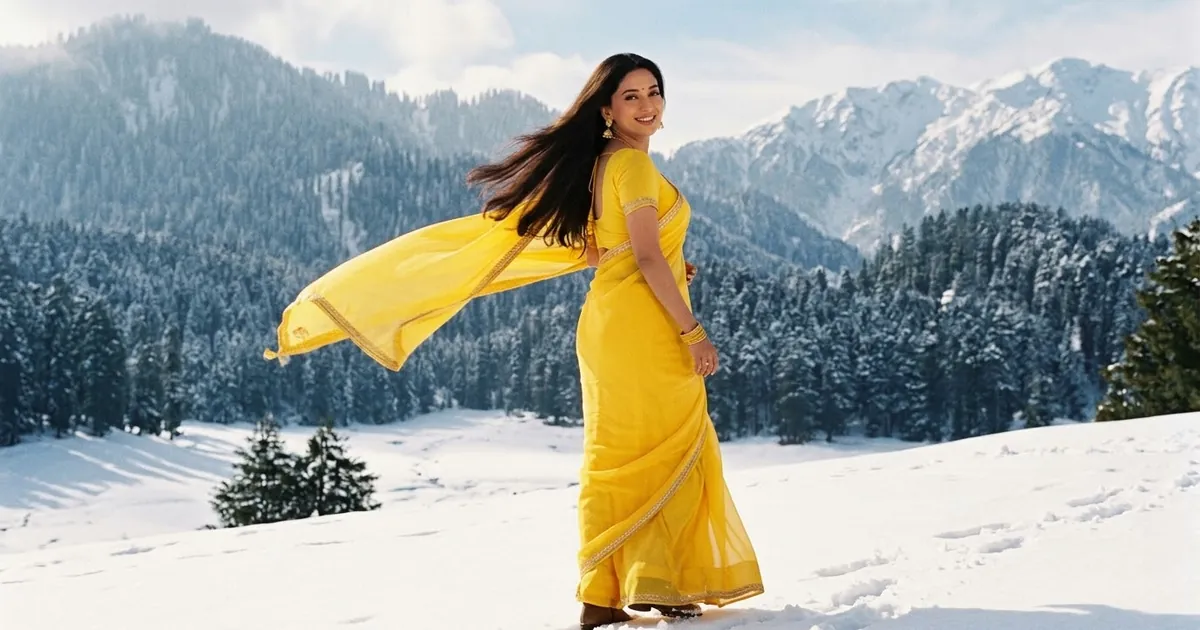
The saree photoshoot is one of the most popular AI photo edits in India: upload a photo and get a professional shoot in a silk, organza or kasavu saree, at a palace courtyard, a temple or a golden field, while keeping your real face.
This page brings together the saree prompts: a realistic photoshoot, the 1980s retro saree and Bollywood looks, festival portraits for Diwali, Onam, Pongal and Durga Puja, and prompts for saree sellers, such as a catalogue flat lay and a boutique promo video.
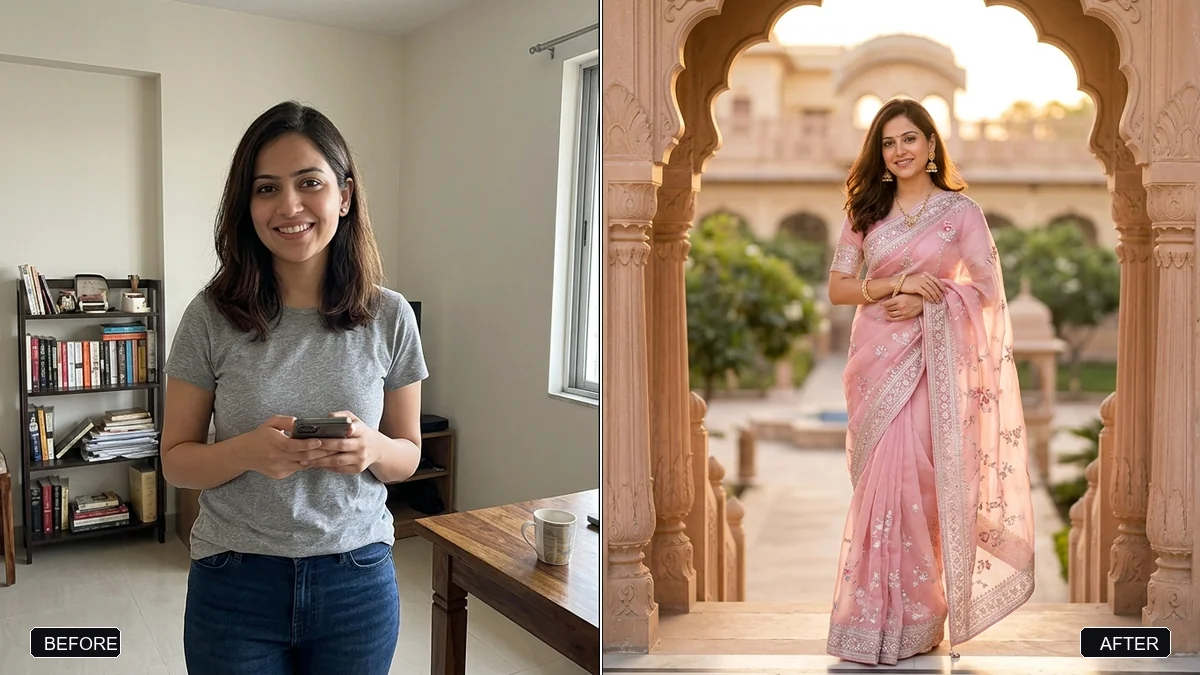
Create a realistic saree photoshoot using the woman in this photo. Keep her face, identity, skin tone, and body shape exactly the same.

Saree: [SAREE, e.g. a pastel-pink organza saree with silver embroidery]. Location: [LOCATION, e.g. a heritage palace courtyard at golden hour]. Pose: natural and candid, gently holding the pallu.

Professional photography: soft golden-hour backlight, 85mm lens, creamy bokeh, natural skin texture, and true-to-life fabric detail. Portrait 4:5.
Three steps, about a minute
- 1
Choose a clear, well-lit photo of yourself, ideally waist up or full length, facing the camera.
- 2
Upload it to Gemini or ChatGPT, paste the prompt and fill in the saree and the location.
- 3
Check the face and the drape of the pallu. Regenerate or reply with a fix if something looks off.
Make it yours
- Saree: name fabric, colour and border: "a pastel organza saree with silver embroidery", "a Banarasi silk in red and gold".
- Place: a heritage palace courtyard, a temple corridor, a lotus pond or a mustard field at golden hour.
- Jewellery: add "temple jewellery" or "simple silver jhumkas" to match the saree.
- Festival: add "diyas and marigold decorations" for Diwali or "pookalam flower carpet" for Onam.
If it goes wrong
- The drape looks wrong
- Name the style: "Nivi drape, pallu over the left shoulder".
- My face changed
- Reply "keep my exact face from the original photo" and generate again.
- Fabric looks plastic
- Add "true-to-life fabric texture, natural folds, soft light".
- Body shape changed
- Add "keep my real body shape and height".
10 more prompts in this collection
 Trending
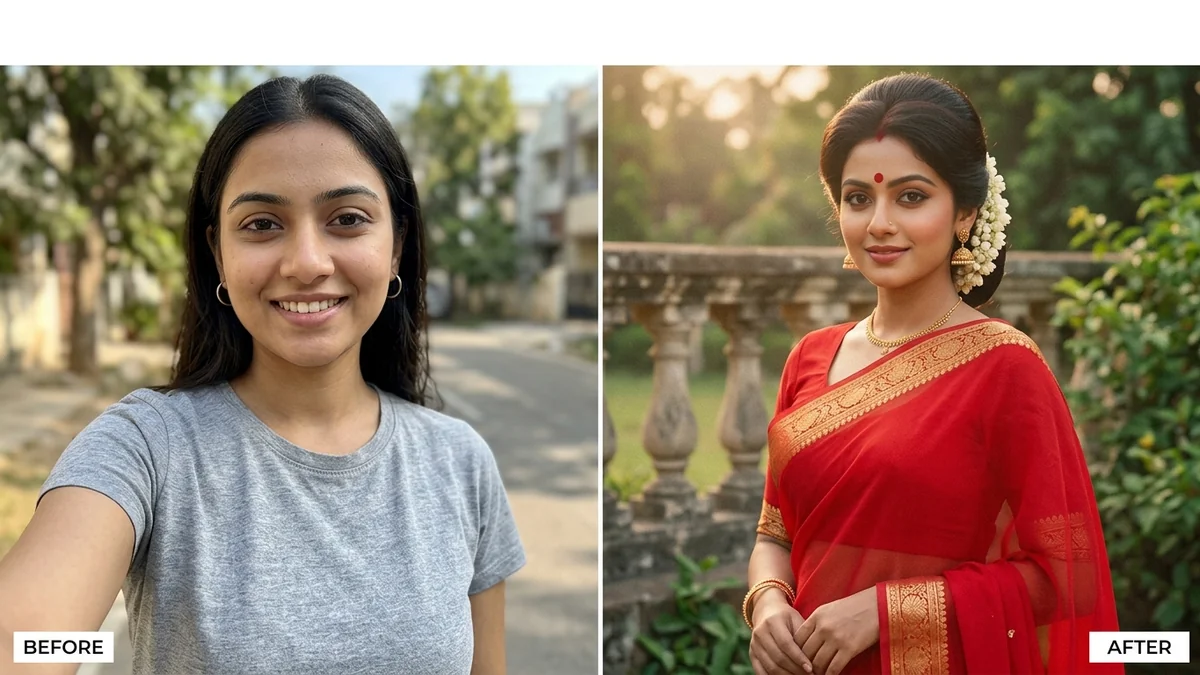
80s retro saree lookGemini · ChatGPT
Trending
80s retro saree lookGemini · ChatGPT
 Trending
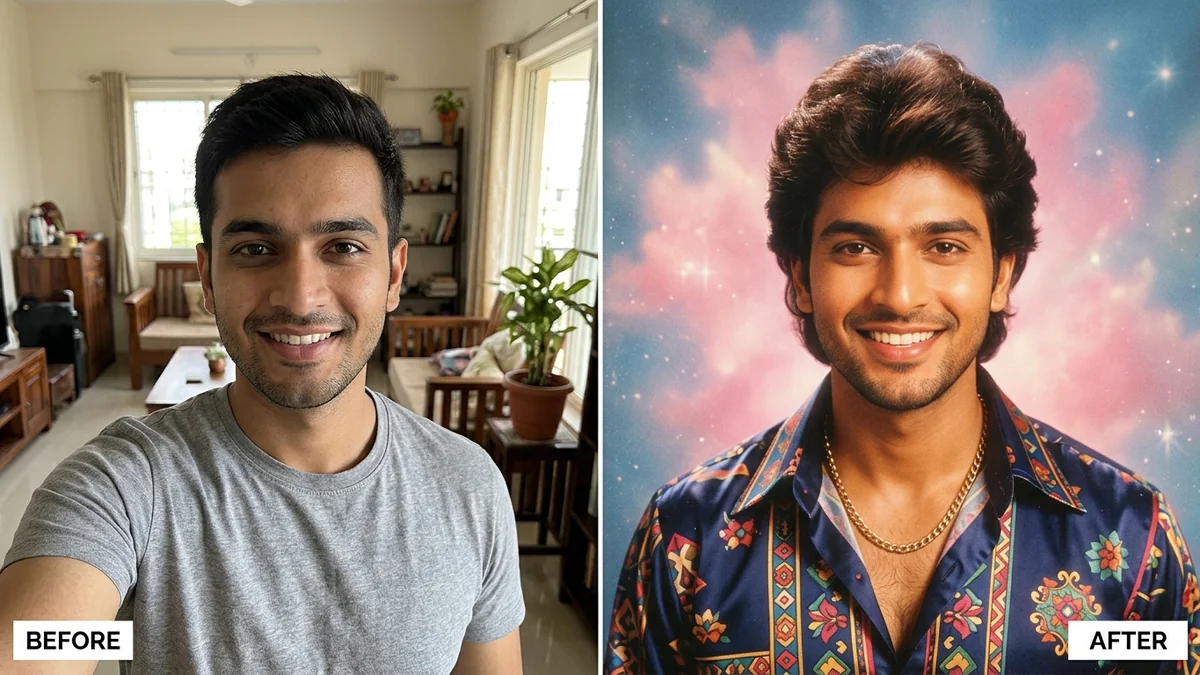
1980s Bollywood retro portraitGemini · ChatGPT
Trending
1980s Bollywood retro portraitGemini · ChatGPT
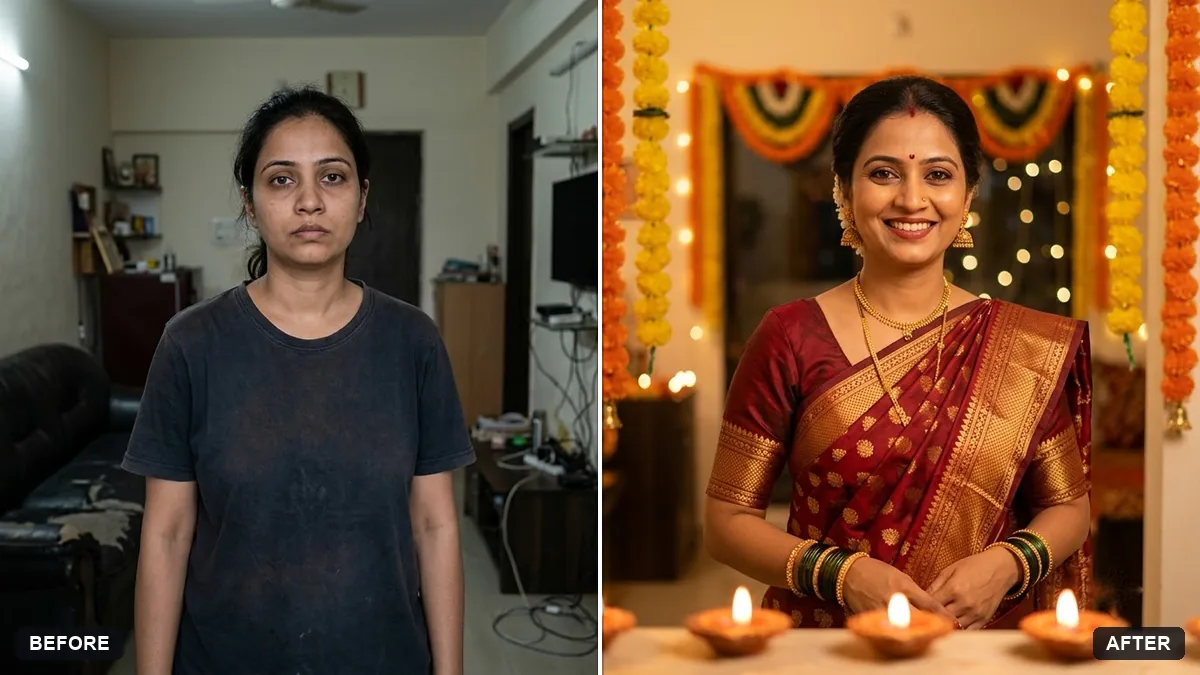 Festive portrait with diyasGemini · ChatGPT
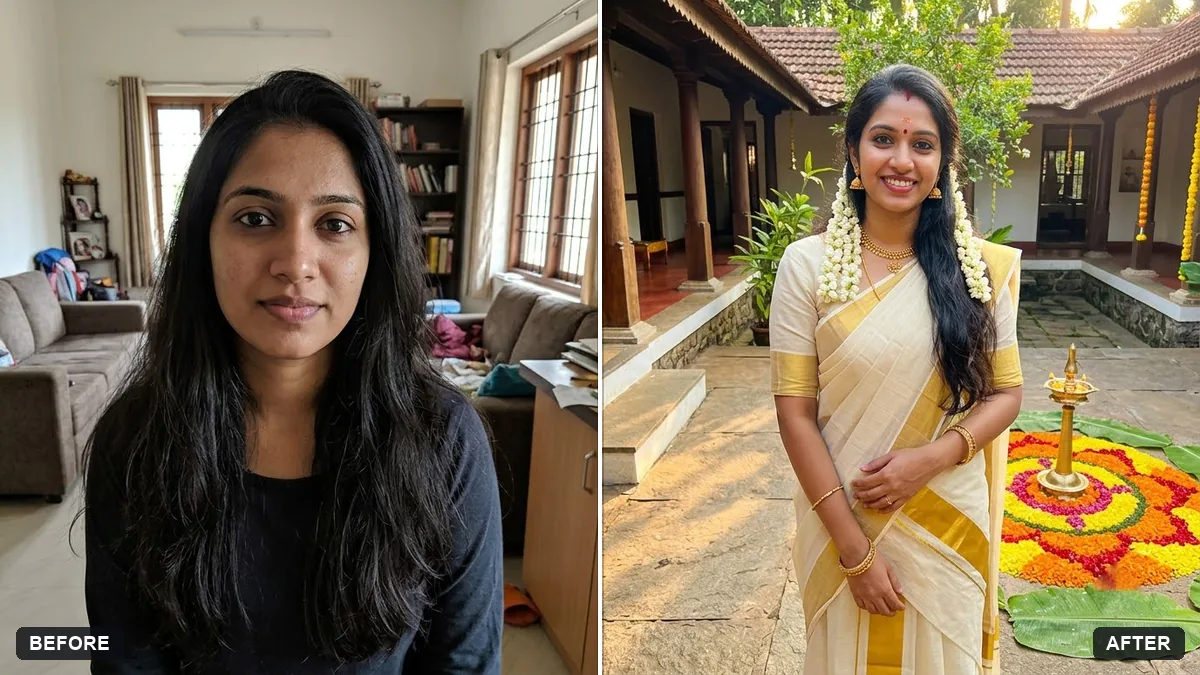 Onam portrait in traditional attireGemini · ChatGPT
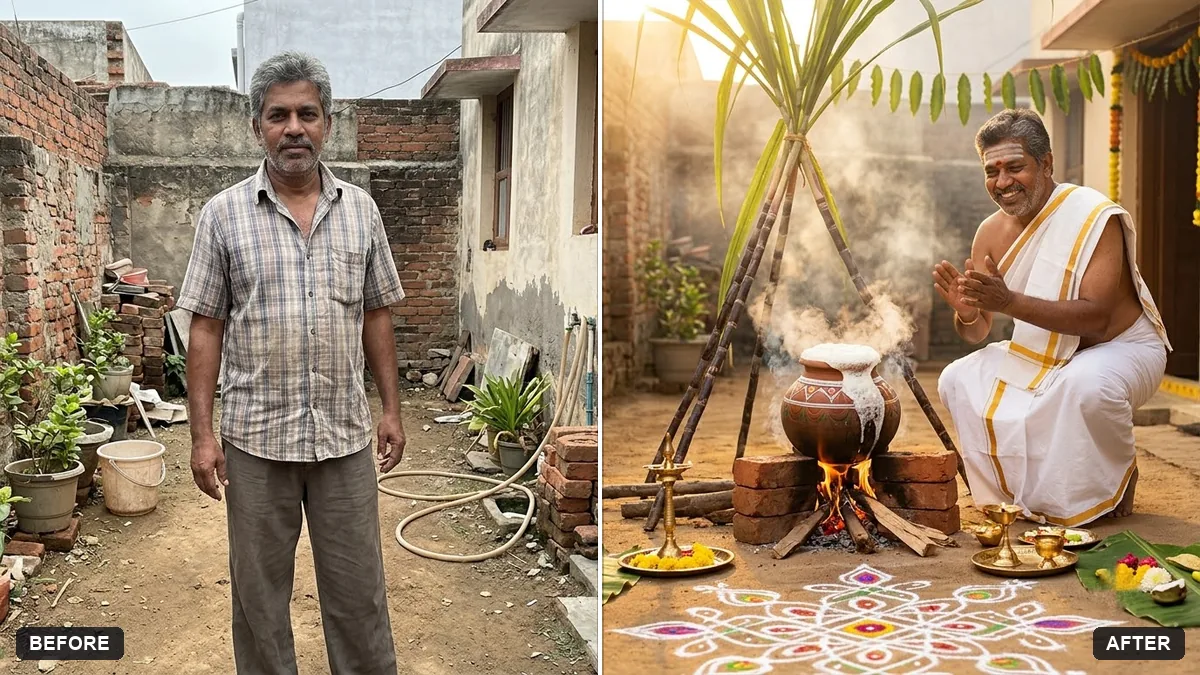 Pongal traditional portraitGemini · ChatGPT
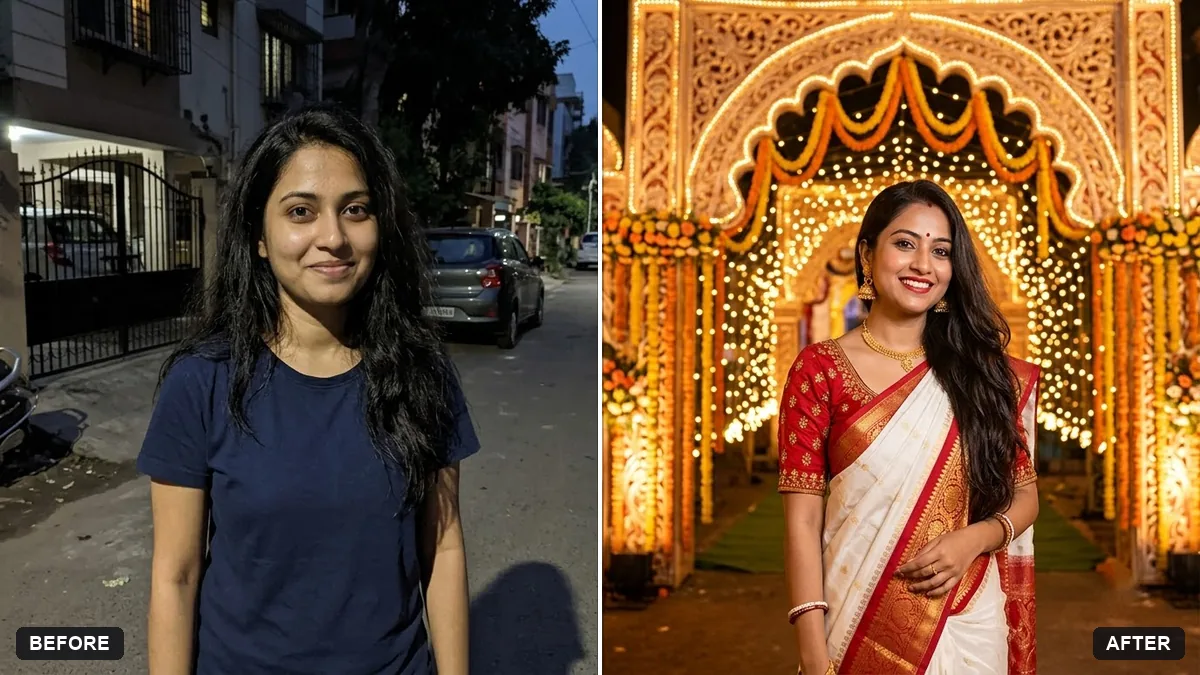 Durga Puja pandal portraitGemini · ChatGPT
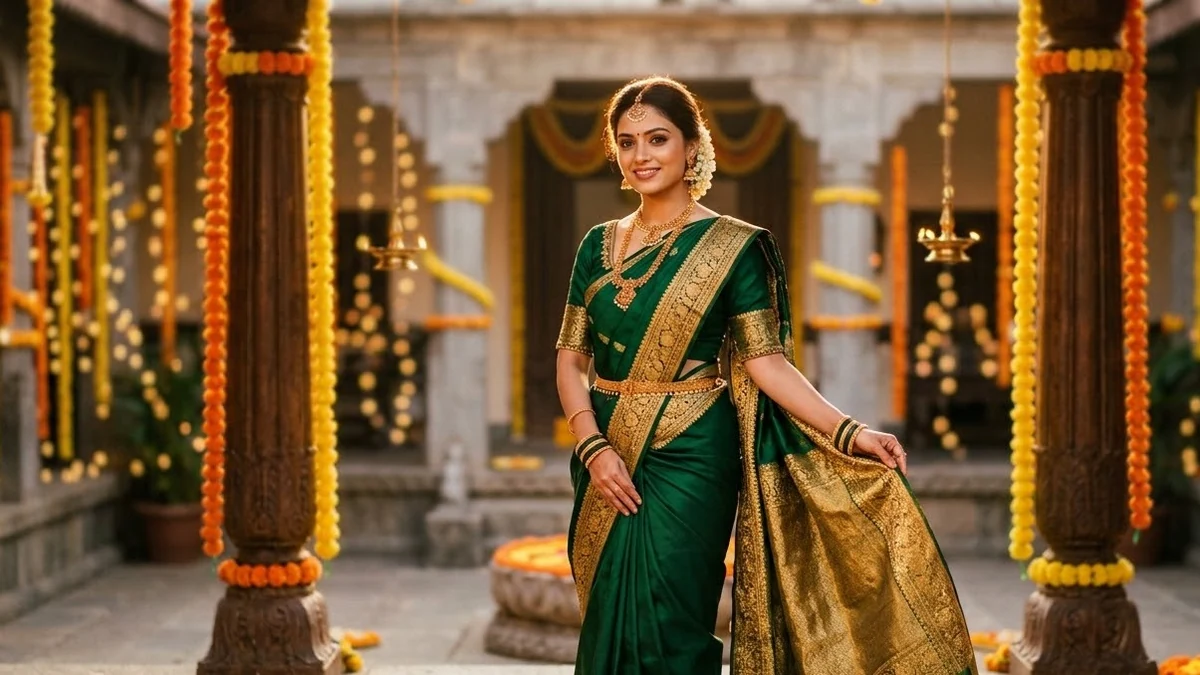 Festive ethnic look photoshoot (Higgsfield Soul)Higgsfield
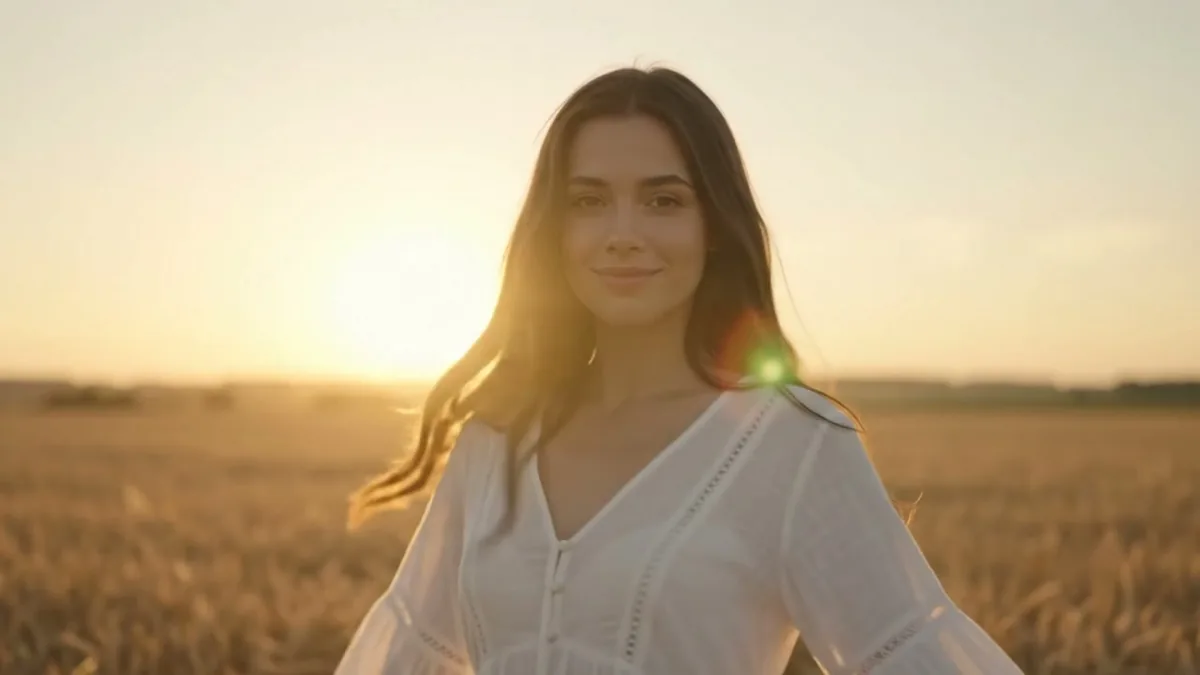 Wind blowing through hair and clothesKling · Veo · Seedance
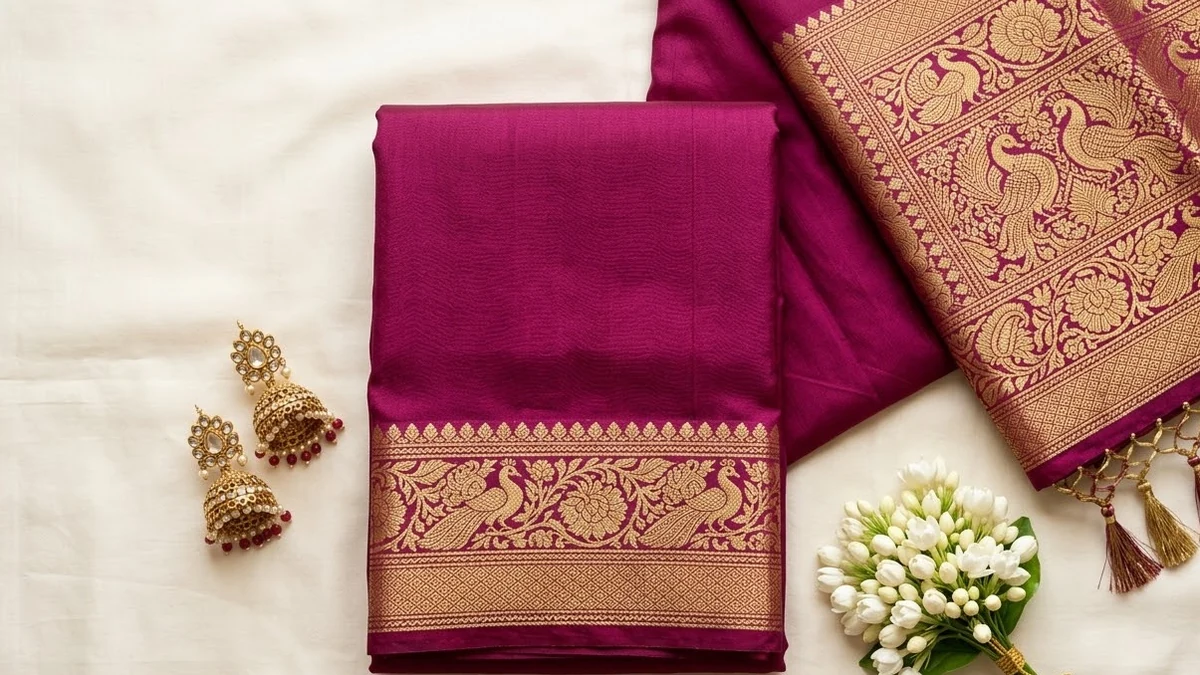 Saree flat lay for a catalogueGemini · ChatGPT · Midjourney
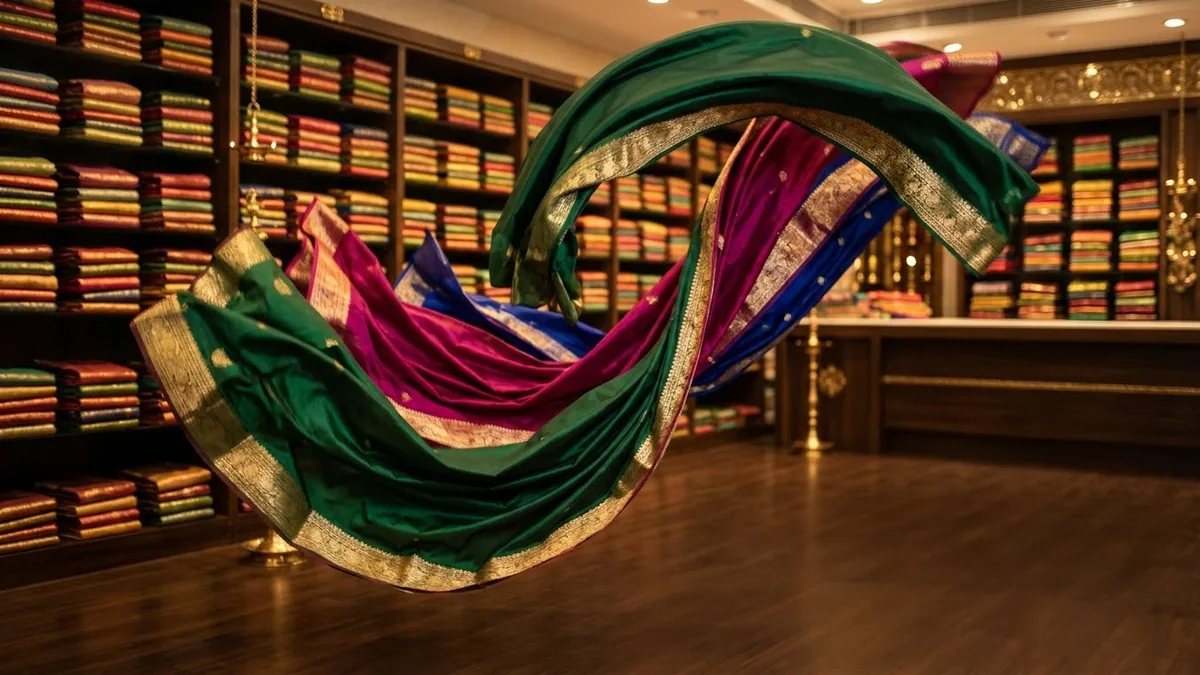 Saree boutique promoVeo · Kling · Seedance
Guides that use these prompts
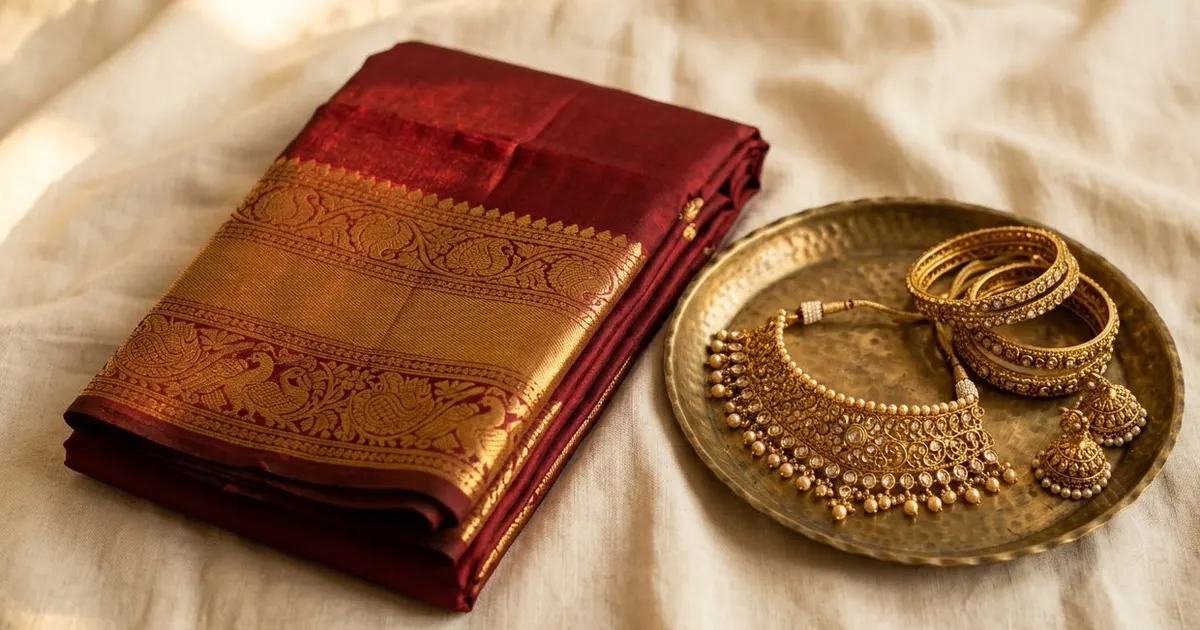
Questions, answered
How do I make an AI saree photo with Gemini?
Upload a clear photo of yourself, paste the saree photoshoot prompt and describe the saree and the place. Gemini keeps your face and changes the outfit and setting.
Will it keep my face and body shape?
The prompt asks for the same face, skin tone and body shape. Check the result, and if anything changed, reply "keep my face and body exactly as in the original".
Can I choose a specific saree style?
Yes. Name the fabric, colour and border: "a Kanjivaram silk saree in mustard with a maroon border" or "a Kerala kasavu saree".