AI festival photo prompts
Festival portraits are among the most shared photos of the year. These prompts restyle your own photo for the festival you celebrate: diyas and marigolds for Diwali, crescent moon and lanterns for Eid, a pookalam and kasavu for Onam, garba lights for Navratri, a pandal for Durga Puja, colours for Holi, red lanterns for Lunar New Year and a card-ready scene for Christmas.
Each prompt keeps your real face and changes the clothes, setting and light. Swap the festival and outfit in the prompt to match your own traditions, and use the Festival Studio tool to get a matching greeting.
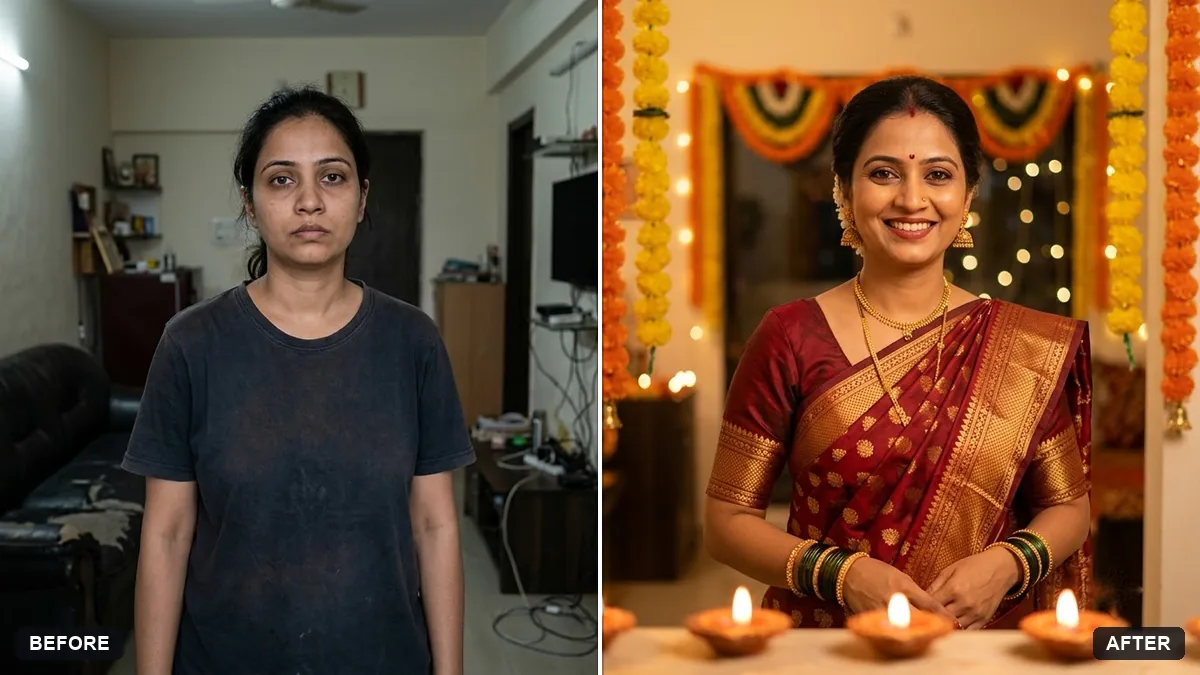
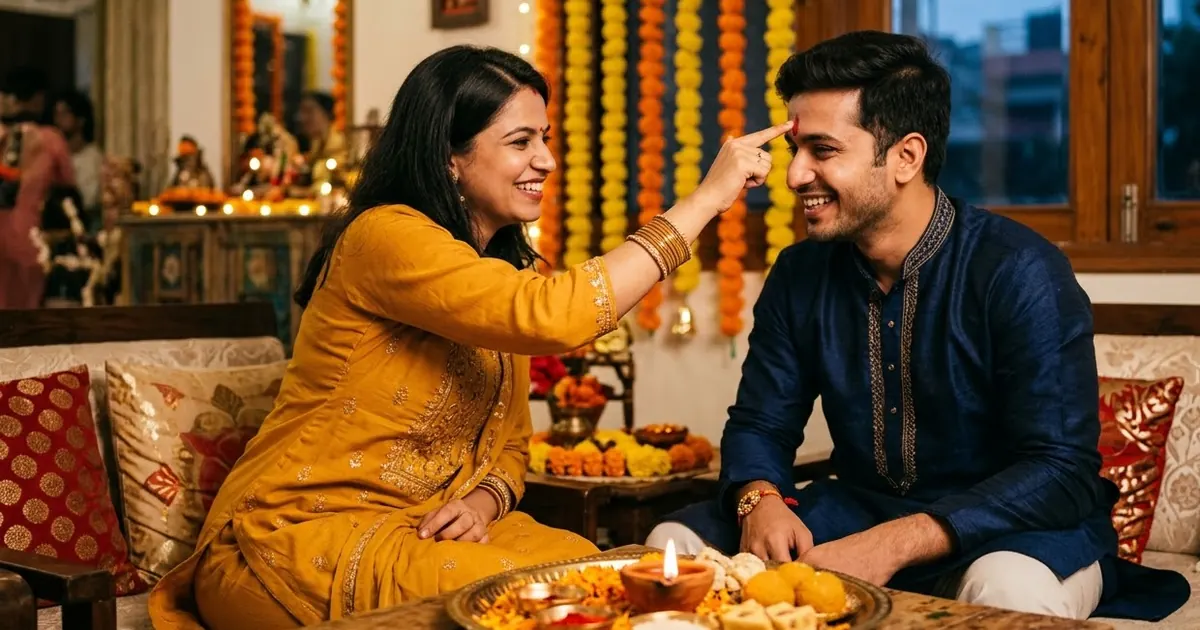
Restyle this photo as a festive portrait. Keep my real face, hair and expression unchanged.

Outfit: [e.g. silk kurta / saree in deep red and gold]. Setting: warm home interior with lit diyas, marigold garlands and soft bokeh lights. Golden warm lighting, rich colours, realistic fabric and jewellery, no text.
Three steps, about a minute
- 1
Choose a clear, well-lit photo. Festive clothes help, but the prompt can change the outfit.
- 2
Upload it to Gemini or ChatGPT, paste the prompt for your festival and fill in the outfit.
- 3
Add a greeting in the Festival Studio or a photo app, since AI text in pictures is often misspelled.
Make it yours
- Outfit: a silk kurta, a saree in deep red and gold, a sherwani, or a Christmas jumper.
- Decorations: diyas and rangoli, lanterns and dates, pookalam, garba lights, or a tree and fairy lights.
- Family: the family prompts keep everyone together; say how many people and who stands where.
- No text: keep "no text" in the prompt and add the greeting yourself so it is spelled right.
If it goes wrong
- The decorations are from the wrong festival
- Name the festival and 2 or 3 decorations that belong to it.
- My face changed
- Reply "keep my real face, hair and expression unchanged".
- Too many lights, face is dark
- Ask for "warm light on my face, bokeh lights in the background only".
- The greeting text is wrong
- Remove it with "no text" and add it in the Festival Studio or a photo app.
11 more prompts in this collection
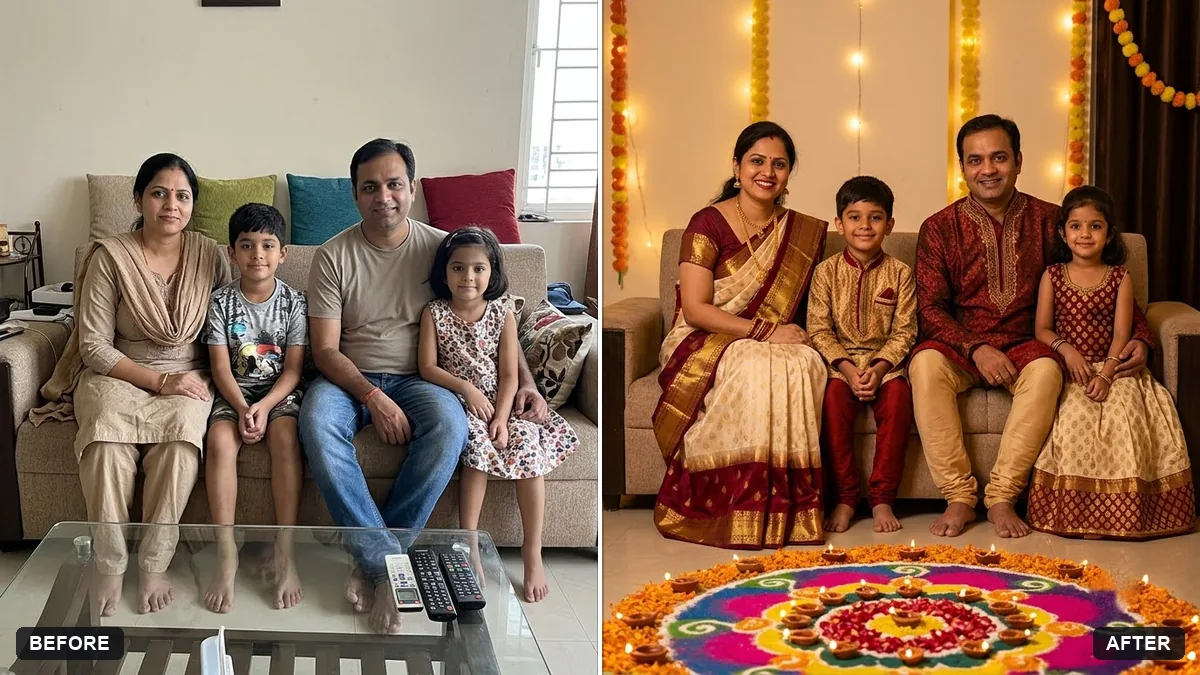 Diwali family portraitGemini · ChatGPT
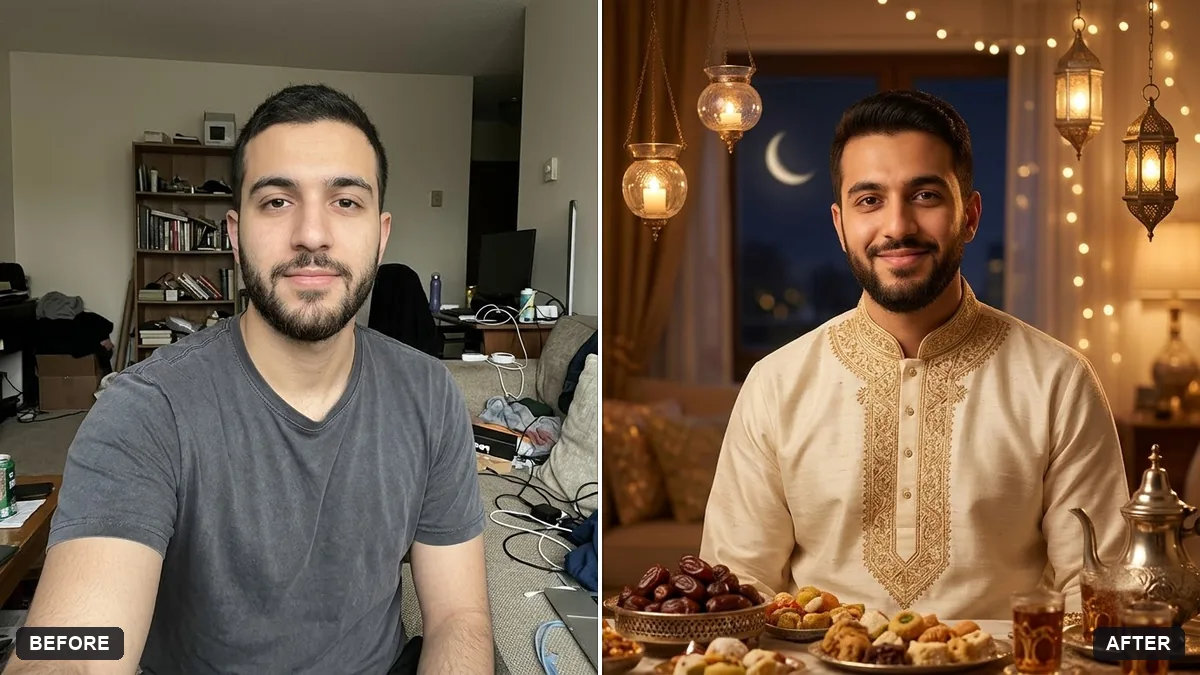 Eid celebration portraitGemini · ChatGPT
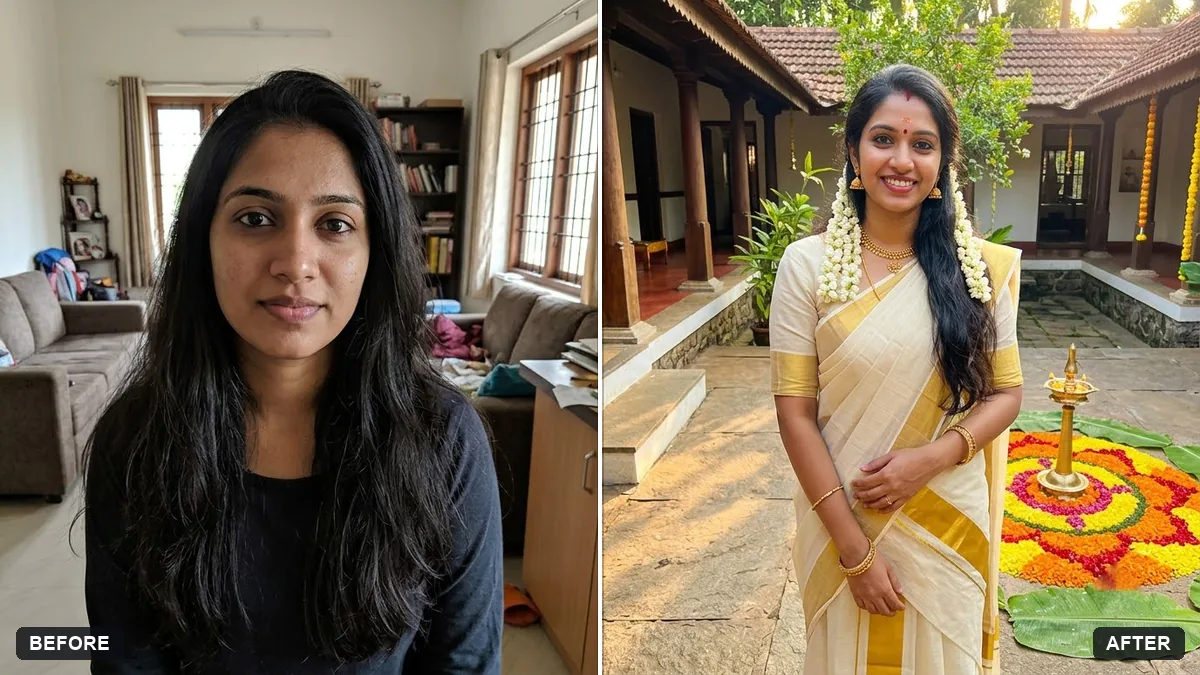 Onam portrait in traditional attireGemini · ChatGPT
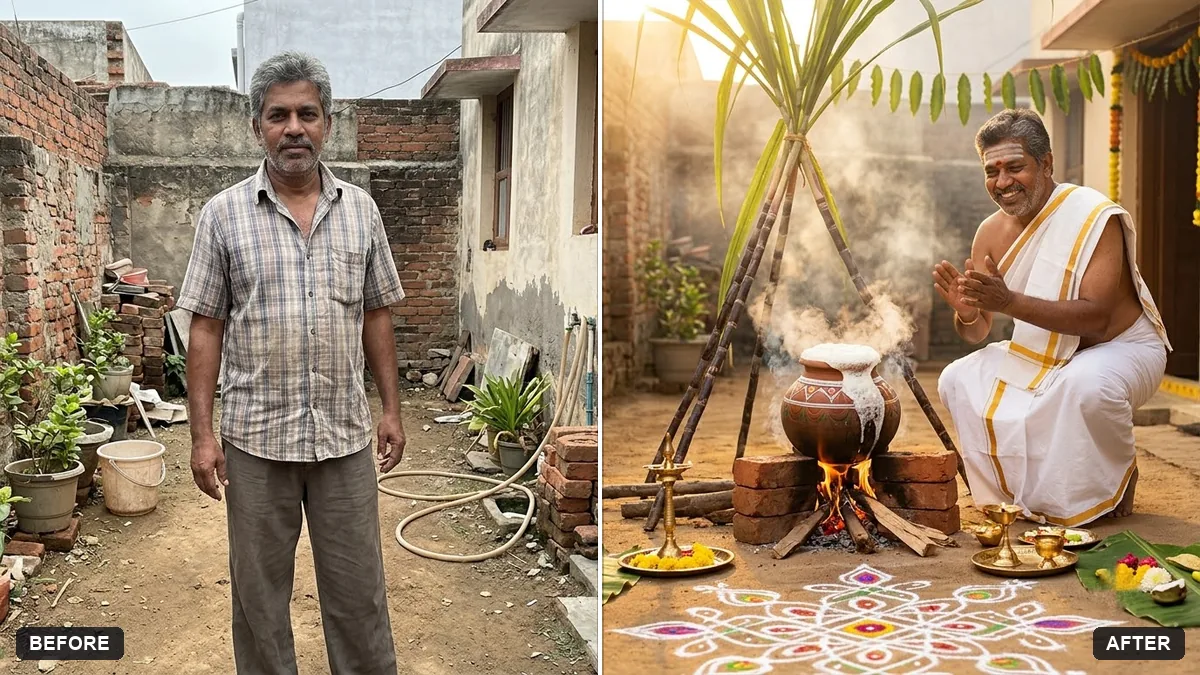 Pongal traditional portraitGemini · ChatGPT
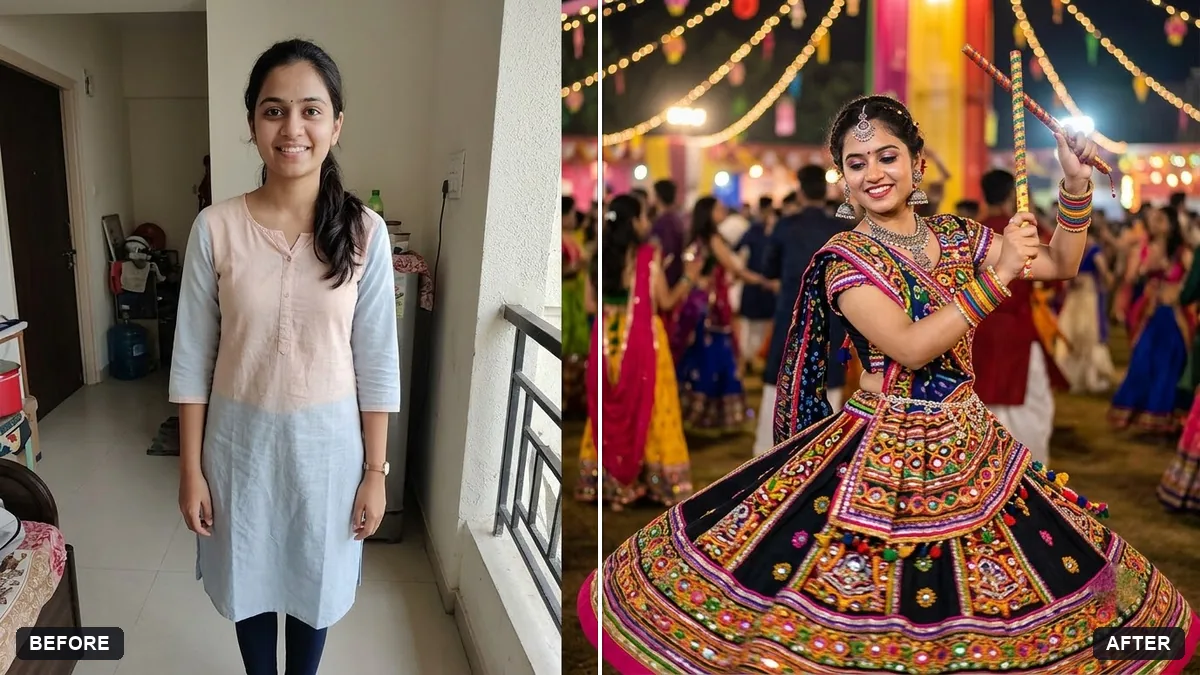 Navratri garba portraitGemini · ChatGPT
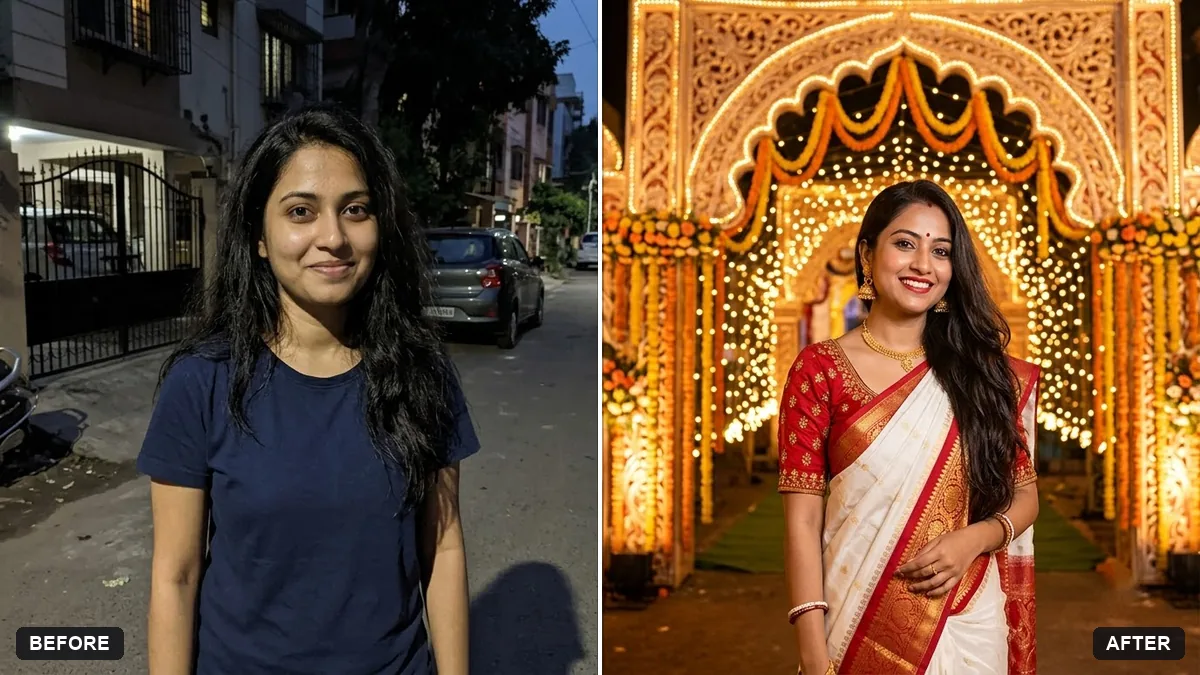 Durga Puja pandal portraitGemini · ChatGPT
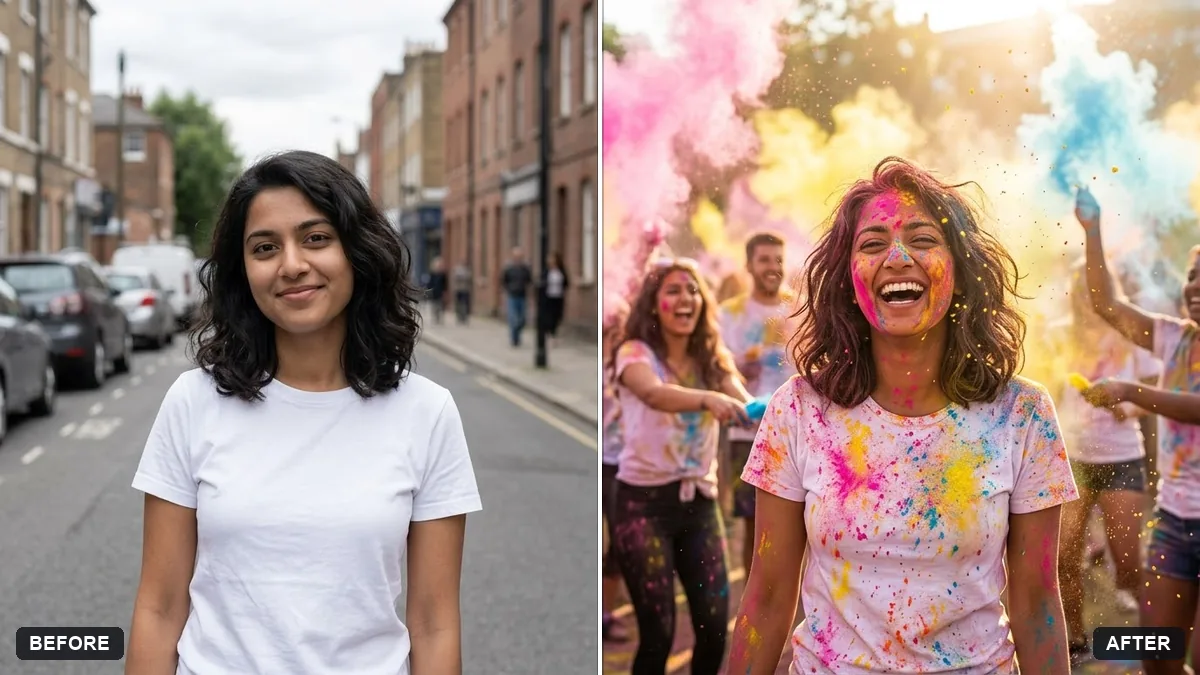 Holi colour festival portraitGemini · ChatGPT
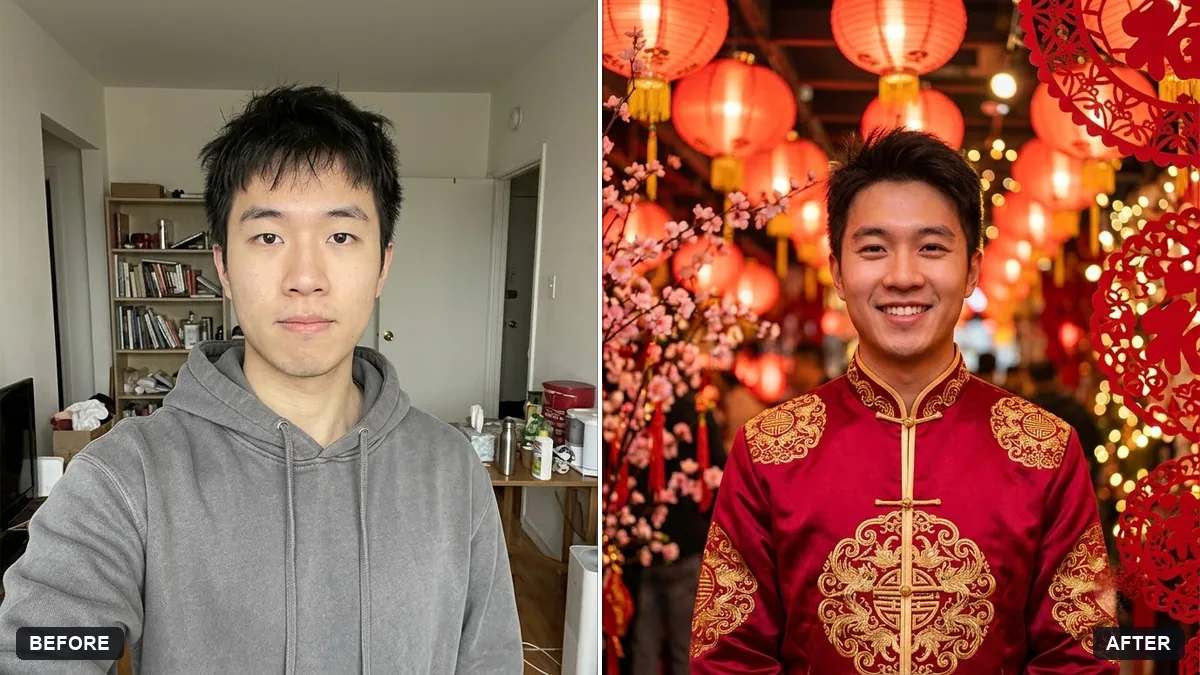 Lunar New Year portraitGemini · ChatGPT
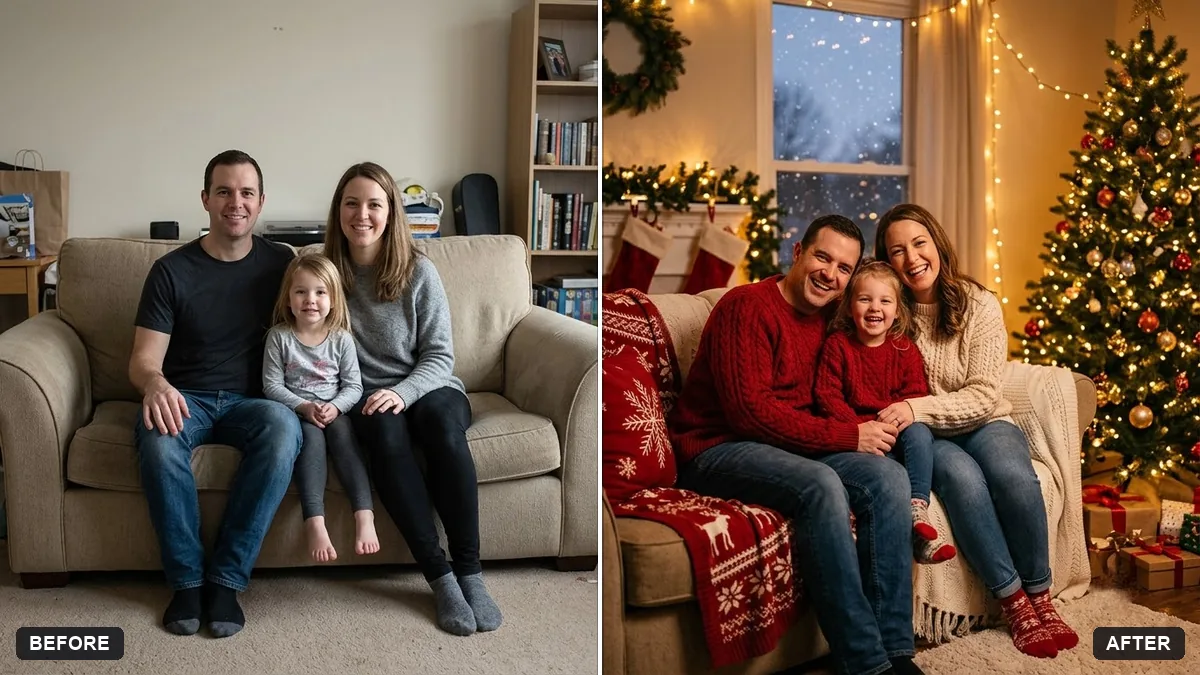 Turn a family photo into a Christmas cardGemini · ChatGPT
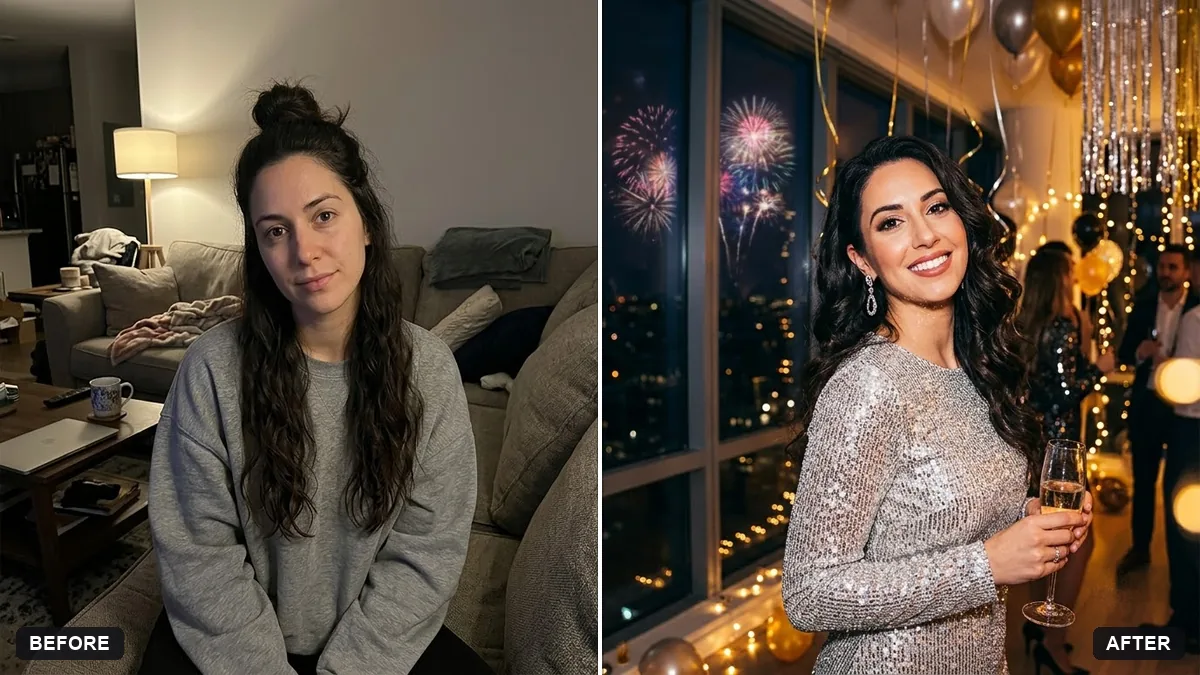 New Year party portraitGemini · ChatGPT
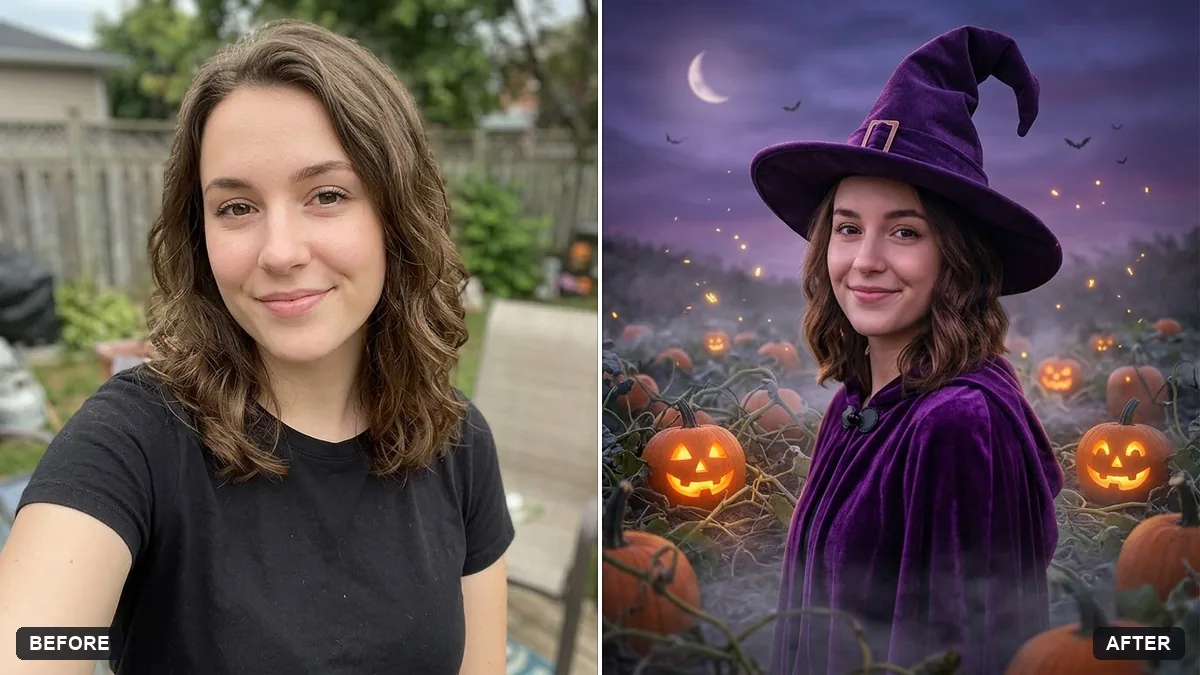 Halloween costume portraitGemini · ChatGPT
Guides that use these prompts
Questions, answered
How do I make a Diwali photo with AI?
Upload a clear photo, paste the festive portrait prompt and choose your outfit. The prompt adds diyas, marigolds and warm light, and keeps your face.
Can I use one prompt for any festival?
Yes. Change the festival name, the decorations and the outfit, for example "Eid, crescent moon lanterns, an emerald kurta".
Can I make a family festival photo?
Yes. Use the Diwali family or Christmas card prompt with a photo where everyone is visible, and ask the family before you post it.