- Updated
Diwali family portrait prompt for Gemini & ChatGPT
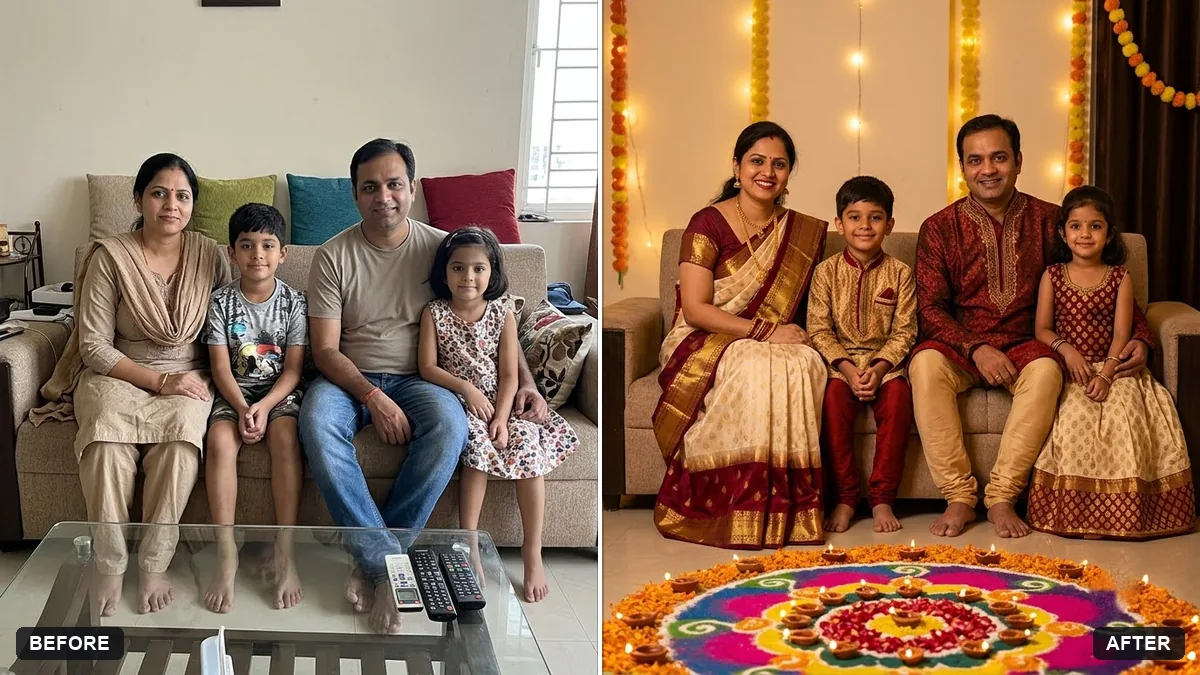
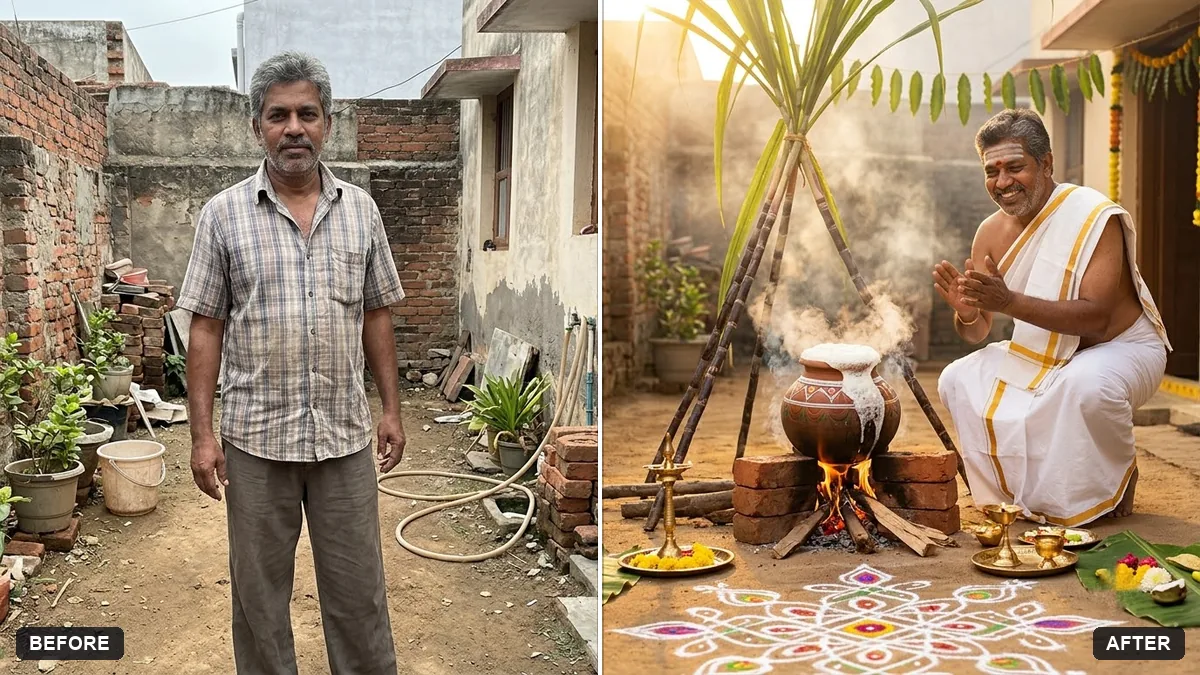
This prompt turns a family photo into a Diwali portrait. Everyone wears traditional clothes in the colours you choose, with rows of glowing diyas, marigold garlands and a rangoli in the foreground. It tells the AI to keep every face, hairstyle and expression exactly the same, so upload a photo where everyone faces the camera.
Restyle this family photo as a Diwali portrait. Keep every face, hairstyle and expression exactly the same.

Everyone wears festive [COLOURS] traditional clothes, rows of glowing diyas and marigold garlands around, a rangoli in the foreground, warm golden light, joyful and warm.
Upload a family photo where everyone is facing the camera.
Your photo goes to the AI app you choose, never to PromptUp.
Get a better result
Your family photo restyled as a Diwali portrait: everyone in festive traditional clothes in the colours you pick, glowing diyas, marigold garlands, a rangoli in the foreground and warm golden light.
Someone goes missing, or faces change in the festive version.
Fix: Use a photo where everyone faces the camera, and add “do not remove or add anyone”.
- Children and elders all get the same outfit style. Describe by group: “children in bright kurtas, grandparents in softer silk, the mother in a saree”. Differences make it look real.
- The rangoli covers people’s feet or looks pasted on. Say “the rangoli lies on the floor in front of the group, well clear of everyone’s feet”.
- Someone’s expression changes from a smile to a serious face. Add “keep every expression as in the original photo”. Festive-mood prompts can push everyone toward the same smile.
If a pet is in the photo, add “the dog stays exactly as in the original, wearing a small marigold garland”. Name any pet, or it may be removed.
Keep every person from the original photo with their exact face. Do not remove or add anyone. Keep the Diwali decorations.
Guides that use this prompt
More photo editing prompts
See all 334 →
More like this
- Graduate with familyGemini · ChatGPT
- Soft maternity portraitGemini · ChatGPT
- First birthday portraitGemini · ChatGPT
- Halloween costume portraitGemini · ChatGPT
- Diwali family diyas in home-video styleVeo