- Updated
Diwali photo prompt for Gemini & ChatGPT
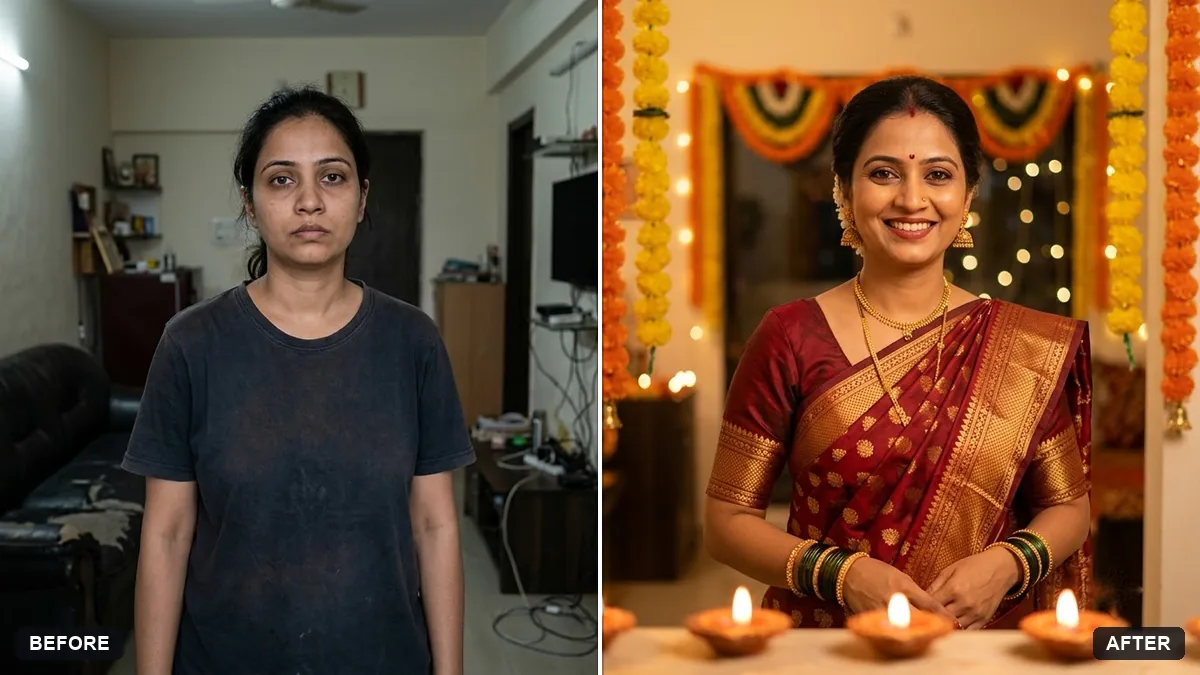
This prompt restyles your photo as a Diwali portrait: you in a silk kurta or saree in red and gold, in a warm home lit by rows of diyas, with marigold garlands and soft bokeh lights. It tells the AI to keep your real face, hair and expression. The same prompt also works for Eid, Pongal, Onam or Christmas if you swap the outfit and setting.
Restyle this photo as a festive portrait. Keep my real face, hair and expression unchanged.

Outfit: [e.g. silk kurta / saree in deep red and gold]. Setting: warm home interior with lit diyas, marigold garlands and soft bokeh lights. Golden warm lighting, rich colours, realistic fabric and jewellery, no text.
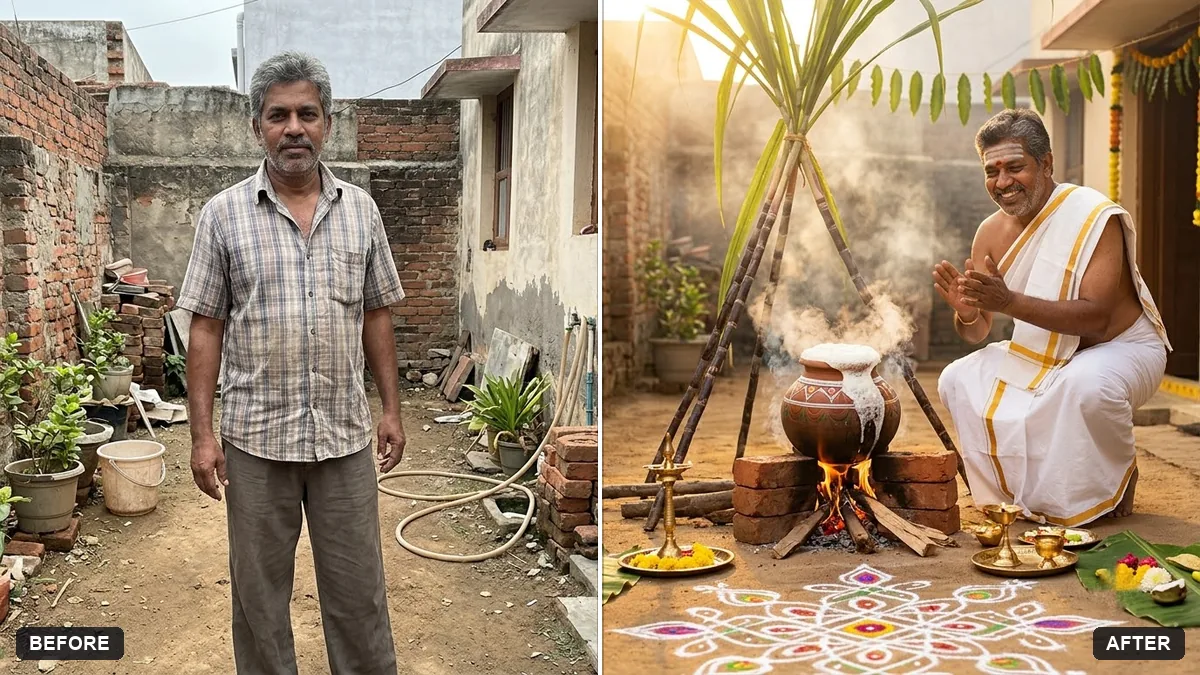
Change the festival and clothing to match your own: Eid, Pongal, Onam, Christmas.
Your photo goes to the AI app you choose, never to PromptUp.
Get a better result
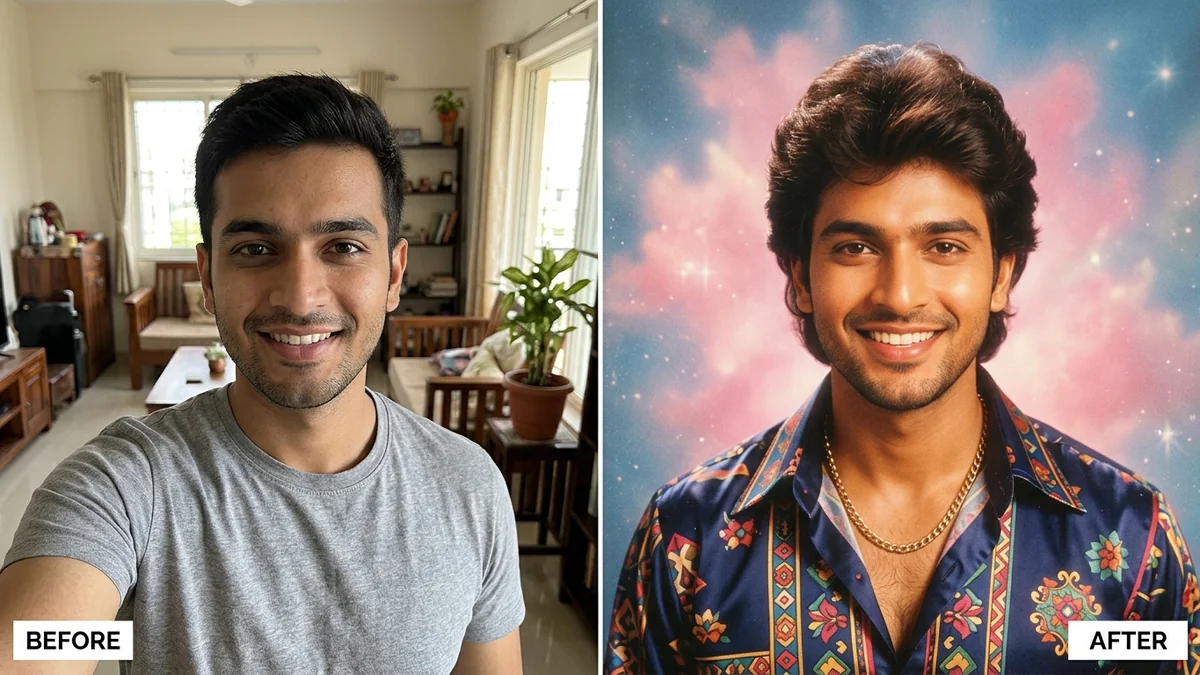
Your photo restyled as a festive portrait: the outfit you choose, a warm home with lit diyas and marigold garlands, golden light and soft glowing lights behind, with your face unchanged and no text.
The diyas and garlands crowd out your face.
Fix: Add “keep diyas and garlands at the edges and behind, face clearly in the centre”. The decoration is there to frame you.
- Jewellery and fabric look flat or painted on. Be specific: “thick gold border on a deep red silk saree, small jhumka earrings”. Detailed words give realistic texture.
- The warm light turns your skin orange. Add “natural skin tone, golden light only on the highlights”. Strong warm grading can overpower real colour.
Upload one photo with everyone in it and add “everyone dressed in coordinated festive colours, nobody removed or added”. Check each face against the original afterwards.
Keep my exact face and skin tone from the original photo. Make the golden light softer and keep the diyas and garlands behind me.
Guides that use this prompt
More photo editing prompts
See all 334 →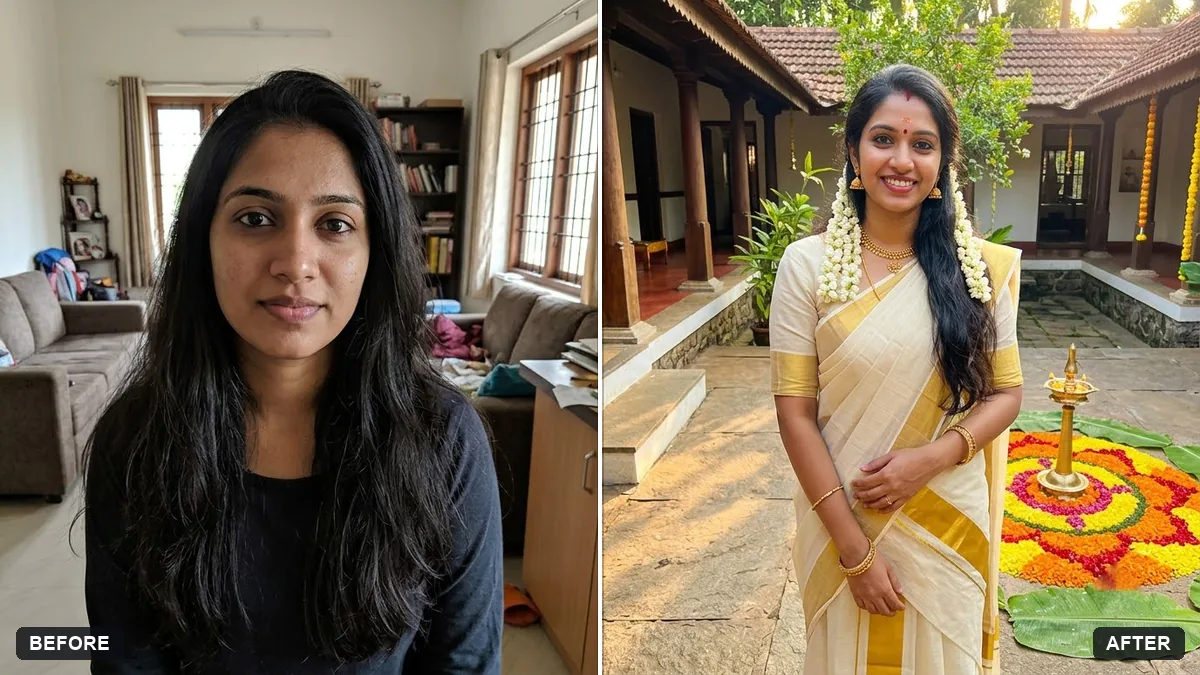
More like this
- Eid celebration portraitGemini · ChatGPT
- Realistic saree photoshootGemini · ChatGPT
- Pongal festival greetingGemini · ChatGPT · Midjourney
- Festive ethnic look photoshoot (Higgsfield Soul)Higgsfield
- Holi colour festival portraitGemini · ChatGPT