- Updated
Natural skin retouch (no plastic look)
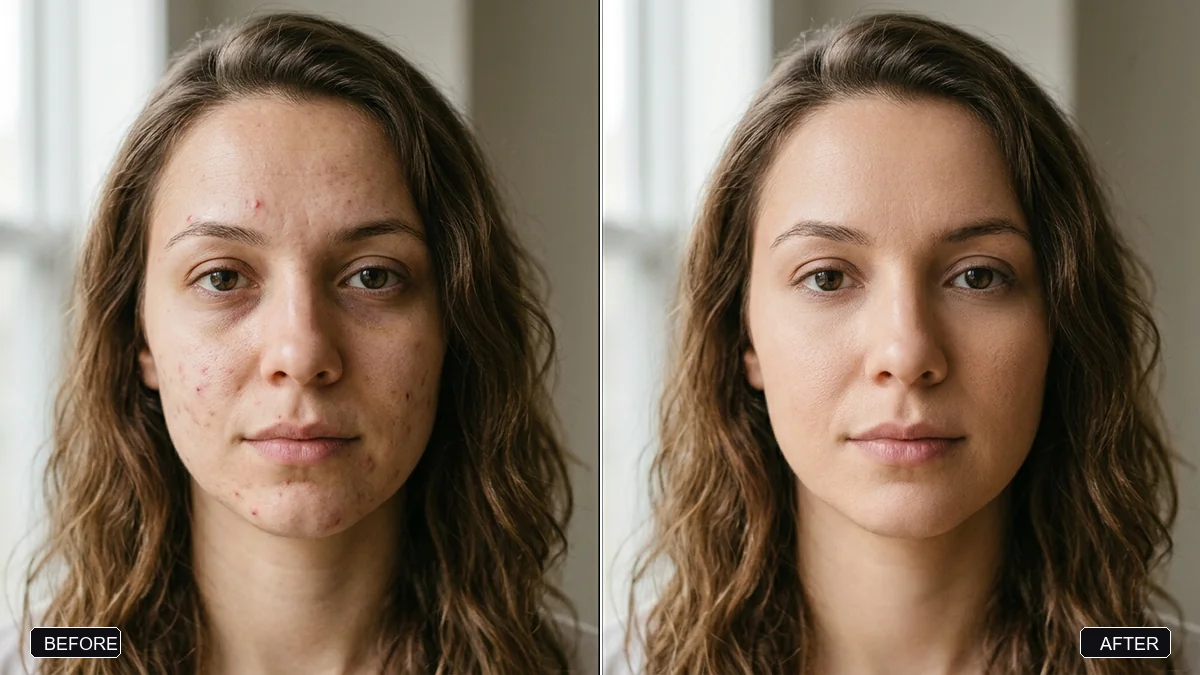
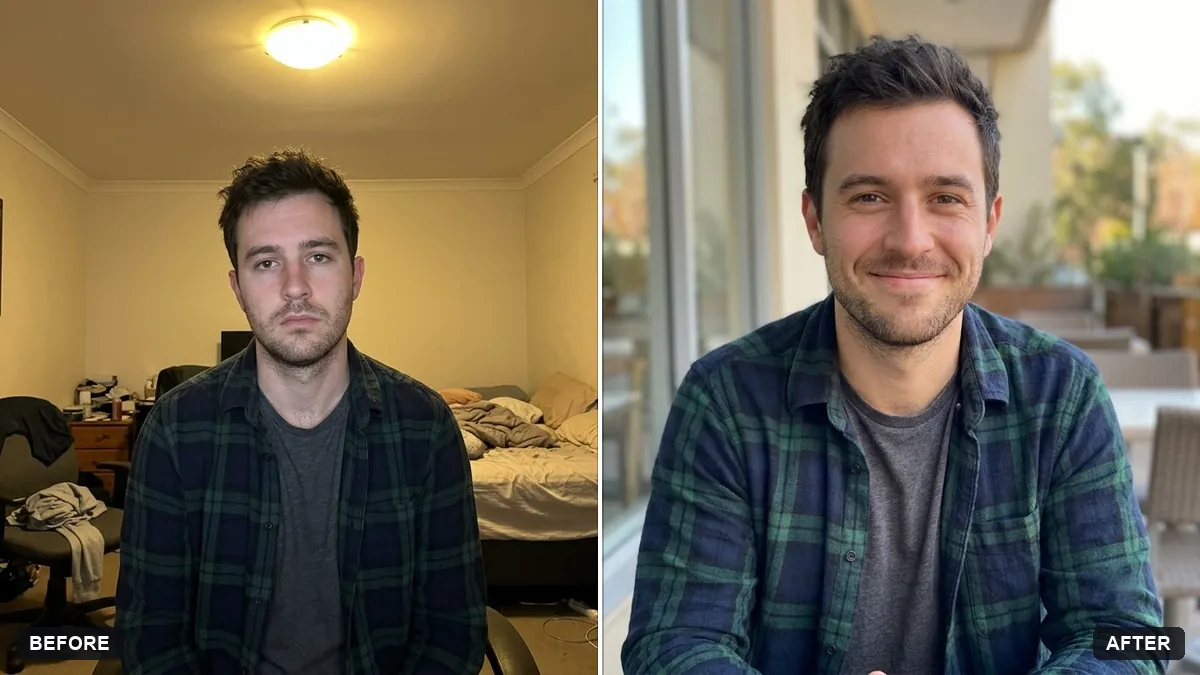
This prompt retouches a portrait without the plastic look. It softens temporary blemishes, redness and dark circles and evens the skin tone, while keeping pores, moles and freckles. If the result is too smooth, reply asking for less smoothing.
Retouch this portrait naturally. Gently reduce temporary blemishes, acne, redness, and dark under-eye circles, and even out the skin tone — but keep real skin texture, pores, and natural features like moles and freckles.

Do not slim the face, alter the nose or lips, or apply heavy smoothing. Result must look like high-end portrait photography.
If it looks too smooth, reply: “Less smoothing — bring back natural skin texture.”
Your photo goes to the AI app you choose, never to PromptUp.
Get a better result
Your portrait with blemishes, redness and dark circles softened but pores, freckles and moles still visible, so it looks like you on a good day, not like a filter.
The skin still comes out plastic.
Fix: Upload the original file at full size, not a screenshot. A small, compressed image gives the AI no real texture to keep, so it smooths.
- Moles and freckles get tidied away. List them: “keep the mole on my left cheek and the freckles across my nose”. A named feature is protected.
- Eyes and teeth look whiter and brighter than before. Add “do not whiten the eyes or teeth”. Small extras creep in unless you rule them out.
Add one line about the light, such as “soft window light from the left”, so the AI keeps the existing shadows while it evens the tone instead of flattening the face.
Less retouching. Keep pores, freckles and moles, and only soften the redness and the dark circles under my eyes.
Guides that use this prompt
More photo editing prompts
See all 334 →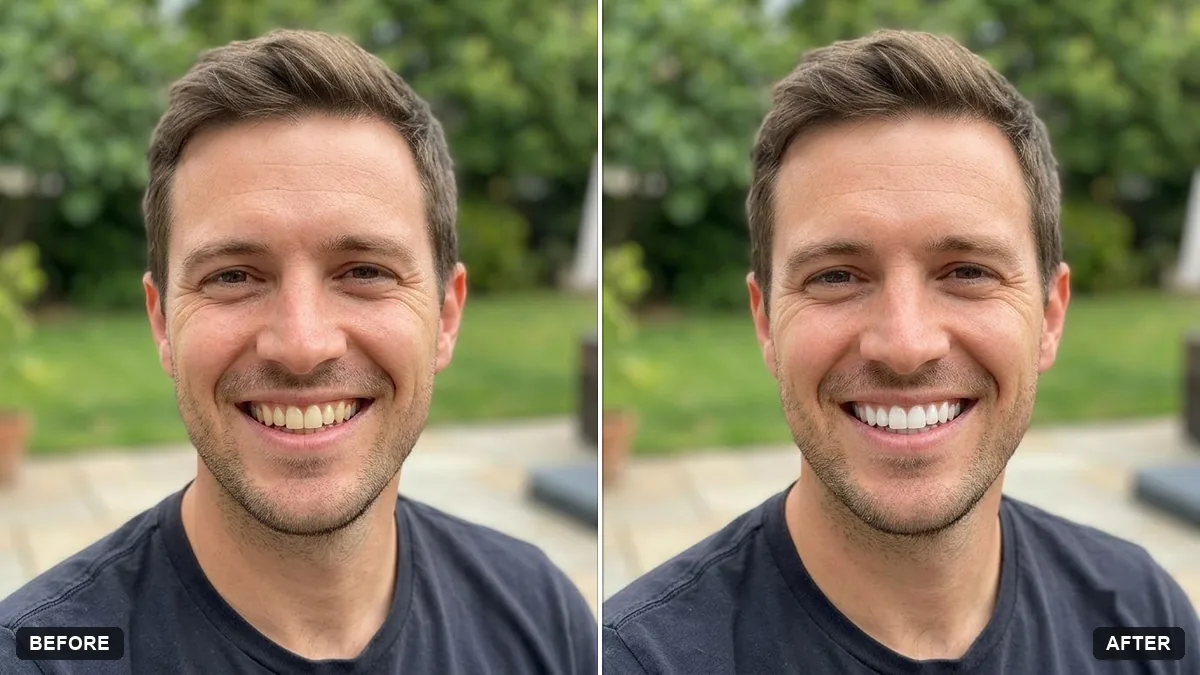
More like this
- Professional profile for a clinic websiteGemini · ChatGPT
- Architect at work portraitGemini · ChatGPT
- Developer workspace portraitGemini · ChatGPT
- Fitness coach portraitGemini · ChatGPT
- Passport / ID photo from a selfieGemini · ChatGPT