- Updated
Natural teeth brightening
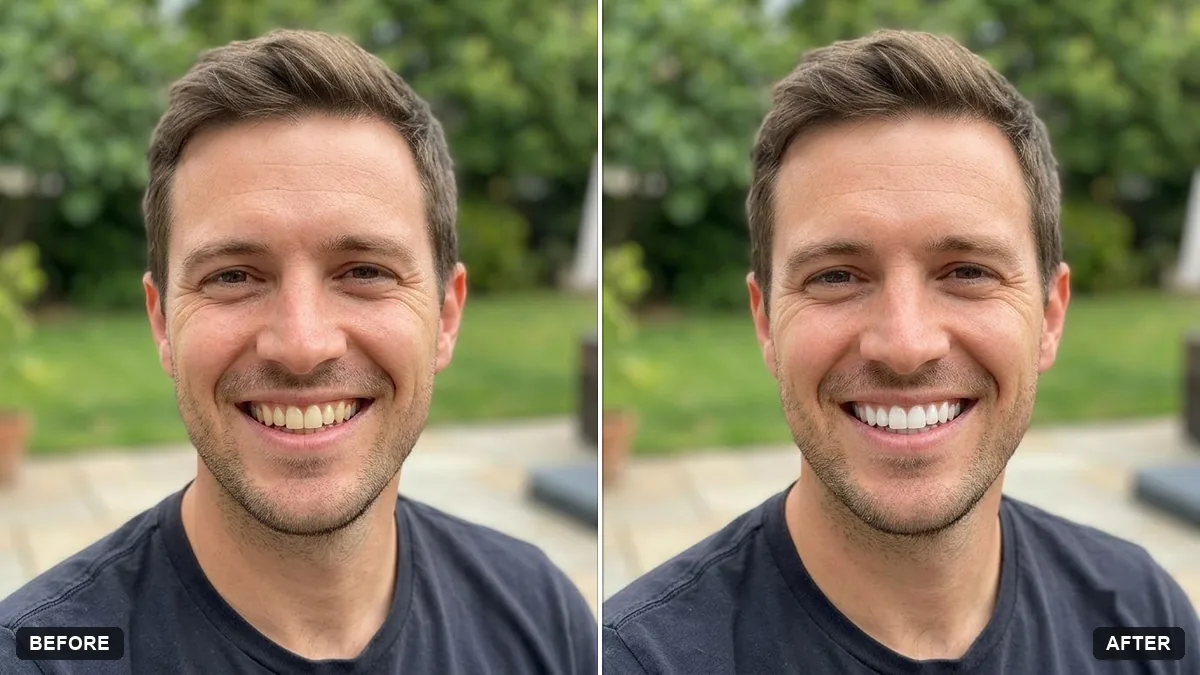
This prompt brightens teeth by only one or two shades with slight natural variation in tone, and changes nothing else. Fully white teeth look fake, so keep the change subtle.
Subtly brighten the teeth of the person in this photo by [ONE OR TWO] shades. Keep them looking natural, with slight variation in tone and realistic shading.

Do not change the shape of the teeth, the lips or any other feature. No other edits.
Ask for "one or two shades" only, since fully white teeth look fake.
Your photo goes to the AI app you choose, never to PromptUp.
Get a better result
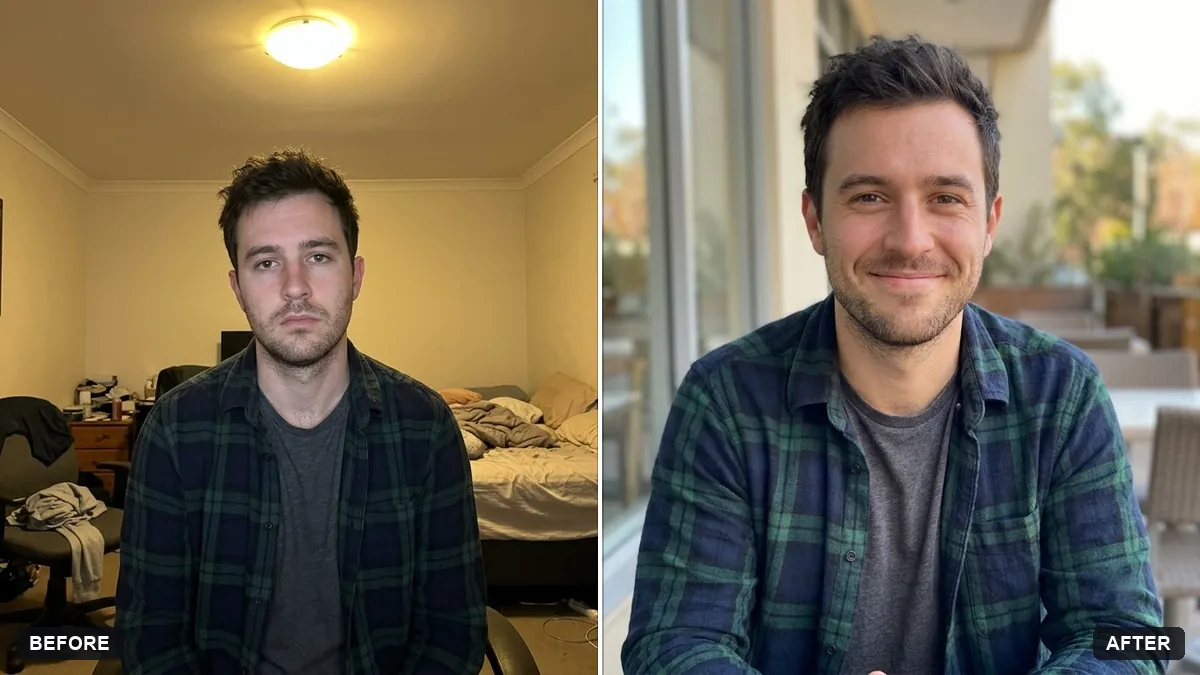
The same photo with teeth lightened by one or two shades, with natural variation in tone and shadow. The lips, the tooth shape and the rest of the face are left untouched.
The teeth look like one flat white sticker.
Fix: Ask for “one shade only, a little warmer near the gums and darker in the gaps between teeth”. Real teeth are never a single uniform colour.
- The whitening spills onto the lips or gums, or the smile shape changes. Add “edit inside the mouth only, do not touch lips, gums or tooth edges”, and compare the smile outline with the original.
- The teeth turn blue-white or grey in warm indoor light. Say “warm ivory white, matching the light colour of the room”. A cool white tooth in a warm photo looks edited at once.
Replace the brightening line with “remove only tea and coffee stains from the teeth and leave the natural tooth colour as it is”. This suits people who want a cleaner smile without a whiter one.
That is too white. Use only one shade of brightening, keep the natural shading between the teeth and make no change to the lips or gums.
About this prompt
Can I whiten teeth in a photo without it looking fake?
Yes. Ask for only one or two shades of brightening, keep the shading between teeth and tell the AI not to change tooth shape or lips. Fully white teeth are the main thing that makes an edited photo look fake.
Guides on this topic
More photo editing prompts
See all 334 →
More like this
- Smooth flyaway hairGemini · ChatGPT
- Preview a new hair colourGemini · ChatGPT
- Change the colour of clothingGemini · ChatGPT
- Try a new hairstyle before you cutGemini · ChatGPT
- Virtually try on an outfitGemini · ChatGPT