- Updated
Try a new hairstyle before you cut
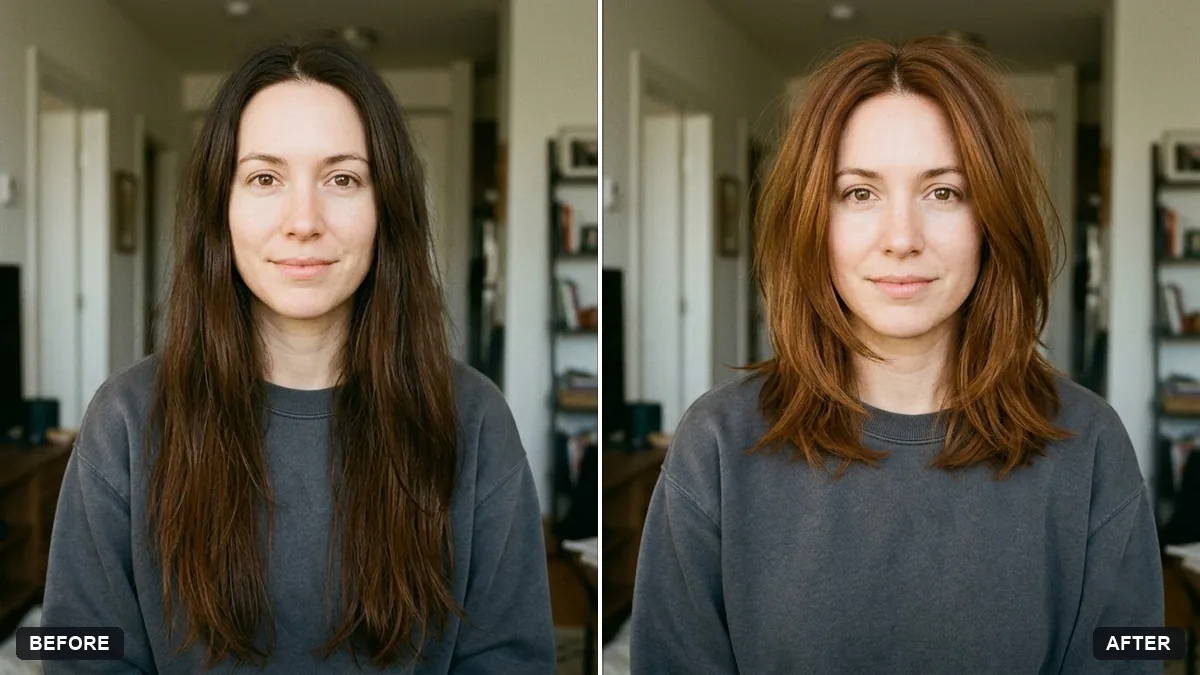
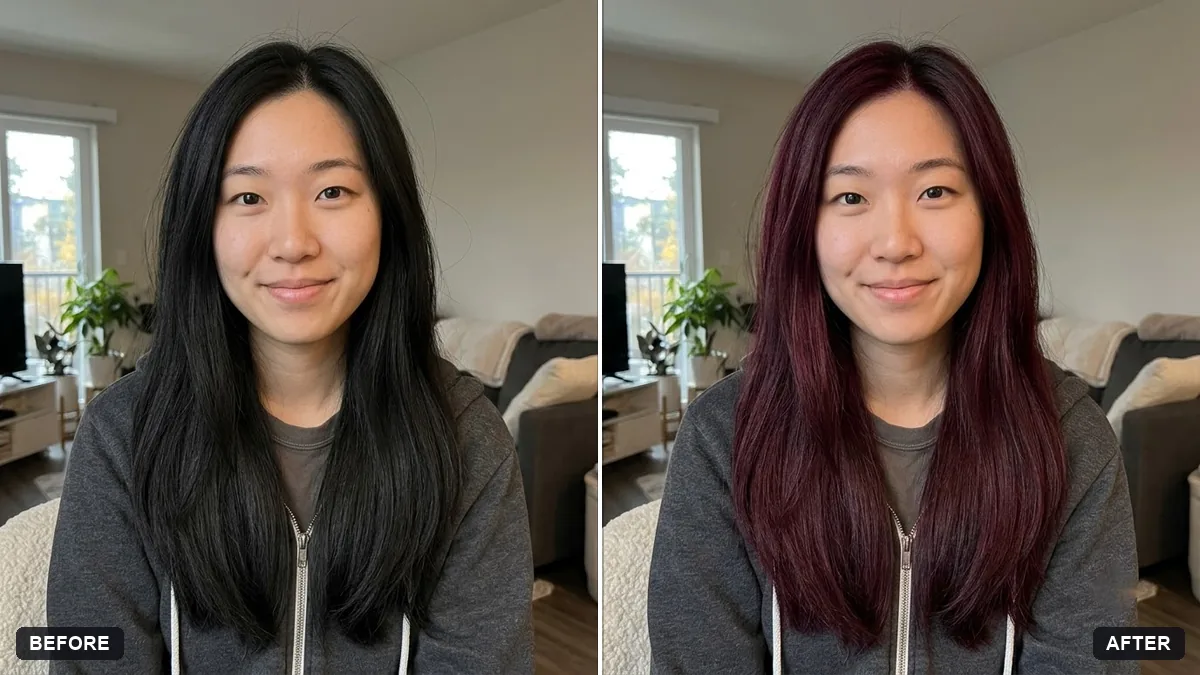
This prompt shows you with a hairstyle and colour you choose, such as a shoulder-length layered cut. Your face, skin, expression and clothing stay the same, and the natural hairline is matched.
Show me with a [HAIRSTYLE, e.g. shoulder-length layered cut / short textured crop] in [COLOUR]. Keep my face, skin, expression and clothing exactly the same.

Match the natural hairline, parting and lighting. Realistic hair texture, no wig look. Give 3 versions side by side: [STYLE 1], [STYLE 2], [STYLE 3].
Show your hairdresser the version you like. It removes guesswork.
Your photo goes to the AI app you choose, never to PromptUp.
Get a better result
Three versions of you side by side, each with a different hairstyle in the colour you named, matching your hairline, parting and lighting, with realistic hair texture and your face unchanged.
The hair looks like a wig sitting on top of the head.
Fix: Keep the prompt’s “match the natural hairline, parting and lighting” and add “soft, natural hair edges, strands blending into the forehead”.
- The face shape shifts to suit each haircut. Repeat “keep my face, jaw and skin exactly the same”, then compare all three faces with the original.
- The three versions look almost identical. Make the styles clearly different in length or shape: “a chin-length bob, a long layered cut, a short textured crop”.
Try the same idea for facial hair: “show me with light stubble, a full beard and clean shaven, three versions side by side, face and hairline unchanged”.
Show three clearly different hairstyles side by side, each blending naturally into my hairline, with my face, skin and clothes exactly the same.
Guides that use this prompt
More photo editing prompts
See all 334 →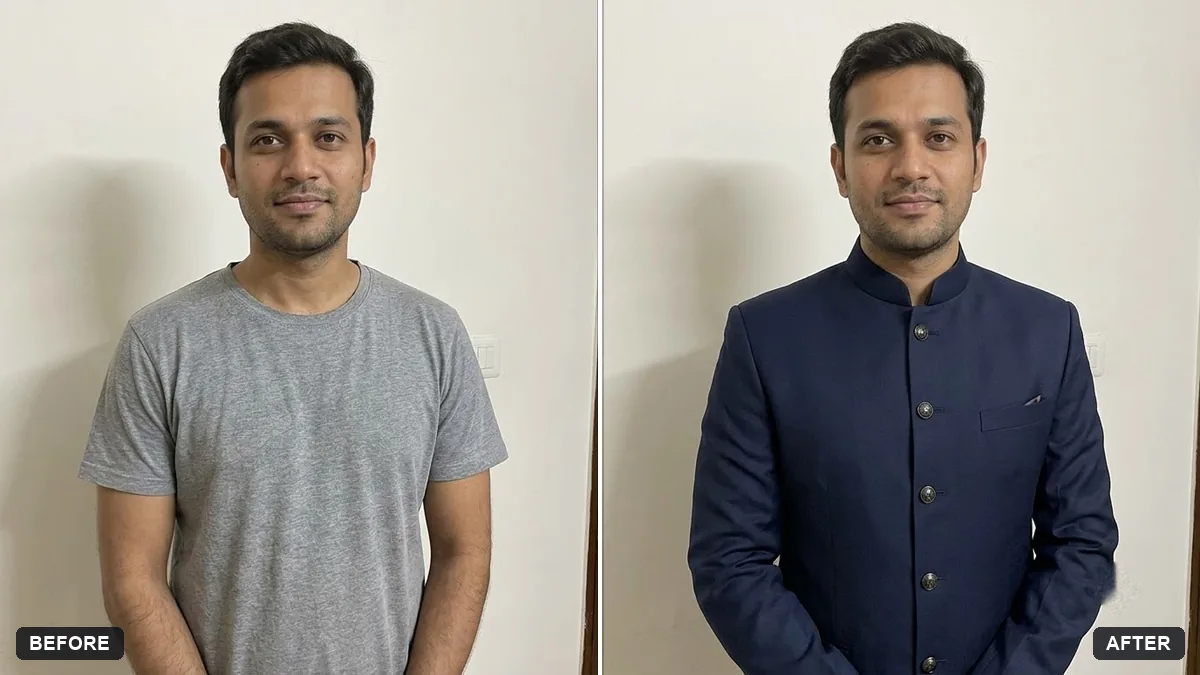
More like this
- Preview a beard or moustache styleGemini · ChatGPT
- Smooth flyaway hairGemini · ChatGPT
- Natural teeth brighteningGemini · ChatGPT
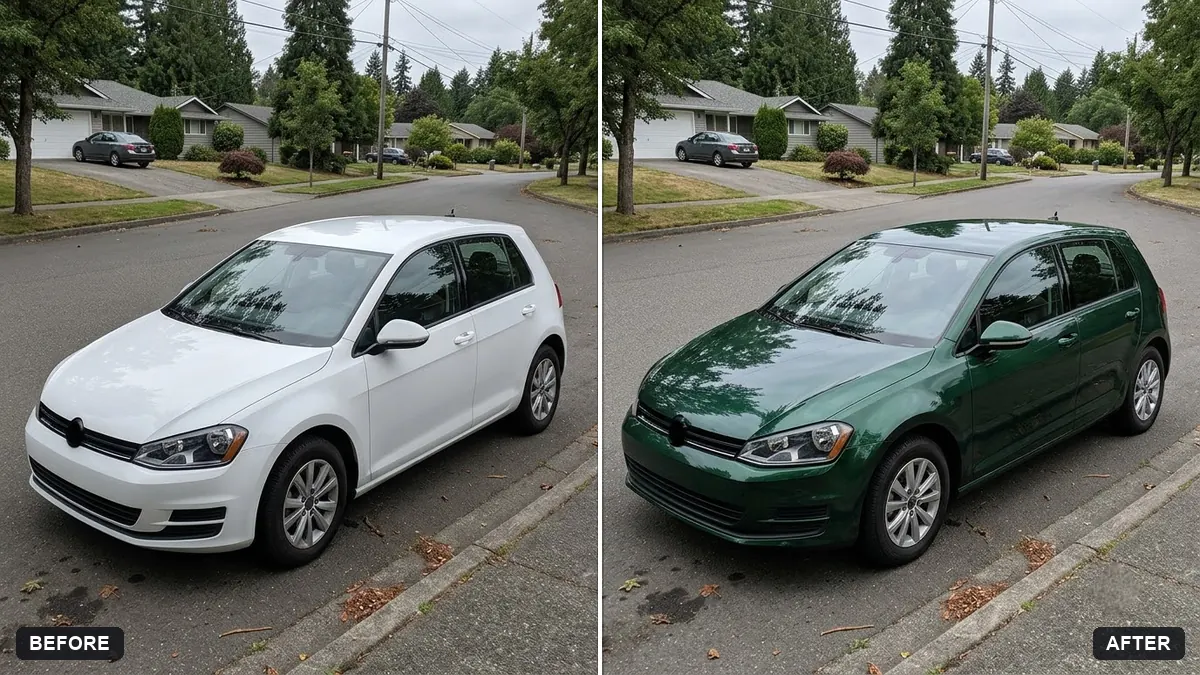
- Change the colour of clothingGemini · ChatGPT
- Preview a tattoo placementGemini · ChatGPT