- Updated
Remove crowds from a tourist photo
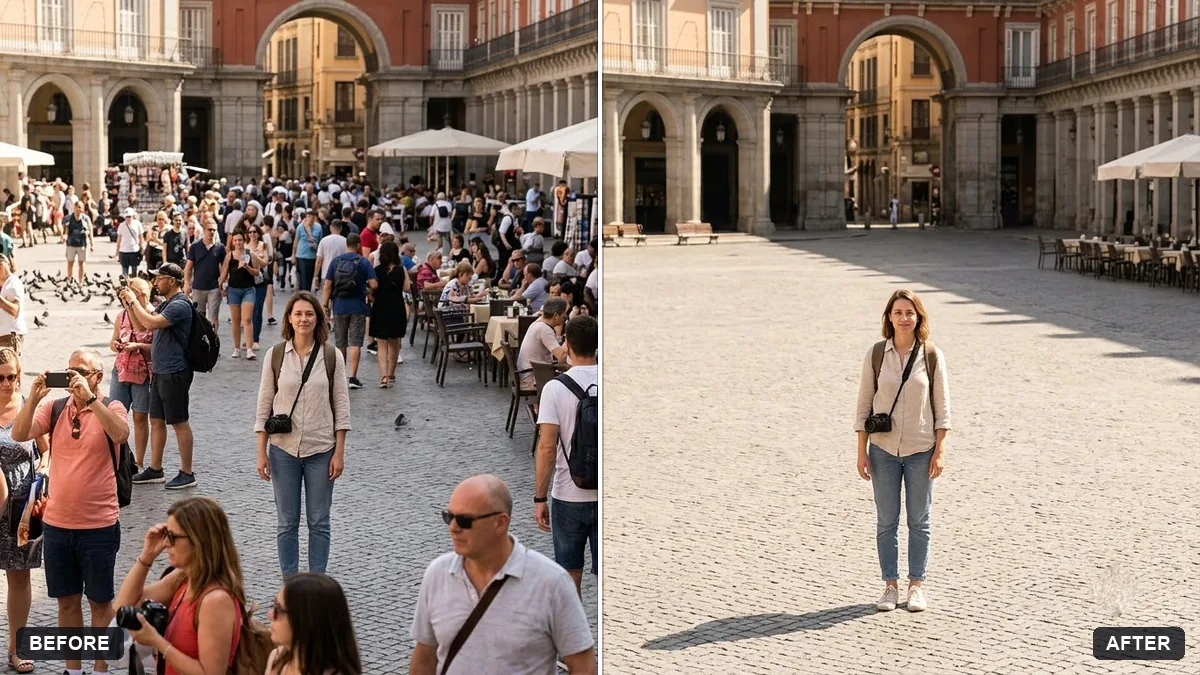
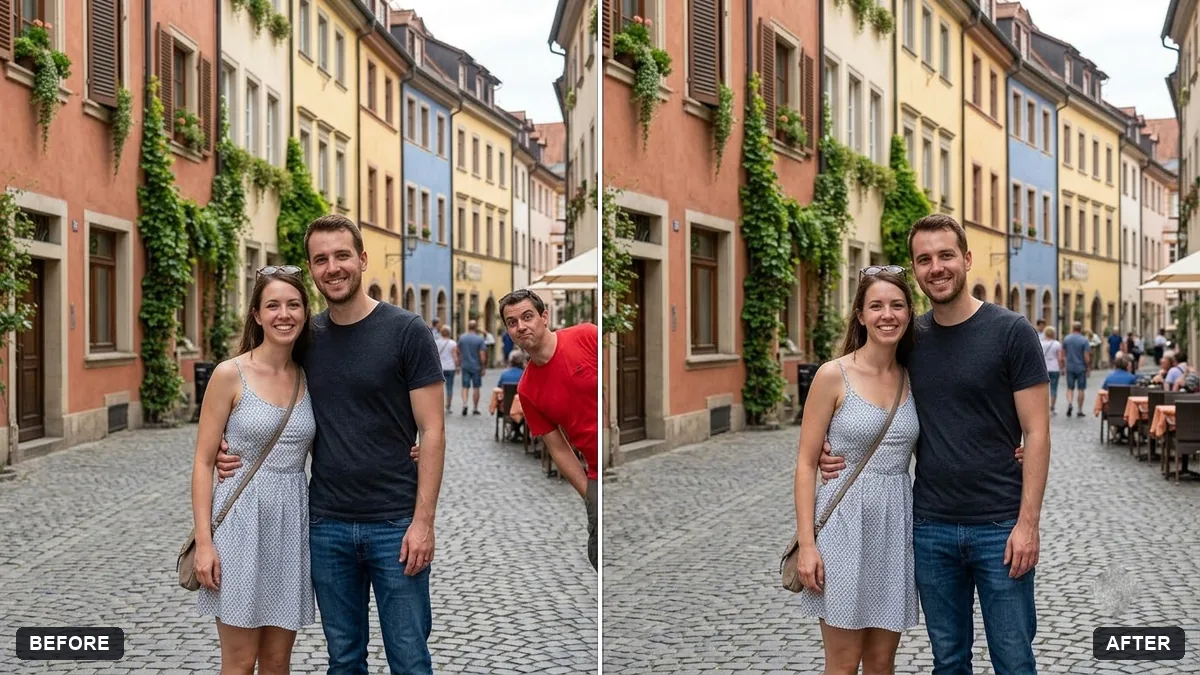
This prompt removes strangers from the background while keeping you or the people you name exactly as they are, and fills the empty areas with realistic pavement, walls and scenery.
Remove the strangers in the background of this photo. Keep [ME / THE PEOPLE I NAME: DESCRIPTION] exactly as they are.

Fill in the empty areas with realistic pavement, walls and scenery that match the surrounding texture and light. Do not change the landmark, the sky or my clothing.
Do it in steps if there are many people: first the largest, then the rest.
Your photo goes to the AI app you choose, never to PromptUp.
Get a better result
Your tourist photo with the strangers gone and the pavement, walls and scenery filled in to match, while you and your group stay untouched in front of the landmark.
A stranger is removed but a ghost shape or smeared patch is left behind.
Fix: Run it in steps as the tip says: the biggest people first, then the smaller ones. Each pass has less to repair, so the filled areas look cleaner.
- The AI removes a friend standing near the edge. Describe who stays in the first blank, for example “the woman in the red kurta and the man in the grey cap on the left”, so nobody is guessed.
- The landmark itself changes, with extra arches or different windows. Add “do not redraw the monument, copy its details exactly”. If it still changes, crop out the busiest edge first and try again.
For a lived-in feel, say “leave the one man in the white shirt walking on the right and remove everyone else”. A single stranger can make a photo look more natural than an empty square.
Remove only the people still visible behind us on the left. Keep our group, the landmark and the sky exactly as they are.
Guides that use this prompt
More photo editing prompts
See all 334 →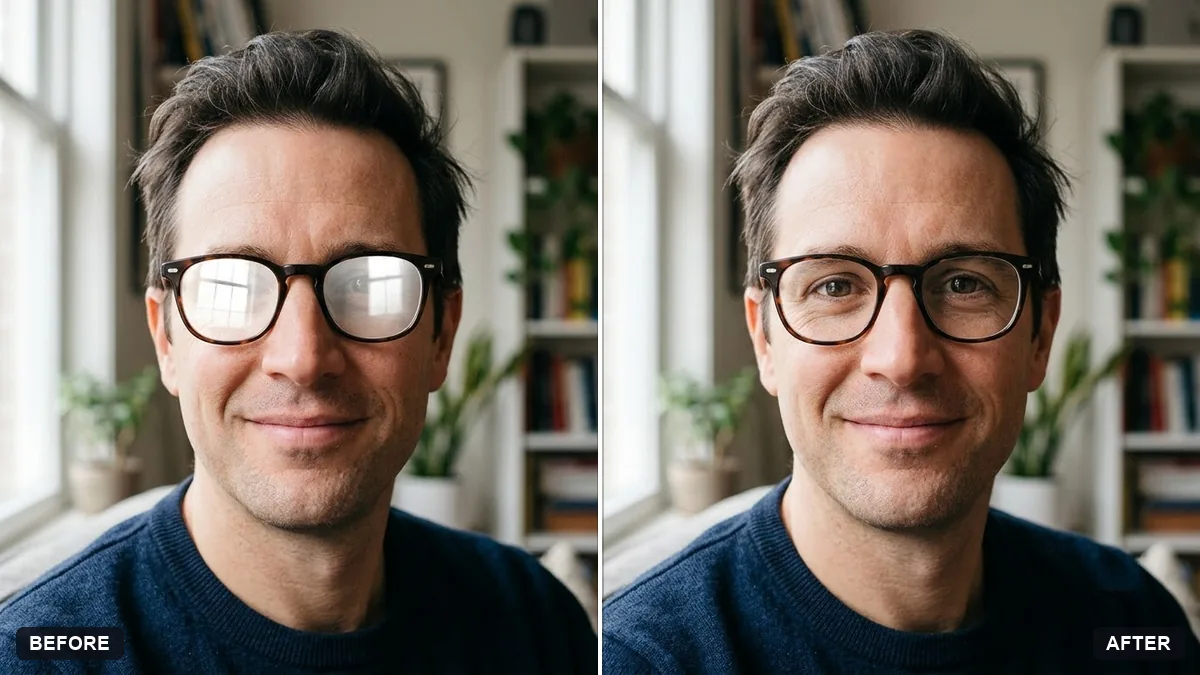
More like this
- Clear crowds from a beach photoGemini · ChatGPT
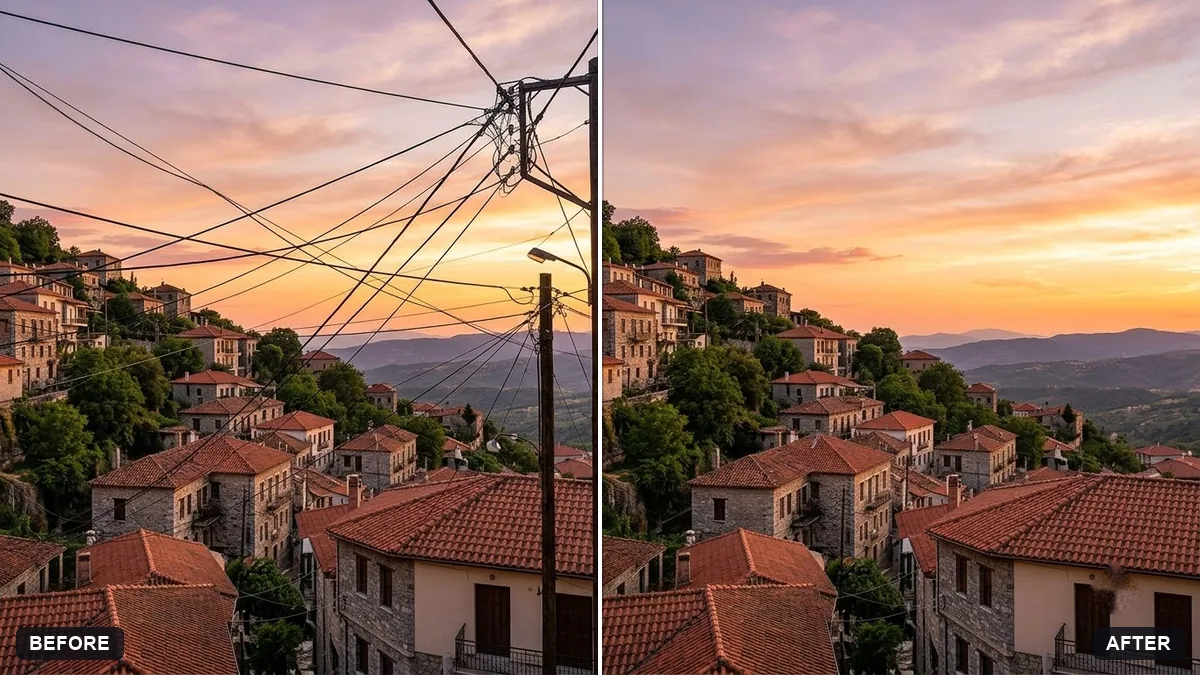
- Remove signs and clutter from a street photoGemini · ChatGPT
- Tidy a cluttered backgroundGemini · ChatGPT
- Remove reflections from window shotsGemini · ChatGPT
- Remove parked cars from a street photoGemini · ChatGPT