- Updated
Remove a photobomber
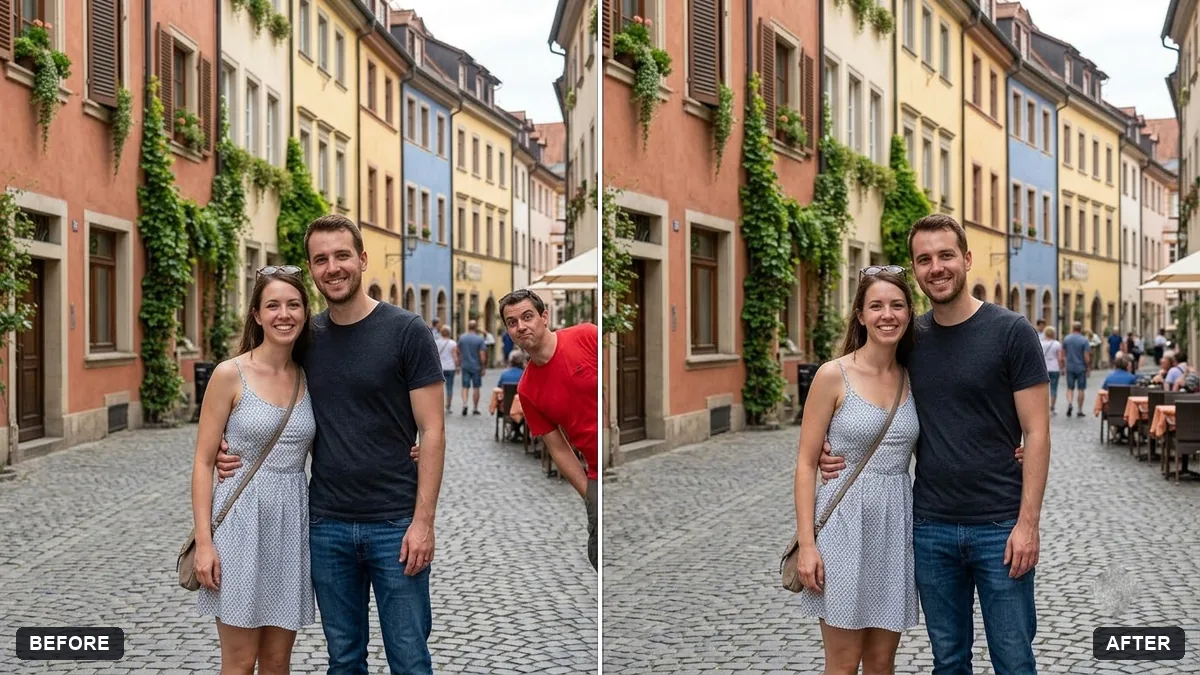
This prompt removes a person or object you describe, for example the man in the red shirt on the right, and keeps the people who should stay exactly as they are.
Remove the [DESCRIBE PERSON OR OBJECT, e.g. man in the red shirt on the right] from this photo. Keep [WHO SHOULD STAY] exactly the same.

Fill the gap with realistic background that matches the surroundings, lighting and perspective. Do not change any other faces, clothing or objects.
Be very specific about who to remove and who to keep.
Your photo goes to the AI app you choose, never to PromptUp.
Get a better result
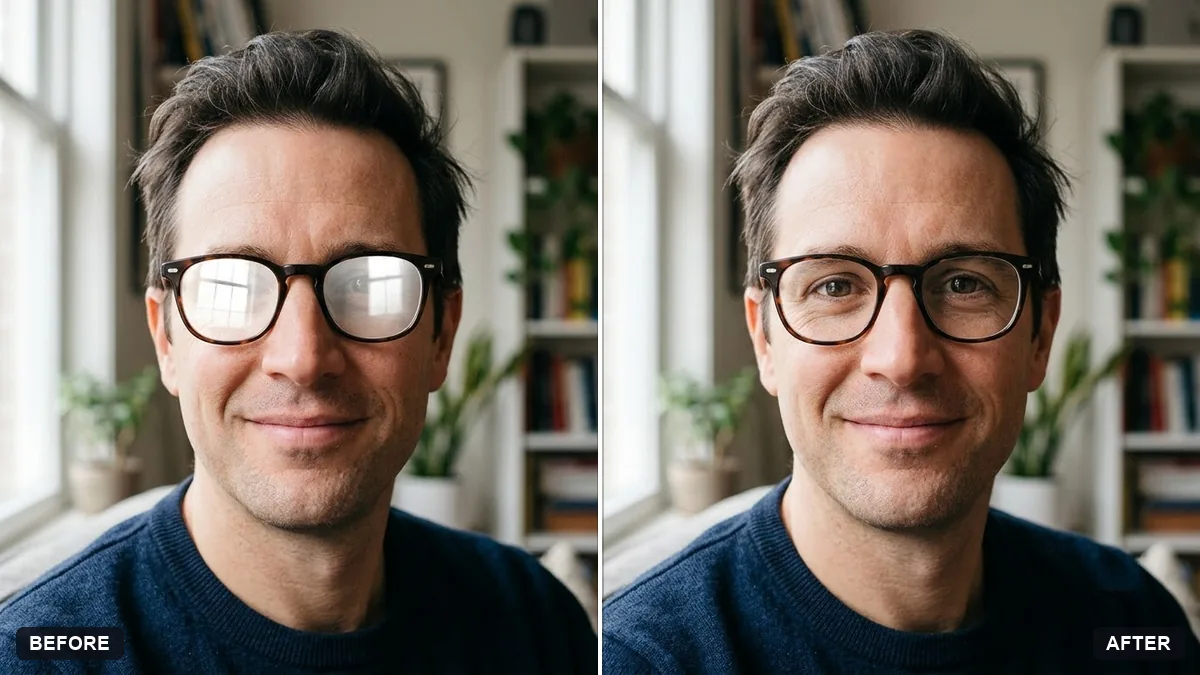
Your photo with the person or object you named removed and the gap filled with matching background, lighting and perspective, while everyone else, their clothes and the rest of the scene stay as they were.
The wrong person is removed, or two people merge.
Fix: Describe by position and clothes, such as “the man in the red shirt on the far right”, and name who stays: “the couple in the centre”.
- A ghost, a shadow or a leftover arm remains where the person stood. Add “remove their shadow and any part of them touching others, such as an arm on a shoulder”.
- The filled background repeats a pattern or bends straight lines. Ask for “continue the pavement lines and the wall straight through the gap”, then check railings and tiles.
To clear a few passers-by, list each one separately: “remove the man at the left edge and the two people behind the fountain”. Do them in one request, then check the edges.
Remove only the person I described by position and clothes, keep the people I named exactly the same, and continue the background straight through the gap.
Guides that use this prompt
More photo editing prompts
See all 334 →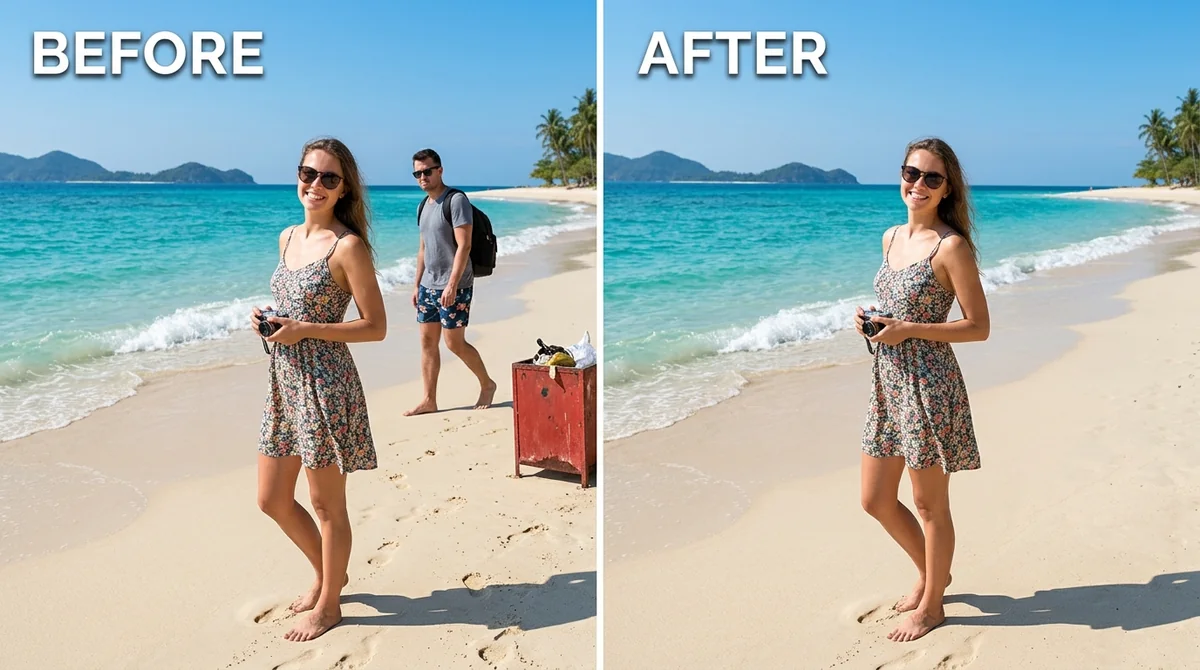
More like this
- Clear crowds from a beach photoGemini · ChatGPT
- Remove crowds from a tourist photoGemini · ChatGPT
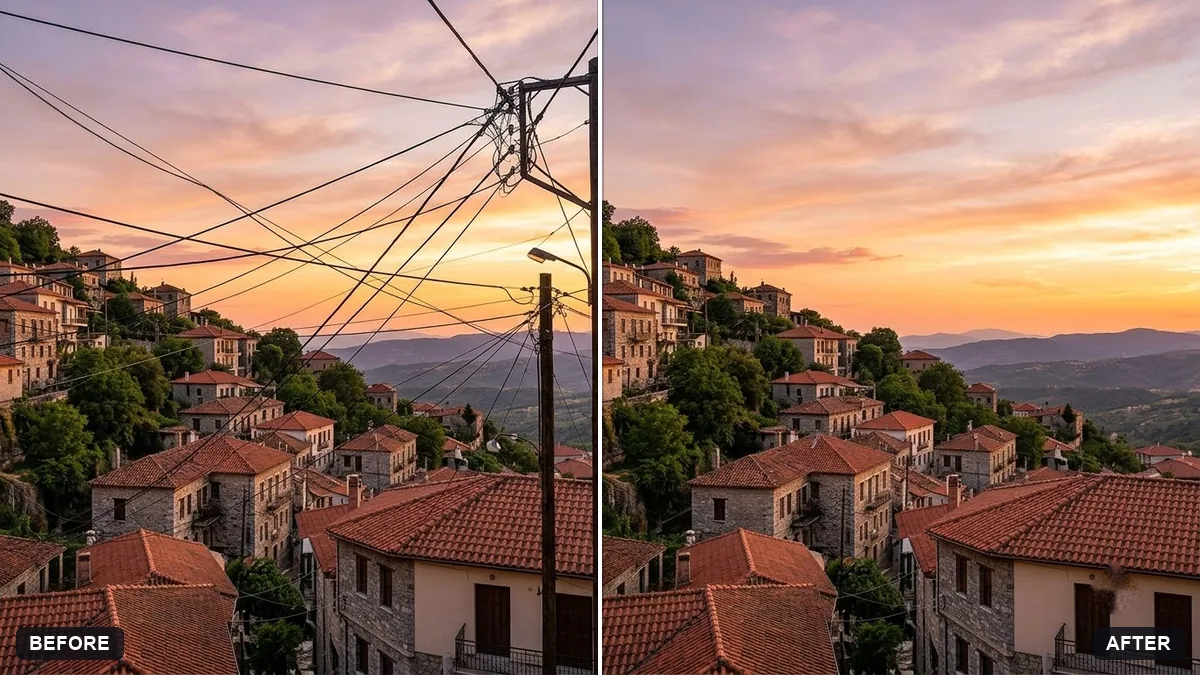
- Remove signs and clutter from a street photoGemini · ChatGPT
- Tidy the background of a team photoGemini · ChatGPT
- Remove unwanted lens flareGemini · ChatGPT