- Updated
Brighten a face in a backlit photo
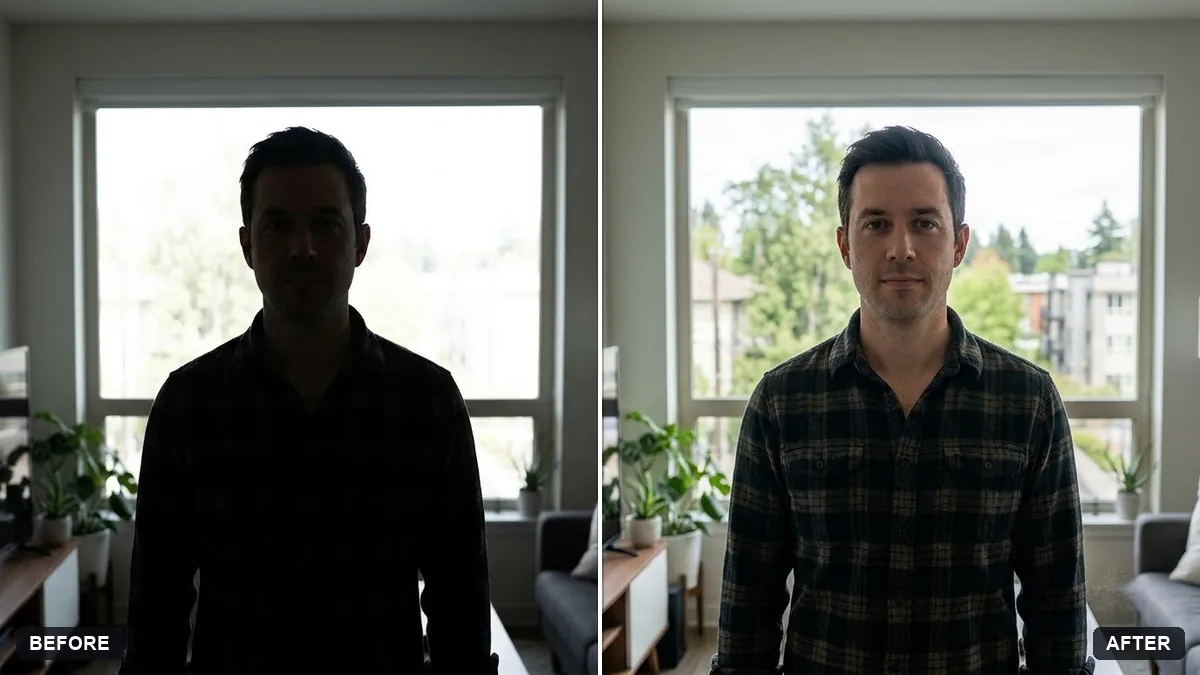
This prompt gently brightens faces and shadows in a backlit photo so the features are clear, while keeping the bright background intact and skin tones natural, with no artificial glow.
This photo of [PERSON OR PEOPLE] is backlit and the face is too dark. Brighten the face and shadows gently so the features are clear, while keeping the bright background intact and not blown out.

Keep skin tones natural, avoid an artificial glow, and do not alter the face shape or features.
Keep the sky exposed as it is and only lift the face, so the photo still feels natural.
Your photo goes to the AI app you choose, never to PromptUp.
Get a better result
The same backlit photo with the face lifted into clear view, natural skin tone and the bright background still intact, not blown out and not given an artificial glow.
The face is brightened but now looks pasted on against the sky.
Fix: Ask for “brighten the face gently and keep the lighting direction consistent with the scene”. A small lift looks more natural than a big one.
- The skin tone turns grey or orange. Say “keep the skin tone natural and consistent with the original”. If your skin looks different, mention it, for example “deep brown skin, do not lighten”.
- The background gets dimmer too. Follow the tip: “only lift the face and shadows, leave the sky and background exposure alone”.
For several people, list them in the first blank and add “brighten every face evenly so no one is darker than the others”. Check the faces at the edges.
Lift the face only a little more and leave the sky exactly as it is. Keep the face shape, features and skin tone unchanged.
Guides on this topic
More photo editing prompts
See all 334 →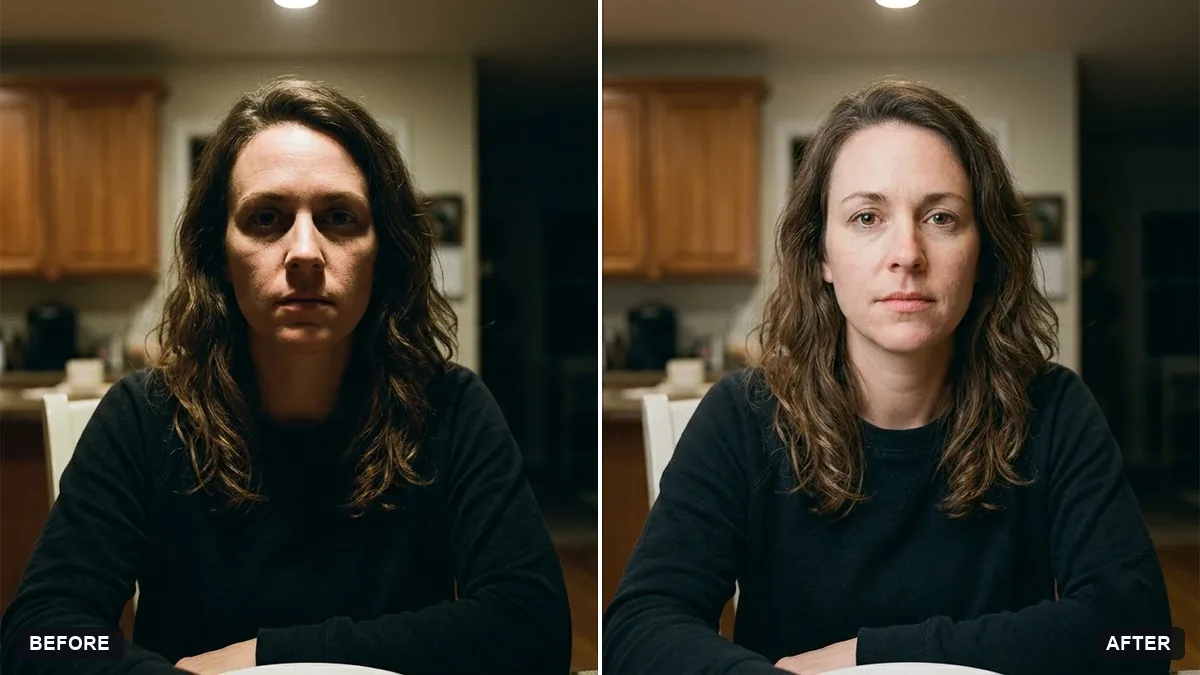
More like this
- Rescue an underexposed concert photoGemini · ChatGPT
- Fix a blurry photo (Sharp & crisp)Gemini · ChatGPT
- Recover blown-out highlightsGemini · ChatGPT
- Fix red-eye in flash photosGemini · ChatGPT
- Fix yellow indoor lightingGemini · ChatGPT