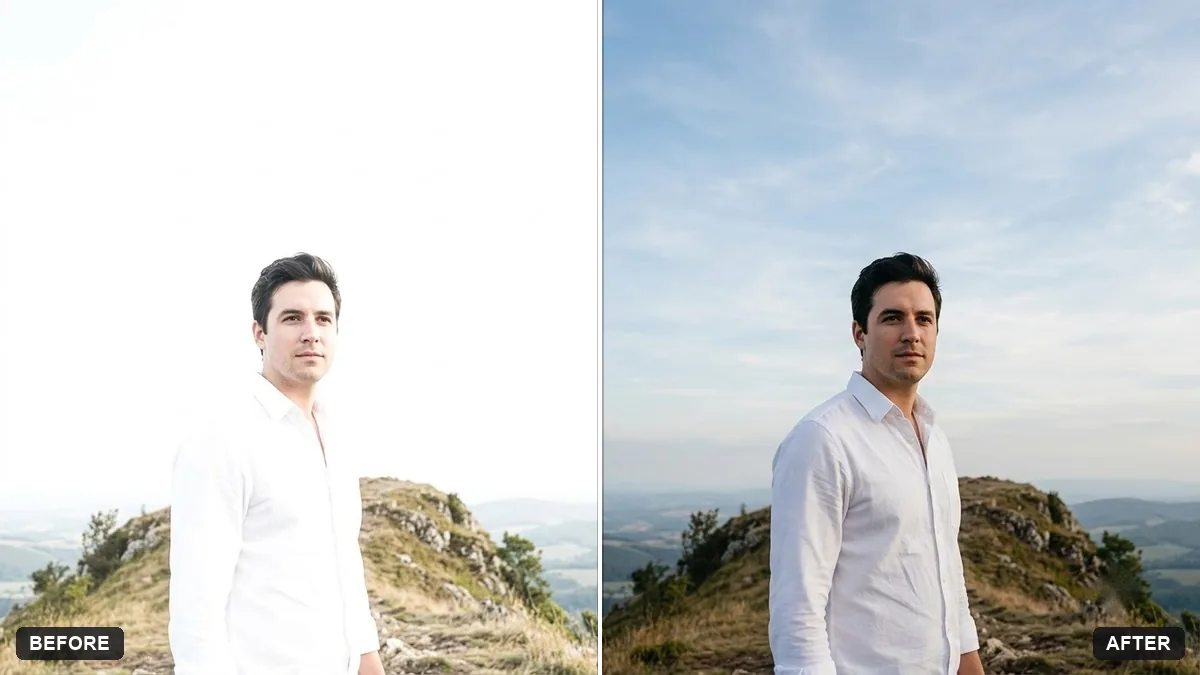
- Updated
Recover blown-out highlights
This prompt brings back detail in overexposed areas of your photo, such as a sky, white clothing or a face, and reduces the harsh look.
Recover the blown-out highlights in this photo. Bring back detail in the [SKY / WHITE CLOTHING / FACE] and reduce the harsh glare.

Balance the exposure evenly, keep natural colour and contrast, do not make it look HDR, and keep every person and object unchanged.
Tell the AI where the problem is. It works much better than a general fix.
Your photo goes to the AI app you choose, never to PromptUp.
Get a better result
Your photo with the washed-out area, whether sky, white clothing or a face, recovered with visible detail, balanced exposure and natural colour, not an HDR look.
Blown highlights are areas where the photo lost detail, so a general fix often brightens or darkens the wrong part. The prompt names where the problem is, the sky, white clothing or a face, and asks to bring detail back there while balancing the rest. Banning an HDR look and keeping every person and object unchanged stops the repair from turning into a heavy filter.
The highlight area turns grey and muddy.
Fix: Ask for “bring back detail but keep it bright and clean”. A small recovery reads better than turning white into mid-grey.
- The AI invents clouds or folds that were never there. Say “recover only what was in the scene, do not add new clouds, patterns or objects”. Truly empty white pixels can only be guessed.
- The edit makes the photo look over-processed. Keep “do not make it look HDR” and add “keep natural contrast”. Try recovering one area at a time.
Choose the face and add “restore skin detail on the forehead and nose without making the skin look smoothed”. Describe the lighting too, such as harsh noon sun.
Keep every person from the original photo, each with their exact face and age. Do not remove, add or merge anyone.
Guides that use this prompt
More photo editing prompts
See all 334 →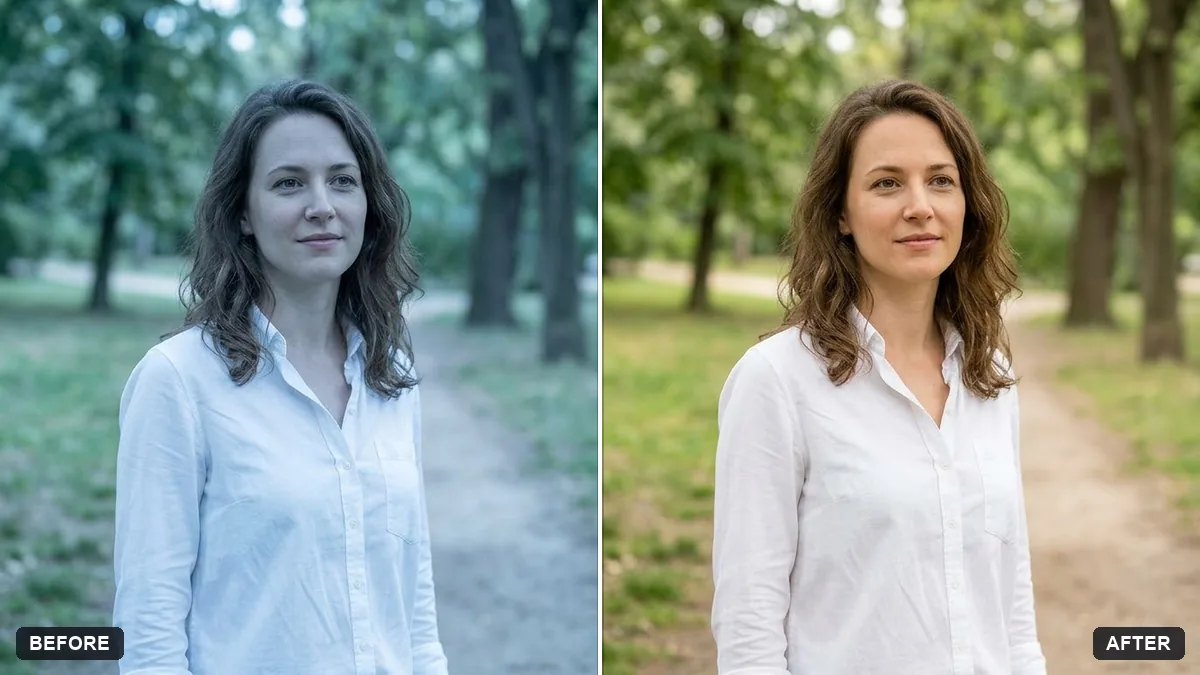
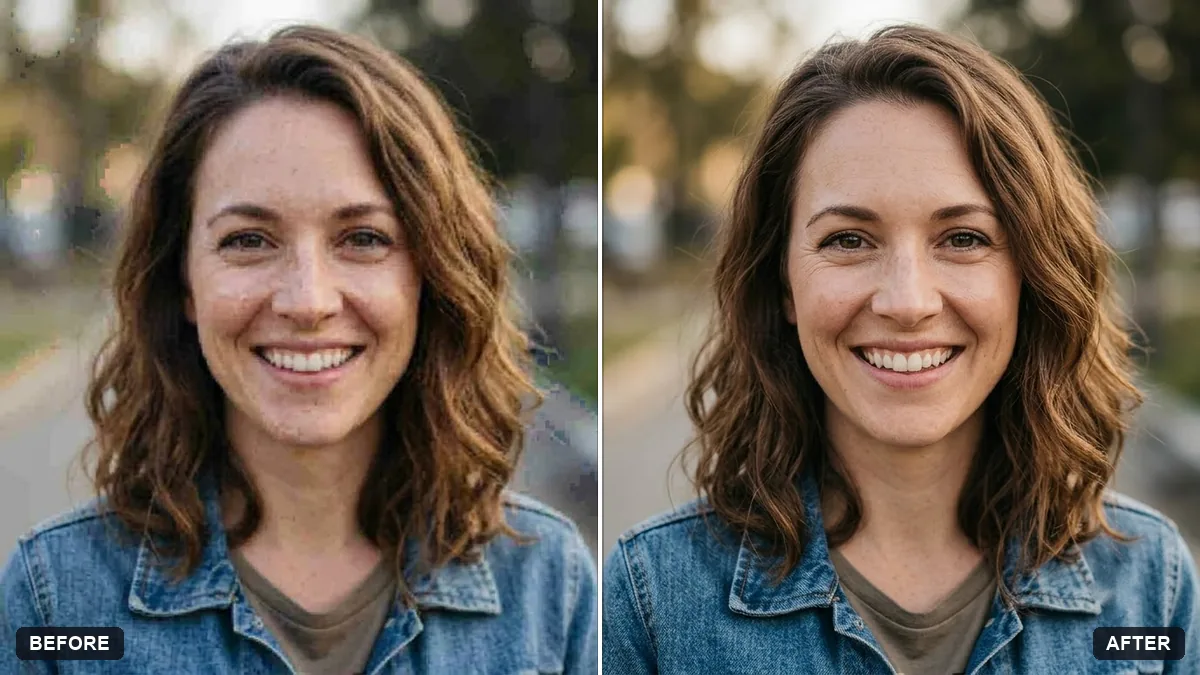
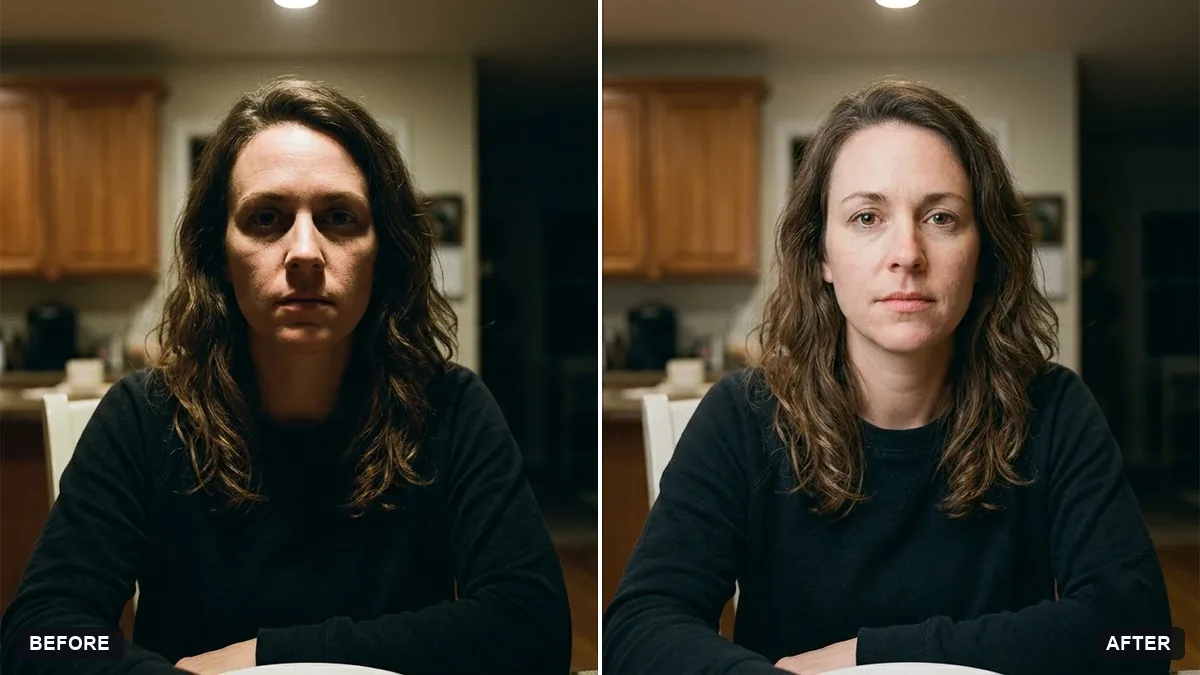
More like this
- Fix an overexposed baby photoGemini · ChatGPT
- Brighten a face in a backlit photoGemini · ChatGPT
- Fix a weird AI photo (hands, face, skin)Gemini · ChatGPT
- Fix yellow indoor lightingGemini · ChatGPT
- Fix wide-angle lens distortionGemini · ChatGPT