- Updated
Correct a yellow or blue colour cast
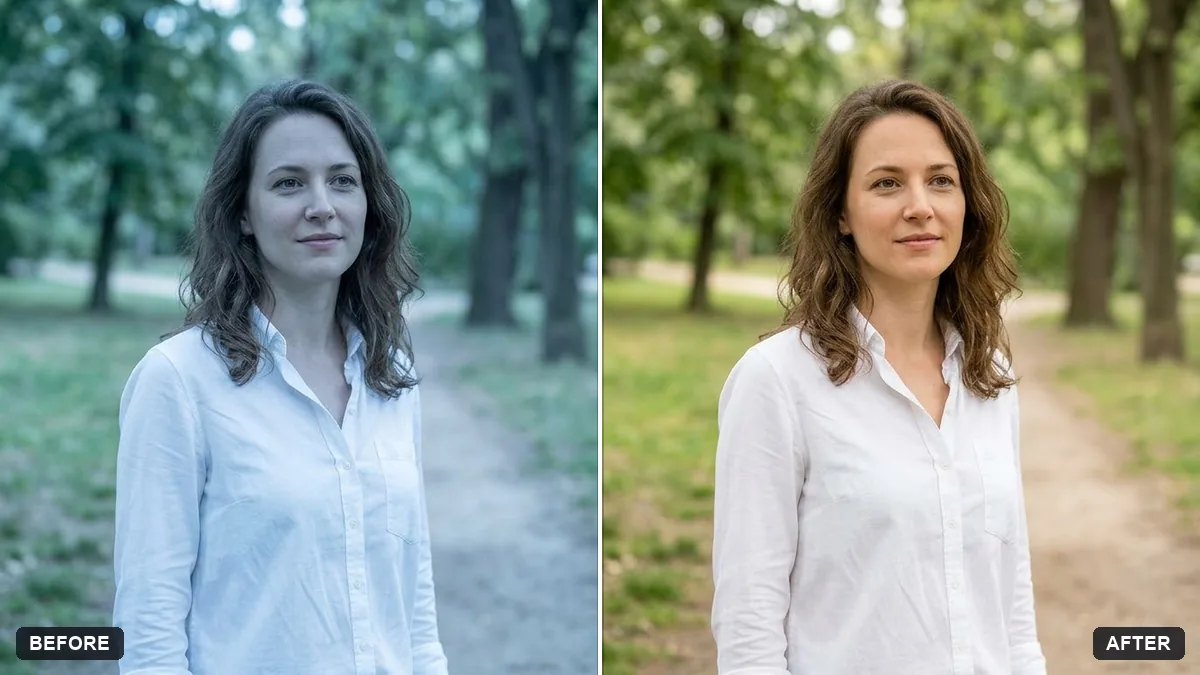
This prompt corrects a colour cast in your photo. You say whether it looks too yellow, blue or green and why, for example indoor bulbs, and it neutralises the tint.
Correct the colour cast in this photo. It looks too [YELLOW / BLUE / GREEN] because of [e.g. indoor bulbs / shade / fluorescent lights].

Make whites truly white and skin tones natural. Keep the mood, do not oversaturate, and keep every detail and person exactly the same.
Point to something that should be white or grey so the AI can calibrate.
Your photo goes to the AI app you choose, never to PromptUp.
Get a better result
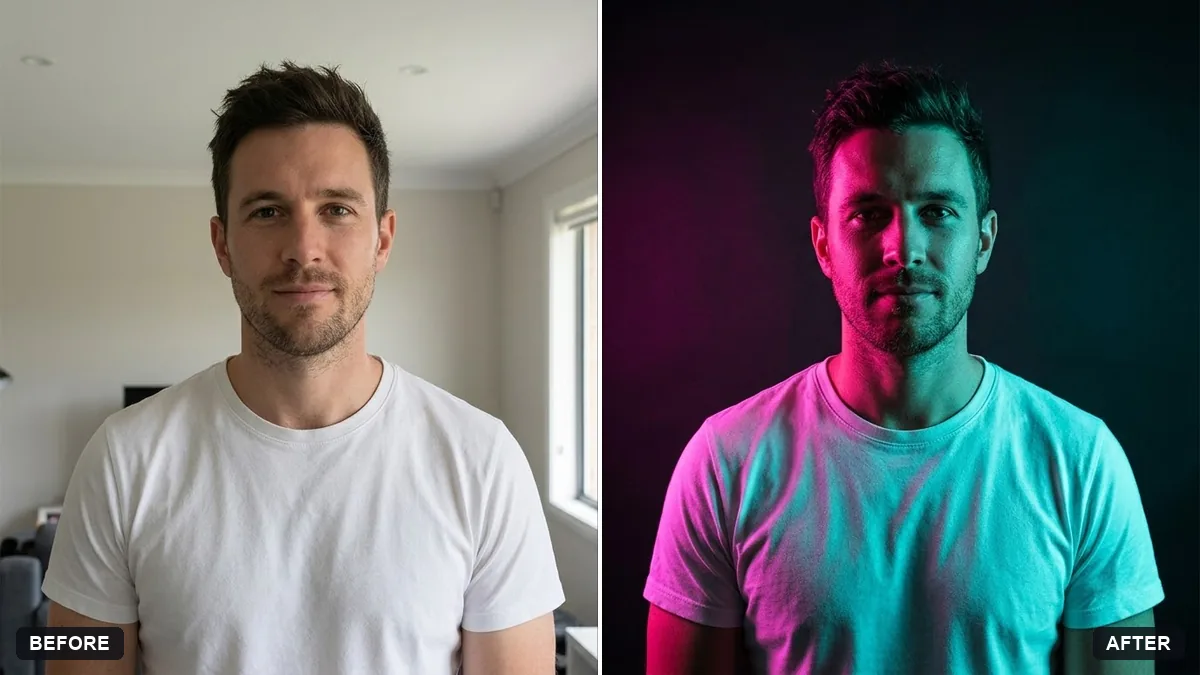
Your photo with the colour cast removed, whites that look white, natural skin tones, the original mood and every detail and person unchanged.
The fix swings too far and looks cold or pink.
Fix: Say “correct only part of the cast and keep the warmth of the evening light”. A mood in the photo can be wanted.
- Skin looks grey. Name the problem, “skin tones should stay warm and healthy”. Point to a real white object such as a shirt, wall or paper.
- Only part of the photo is fixed, as in mixed lighting. Say where the cast is, such as “window light is blue and the lamp is yellow”. Mixed lights may need two passes.
For future photos, include a white sheet or grey card in a test shot under the same light. Show it to the AI and say “use this as the reference for white”.
Keep every detail the same. Make the white wall truly neutral and keep a slightly warm feel on the faces.
Guides that use this prompt
More photo editing prompts
See all 334 →
More like this
- Enhance a hazy drone photoGemini · ChatGPT
- Brighten a face in a backlit photoGemini · ChatGPT
- Fix wide-angle lens distortionGemini · ChatGPT
- Fix red-eye in flash photosGemini · ChatGPT
- Straighten a tilted horizonGemini · ChatGPT