- Updated
Fix yellow indoor lighting
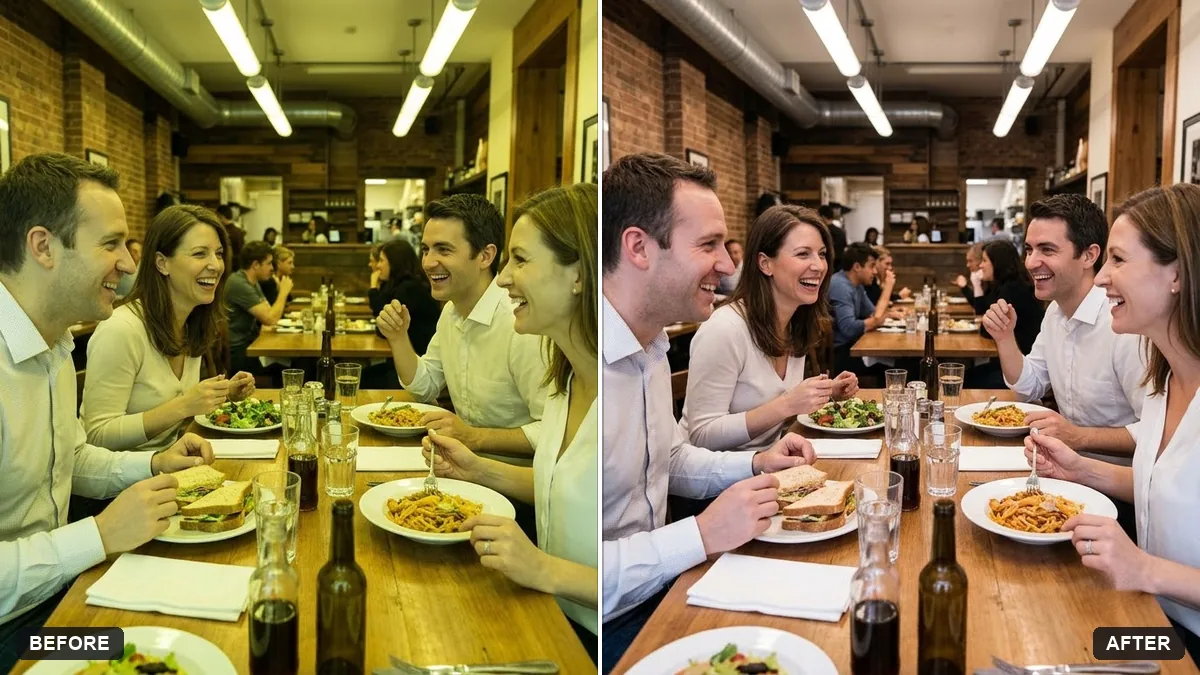
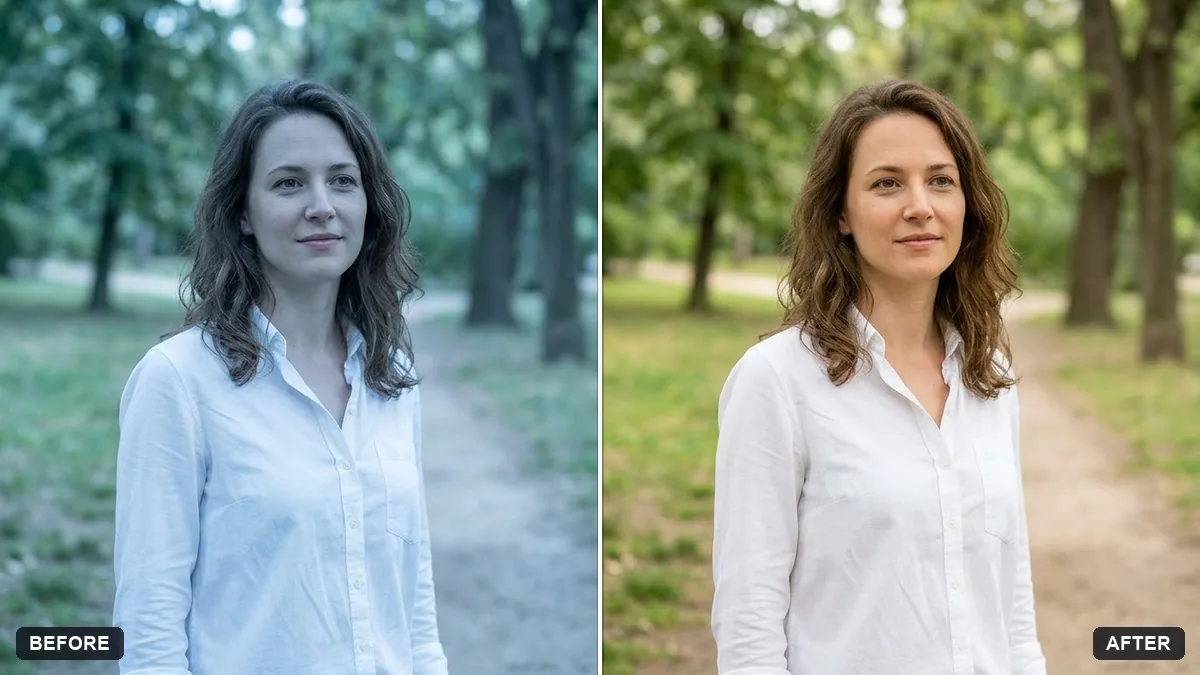
This prompt corrects the colour of an indoor photo taken under warm bulbs or tube lights, neutralising the yellow or green cast while keeping the cosy atmosphere. Say what type of light was used.
Correct the colour of this indoor photo taken under [WARM BULBS / TUBE LIGHTS]. Neutralise the yellow or green cast so whites look white and skin tones look natural.

Keep the cosy atmosphere. Do not change the composition or the people.
Mention whether the light was from bulbs, tube lights or LED so the AI knows what to correct.
Your photo goes to the AI app you choose, never to PromptUp.
Get a better result
Your indoor photo with the yellow or green cast neutralised, whites that look white, natural skin tones and the cosy feel kept, with the composition and people unchanged.
The warm, homely feel is lost and the room looks clinical.
Fix: Say “remove most of the cast but keep a gentle warm tone in the lamps”. Name the light source so the AI corrects the right colour.
- Skin looks grey or pale. Add “skin tones stay warm and healthy”. Point out something that should be neutral, such as a white door or a sheet of paper.
- Tube-light green is only partly gone. Write “fluorescent green cast” in the blank and ask for the tint to be removed first, then the warmth adjusted.
Run the same photo again with “bulbs in the kitchen and daylight from the window”. Mixed light in one shot often needs a second description to look right.
Keep the people and the composition exactly the same. Reduce the yellow a little more but leave a warm glow around the lamps.
Guides on this topic
More photo editing prompts
See all 334 →
More like this
- Fix a weird AI photo (hands, face, skin)Gemini · ChatGPT
- Brighten a face in a backlit photoGemini · ChatGPT
- Fix a blurry photo (Sharp & crisp)Gemini · ChatGPT
- Recover blown-out highlightsGemini · ChatGPT
- Rescue a dark, noisy night photoGemini · ChatGPT