- Updated
Rescue a dark, noisy night photo
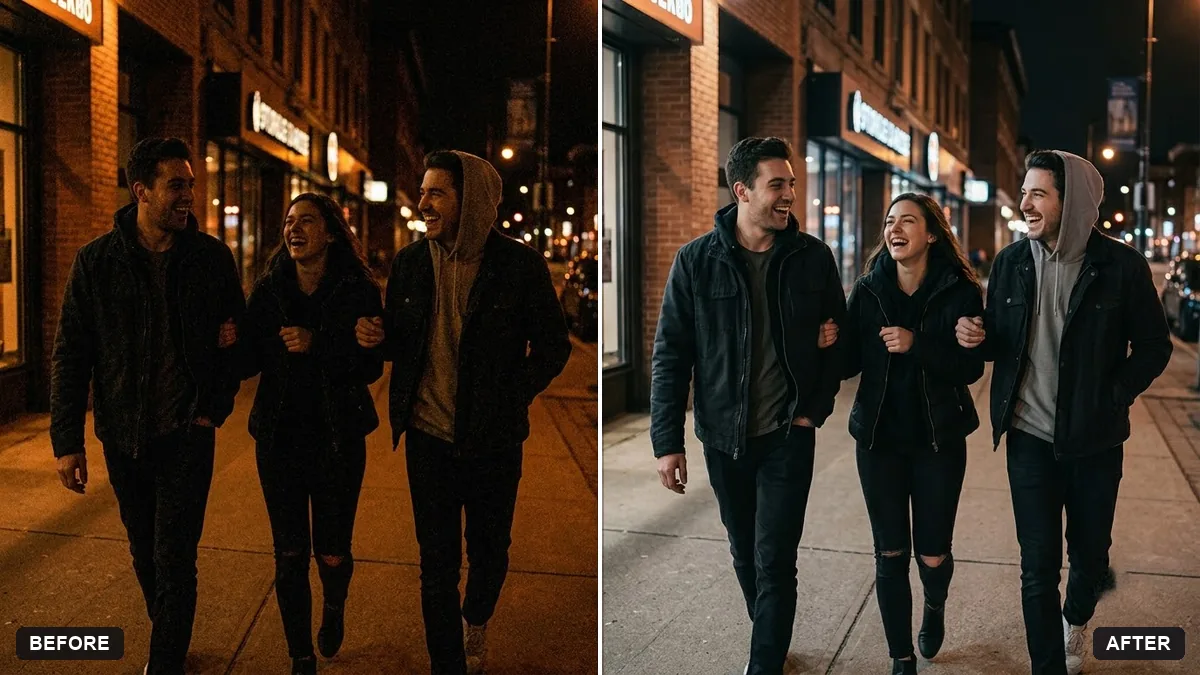
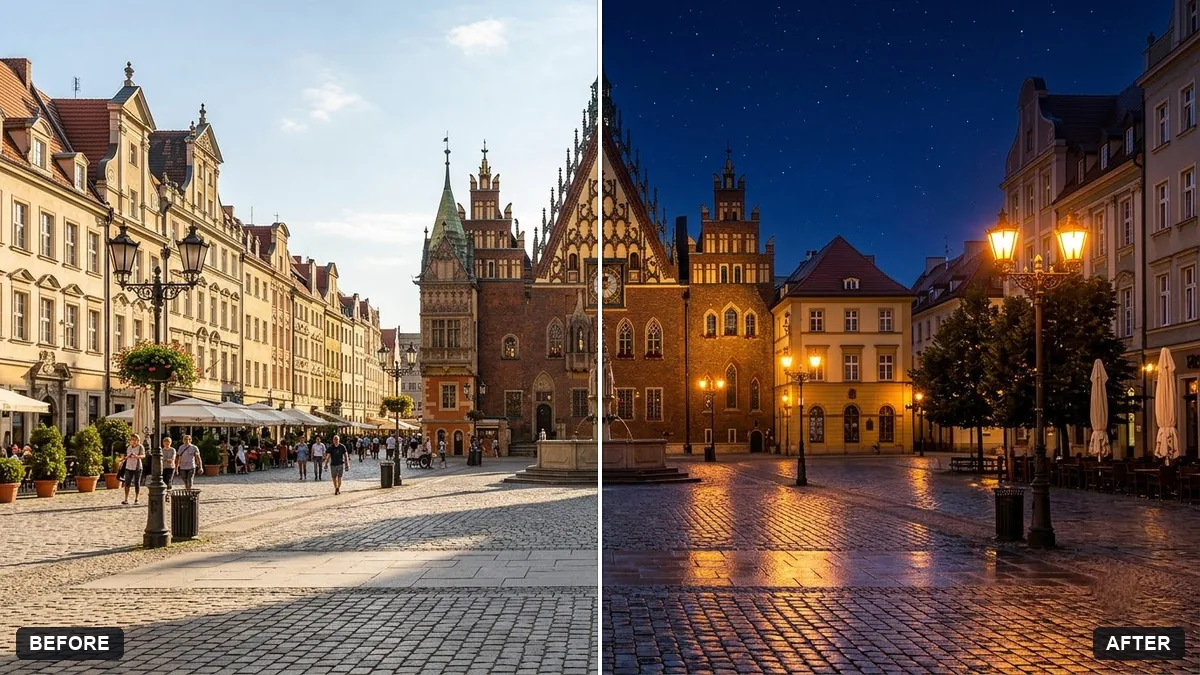
This prompt rescues a dark, noisy photo. It brightens evenly, recovers shadow detail without flattening the image, reduces grain and corrects colour casts such as orange or green.
Rescue this dark, noisy [SCENE, e.g. night street / party] photo. Brighten it evenly, recover detail in shadows without flattening the image, reduce grain, correct the orange or green colour cast and keep the mood of the night.

Keep the people's faces and everything else unchanged. Do not add or remove any objects. Natural, not HDR-looking.
Say what time of day the photo was taken so the AI keeps the right mood.
Your photo goes to the AI app you choose, never to PromptUp.
Get a better result
Your dark, noisy night photo brightened evenly, with detail recovered in the shadows, grain reduced, the orange or green colour cast corrected and the mood of the night kept, without an HDR look.
The night ends up looking like daytime.
Fix: Follow the tip and give the time: “this was taken at 10 pm, keep it clearly night, only lift the shadows”.
- Faces are smoothed and lose their features. Repeat “keep the people’s faces unchanged” and add “reduce noise but keep skin texture”.
- Bright lamps and signs turn into blown-out white blobs. Ask for “keep the street lights and signs from clipping, hold the highlights”.
For a party scene, set the scene to “indoor party” and add “keep the warm colour of the string lights, correct only the green cast on skin”. The warm light is part of the mood.
Keep my exact face from the original photo: same eyes, nose, smile, skin tone and age. Change only the style.
Guides that use this prompt
More photo editing prompts
See all 334 →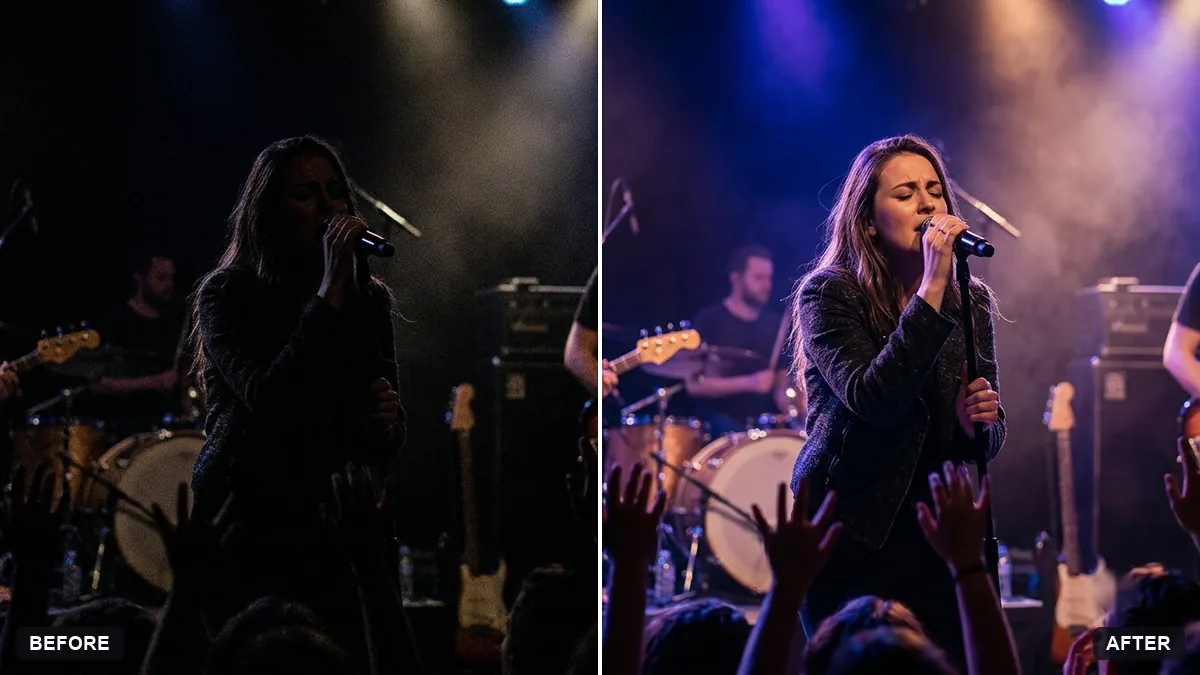
More like this
- Write a polite note to a noisy neighbourChatGPT · Gemini · Claude
- Enhance a hazy drone photoGemini · ChatGPT
- Relight a flat photo with golden-hour lightGemini · ChatGPT
- Correct a yellow or blue colour castGemini · ChatGPT
- Reduce noise in a high-ISO photoGemini · ChatGPT