- Updated
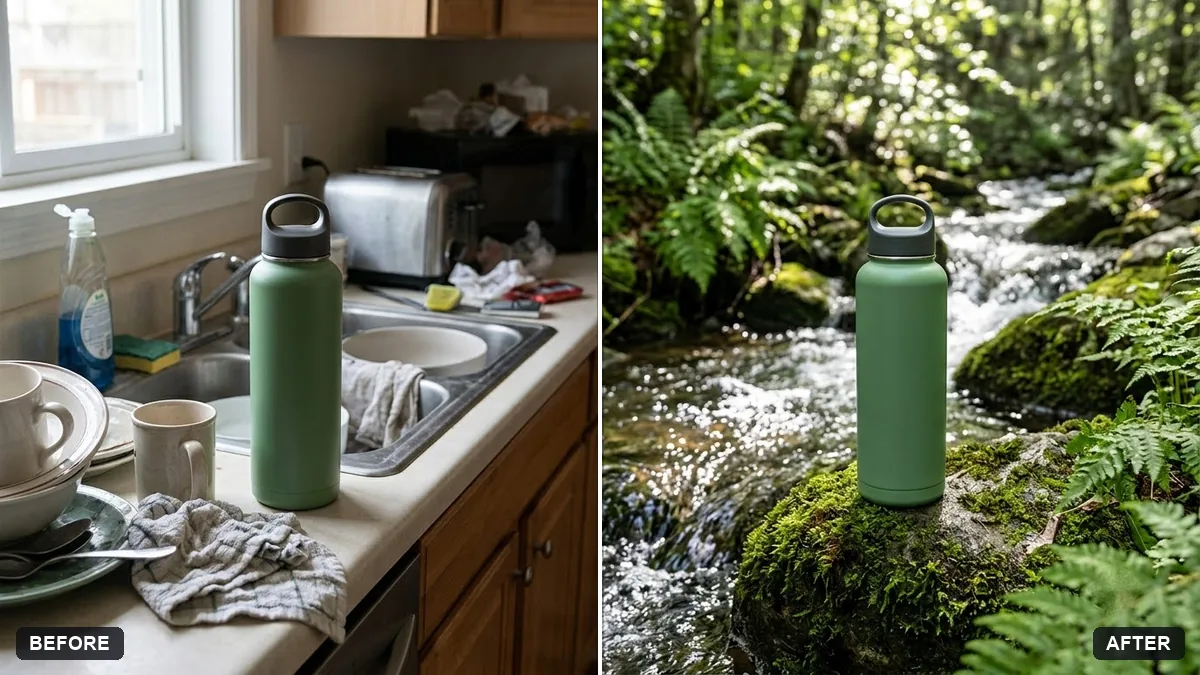
Product placed in a natural setting
This prompt places your product in an outdoor scene you describe, such as a mossy rock beside a small stream, keeping its shape and label exactly the same.
Place the [PRODUCT] from this photo in a natural outdoor scene: [e.g. on a mossy rock beside a small stream with ferns]. Keep the product exactly the same.

Dappled sunlight, fresh green tones, water droplets, realistic scale and shadows, shallow depth of field, eco-friendly brand feel.
Match the scene to the product. A skincare bottle suits water and leaves.
Your photo goes to the AI app you choose, never to PromptUp.
Get a better result
Your product sitting in a real-looking outdoor scene, such as a mossy rock beside a stream, with dappled sunlight, water drops, fresh green tones and a soft blurred forest behind.
Eco brands want the product to feel part of nature, so the prompt places it on moss beside a stream with ferns, dappled sun and water droplets. Realistic scale and shadows make it sit in the scene instead of looking pasted in. The product stays exactly the same so the photo is honest for buyers.
The product floats or has no shadow.
Fix: Add “resting on the rock, soft shadow underneath, small contact shadow, matching light direction”.
- The scene fights the product style. Choose a scene that fits the brand, such as stone and water for skincare or wood and leaves for tea.
- Droplets look fake and sticky. Ask for “a few fine water drops on the surface, not on the label”, so the text stays readable.
Swap the moss for frost on a stone and pale morning light, and keep the product the same. It makes a second image for a seasonal post.
Keep the scene. Shift the light to the left and move the product a little to the right, with clear space above it.
Guides on this topic
More photo editing prompts
See all 334 →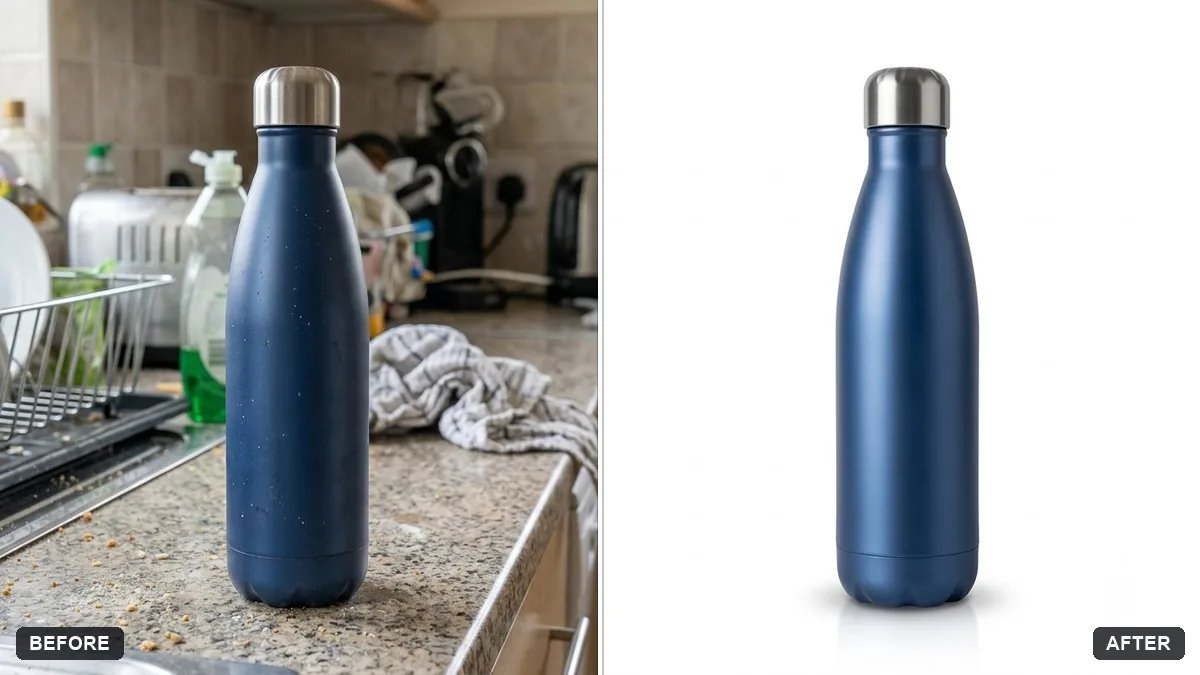
More like this
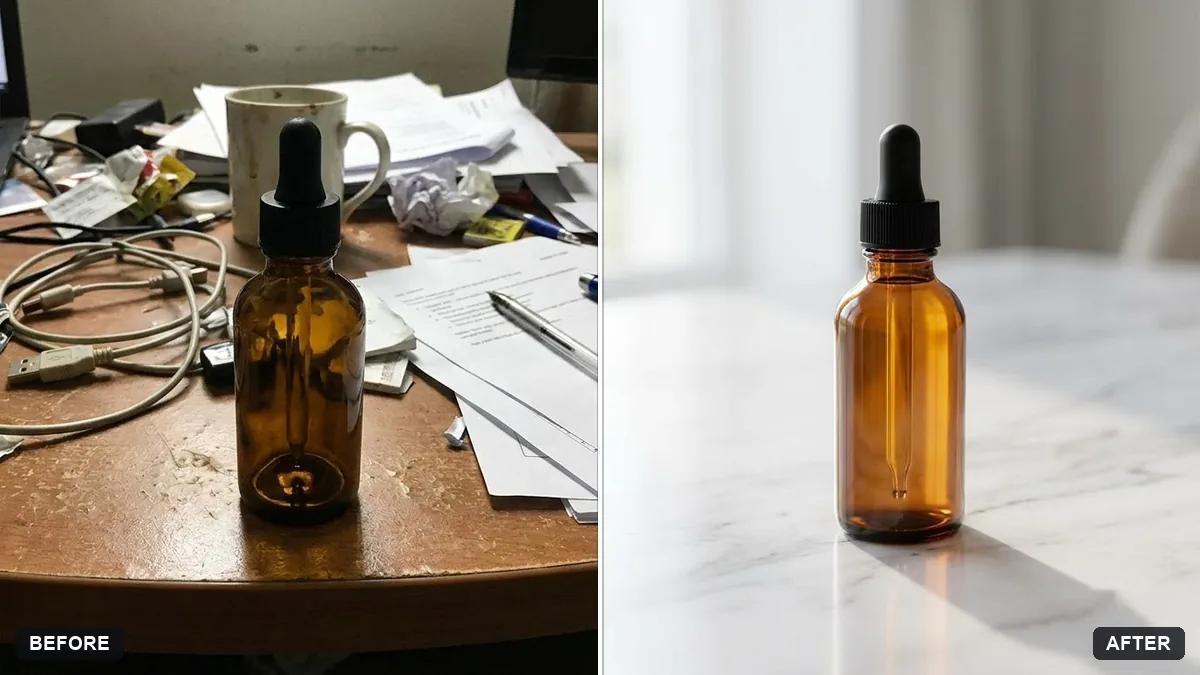
- Clean up a bottle label photoGemini · ChatGPT
- Product on a pure white backgroundGemini · ChatGPT
- Handmade craft product photoGemini · ChatGPT
- Skincare bottle with water splashMidjourney · Gemini · ChatGPT
- Product with a mirror reflectionGemini · ChatGPT