- Prompt at a glance
- Category
- Video
- Works with
- Veo · Kling
- Latest versions
- Veo 3.1 · Kling 3.0 (checked September 2026)
- Length
- 62 words
- Fields to fill
- ANIMAL
- Last updated
Giant goldfish drifting past apartment windows
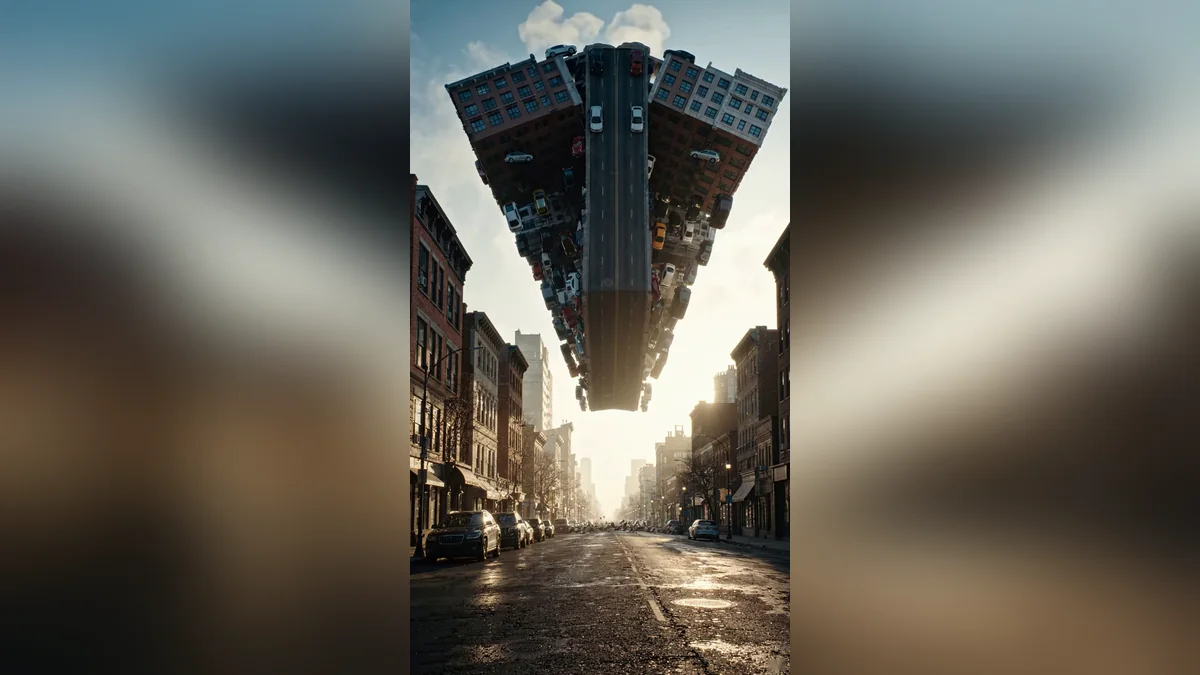
A gigantic goldfish glides past rows of lit windows while laundry sways in its wake. Only the fish is impossible: the building, the sky and the light stay real, which is what makes the clip believable. Vertical 9:16, 8 seconds.
Vertical 9:16, 8 seconds. Shot from the street looking up at an apartment block at sunset: a gigantic [ANIMAL, e.g. orange goldfish] drifts slowly past rows of lit windows, its fins rippling like silk, reflections sliding across the glass, laundry on a balcony swaying in its wake. Realistic scale and lighting, no people visible. Sound: soft city evening, a gentle underwater-like whoosh.
Let only one thing be impossible and keep the building and sky real. “No people visible” stops odd faces appearing in the windows.
From copy to clip in four steps
- 1
Open Veo.
- 2
Paste the prompt and fill in the [BRACKETED] fields. Add a starting image if the tool supports it.
- 3
Set the aspect ratio and length in the tool.
- 4
Generate two or three takes and adjust one detail at a time.
About this prompt
Which AI tools work with this prompt?
It is written for Veo and Kling. Paste it into your preferred tool and adjust the wording if the result is off.
What do I need to fill in?
Replace the field before you send it: ANIMAL. Each field shows an example in the prompt.
Why does the result differ between video models?
Each model interprets camera moves, motion and audio differently. Keep the prompt, regenerate a few times and change one detail at a time.