Sky replacement and weather effect prompts
A grey sky can flatten a good photo. These prompts swap it for a sunset or a stormy sky, add stars or northern lights at night, or change the weather with rain, snow, morning fog, sun rays or a rainbow. Others change the season, from green to autumn colours or spring blossom, and turn day into night or night into day.
The prompts ask the AI to match the light on buildings, water and people to the new sky, so the edit looks real. Pick a sky that fits the direction of the shadows already in your photo.
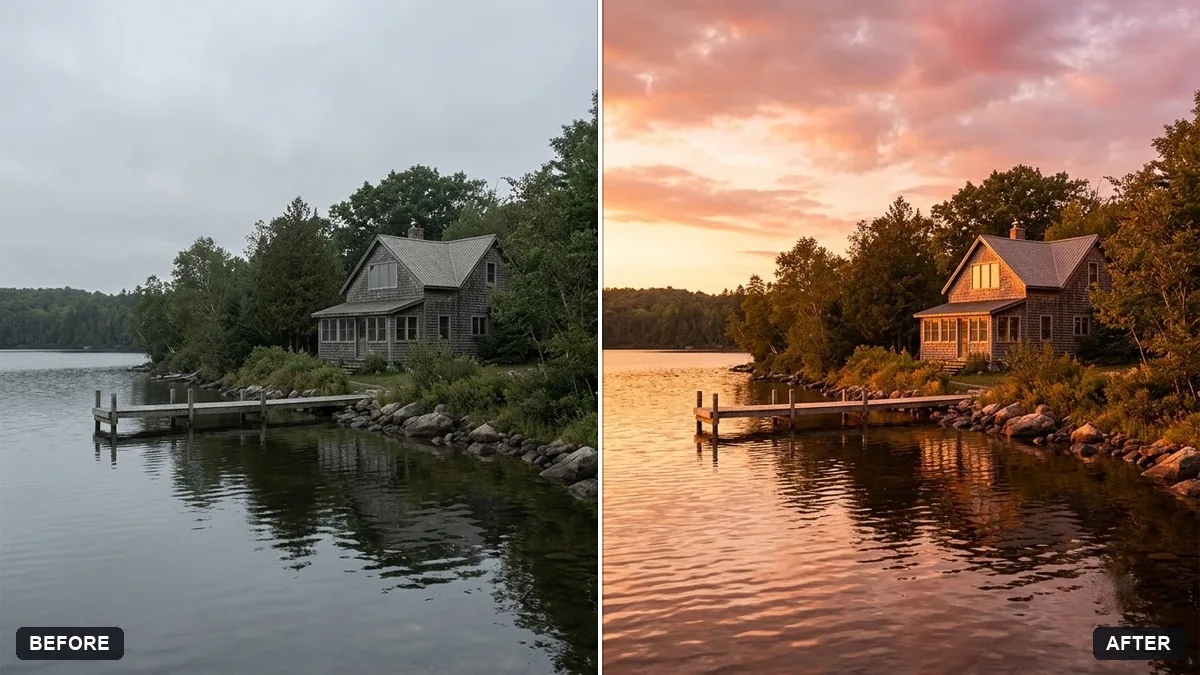
Replace the sky in this photo with a [SKY, e.g. warm sunset with soft clouds]. Keep everything else in the photo unchanged.

Match the light and colour on the buildings, ground and people to the new sky, add matching reflections in glass or water, and blend the horizon so the edit looks natural. No halos.
Three steps, about a minute
- 1
Pick a photo with a clear horizon line. Trees and buildings against the sky are fine.
- 2
Upload it to Gemini or ChatGPT, paste the prompt and describe the sky or weather you want.
- 3
Check the edges along rooftops and trees, and that reflections in water or glass match.
Make it yours
- Match the time: a sunset sky suits a photo taken in the late afternoon; a midday photo suits blue sky with clouds.
- Weather: "light drizzle with wet reflections" is more believable than "heavy storm".
- Night: for stars, ask to "darken the foreground naturally" so it does not look like day.
- Honesty: label travel photos as edited if you changed the sky or weather.
If it goes wrong
- Halo around buildings or trees
- Reply "blend the horizon with no halos; keep fine branches".
- People look lit wrongly
- Ask to "match the colour and direction of light on the people to the new sky".
- Reflections do not match
- Add "update reflections in water and glass to the new sky".
- Too dramatic
- Ask for "a softer, more natural version".
14 more prompts in this collection
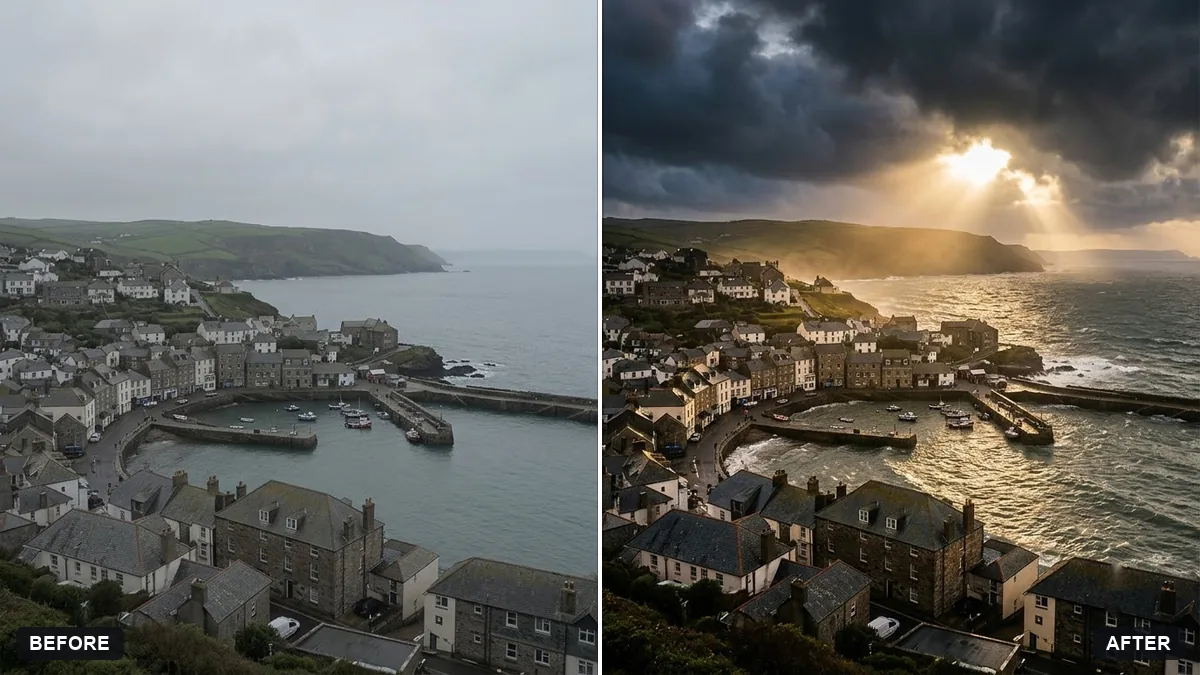 Add a dramatic stormy skyGemini · ChatGPT
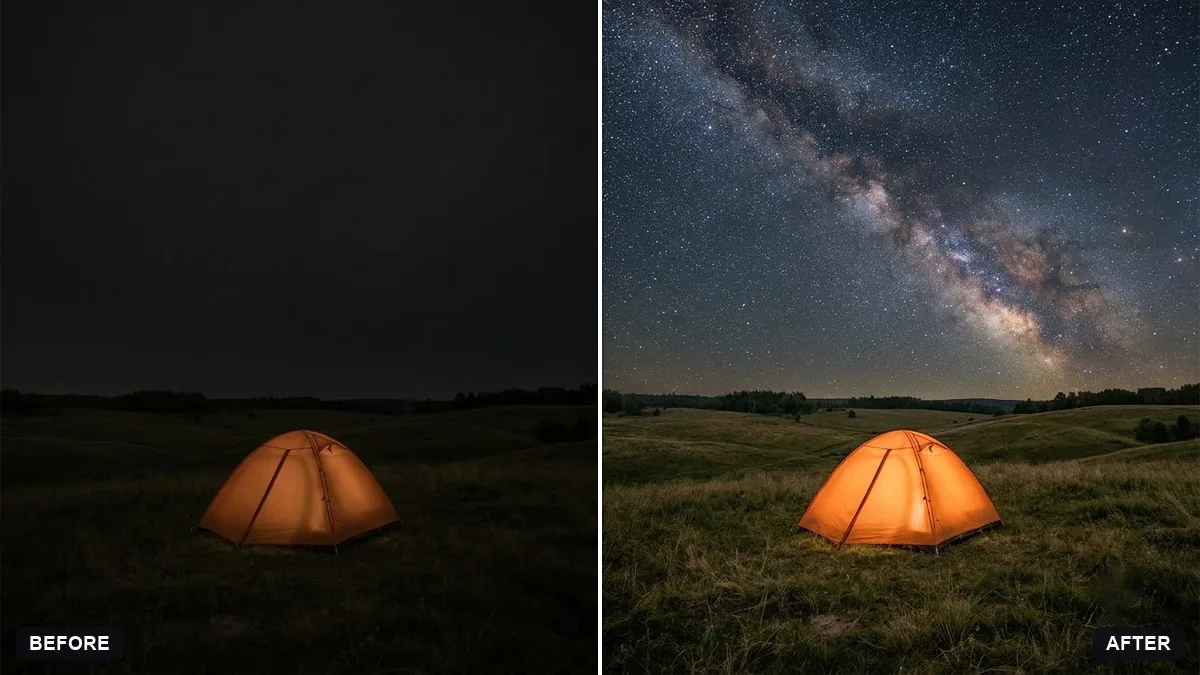 Add stars to a night skyGemini · ChatGPT
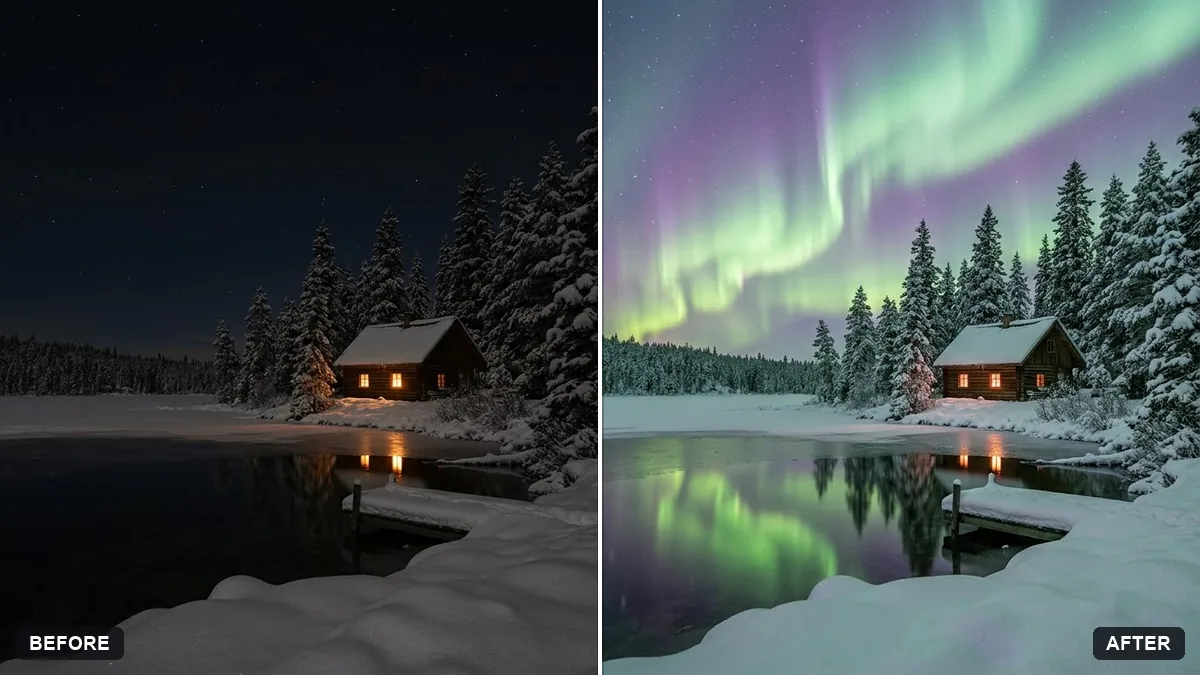 Add northern lightsGemini · ChatGPT
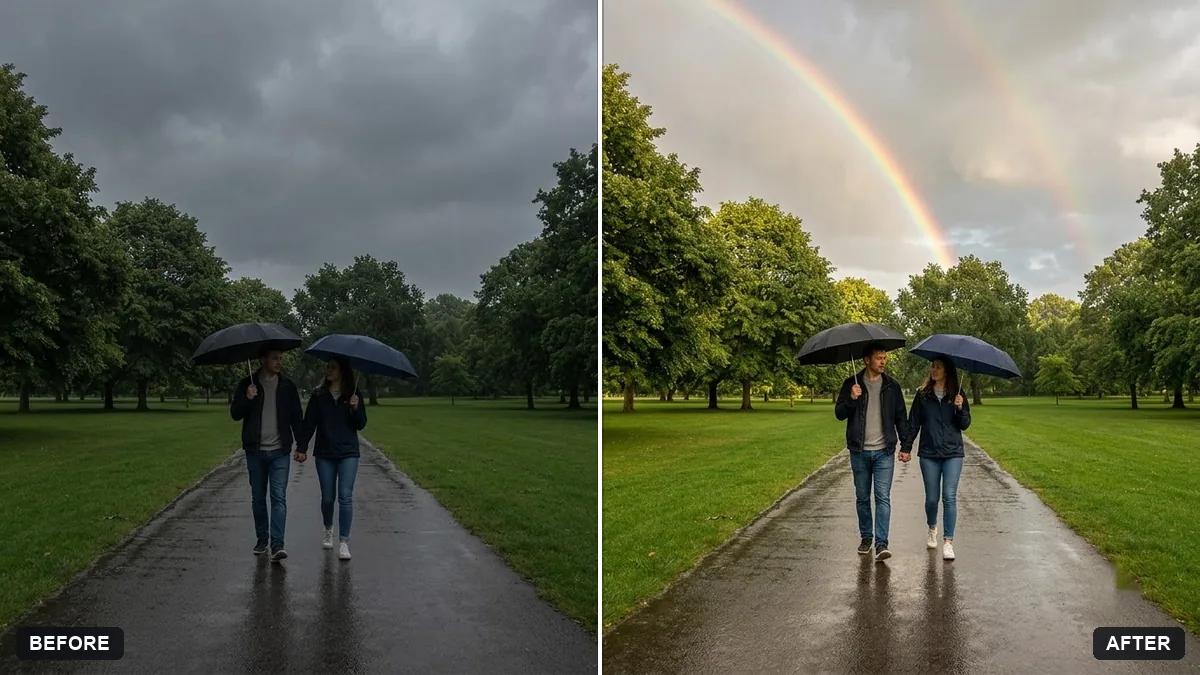 Add a rainbow after rainGemini · ChatGPT
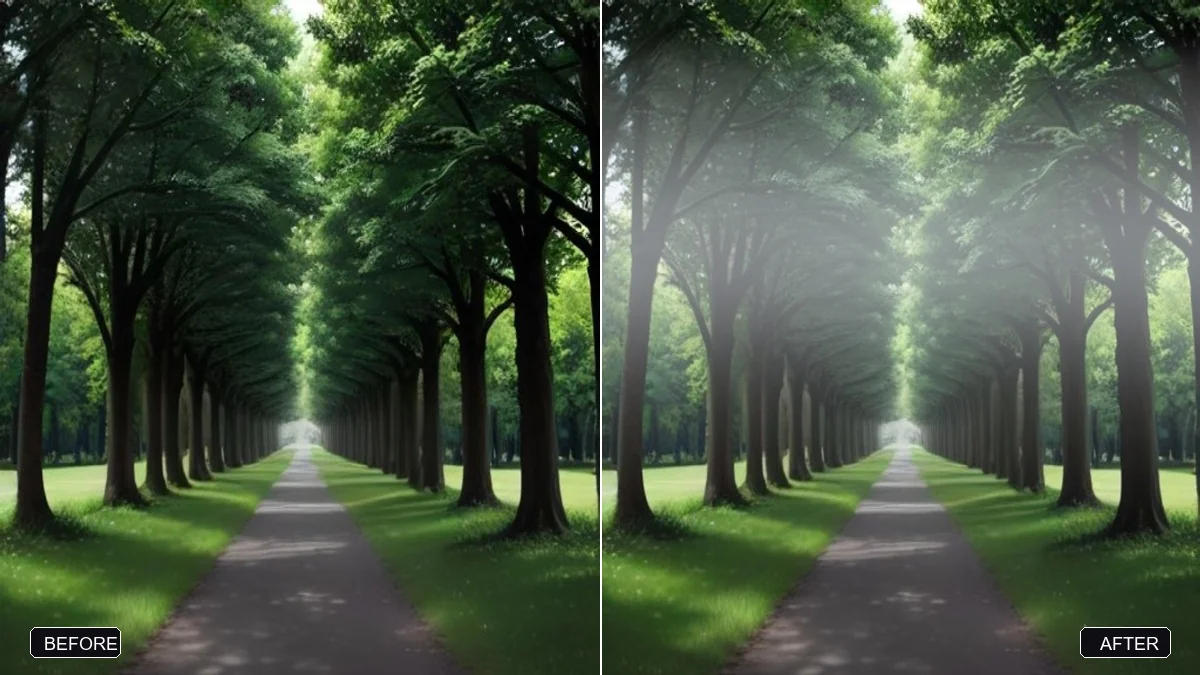 Add morning fog to a landscapeGemini · ChatGPT
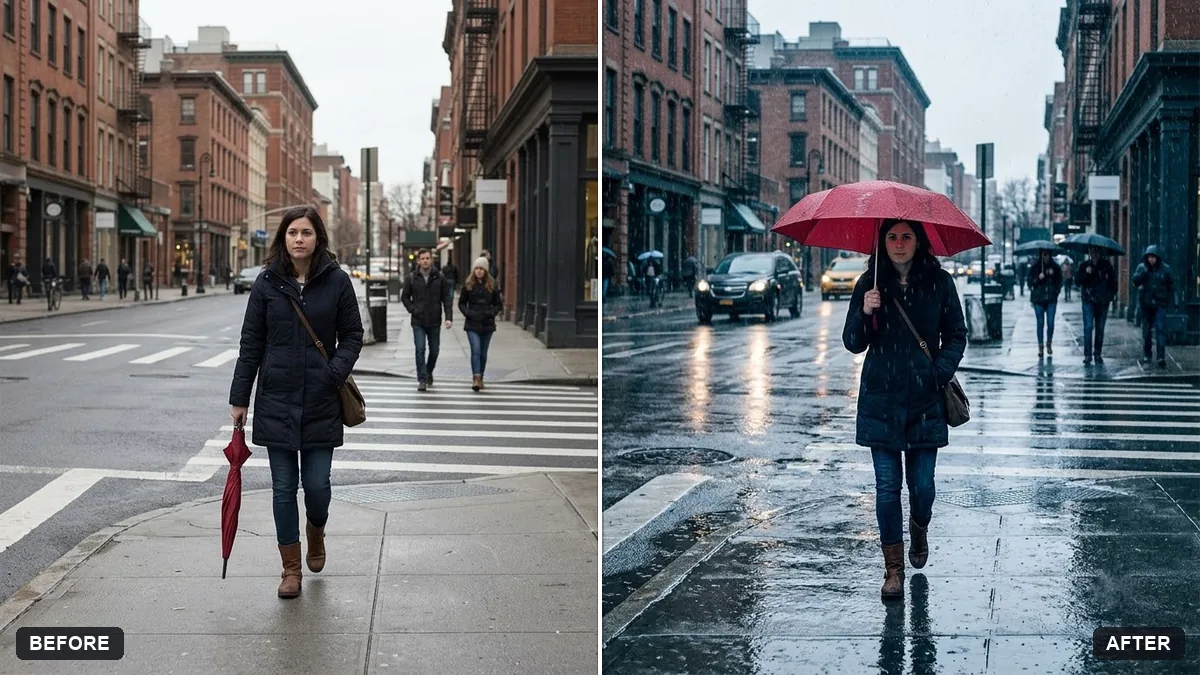 Add a rain effect to a photoGemini · ChatGPT
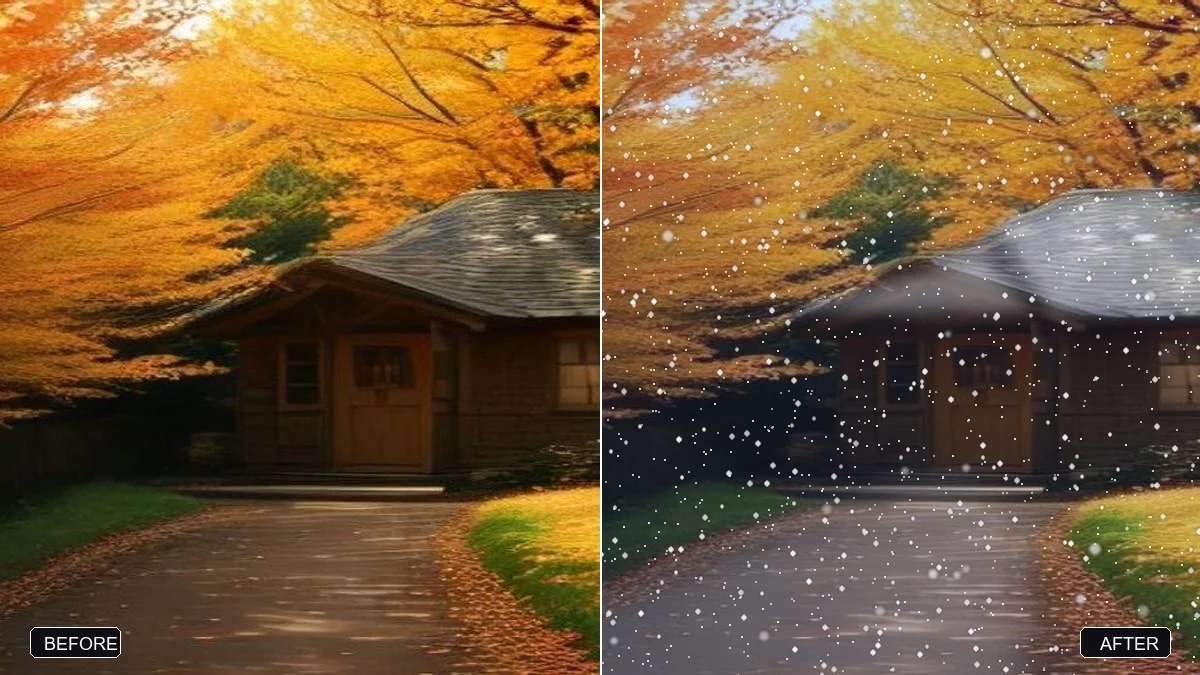 Add falling snowGemini · ChatGPT
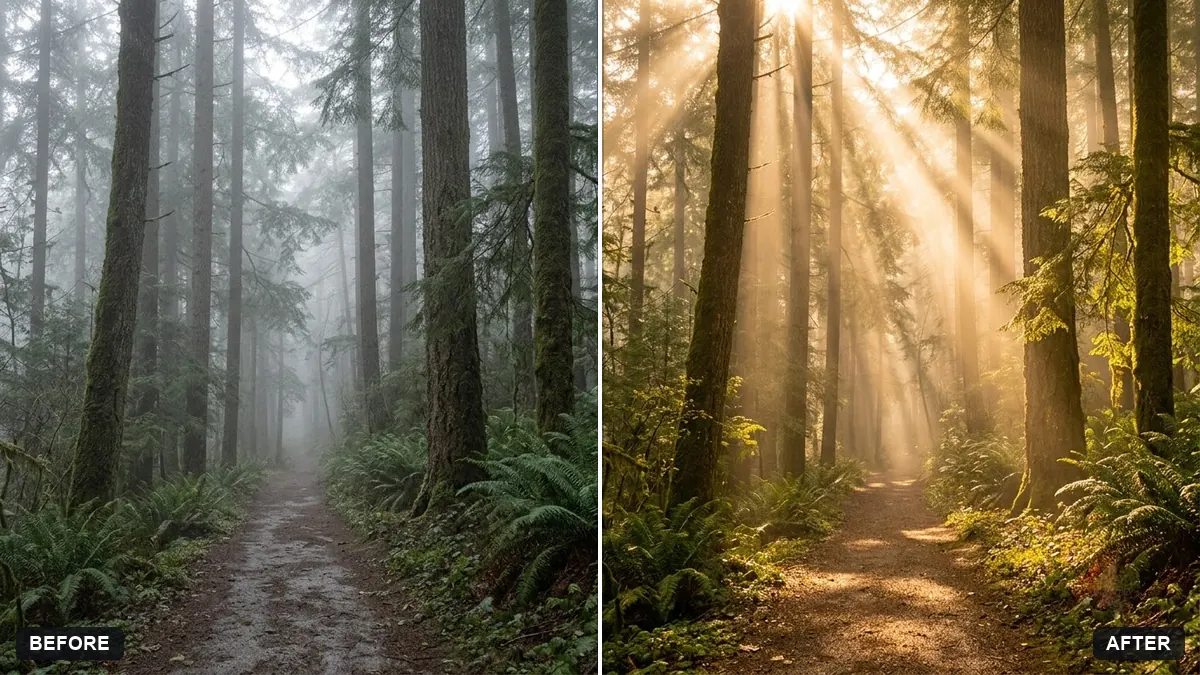 Add sun rays through treesGemini · ChatGPT
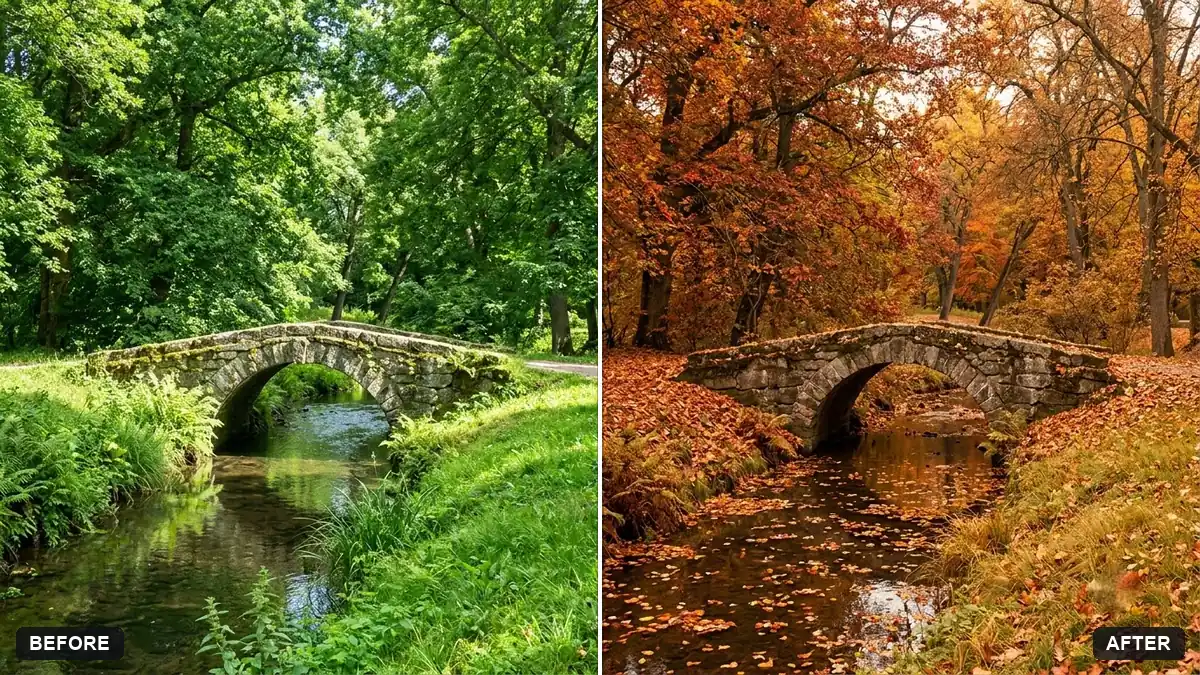 Turn a green scene into autumnGemini · ChatGPT
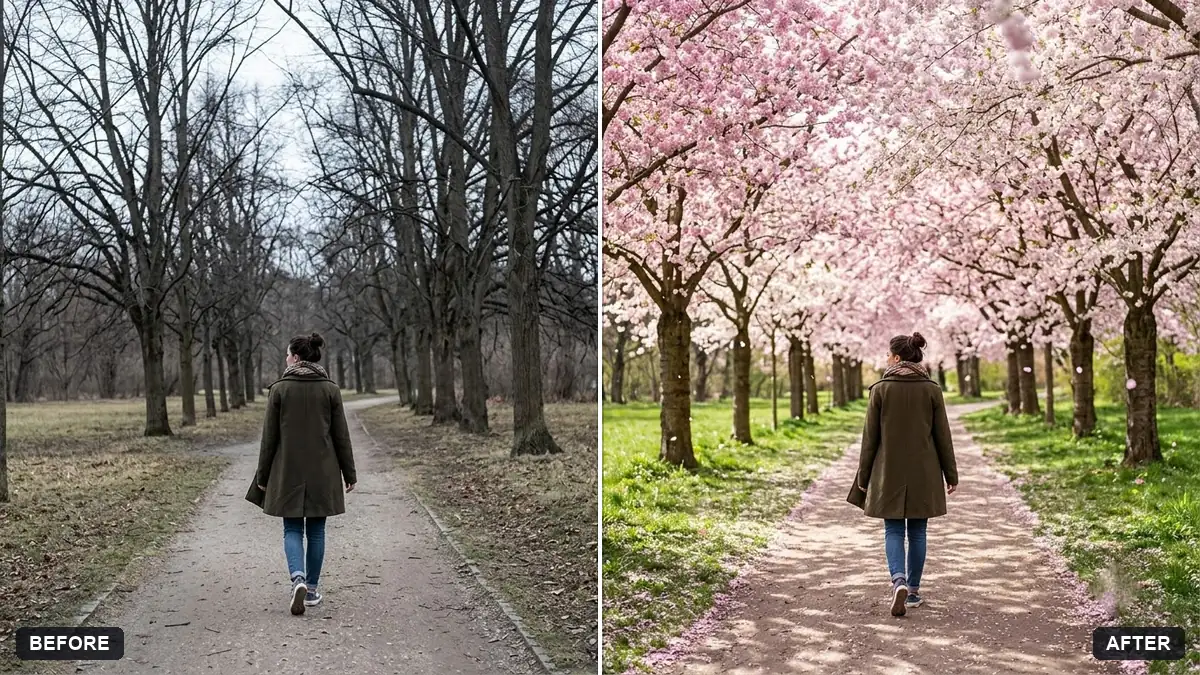 Add spring blossom to treesGemini · ChatGPT
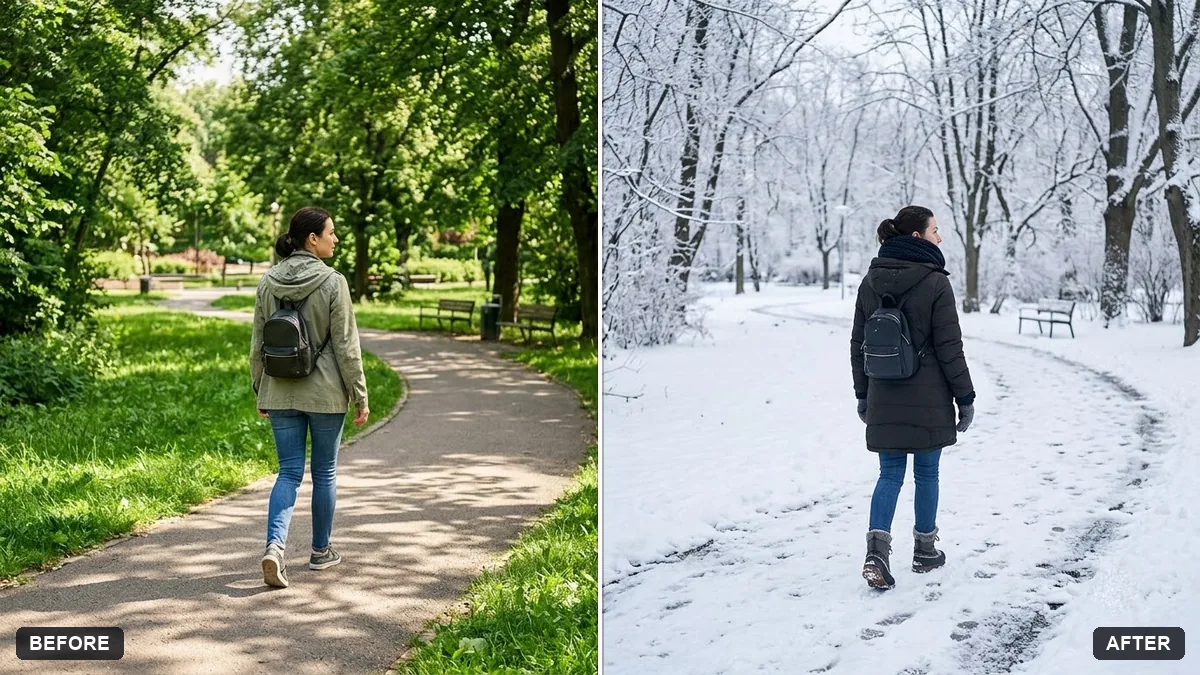 Change the season in a photoGemini · ChatGPT
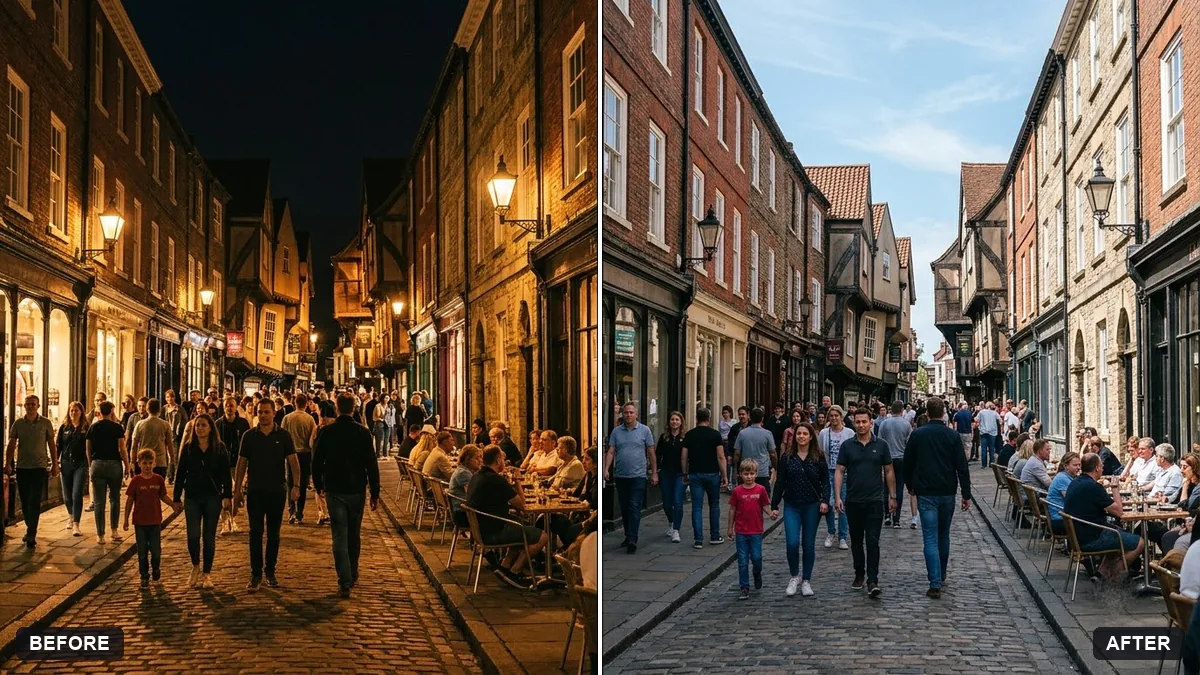 Turn a night scene into daytimeGemini · ChatGPT
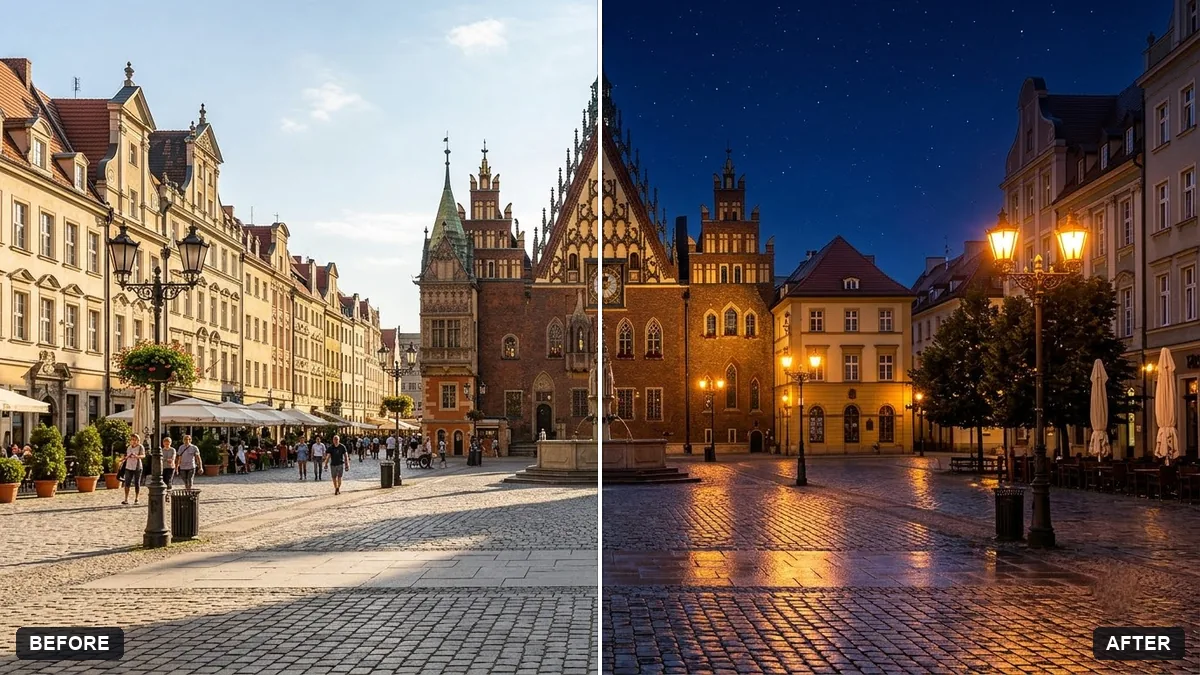 Turn a day scene into a night sceneGemini · ChatGPT
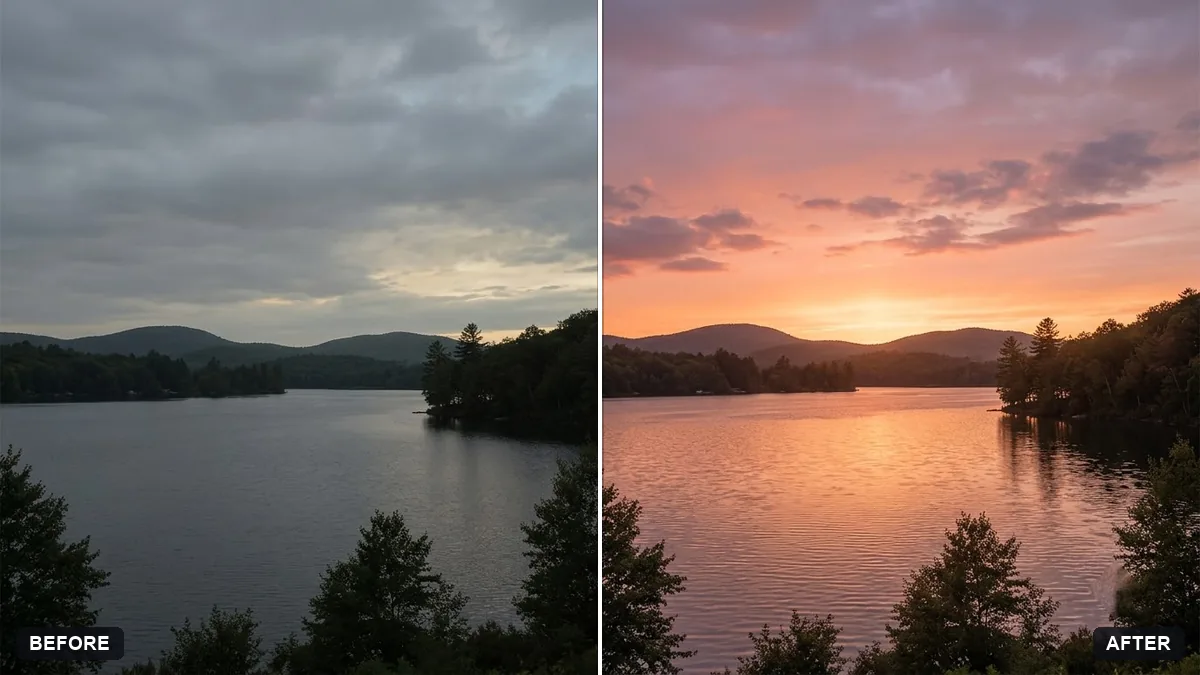 Boost a dull sunsetGemini · ChatGPT
Guides that use these prompts
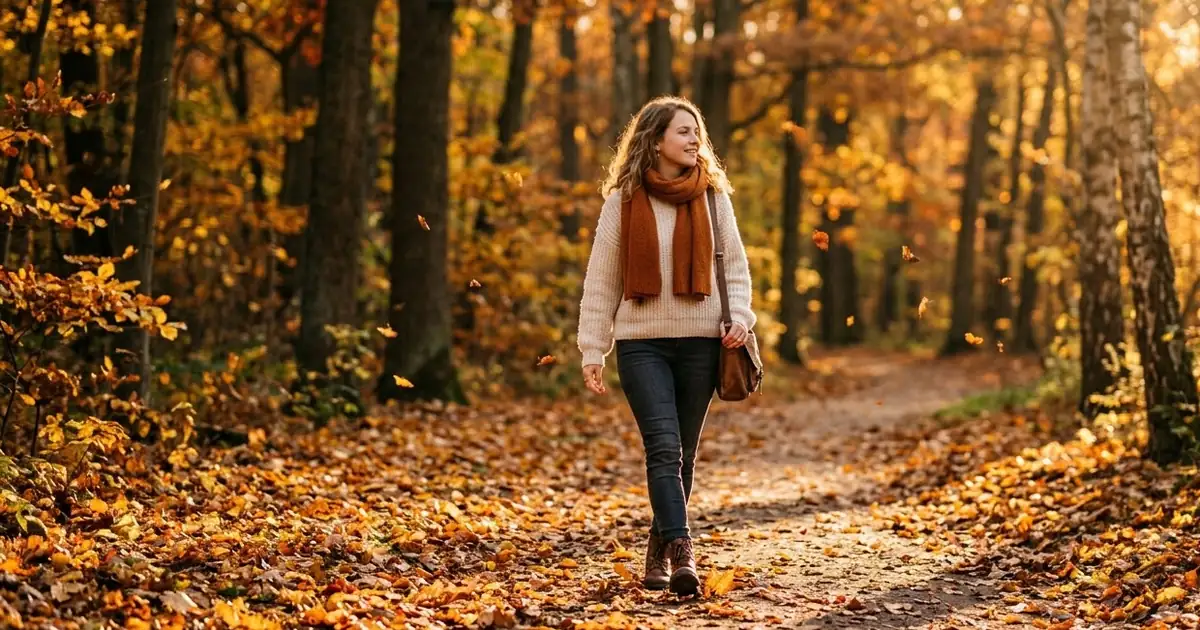
Questions, answered
How do I replace the sky in a photo with AI?
Upload the photo to Gemini or ChatGPT and paste the sky replacement prompt with the sky you want. It asks for matching light and reflections so the scene fits the new sky.
Can I add northern lights to my photo?
Yes, as an artistic edit. If you share it, say it is edited, especially if you tag a real place where people might expect to see the lights.
Why does the new sky look fake?
Usually the light does not match. Choose a sky with the sun on the same side as your shadows, and ask the AI to "match the light on the buildings and ground".