"2026 is the new 2016" AI photo prompts: recreate the 2016 look
Published
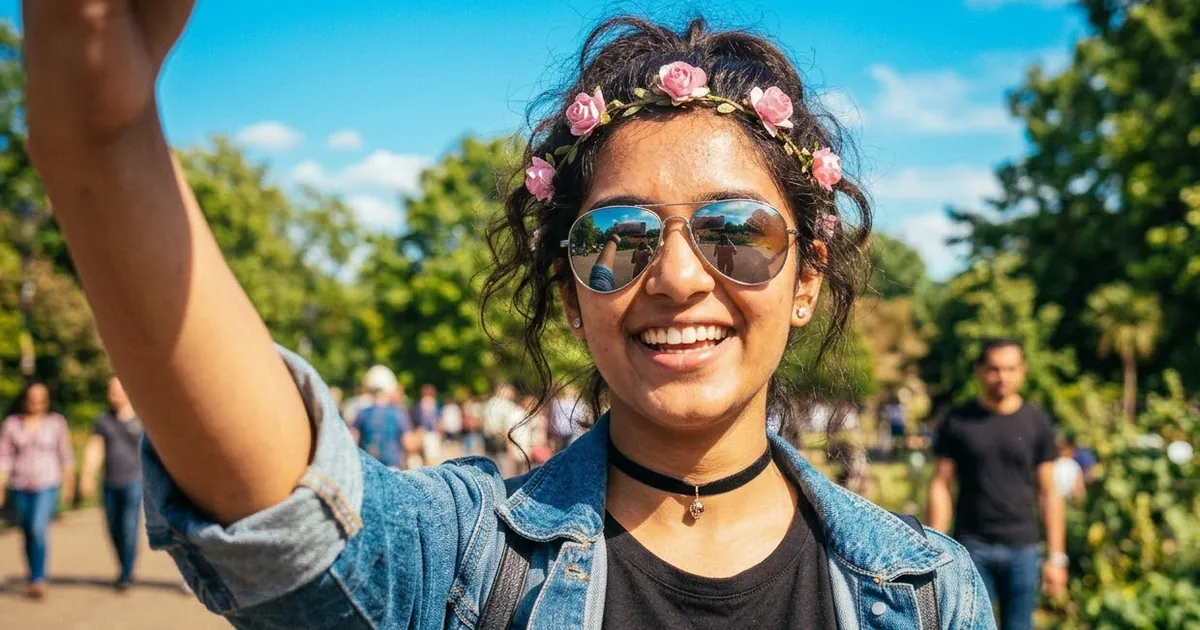
Short answerUpload a recent selfie, keep your face the same, and ask for a 2016 phone photo: oversaturated warm colour, a faded early-Instagram filter, slightly soft detail, and 2016 styling such as mirrored sunglasses, a flower crown or a choker. Add the playful face filters as a separate step.
"2026 is the new 2016" is one of the longest-running nostalgia trends of the year. According to Wikipedia's article on the trend, it started on TikTok in late December 2025 and spread to Instagram, Facebook and YouTube in early 2026. People share photos in the style of 2016: bright, oversaturated selfies, flower-crown and puppy-ear face filters, mirrored sunglasses and glossy makeup.
No old photos? AI can make a new one look like 2016. Central Jersey's explainer points out the irony: in a year full of AI images, the trend is really about missing the time before them. So keep it light and fun, and don't pretend it's a real old photo.
What makes a photo look like 2016
- Oversaturated colour. Warm, punchy skin tones and very blue skies, like early Instagram filters.
- A faded matte finish. Lifted blacks, so the darkest parts look slightly grey.
- Phone-camera quality. Slightly soft detail, a little noise, the wide selfie lens.
- 2016 styling. Mirrored or round sunglasses, chokers, flower crowns, bomber jackets, ripped skinny jeans, glossy lips, bold brows.
The 2016 selfie
Make this selfie look like it was posted on Instagram in 2016. Keep my face, features and skin tone exactly the same.

Styling: [ITEM, e.g. mirrored aviator sunglasses / a black velvet choker / a flower crown of small pink roses], glossy lips, bold brushed brows.
Look: oversaturated warm colours, strong blue sky, a faded matte finish with lifted blacks, slight softness and noise like a 2016 phone camera, a little wide-lens distortion from holding the phone at arm's length.
Square 1:1 crop, like an old Instagram post.
The square crop helps a lot. Instagram only allowed square posts until 2015, and square still reads as "old Instagram" to most people.
The face-filter look
The puppy-ear and flower-crown filters were the most famous part of 2016 selfies. Ask for them as a playful overlay:
Keep my face exactly the same. Add a playful 2016-style face filter: cartoon [PUPPY EARS AND NOSE / FLOWER CROWN / BUTTERFLIES] that sit naturally on my head, a slight beauty glow on the skin, and soft sparkles. Keep the photo bright and oversaturated. Vertical 9:16, like a story.
If you want a clean story layout for it, use the Instagram story photo prompt.
Then and now
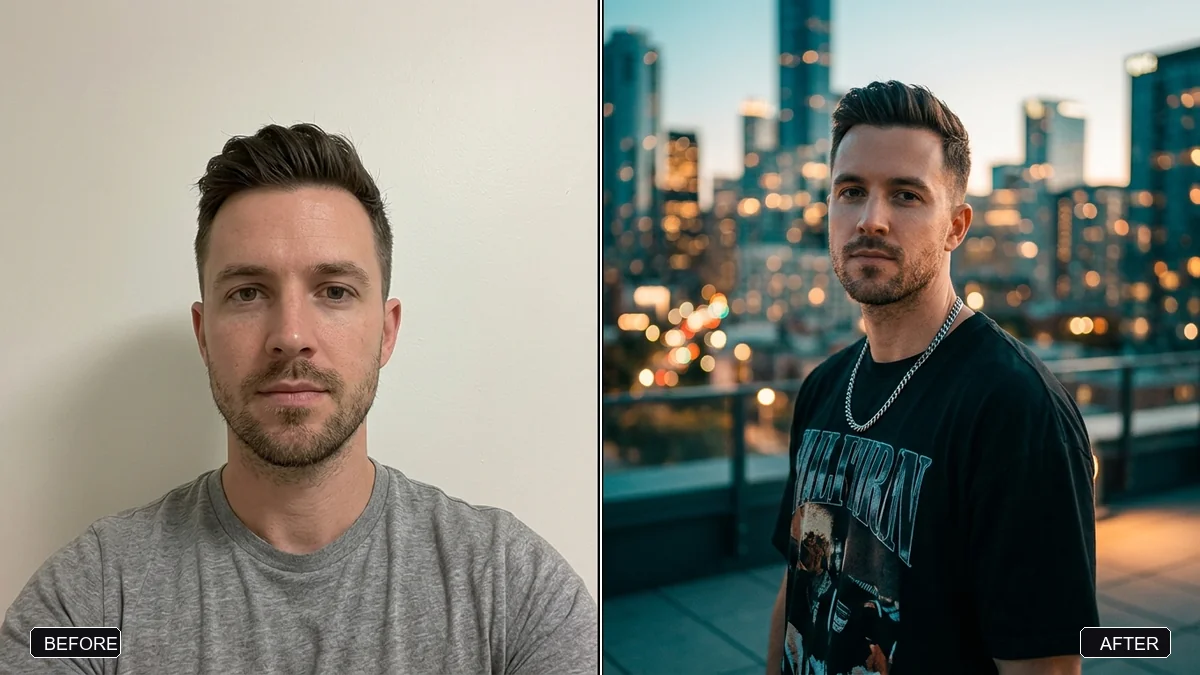
The most shared version of the trend puts a 2016 photo next to a 2026 one. If you have a real photo from 2016, use it. If not, make the "then" picture with the selfie prompt above, then combine them with the collage grid prompt:
Place these two photos side by side. Left: labelled "2016". Right: labelled "2026". Keep both photos unchanged. Thin white border, clean layout, square 1:1.
AI tools can misspell labels. If the numbers come out wrong, leave the labels out and add them in any editor.
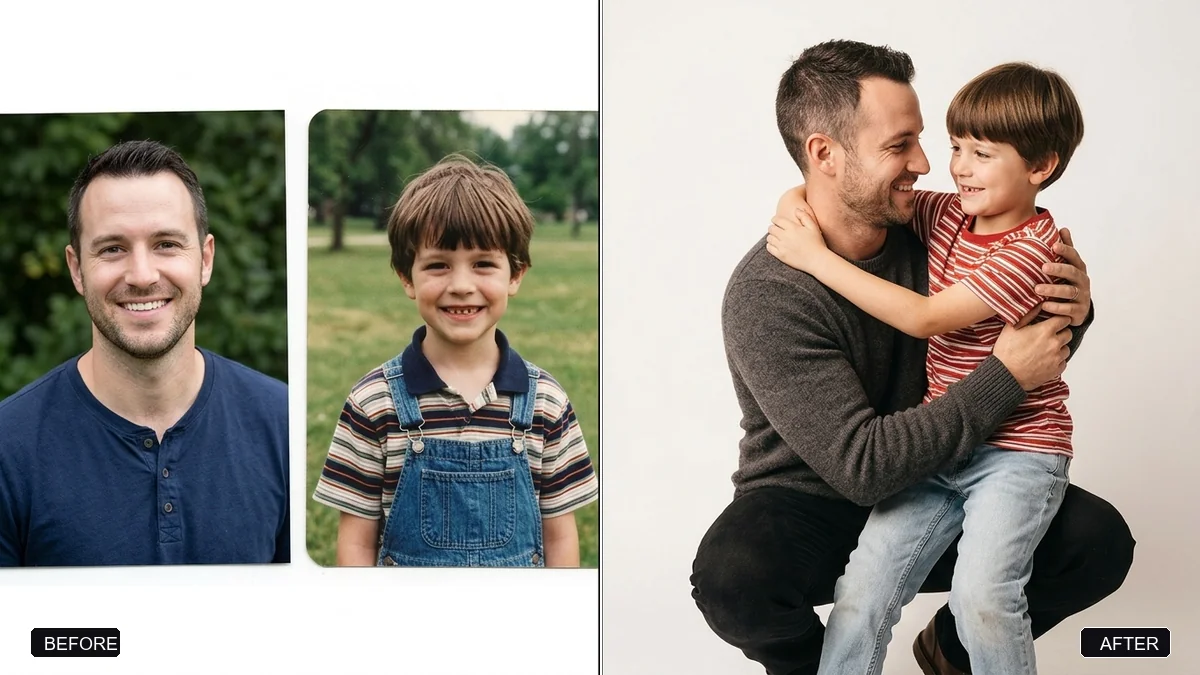
For an emotional version, the hug your younger self prompt puts you and a childhood photo in one picture.
Just the colour
Only want the 2016 colour on a photo you already like? Use the vintage fade preset prompt and add "oversaturated warm tones, like a 2016 Instagram filter".
Make it a Reel
Take your before and after into a video tool with the then and now video prompt. A slow slide from the 2016 photo to the 2026 one, set to a song from that year, is the classic format of this trend.
Fixing common problems
It looks like 2006, not 2016. You've gone too far. Remove "low resolution" and "grain"; 2016 phone photos were sharp but over-processed.
The filter looks scary. Say "cute cartoon style, soft and simple" and name one filter, not several.
Your face changed. Put "keep my face exactly the same" first, and use a clear front-facing photo.
Where to go from here
The viral AI photo trend prompts page has every trend in one place. For older nostalgia looks, see our Y2K camcorder prompts and 80s photo trend prompts. All prompts are free in photo editing prompts, and the prompt builder can write one for your own idea.
Quick checklist
- Keep your face the same, first line.
- Oversaturated, faded, square.
- One or two 2016 styling items.
- Filters as a separate, playful step.
- Add "2016" and "2026" labels yourself if needed.

Comments
No comments yet. Be the first to share what worked for you.