- Updated
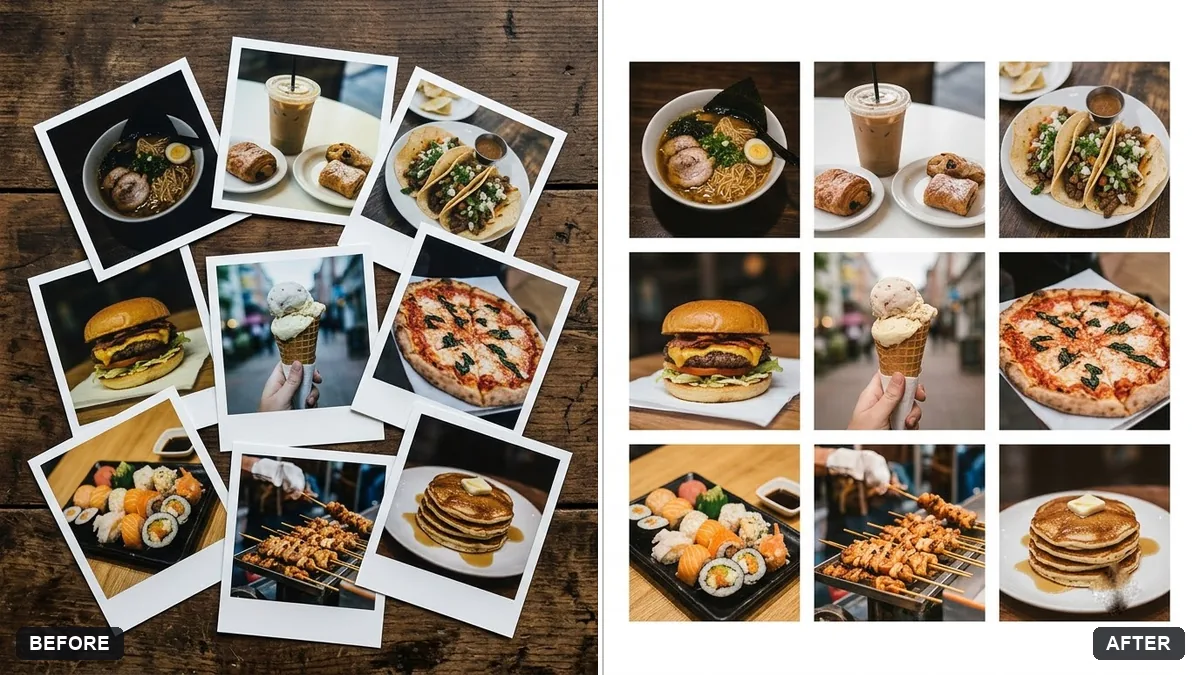
Photo collage grid for social posts
This prompt creates a clean collage from your images in a grid you choose, keeping every image's content the same and cropping to fit.
Create a clean [3x3 / 2x2] photo collage from these images. Keep every image's content exactly the same, cropped to squares.

Add thin [WHITE / BLACK] gaps between photos, a small title "[TITLE]" in a simple font at the bottom, and match the colour tone so they look cohesive.
Order the photos by colour for a pleasing grid.
Your photo goes to the AI app you choose, never to PromptUp.
Get a better result
A tidy 3x3 or 2x2 collage of your photos, each cropped to a square, with thin gaps in your chosen colour, a small title at the bottom and a matched colour tone so the set looks cohesive.
Square crops cut off heads or key parts of your photos.
Fix: Crop the important photos yourself first so the subject sits in the middle of a square. Then the AI does not have to guess.
- The colour matching changes skin tones or skies too much. Ask for “only a gentle colour match, keep skin tones natural”.
- The title is misspelled. Keep it to one or two words in quotes, or ask for a blank bar and add the title in an editor.
Arrange the photos in the order of the day and add “a small number in the corner of each photo”. A numbered collage reads like a story.
Keep all the photos in the same order and unchanged apart from the square crop and a gentle tone match. Put the title in exactly as spelled.
Guides that use this prompt
More photo editing prompts
See all 334 →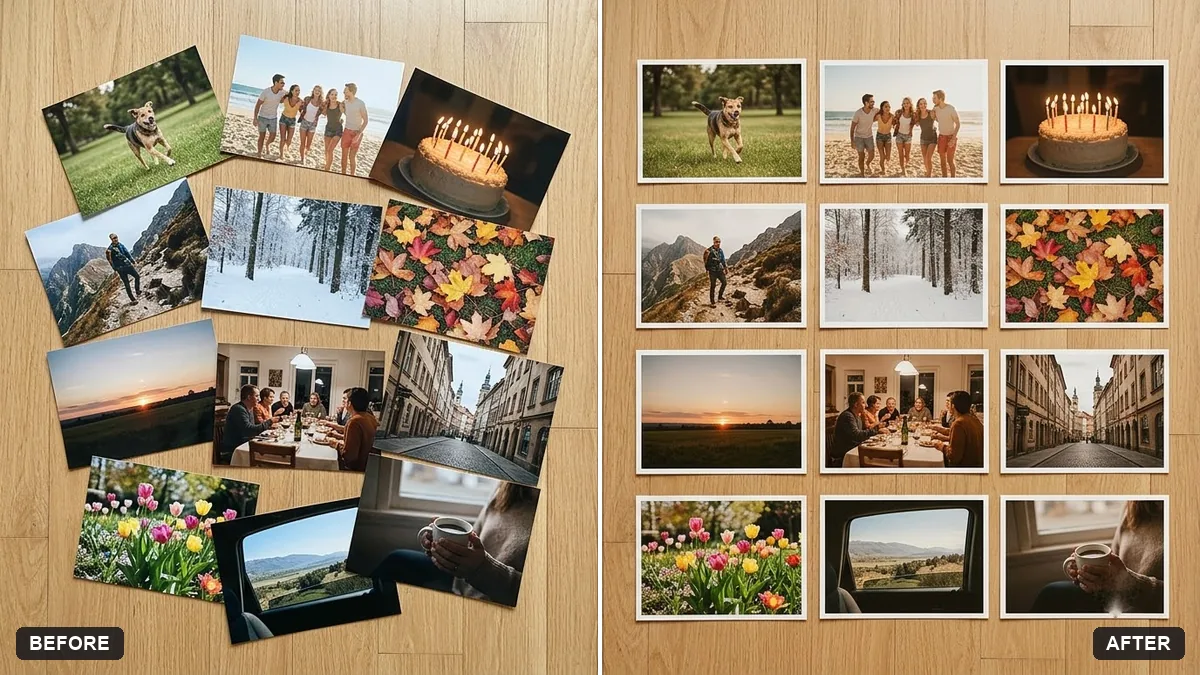
More like this
- Beautiful quote post for social mediaIdeogram · ChatGPT · Gemini
- Lifestyle influencer portraitGemini · ChatGPT
- Independence Day social postGemini · ChatGPT · Midjourney
- Music album cover from your photoGemini · ChatGPT
- Dark academia portraitGemini · ChatGPT