- Updated
Turn a travel photo into a postcard
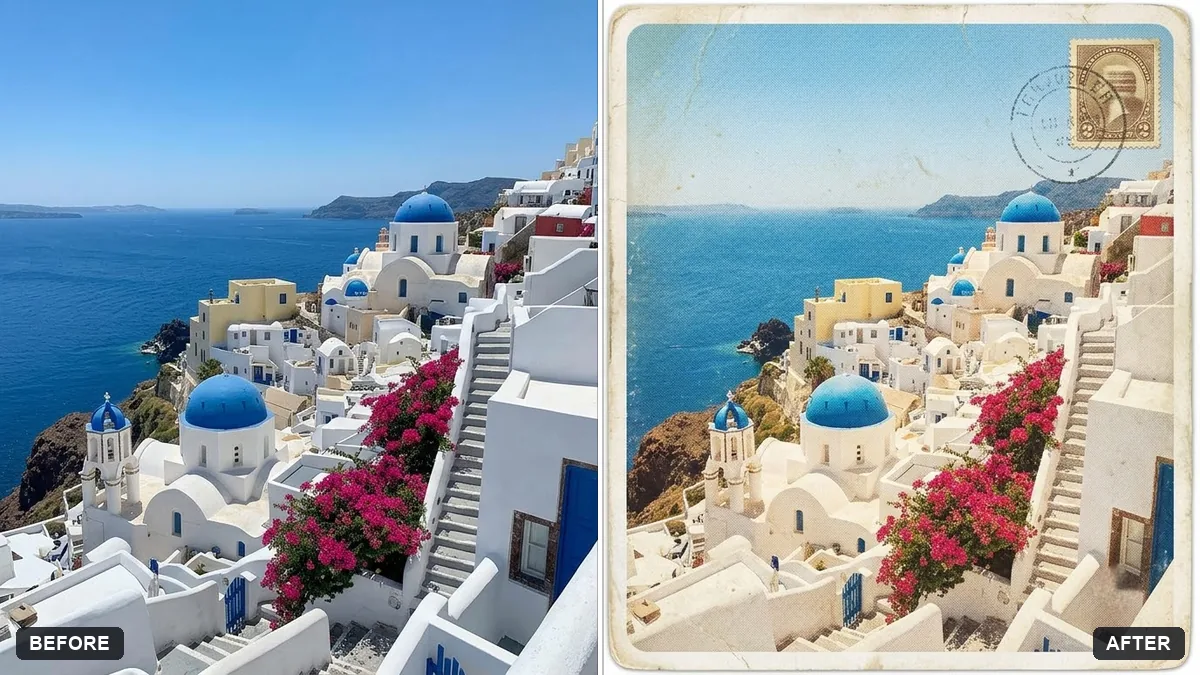
This prompt turns your photo into a vintage-style travel postcard with a white border and text, keeping the photo content exactly the same.
Turn this photo into a vintage-style travel postcard. Keep the photo content exactly the same.

Add a white border with rounded corners, big hand-lettered text "Greetings from [PLACE]" across the top, a small stamp and postmark in the corner, slightly faded printing colours and light paper texture.
Print it and send it to a friend. It makes a great gift.
Your photo goes to the AI app you choose, never to PromptUp.
Get a better result
Your photo as a vintage travel postcard: a white rounded border, large hand-lettered “Greetings from” text at the top, a small stamp and postmark, faded print colours and light paper texture.
The place name in “Greetings from” comes out misspelled.
Fix: Use a short place name, such as “Goa” rather than a full address.
- The photo is cropped to make room for the border and loses its subject. Add “keep the whole photo visible inside the border, shrink the picture slightly if needed”.
- The stamp and postmark show fake text. Say “the stamp shows a simple drawing, the postmark is a plain circle with wavy lines and no words”. Writing on small items goes wrong.
- The colours look too clean for old print. Add “slightly misaligned colour printing and soft ink edges, like a 1970s postcard”.
Ask for a second image: “the back of the postcard, with a handwritten note, an empty address area and a stamp”. Both sides together make a nicer gift.
Fix the lettering so the place name is spelled exactly as in my prompt, letter by letter. Keep the photo the same.
More photo editing prompts
See all 334 →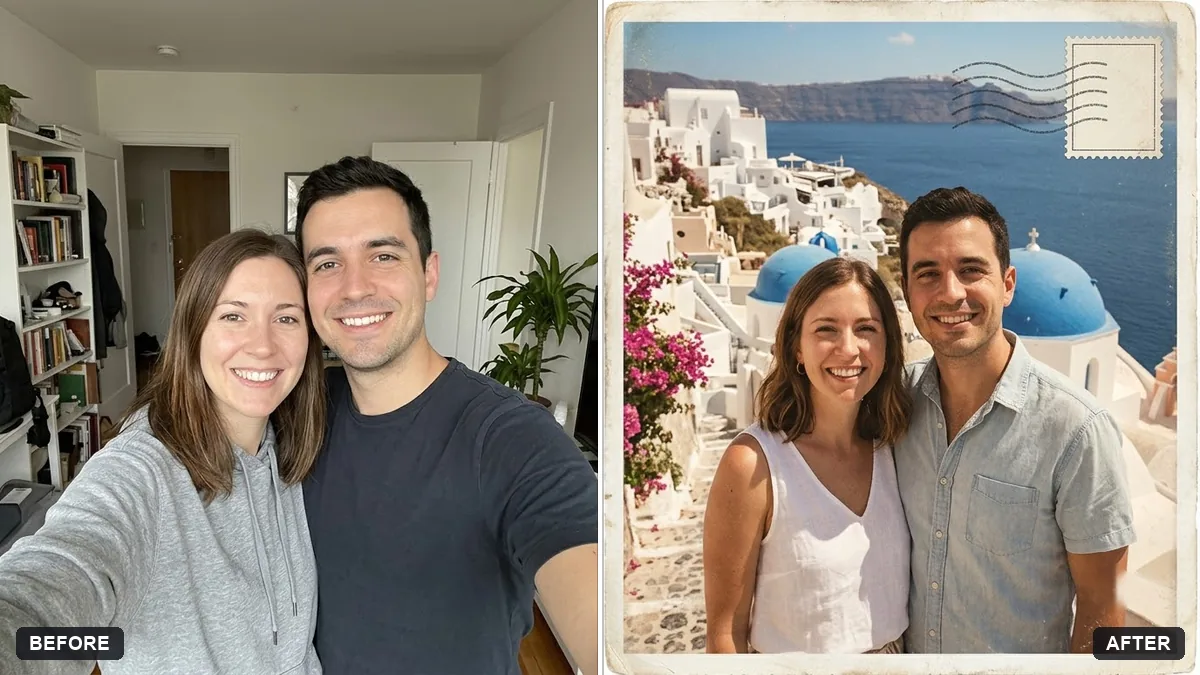
More like this
- Things to do near you this weekendGemini · ChatGPT
- Travel journal promptsChatGPT · Gemini · Claude
- Travel phrasebook for any languageChatGPT · Gemini · Claude
- Vintage travel poster of youGemini · ChatGPT
- Solo travel safety planChatGPT · Gemini · Claude