- Updated
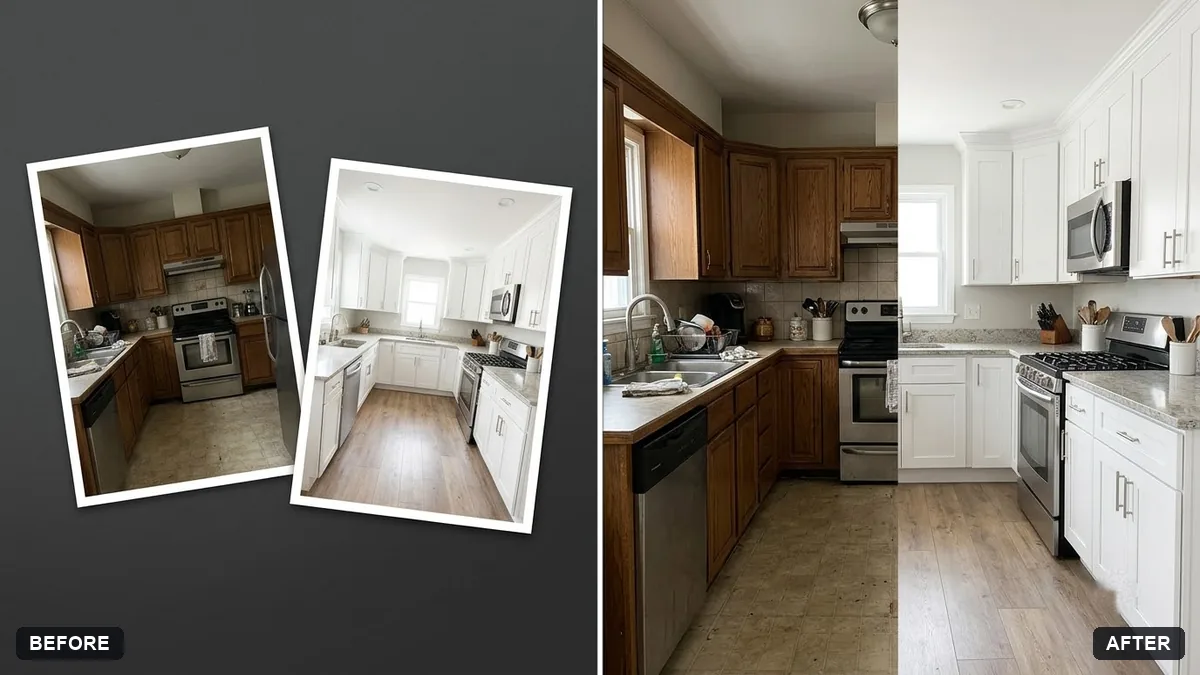
Before and after split image
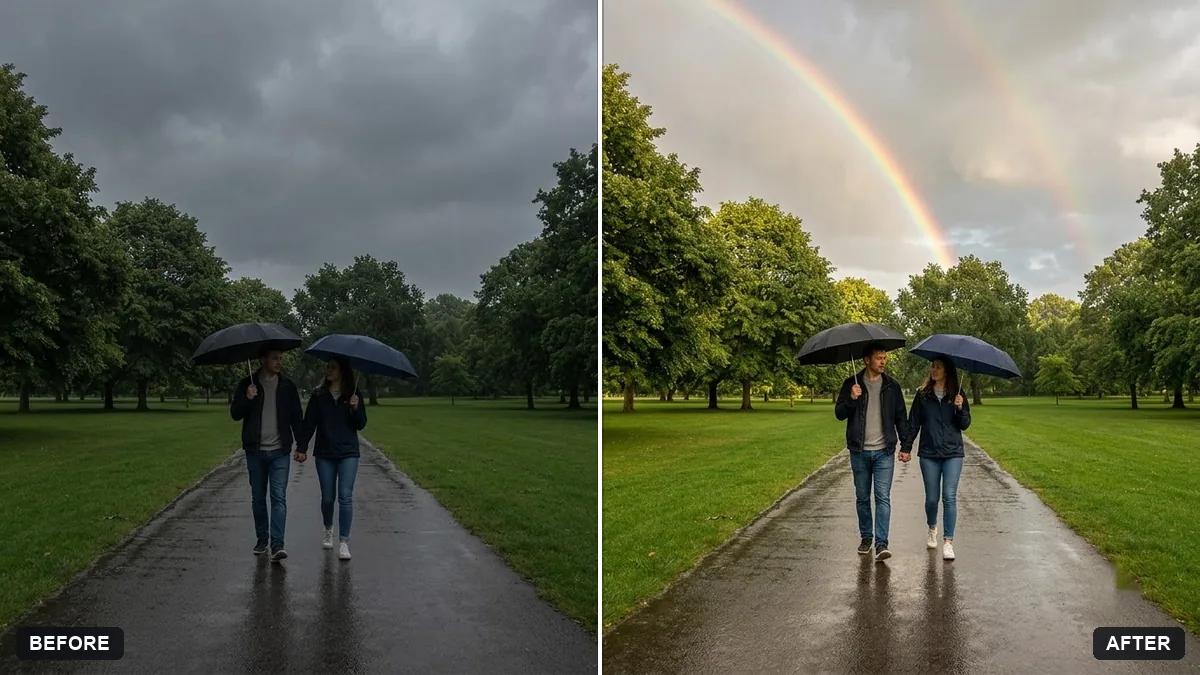
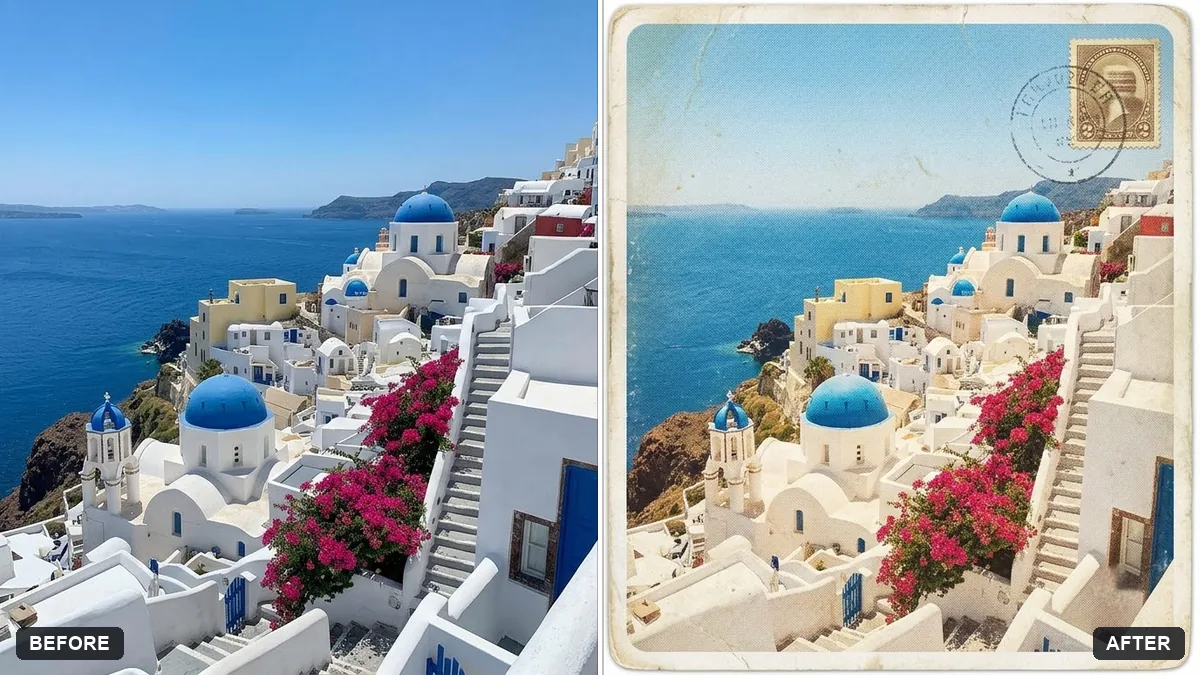
This prompt combines your two photos into one image with a vertical split, BEFORE on the left and AFTER on the right.
Combine my two photos into a single before-and-after image with a vertical split in the middle. Left is "BEFORE", right is "AFTER". Keep both photos exactly the same, aligned to the same scale.

Add small clean labels in [FONT STYLE, e.g. white sans-serif], a thin white divider line and consistent crop and brightness on both sides.
Use the same angle and light in both photos to make the change clear.
Your photo goes to the AI app you choose, never to PromptUp.
Get a better result
A single image with your two photos side by side, split down the middle and labelled BEFORE on the left and AFTER on the right, with the same scale and brightness on both halves and a thin divider.
The AI edits your photos while it combines them.
Fix: Upload both photos in one message, the before photo first. Or use the free before and after maker on PromptUp, which never changes your photos.
- The two photos are different sizes, so the split looks uneven. Crop both to the same shape and angle before you upload. Matching crops matter most for a convincing comparison.
- The labels are tiny or in a hard-to-read colour. Ask for “labels in white bold sans-serif, large enough to read on a phone, with a soft shadow” and check them on a small screen.
- Brightness matching hides part of the real difference. Say “balance exposure only where the lighting differs, but do not hide the real change”. An honest comparison keeps people’s trust.
For tall photos, ask for a horizontal split instead: “BEFORE on top, AFTER below”. Stacking works better for portrait-shaped images.
Do not change either photo. Put my first photo on the left labelled BEFORE and my second photo on the right labelled AFTER.
Guides that use this prompt
More photo editing prompts
See all 334 →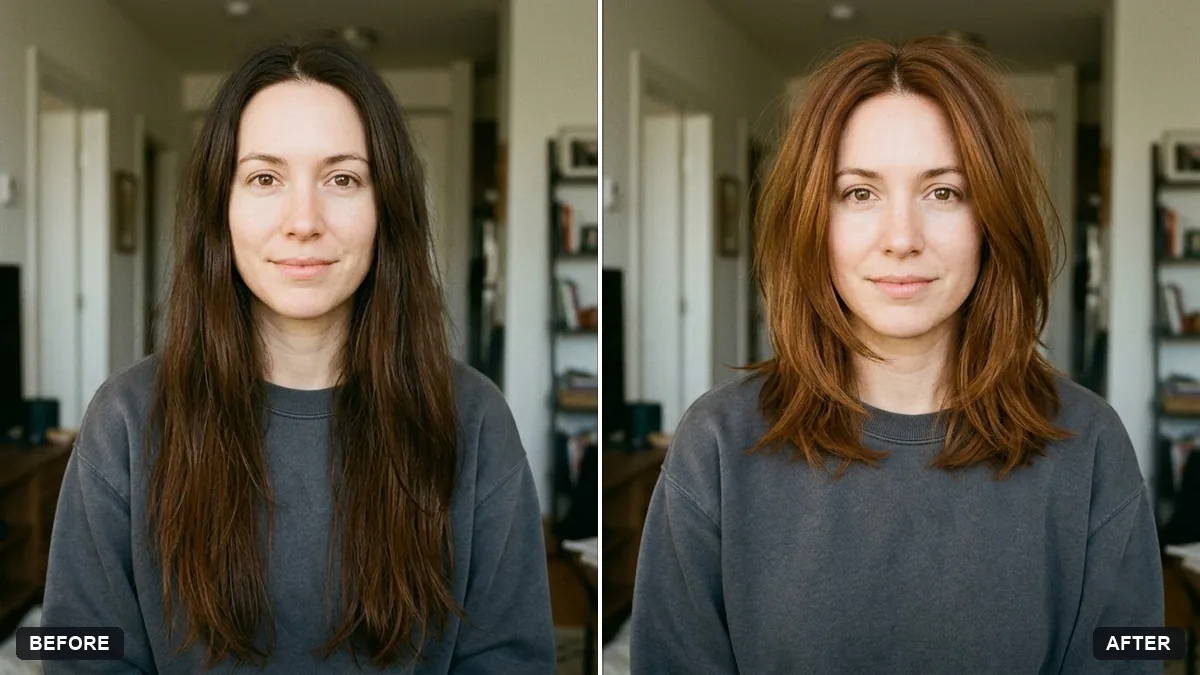
More like this
- Stylish Instagram story photo (9:16)Gemini · ChatGPT
- Split-screen comparison clipVeo · Kling · Seedance
- YouTube thumbnail from your photoGemini · ChatGPT
- Cottagecore portraitGemini · ChatGPT
- Dark academia portraitGemini · ChatGPT