The "I'm so sorry" AI trend: a glossy makeover, then the real photo
Published
Short answerEdit a real, often slightly awkward photo into a glossy, AI-perfect version first, then show the steps peeling back one at a time until the unedited original lands as the punchline. The real photo is the whole joke, so start with one you don't mind sharing.
A new AI photo trend has been racking up views: people take an old, ordinary photo, such as a school portrait, a baby picture or an early phone selfie, and run it through an AI glow-up. Then, instead of posting the glossy result, they walk the edits back one at a time until the real, unfiltered photo appears, with a caption like "okay... I lied". One report describes it as a trend that makes reality the punchline, with posts picking up tens of millions of views.
It's also called "sorry I lied" or the "perdón" trend in some places. The format varies: some people post a slideshow of steps, others post a short video. What they share is the joke: AI can make you look flawless in seconds, and the reveal is funnier because the real photo usually looks completely fine on its own.
Why it works
Most AI photo trends ask "how good can you make this look?" This one flips it: the punchline is how little the real photo needed fixing. That makes it forgiving to make and fun to watch, and it works with photos most people already have, no new photoshoot required.
Step 1: pick the right photo
The best photos for this trend have a touch of ordinary 2000s-to-2010s charm: a school photo, a slightly blurry party pic, an old passport-style photo, a baby photo. Avoid anything you'd mind resurfacing, since the whole point is posting the unedited original.
Step 2: make the glow-up version
Upload your photo and ask for a glossy, AI-smoothed makeover. This is the "before" the joke needs:
Give this photo a glossy, AI-influencer makeover: smooth, even skin, brighter white teeth, fuller styled hair, perfect studio lighting, a flattering outfit, and a slight glamour filter over the whole image. Keep the pose and framing the same so it still looks like the same photo, just polished.
Keep a copy of your original safe before you do anything else; you'll need it for the final slide.
Step 3: build the reveal steps
For a photo carousel, make 2 or 3 "halfway" versions between the glossy edit and the real photo. Ask the tool to undo one change at a time:
Here is the polished version of this photo. Make a slightly less edited version: keep most of the glow-up, but make the skin a little less smooth and the lighting a little more natural. This should sit halfway between a glossy edit and a plain, everyday photo.
Repeat with "a little less" each time until you're close to the original, then swap in your real unedited photo as the final slide, since no AI edit should ever replace that one.
Step 4: a before-and-after slide, or a video version
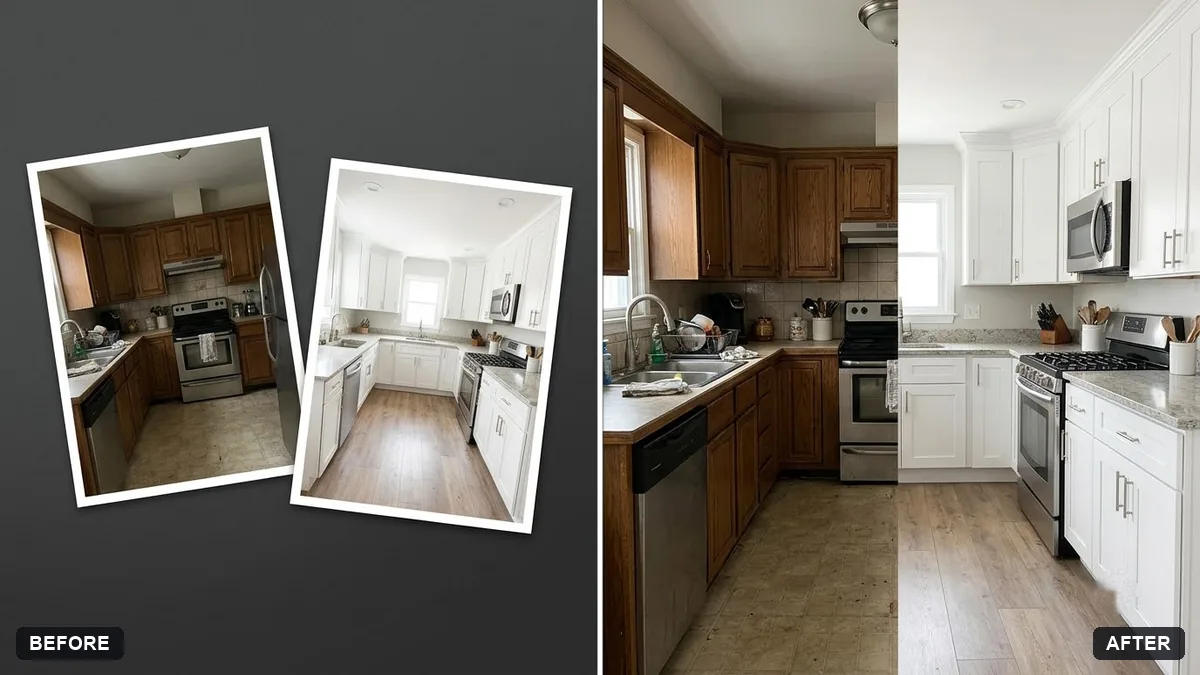
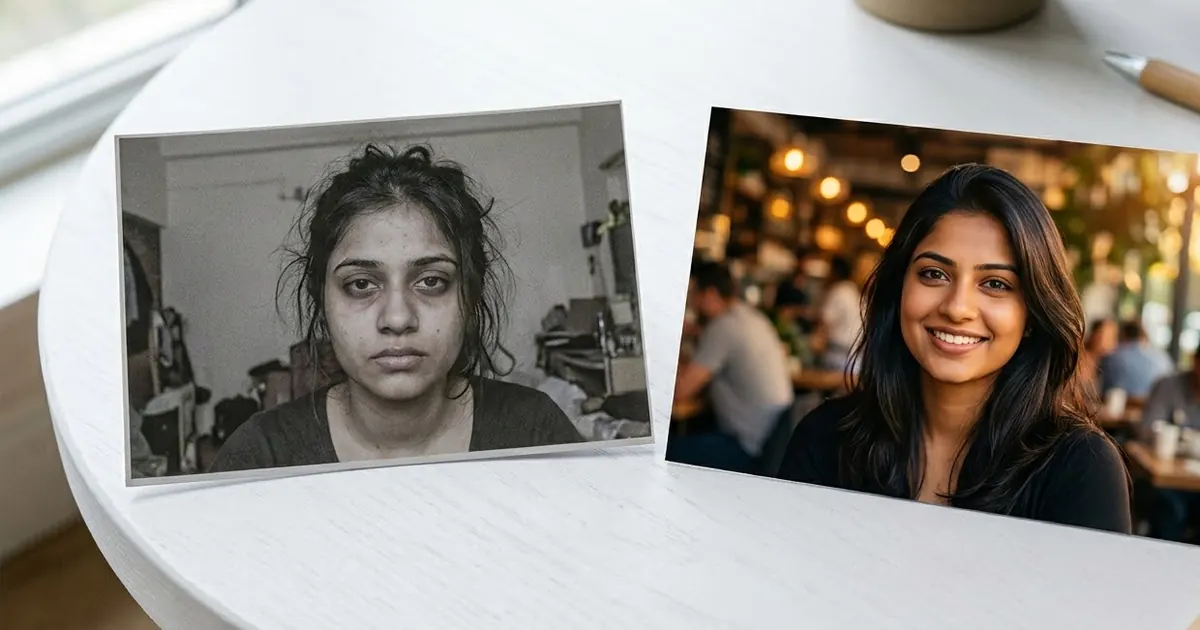
If you'd rather post one image than a slideshow, the before-and-after split prompt puts the glossy edit and the real photo side by side with a clean divider, so the contrast is obvious at a glance.
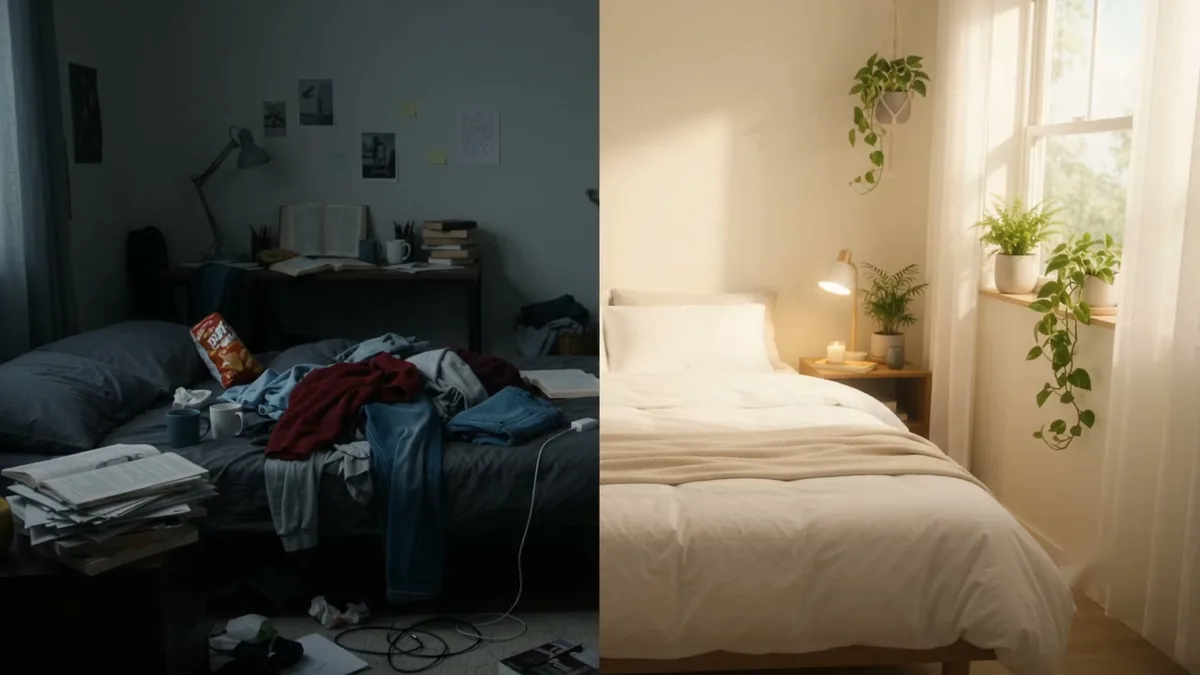
For a video version, the transformation reveal prompt gives you a template for a camera-locked reveal where one scene resets into another; adapt the wording for a face reveal instead of a room:
A locked-off shot of the same framing. It starts on a glossy, AI-perfected version of a [PHOTO TYPE, e.g. school photo]. On a snap or a quick flash transition, it changes to the plain, unedited original photo. No other movement, just the one clean swap, so the contrast between the two is obvious.
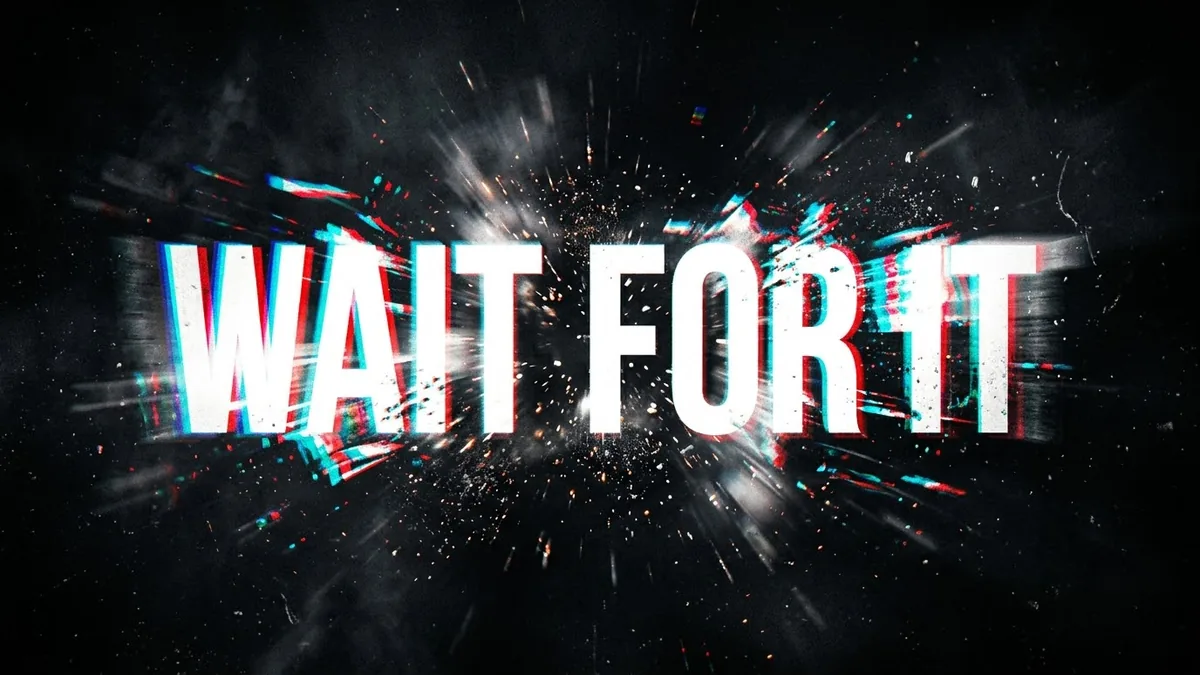
Add a punchy caption with the text reveal hook prompt, something like "okay... I lied" slamming onto the screen just before the swap.
A barber-shop or styling spin
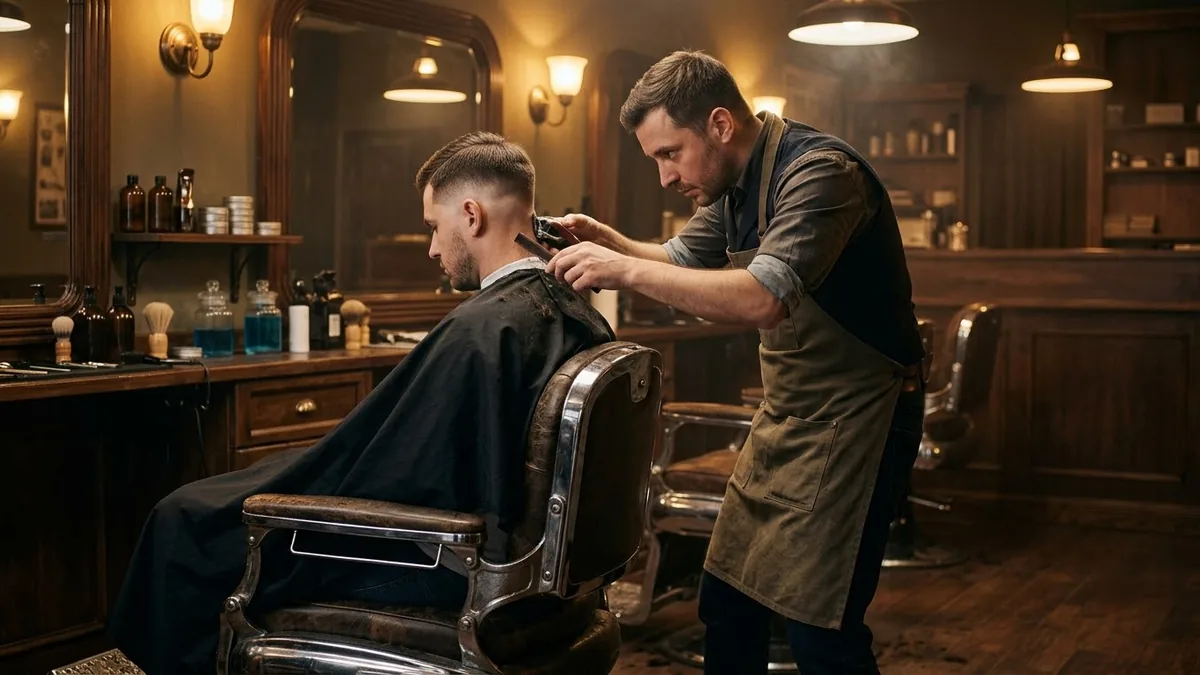
Plenty of versions of this trend use a styling theme instead of a straight photo edit: a fake "new haircut" or "new look" reveal that snaps back to an ordinary one. The barber shop transformation prompt is built for this kind of mirror reveal, and works well if you'd rather joke about a hair or outfit change than a full glow-up.
Keeping it good-natured
The trend works best as a joke on AI, not on anyone's appearance. A few habits keep it that way:
- Make the reveal flattering, not mocking. The joke is "AI made this unnecessarily glossy", not "look how different I used to be".
- Only use your own photos, or photos of people who are fine with it being posted.
- Keep the final reveal honest. Don't touch up the "real" photo; the whole joke depends on it being the actual original.
Fixing common problems
The glow-up looks too different to be funny. Keep the pose, framing and background the same; only change skin, hair, teeth and lighting.
The halfway steps jump too much. Ask for smaller steps: "keep 80% of the edit" or "undo just the lighting, nothing else" for each stage.
The video reveal looks janky. Lock the camera and crop both images to match before you animate the swap; most odd results come from a slight framing mismatch between the two source photos.
Where to go from here
If this trend has you curious about more flattering (not fake) edits, see our AI glow-up photo prompts, which cover the opposite move: making a photo better while keeping it honest. All the prompts here are free in the viral AI photo trends collection, and the prompt builder can write a custom version for any photo.
Quick checklist
- Pick an ordinary old photo you don't mind posting unedited.
- Make the glossy AI version first, and keep your real photo safe.
- Build 2–3 "halfway" steps between the two for a slideshow, or one clean swap for video.
- Use the before-and-after split or transformation reveal prompt for the format you want.
- Keep the joke on AI, not on anyone's appearance, and never touch up the final "real" photo.
Prompts to try
More prompts on this topic
- Dance trend video from one photoHiggsfield · Kling
- Room makeover time-lapseVeo · Kling · Seedance
- Turn this week's trends into content ideasChatGPT · Gemini · Claude
Comments
No comments yet. Be the first to share what worked for you.