AI year-in-review prompts: turn your year into a recap photo or video
Published
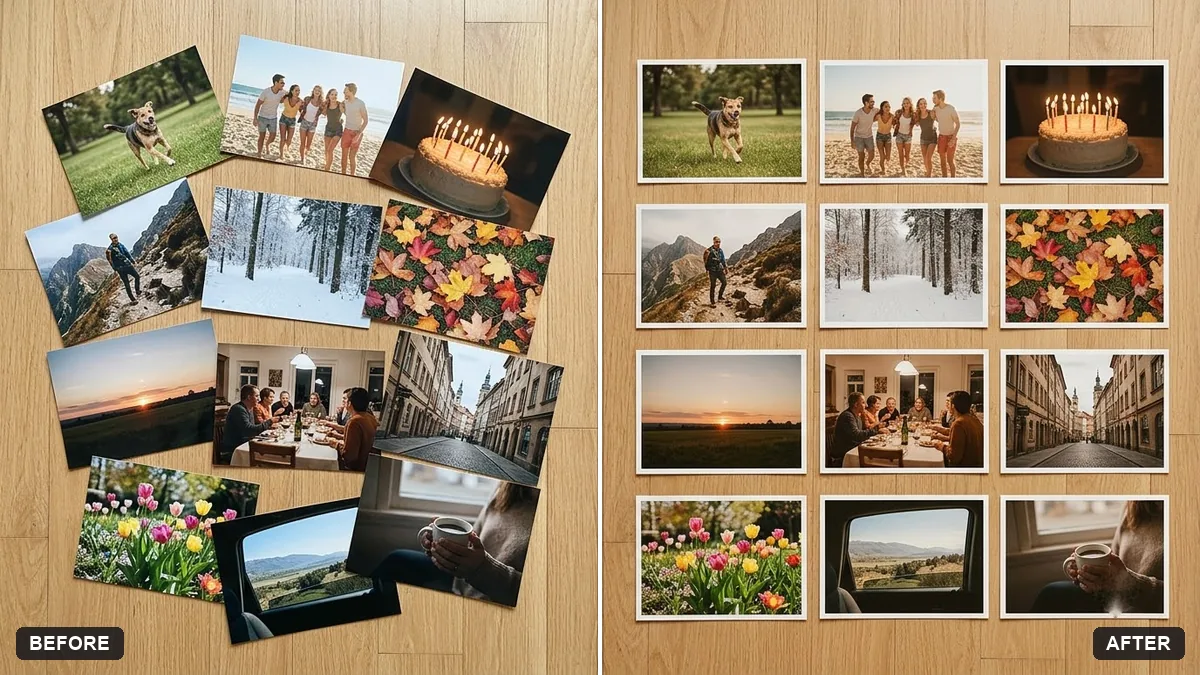
Short answerPick 12 photos, one per month if you can, and ask the AI to arrange them into a labelled grid collage. Pair it with a short reflection prompt that interviews you about the year before you jump to next year's goals.
Every December, feeds fill with "my year" posts: a grid of photos, a short recap video, a "that was 2026" reel. You don't need a design app or hours of editing to make one. A photo collage AI tool can lay the grid out for you, and a chat tool can ask you the right questions to write the caption, or the reflection that goes with it.
This works any time from now through January, not just on 31 December. Starting a bit early in November gives you time to actually pick good photos instead of grabbing whatever's in your camera roll at 11pm.
Step 1: pick your twelve
Try to find one photo per month, even a mediocre one. If a month is a blank, a screenshot, a receipt, a boarding pass, works fine as a placeholder; the point is coverage, not perfection. Twelve is a nice number because it reads as "a year", but a 9 or a 16 works too if that's what you have.
Step 2: build the collage
Upload your chosen photos and use the year in review collage prompt:
Create a year-in-review collage from these photos, arranged in a tidy grid of 12 tiles labelled January to December, with a title "[YEAR] in Review", a consistent warm colour grade and thin white borders.

Keep the photos' content exactly as it is.
If your photos vary a lot in lighting and colour, "a consistent warm colour grade" is the detail that makes them feel like one set instead of twelve random pictures stuck together. Swap "warm" for "neutral" or "black and white" if that suits your year better.
Step 3: turn it into a short recap video
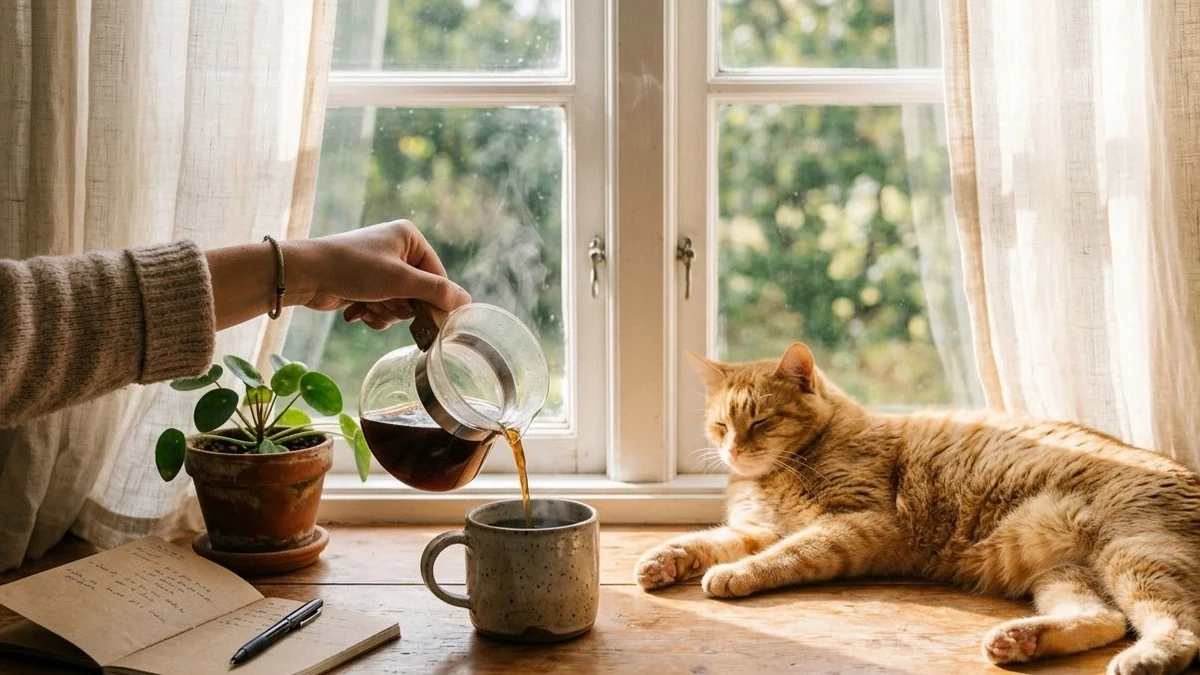
For a Reel or Story, the day-in-my-life montage prompt is built for short, calm clips; you can run it once per "chapter" of your year and stitch the results together, or just use a single clip as a cover for your photo set:
Aesthetic day-in-my-life shot, 9:16, 5 seconds. [MOMENT FROM YOUR YEAR, e.g. hands packing a suitcase by a sunny window]. Soft natural light, warm cosy tones, slow gentle camera drift, shallow depth of field, calm lo-fi mood. No faces needed, no text, no logos.
Add a title card with the text reveal hook prompt, something like "2026" or "my year" slamming onto the screen at the start, so whoever stitches the clips together has a clean opener.
Step 4: write the caption with a proper reflection, not a guess
The temptation is to write "what a year!" and move on. A short guided reflection gets you something truer, and it's genuinely useful beyond the caption. Use the year-end reflection prompt:
Interview me for a year-end reflection, asking one question at a time. Cover wins I am proud of, things that did not go to plan, lessons, relationships that mattered, habits to keep, habits to drop, and what I want more and less of next year.

After eight questions, summarise the themes you noticed and suggest three focus areas for [NEXT YEAR] with one small first step for each.
Let it actually interview you, one question at a time, instead of dumping all eight at once. The back-and-forth surfaces things a single prompt won't.
Making the collage look good, not cluttered
- Don't mix orientations without a plan. A mix of portrait and landscape photos in a strict grid can look messy; ask the tool to "crop photos to fit the grid evenly" if that happens.
- Keep the labels simple. Month names or short one-word captions age better than long in-jokes you'll forget the context of.
- One strong photo beats twelve average ones, if you're short on options for a month. Repeat a favourite from a nearby month rather than including a photo you don't like.
Fixing common problems
The grid looks uneven. Ask for "crop each photo to the same aspect ratio before placing it in the grid".
The colour grade looks too heavy. Ask for "a subtle warm grade, keep skin tones natural".
A photo in the collage changed. Repeat "keep the photos' content exactly as it is" and resend just that one photo if needed.
Where to go from here
If the reflection prompt gets you thinking ahead, see our vision board for 2027 for turning those focus areas into a board you'll actually look at. All the prompts here are free in the productivity prompts collection, and the prompt builder can adapt any of them for your own photos.
Quick checklist
- Find one photo per month, even an imperfect one.
- Build the grid collage with a consistent colour grade.
- Add a short video clip or title card if you want a Reel version.
- Use the guided reflection prompt before you write the caption.
- Turn your three focus areas into next year's plan while it's fresh.
Prompts to try


More prompts on this topic
- Photo collage grid for social postsGemini · ChatGPT
- Memory wall collageGemini · ChatGPT
Comments
No comments yet. Be the first to share what worked for you.