AI Instagram photo prompts
An Instagram photo needs to stop the scroll in a second. These prompts restyle your photo for the feed and Stories: a high-end story photo with space for text, a clean mirror selfie, lifestyle and aesthetic looks such as old money, quiet luxury, dark academia, cottagecore and street style, and a magazine cover of you.
There are also layouts for posting, such as collage grids, a year in review, a before and after split, a travel postcard, an album cover and a YouTube thumbnail from your photo.
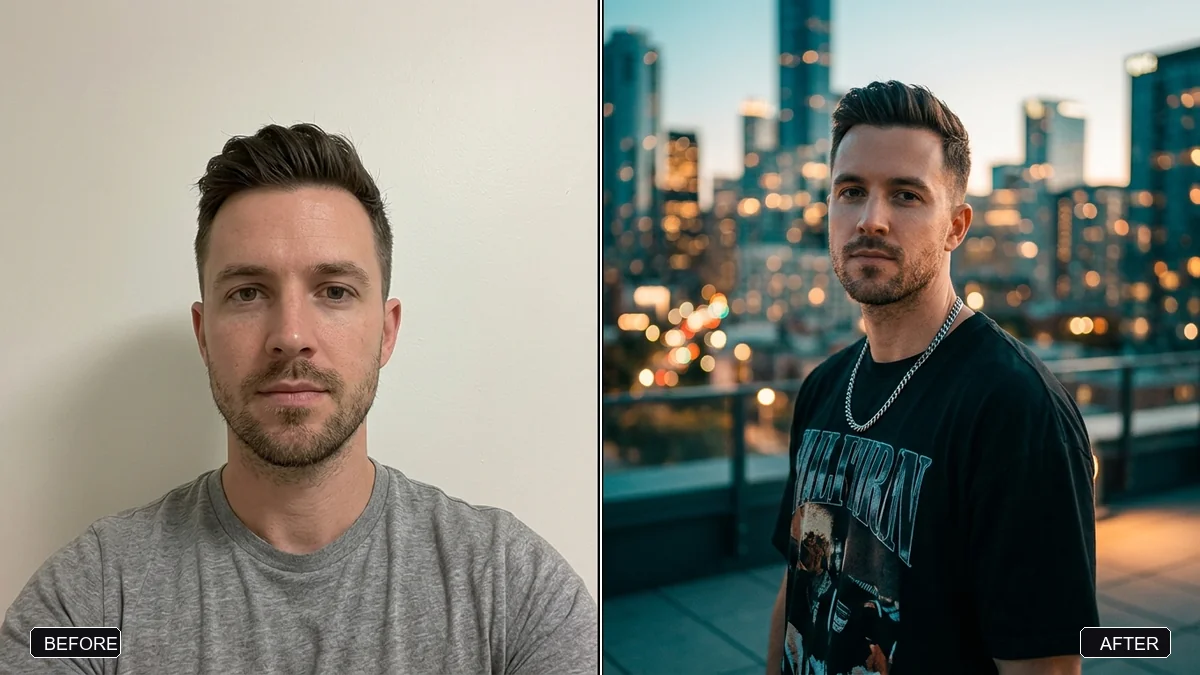
Edit this photo of me into a stylish, high-end Instagram story photo. Keep my face, hairstyle, skin tone, and body exactly the same.

Outfit: [OUTFIT, e.g. an oversized black shirt, silver chain, and cargo pants]. Setting: [SETTING, e.g. a city rooftop at blue hour with blurred skyline lights].

Confident, natural pose; cinematic teal-orange colour grade; soft rim light; sharp focus on me with a softly blurred background. Vertical 9:16, with empty space at the top for text.
Three steps, about a minute
- 1
Pick a photo of yourself with good light. Full length or waist up gives the AI more to style.
- 2
Upload it to Gemini or ChatGPT, paste the prompt and fill in the outfit and setting.
- 3
Check the ratio (9:16 for Stories, 4:5 for the feed) and leave space for text if you need it.
Make it yours
- Aesthetic: old money, quiet luxury, dark academia, cottagecore or street style each set clothes, place and colour.
- Text space: "empty space at the top for text" keeps your face clear of stickers and captions.
- Series: post 3 photos in the same look for a planned feed.
- Thumbnail: the YouTube thumbnail prompt adds a bold expression and bright background.
If it goes wrong
- It looks too fake for my feed
- Add "natural, candid, slightly imperfect, shot on a phone".
- The outfit is not my style
- Name your real clothes and one change: "my jeans, add a long camel coat".
- My face changed
- Reply "keep my face, hairstyle, skin tone and body exactly the same".
- Text in the picture is misspelled
- Add "no text" and write the caption in Instagram instead.
14 more prompts in this collection
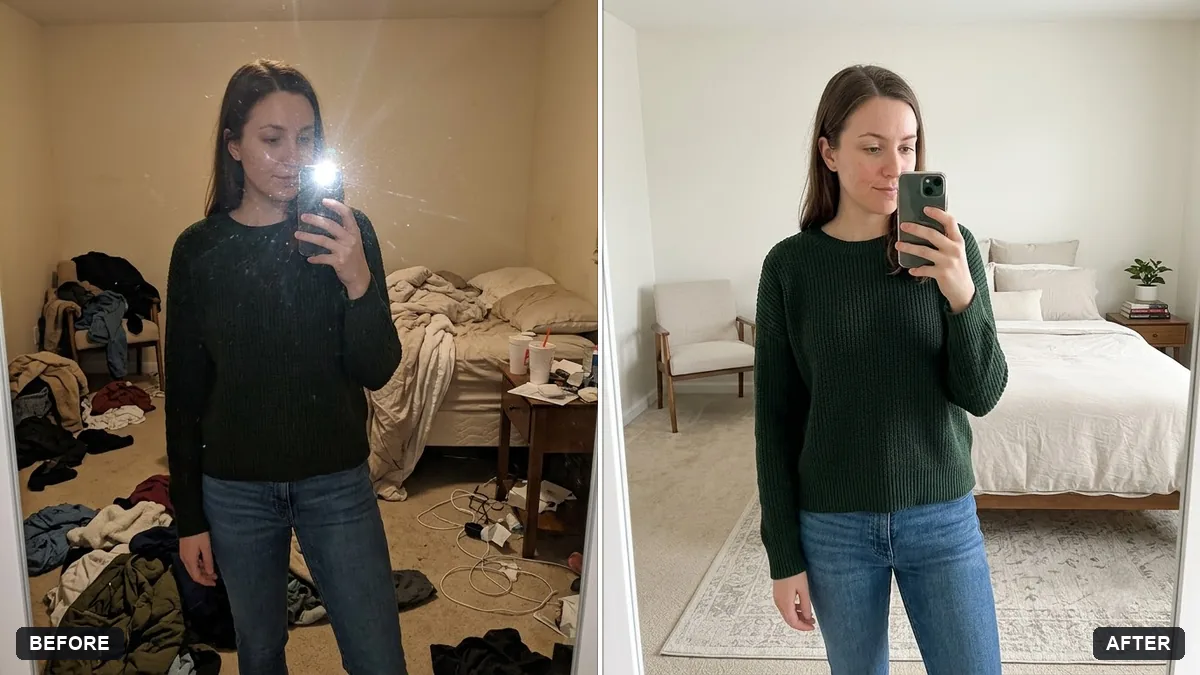 Clean mirror selfieGemini · ChatGPT
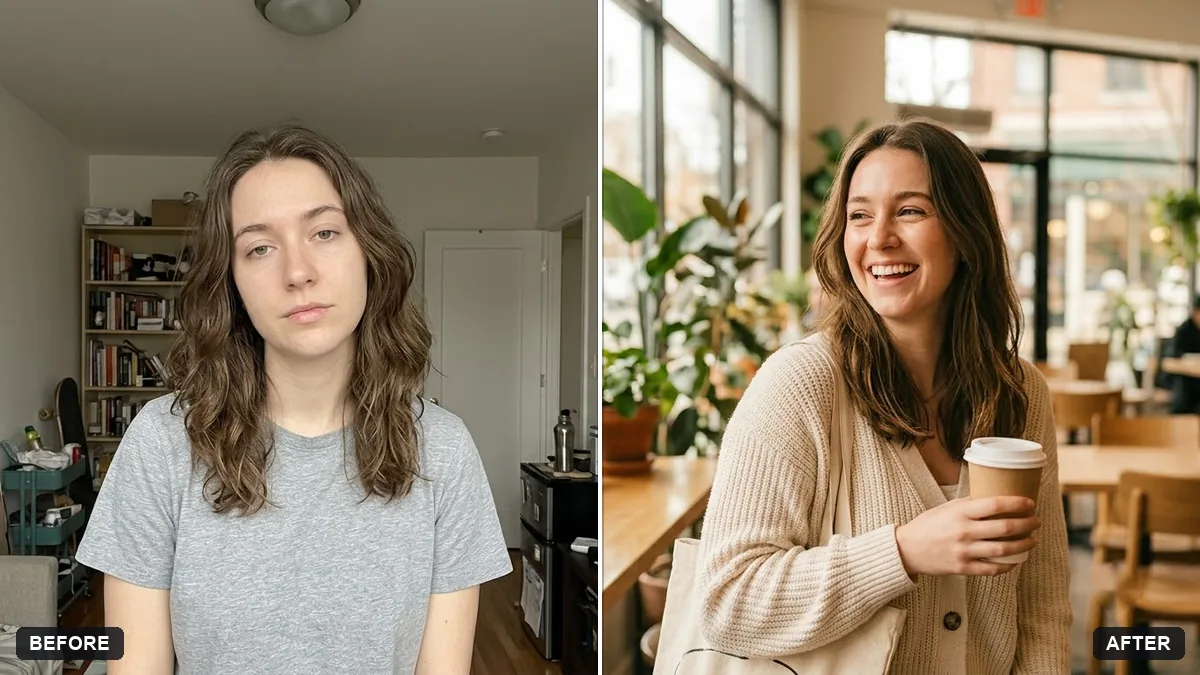 Lifestyle influencer portraitGemini · ChatGPT
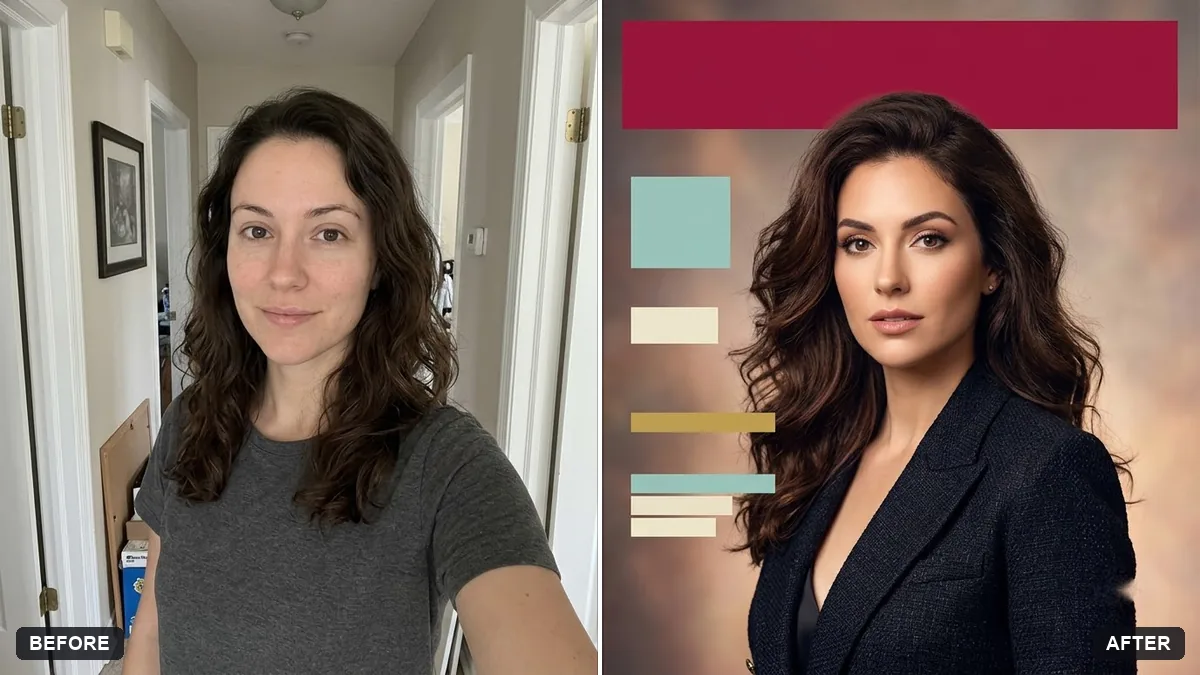 Put yourself on a magazine coverGemini · ChatGPT
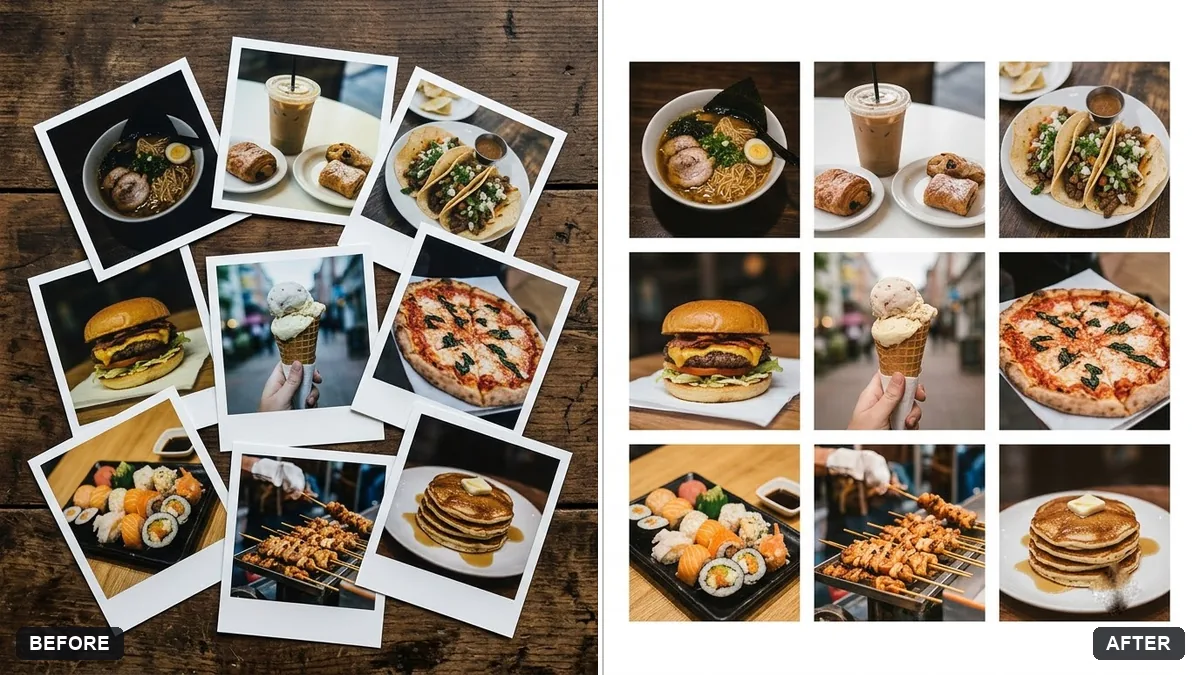 Photo collage grid for social postsGemini · ChatGPT
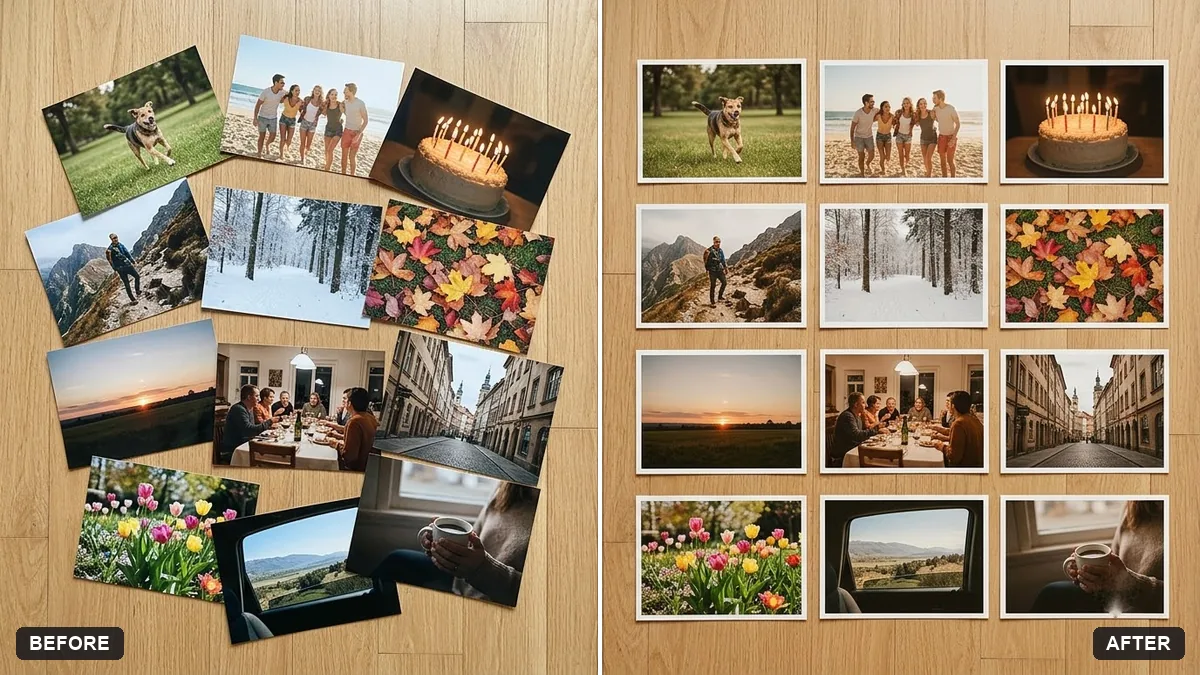 Year in review photo collageGemini · ChatGPT
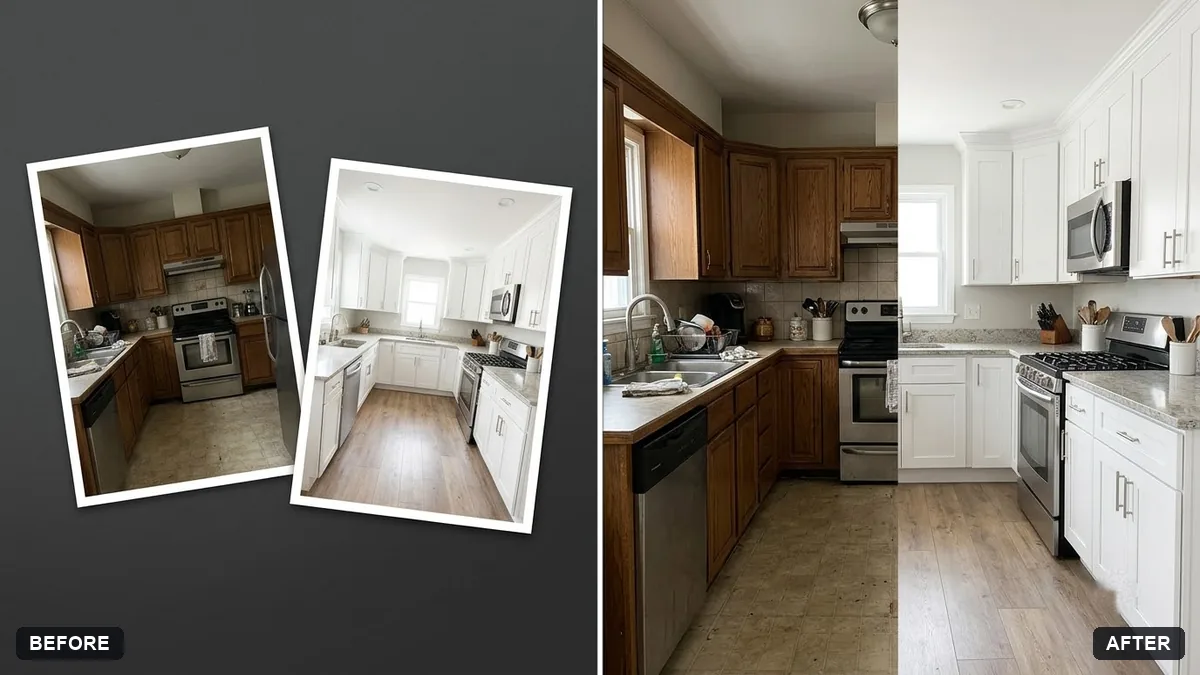 Before and after split imageGemini · ChatGPT
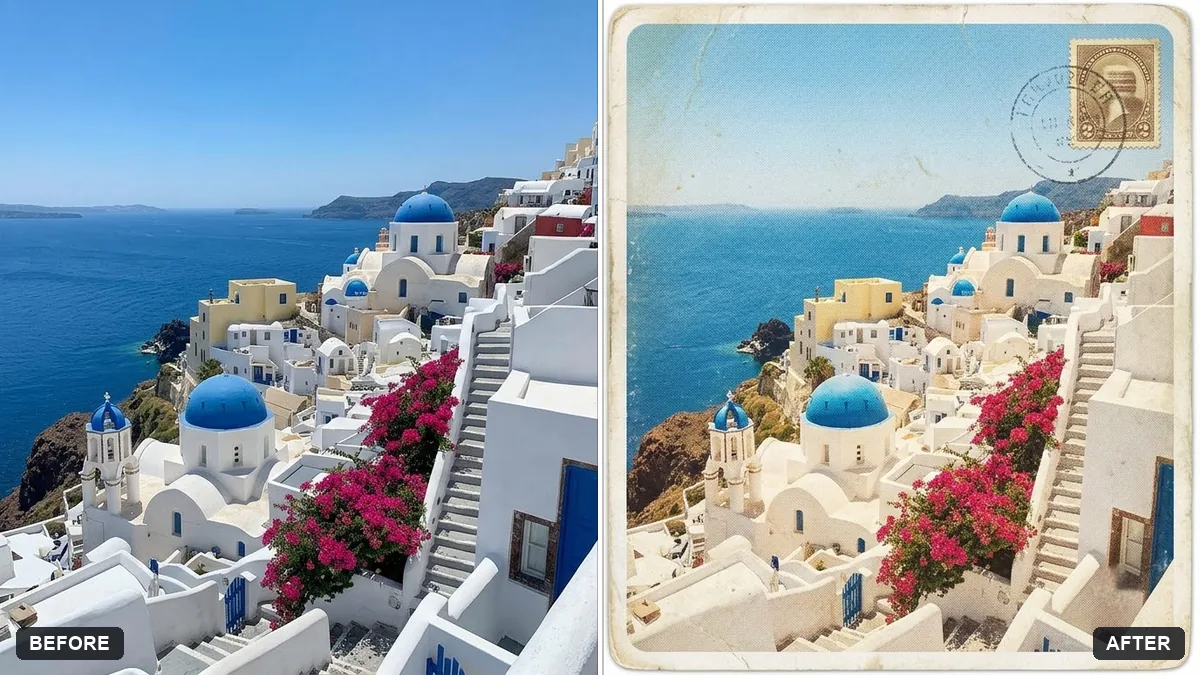 Turn a travel photo into a postcardGemini · ChatGPT
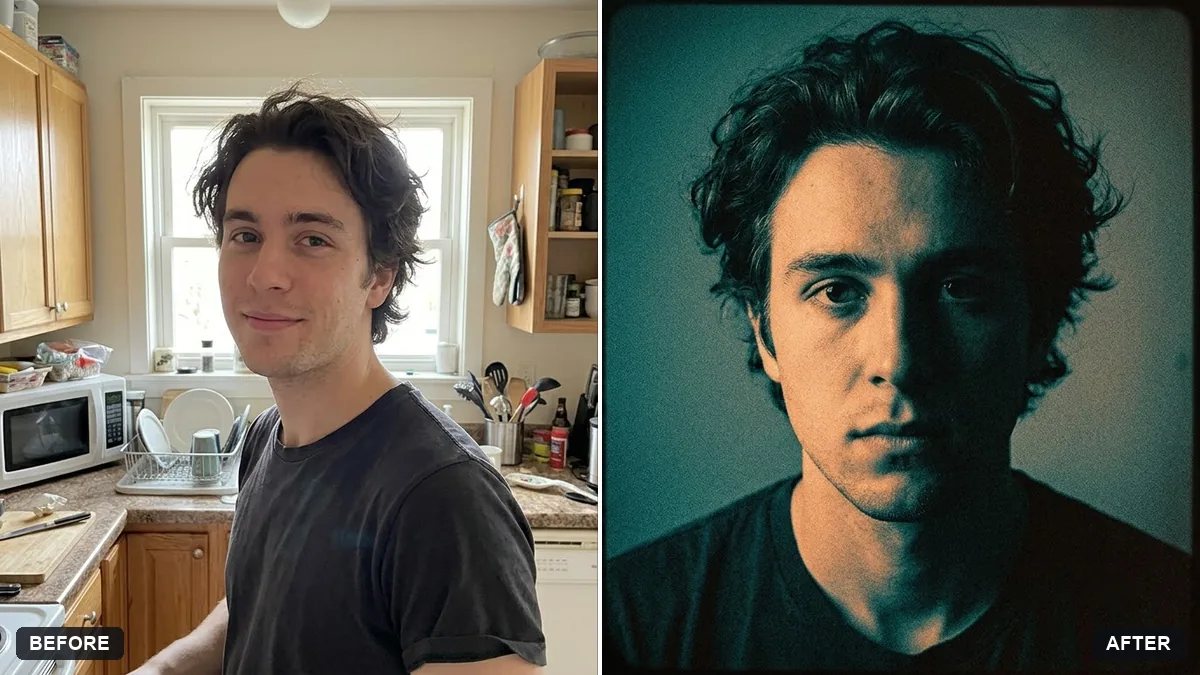 Music album cover from your photoGemini · ChatGPT
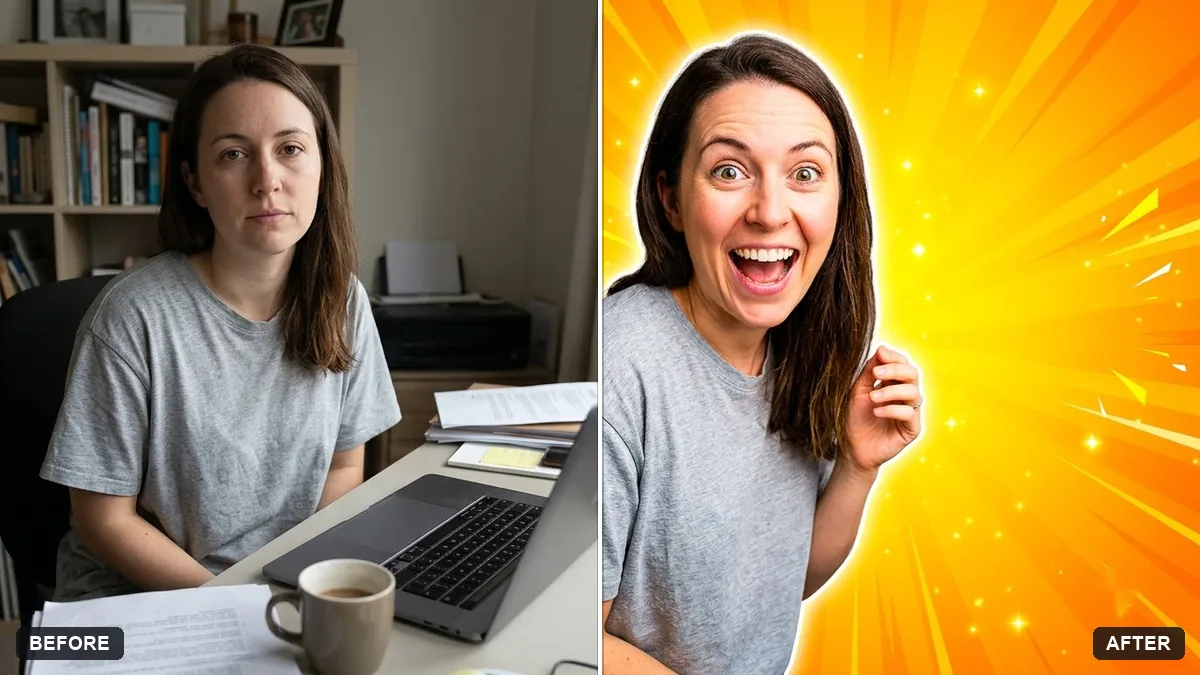 YouTube thumbnail from your photoGemini · ChatGPT
5 more prompts without a picture yet
- Old money aesthetic portraitGemini · ChatGPT
- Quiet luxury portraitGemini · ChatGPT
- Dark academia portraitGemini · ChatGPT
- Cottagecore portraitGemini · ChatGPT
- Street style fashion portraitGemini · ChatGPT
Guides that use these prompts
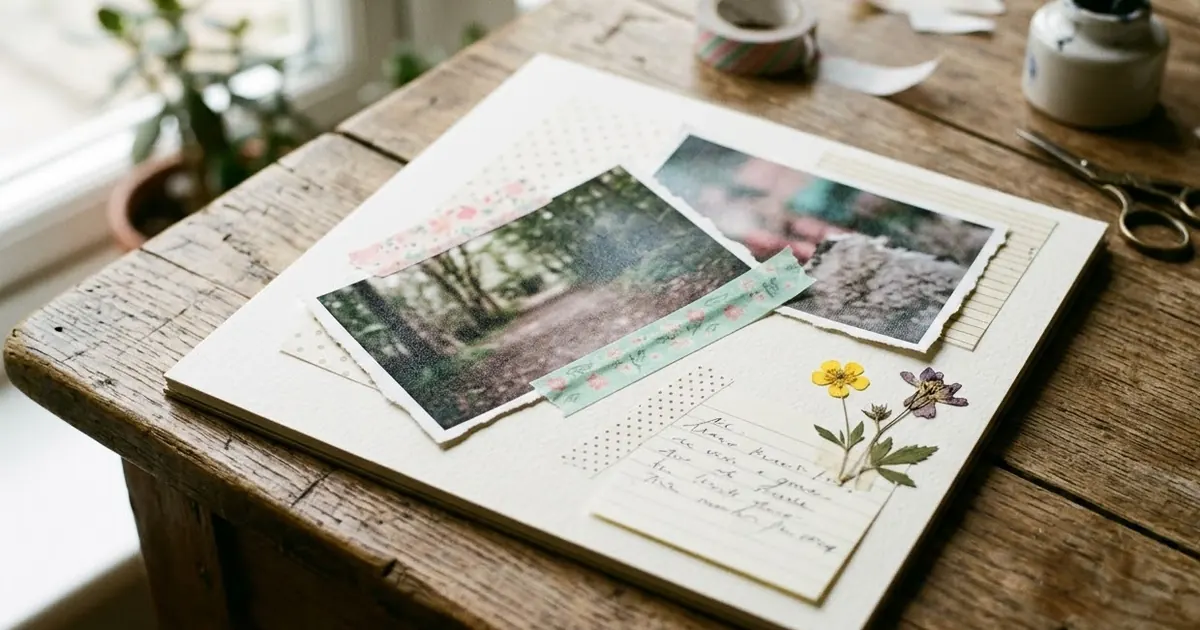
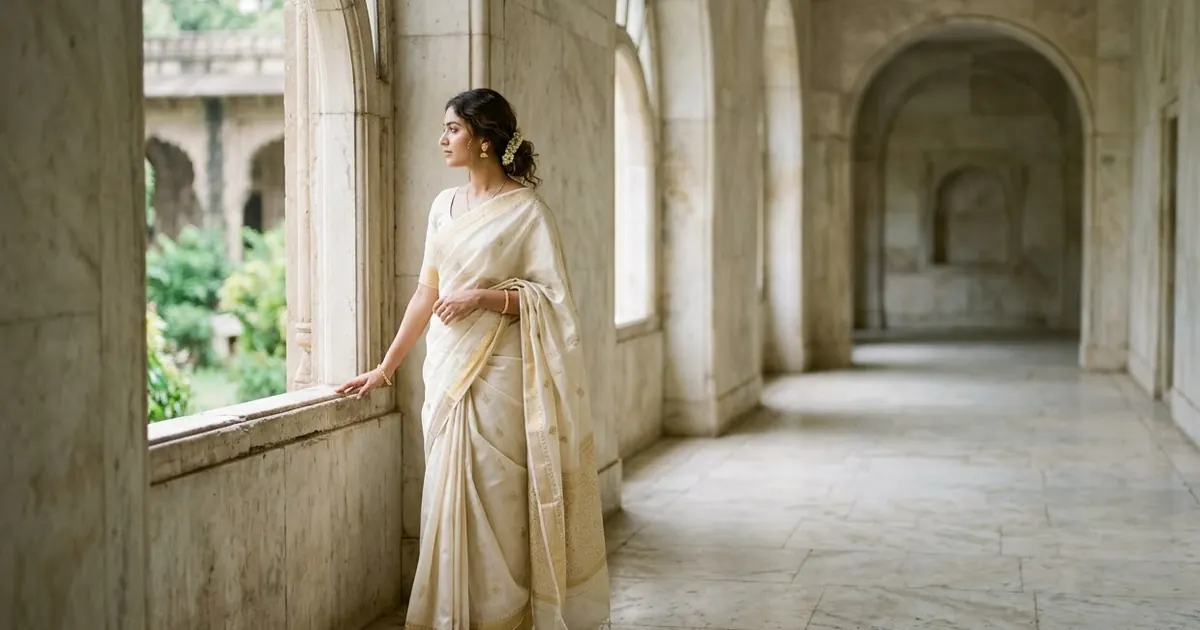
Questions, answered
What size should an Instagram photo be?
Use 4:5 (1080 by 1350) for the feed and 9:16 (1080 by 1920) for Stories and Reels covers. Each prompt names a ratio you can change.
Should I say a photo is AI-edited?
Instagram may label AI-made content, and it is honest to say so when the scene is not real. A simple "edited with AI" in the caption is enough.
How do I keep my feed consistent?
Use the same aesthetic prompt and colour grade for a week of posts, or the colour match prompt from the photo filter collection.