Instagram photo dump AI prompts: make your monthly recap look like one story
Published
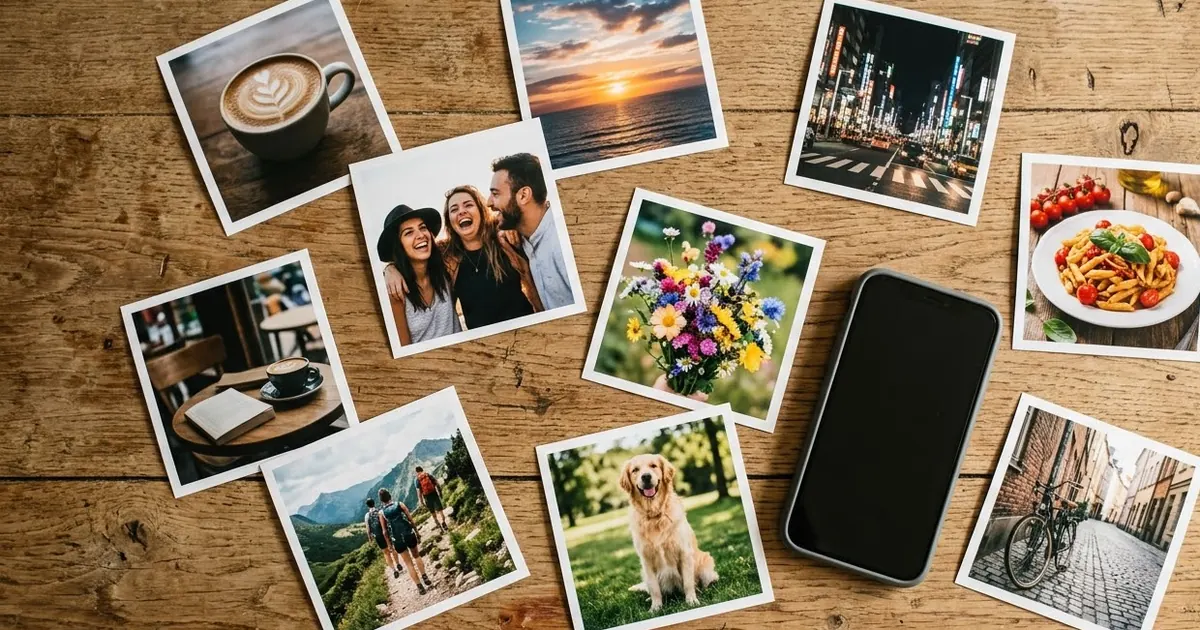
Short answerA good photo dump looks random but isn't. Pick 6-10 photos around one theme, use AI to match their colours and fix the weak ones, make one collage as the cover, and let AI suggest a short caption in your own style.
The "photo dump" is still the most relaxed way to post on Instagram, but it has changed in 2026. Lightreel's September 2026 trend report notes that dumps are moving from random collections to packaged themes like "life lately" and weekly recaps, and that seasonal dumps with an "Add Yours" sticker are spreading. September dumps even have their own look: a six-photo collage in two columns.
With October starting on Thursday, now is a good time to plan yours. AI helps with three things: making the photos look like they belong together, rescuing the blurry ones, and writing a caption that doesn't sound forced.
Step 1: pick a theme
A theme makes a dump feel like a story instead of leftovers. Some that work:
- Life lately: the everyday stuff, coffee, commute, desk, food.
- The month in colour: everything that was orange this month.
- Festival season: Navratri, Durga Puja, Dussehra, Diwali prep.
- One trip: a weekend in one place.
Pick 6 to 10 photos. Instagram allows up to 20, but most people stop swiping long before that.
Step 2: match the colours
Photos from different days and lights look messy side by side. Our colour match prompt fixes this:
Edit these [NUMBER] photos so they look like one set. Use the colours of photo [NUMBER] as the reference: [LOOK, e.g. warm, slightly faded, soft greens]. Match white balance, brightness and contrast. Don't change what's in any photo, and don't crop.
Upload all of them in one message. If your AI tool only takes one photo at a time, run the same prompt for each and keep the "reference" description identical.
Step 3: give it the film look (optional)
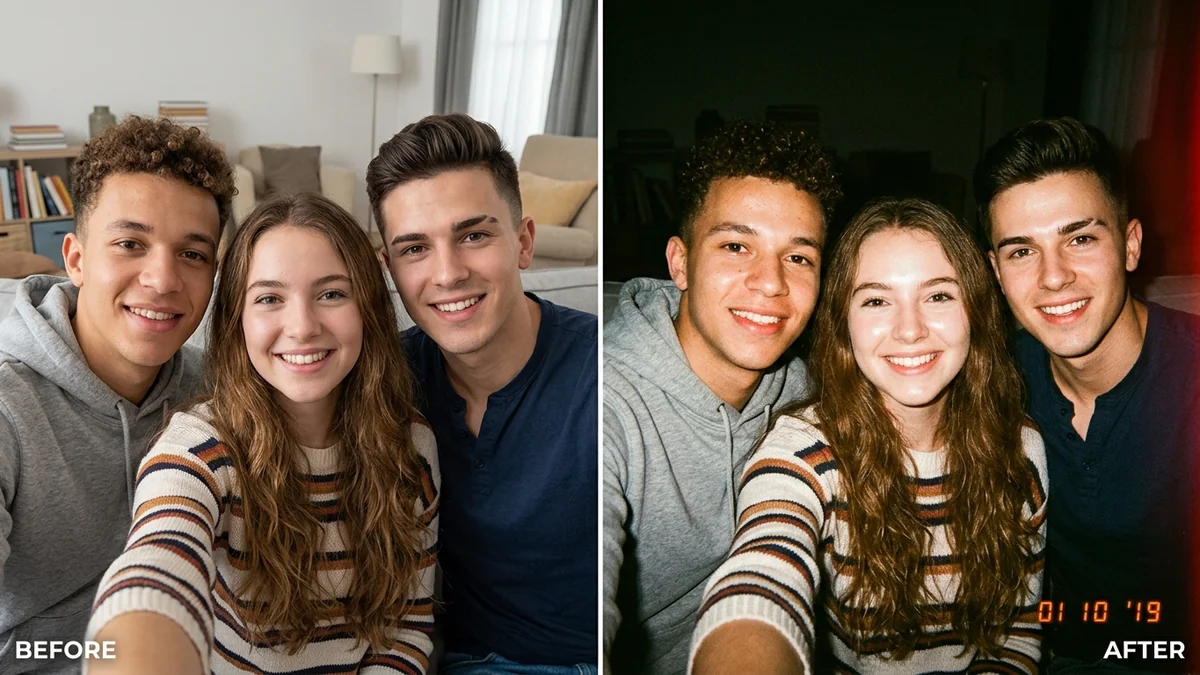
A lot of dumps use a slightly imperfect camera look. The disposable camera prompt adds flash, grain and warm colour:
Make this photo look like it was taken with a disposable film camera: direct flash, slight grain, warm faded colours, a little softness. Keep every face and object exactly the same.
Use it on all photos or none. Mixing clean and film-look photos breaks the set.
Step 4: make a collage cover
The first slide decides whether people swipe. A collage of the best moments works well as the cover:
Make a clean collage for an Instagram post, 4:5 portrait, from these [NUMBER] photos in [LAYOUT, e.g. two columns of three]. Keep each photo's content exactly the same. Thin white gaps between photos, matching colour tone. No text.
This is based on our social collage grid prompt. Add a title yourself in the Instagram editor. AI tools still misspell words.
Step 5: rescue the bad ones
Every dump has one photo you love that's too dark or blurry. Try:
Improve this photo without changing it: fix the brightness and colour, reduce blur and noise, keep it looking like a real phone photo. Don't smooth faces or add details that weren't there.
Step 6: the caption
Short captions are the norm for dumps. Use the Instagram caption prompt:
Write 10 short captions (under 8 words) for an Instagram photo dump about [THEME]. Tone: [TONE, e.g. dry and funny]. Some with one emoji, some with none. Don't use the words "vibes" or "lately".
Banning the most common dump words forces better ideas.
Where to go from here
For the film-camera look, read our AI polaroid photo prompts and the film look guide. All the prompts above are free in the photo editing collection, and the prompt builder can write one for your own theme.
Quick checklist
- One theme, 6 to 10 photos.
- Match colours to one reference photo.
- Film look on all photos or none.
- A collage as the first slide.
- A short caption, written or picked by you.
Comments
No comments yet. Be the first to share what worked for you.