AI aging prompts: see yourself older, realistically
Published
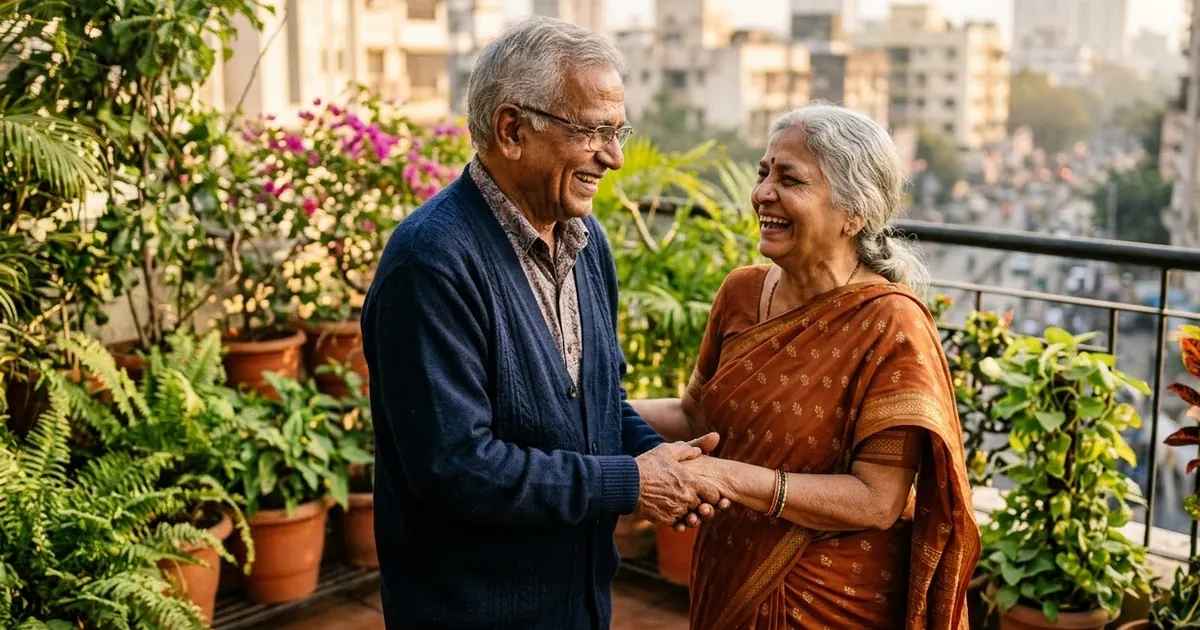
Short answerUpload a clear, front-facing photo and give an exact age, not just "old". Describe realistic changes (grey hair, fine lines, softer skin, reading glasses) and keep the same expression and pose, so the result looks like you and not a stranger's grandparent.
The AI age filter is one of the evergreen photo trends that keeps coming back. Media.io lists AI aging among its most used social effects, and couples' "us at 80" pictures are regularly shared on Instagram and WhatsApp.
It's also the reverse of the "hug your younger self" trend. Instead of meeting the child you were, you meet the person you'll become. Most free filters just add wrinkles and grey hair. With the right prompt, ChatGPT or Gemini can age you in a way that actually looks like you.
The main prompt
Show the person in this photo at age [AGE, e.g. 70]. Keep the same face shape, eyes, nose, smile and skin tone so it's clearly the same person.

Age them realistically: [HAIR, e.g. mostly grey, thinner at the front], fine lines around the eyes and mouth, slightly softer skin and jawline, [EXTRA, e.g. reading glasses].

Same pose, same expression, same background and lighting as the original. Natural photograph, real skin texture. No text.
An exact age matters. "Old" gives a random 90-year-old. "58" gives someone you recognise.
Age steps
For a series, run the same prompt several times from the original photo, changing only the age: 40, 55, 70, 85. Don't age the aged picture again. Each generation drifts a little, and after four steps you'll have a stranger.
Put the results in a row for a carousel, or turn them into a short clip with the then and now video prompt.
The couple version
"Us at 80" is the most shared version:
Show the couple in this photo 50 years from now, around age [AGE]. Keep both faces recognisable. Same pose and same way of holding each other. Realistic aging: grey hair, lines, softer skin. Warm, happy expressions. Setting: [SETTING, e.g. the same balcony, with plants that have grown bigger].
A nice detail is to make the setting age too: the plants grow, the curtains change, the furniture gets older. It tells the story without any words. For an anniversary picture, combine it with the golden hour anniversary prompt.
The portrait version
For a timeless look, ask for a black-and-white studio portrait of the older you. The black and white studio portrait prompt gives a classic, dignified finish that suits aged faces well.
Going the other way
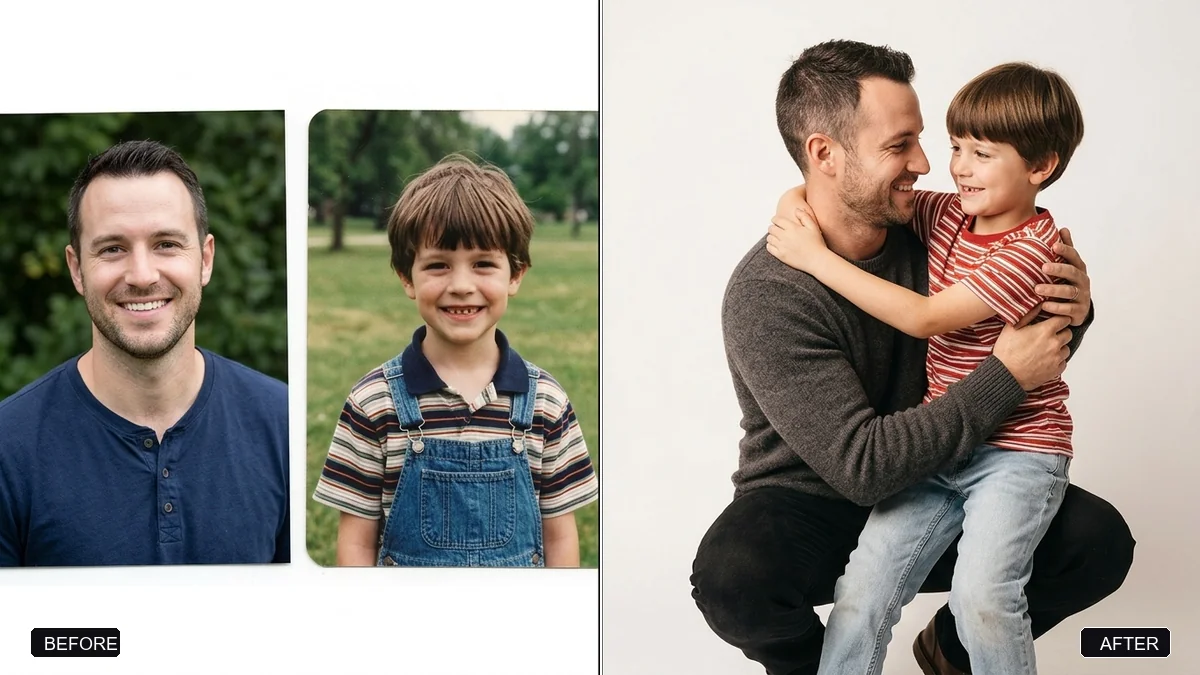
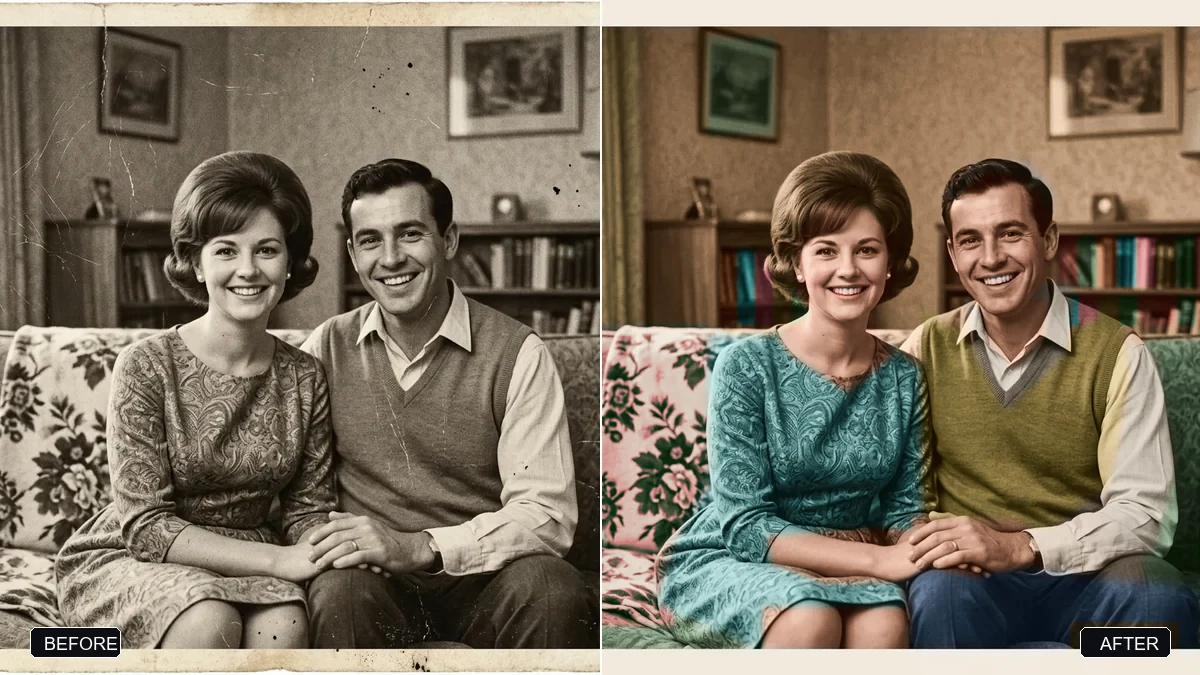
To make yourself younger instead, use the same structure with a younger age and "smoother skin, fuller hair, no lines". If you have an old photo of yourself, restore it first with the damaged photo restoration prompt and then use it in the hug your younger self prompt.
Fixing common problems
It's a different person. Crop the photo to your face and shoulders, and say "clearly the same person" twice, at the start and end.
The aging is extreme. Name the changes you want and add "healthy, active for their age".
Hair colour is wrong. Say what shade of grey or white, and whether there's any hair loss.
A note on sharing
Aging a partner or parent can be a lovely gift, but some people find it upsetting to see themselves old. Ask before you post a picture of someone else.
Where to go from here
Read our hug your younger self guide and the AI family portrait prompts. Every prompt here is free in the viral AI photo trend collection, and the prompt builder can fill in the ages and details.
Quick checklist
- A clear, front-facing photo.
- An exact age, not "old".
- Name the realistic changes.
- Always age from the original photo.
- Ask before sharing someone else's.
Comments
No comments yet. Be the first to share what worked for you.