- Updated
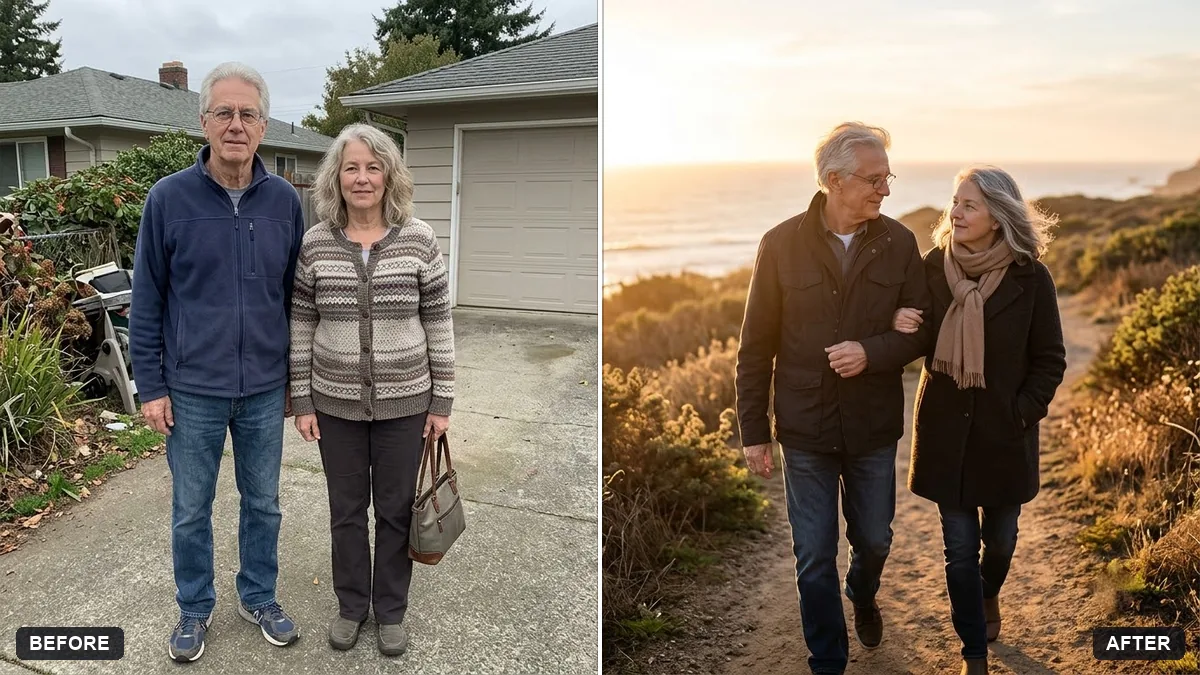
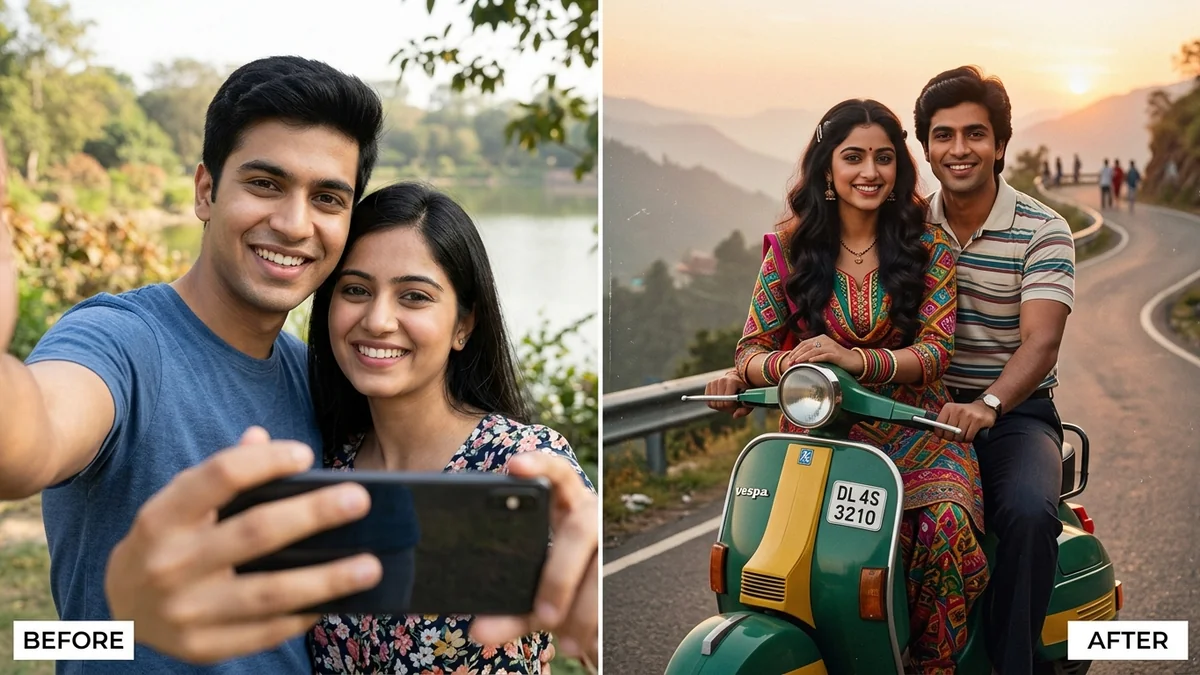
Anniversary couple photo at golden hour
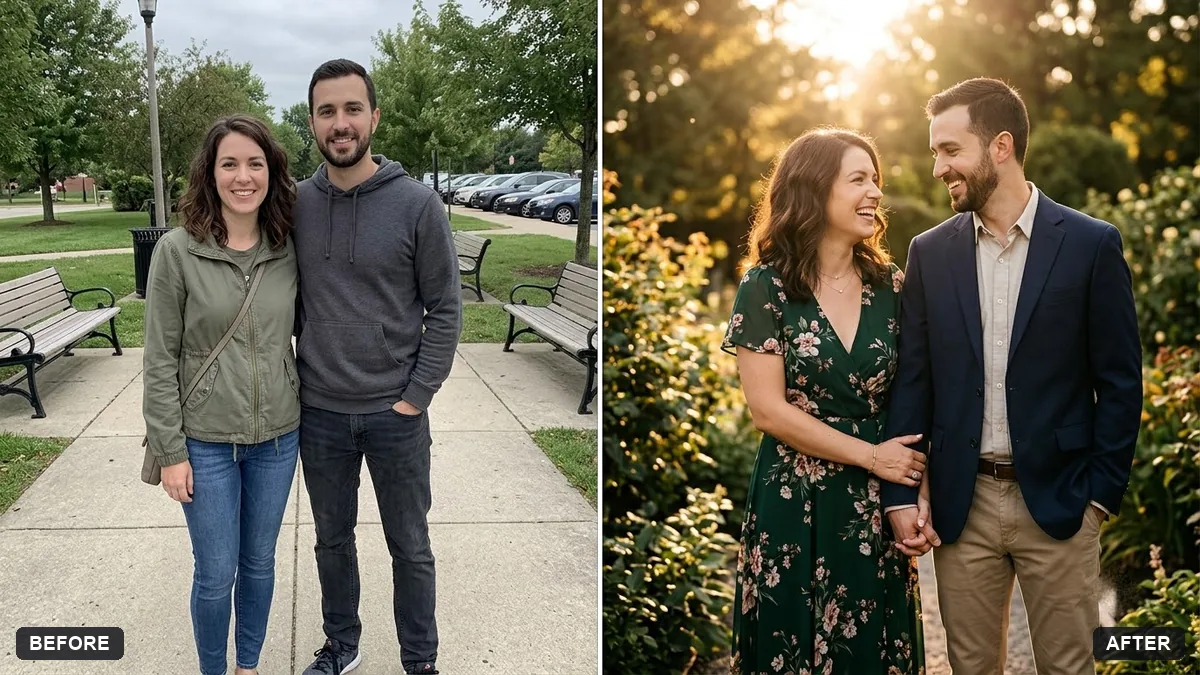
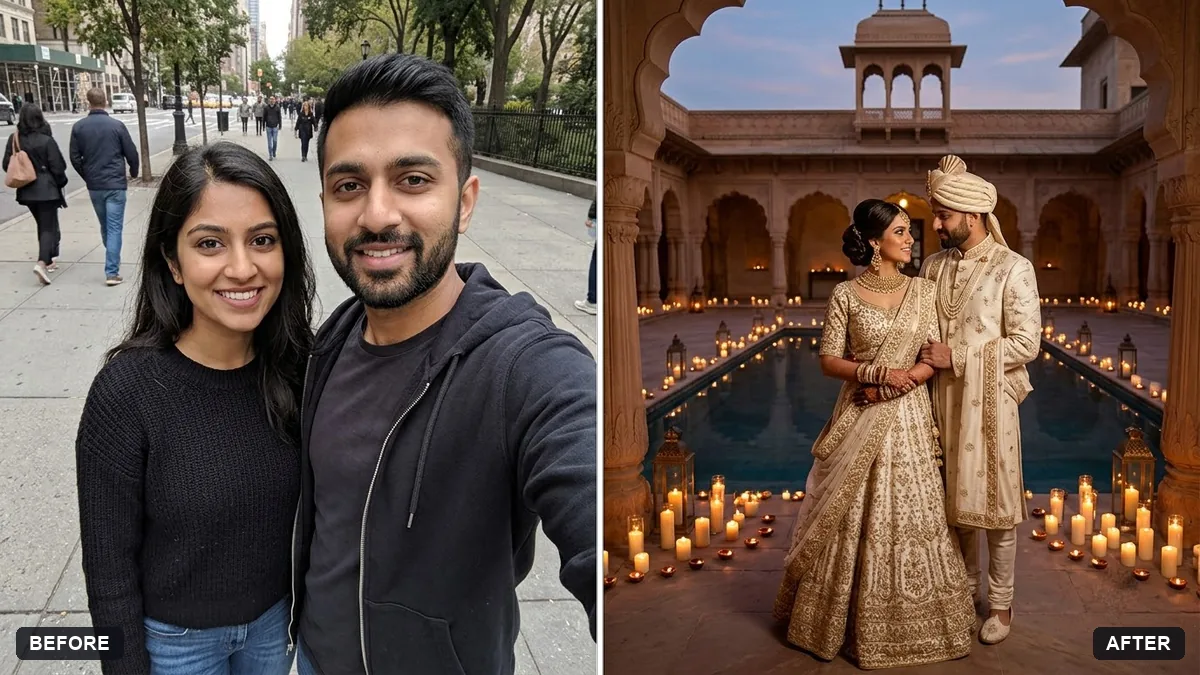
This prompt turns a couple's photo into an anniversary portrait with warm golden-hour light while keeping both faces and features unchanged.
Turn this couple's photo into an anniversary portrait at golden hour. Keep both faces and features unchanged.

Add: warm low sunlight from behind with a soft glow, a gentle breeze in hair and clothing, a [SETTING, e.g. beach / hilltop / old fort] background, a soft romantic mood. Include the text "[YEARS] years together" in small elegant lettering at the bottom.
Ask for a version without text for printing in a frame.
Your photo goes to the AI app you choose, never to PromptUp.
Get a better result
An anniversary portrait made from your couple photo at golden hour: warm low sunlight from behind with a soft glow, a gentle breeze in hair and clothes, your chosen setting, and “years together” in small elegant lettering at the bottom.
Low sun behind a couple gives a warm glow around their hair, which is the heart of golden hour portraits. A gentle breeze adds movement. Both faces stay unchanged, and the small years-together line makes it an anniversary keepsake.
The number of years is written wrongly.
Fix: Write the number as a digit with the words, such as “25 years together”, and check it. If it is wrong, ask for a version without text and add the words yourself.
- The backlight leaves both faces in shadow. Add “soft fill light on both faces, backlight only as a rim”. You want a glow, not silhouettes.
- The couple look a different age. Say “the same ages as the original, no smoothing of wrinkles”. An anniversary portrait is about the real people.
Add “he in a cream sherwani and she in a red saree, a marigold garland around both”. Check each face again after the outfit change.
Keep both faces and ages exactly as in the original. Light both faces softly and keep the backlight as a rim only.
Guides that use this prompt
More photo editing prompts
See all 334 →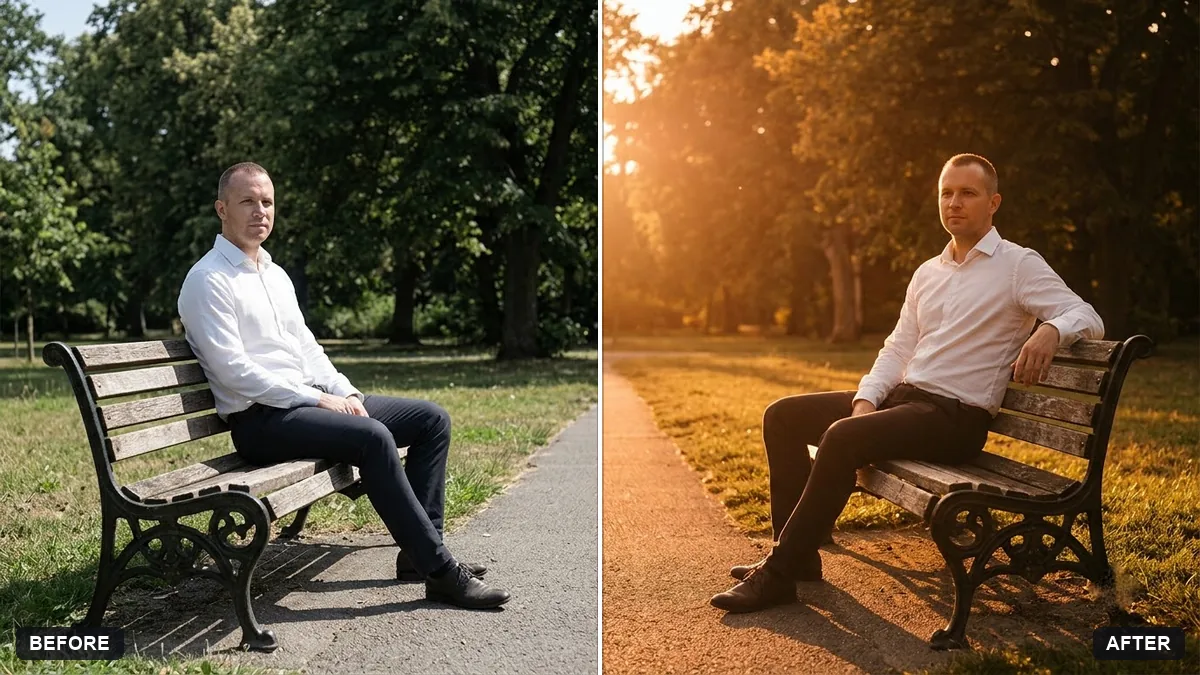
More like this
- Couple walking together from a photoKling · Veo · Seedance
- Couple travel postcardGemini · ChatGPT
- Couple cartoon portraitGemini · ChatGPT
- Valentine's couple portraitGemini · ChatGPT
- Arc shot around a couple at sunsetHiggsfield · Kling · Veo