- Updated
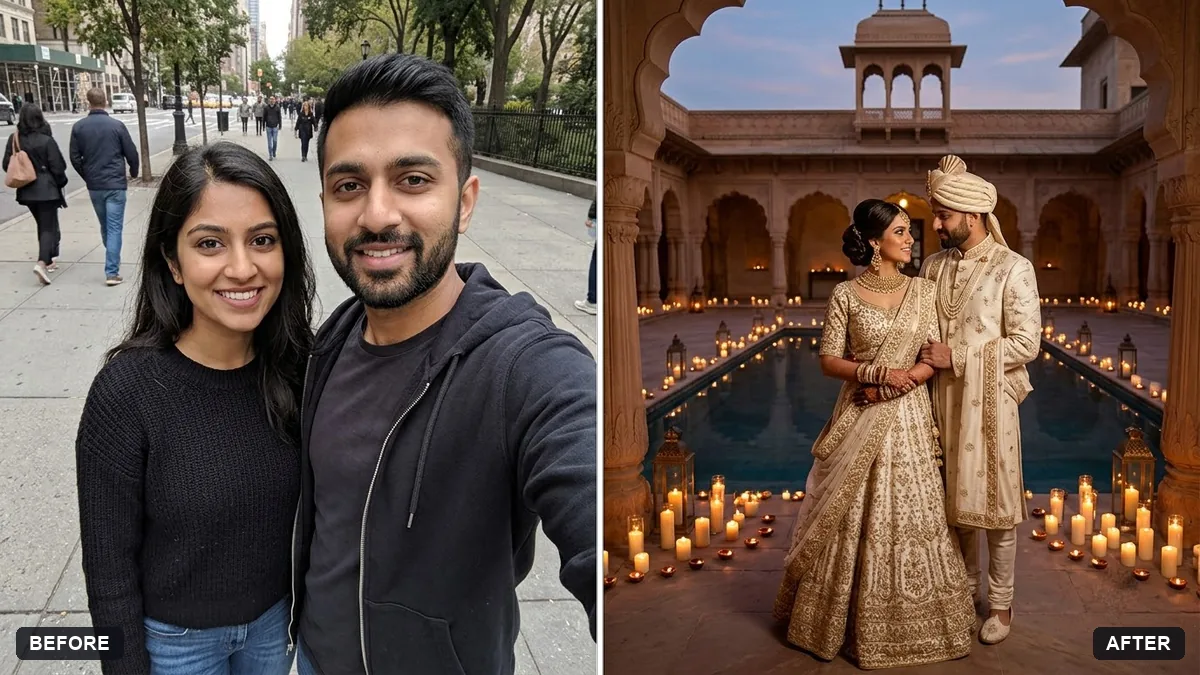
Editorial wedding portrait of a couple
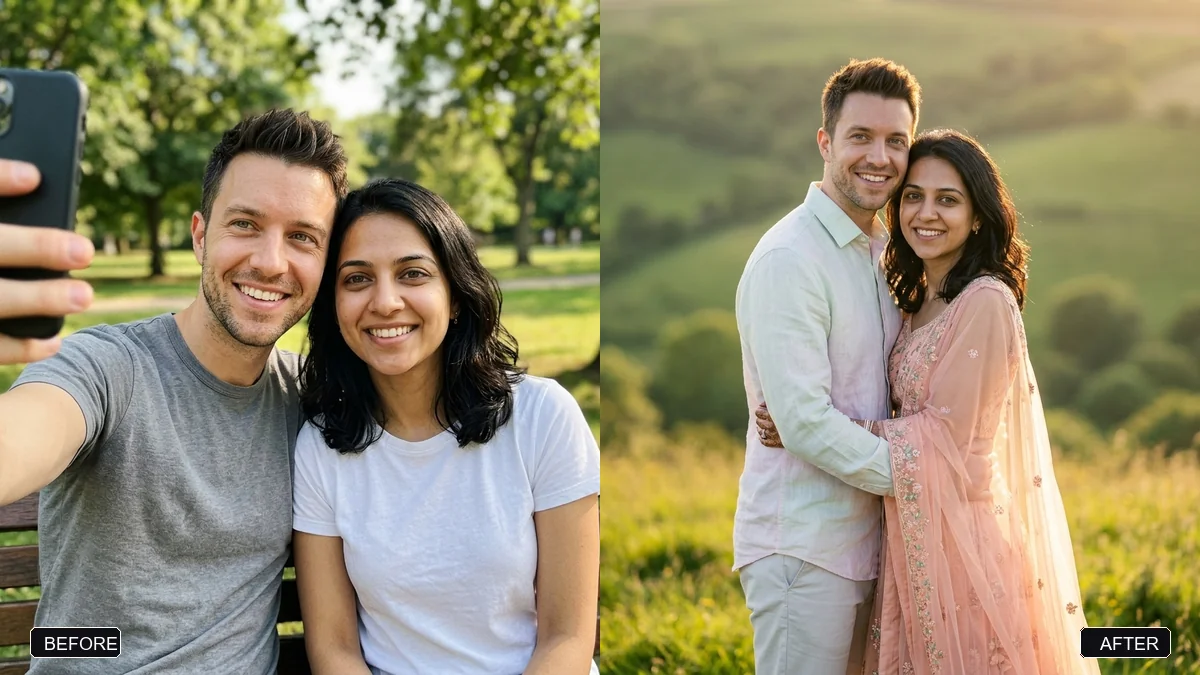
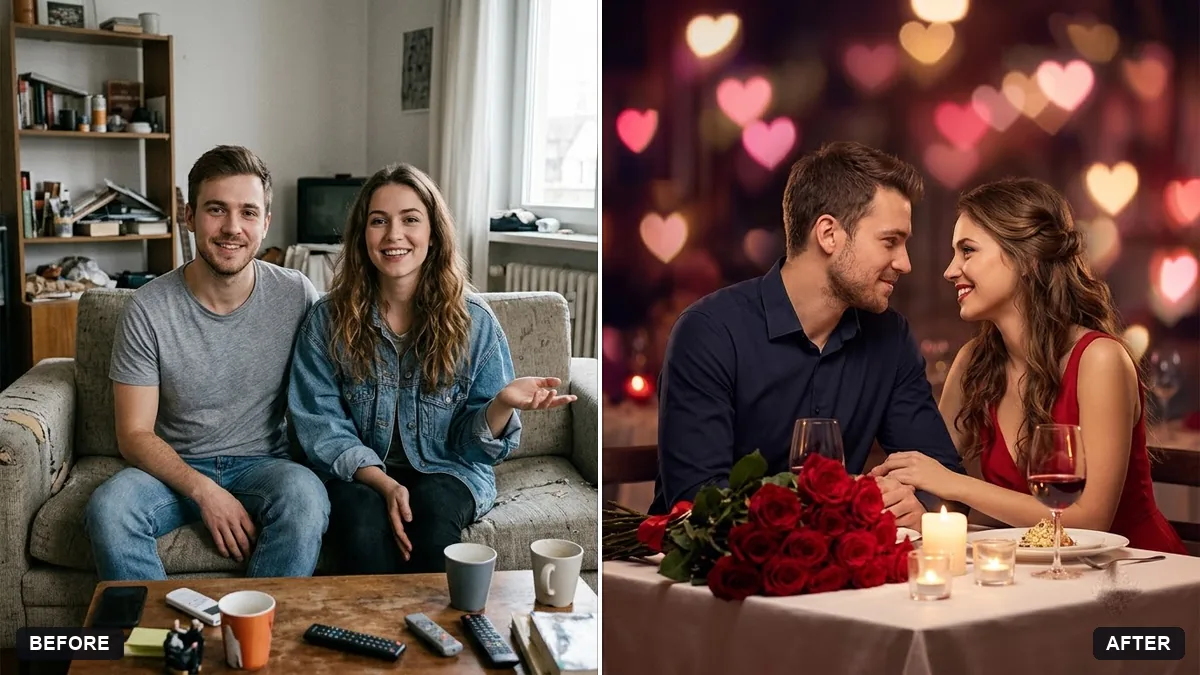
This prompt uses the two people in your photo and creates an editorial wedding portrait in a setting such as a candlelit palace courtyard. Both faces, hair and features stay the same.
Using the two people in this photo, create an editorial wedding portrait. Keep both faces, hair and features exactly the same.

Setting: [e.g. a candlelit palace courtyard / a beach at dusk]. Outfits: [OUTFITS]. Soft romantic light, shallow depth of field, tender pose, natural skin texture, 85mm lens look.
Use a photo where both faces are clearly visible and not cropped.
Your photo goes to the AI app you choose, never to PromptUp.
Get a better result
An editorial wedding portrait of the two people in your photo in the setting you chose: soft romantic light, shallow depth of field, a tender pose and natural skin, with both faces, hair and features unchanged.
An 85mm lens look gives the soft background and flattering faces of wedding photography. The prompt keeps both faces exact and lets you set the place and outfits. Natural skin texture avoids a plastic finish.
One face drifts toward the other, so the couple start to look alike.
Fix: Upload a photo where both faces are clear and describe each person: “the taller man on the left with a beard, the woman on the right with long wavy hair”. Check each face.
- The outfits are a vague mix and the details are wrong for your culture. Name them exactly, for example “a red silk Kanjivaram saree with a gold border and an ivory sherwani”. A named garment beats “traditional wedding clothes”.
- The skin looks smooth and plastic despite the 85mm look. Add “visible pores, natural skin texture, no beauty filter”, and ask for subtle film grain.
Ask for “the same portrait in classic black and white with soft film grain and deep shadows”. Without colour, expressions and light carry the whole picture.
Keep both faces exactly as in my photo, name the outfits as written above, show natural skin texture and add no beauty smoothing.
Guides on this topic
More photo editing prompts
See all 334 →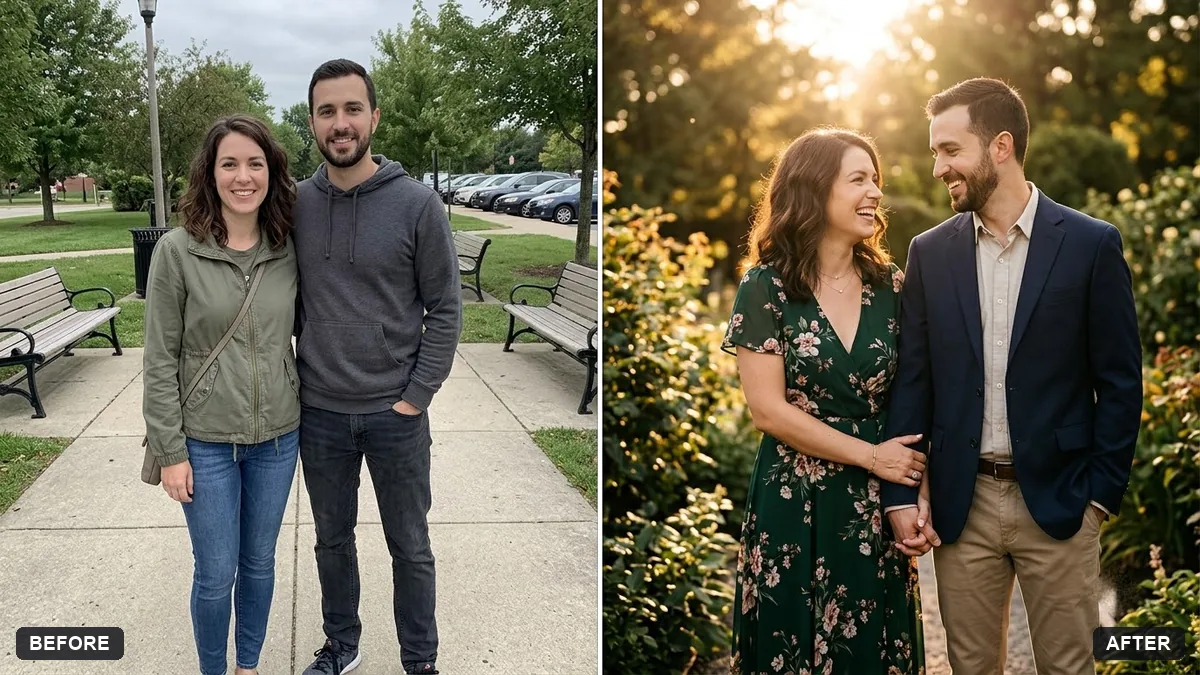
More like this
- Wedding highlight teaserVeo · Kling · Seedance
- Write a wedding speechChatGPT · Gemini · Claude
- Wedding save-the-date cardGemini · ChatGPT · Midjourney
- Wedding photo to slow-motion clipHiggsfield · Kling
- Mehendi hands close-upGemini · ChatGPT