- Updated
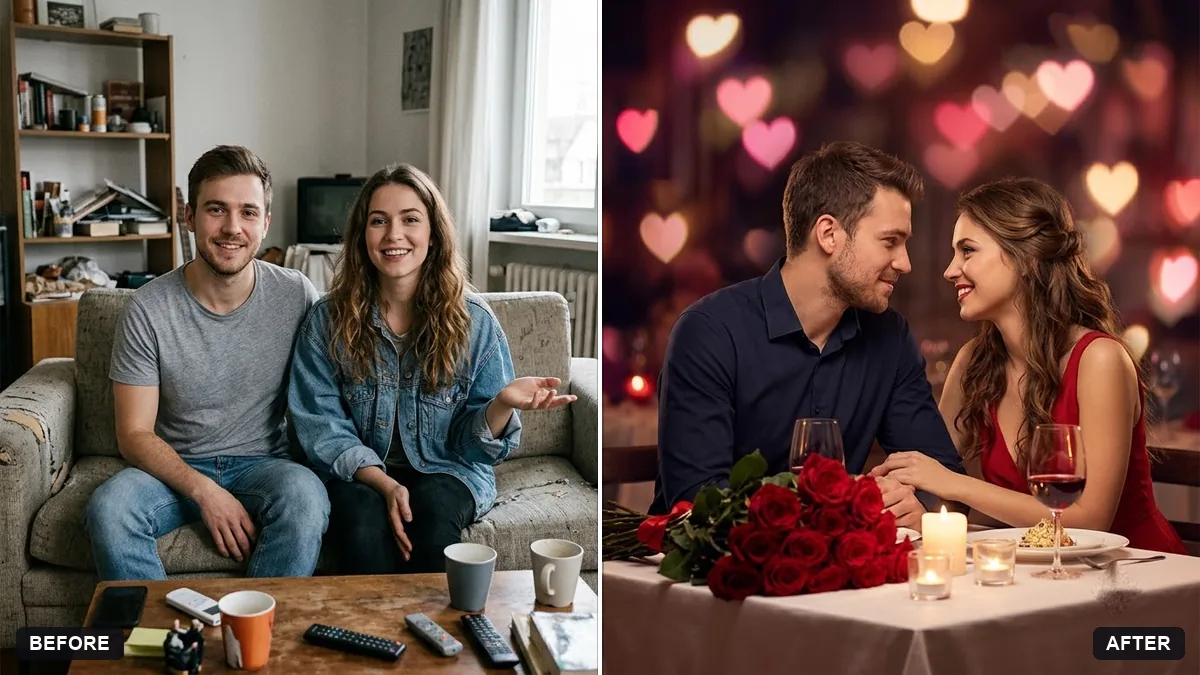
Pre-wedding scene for a couple
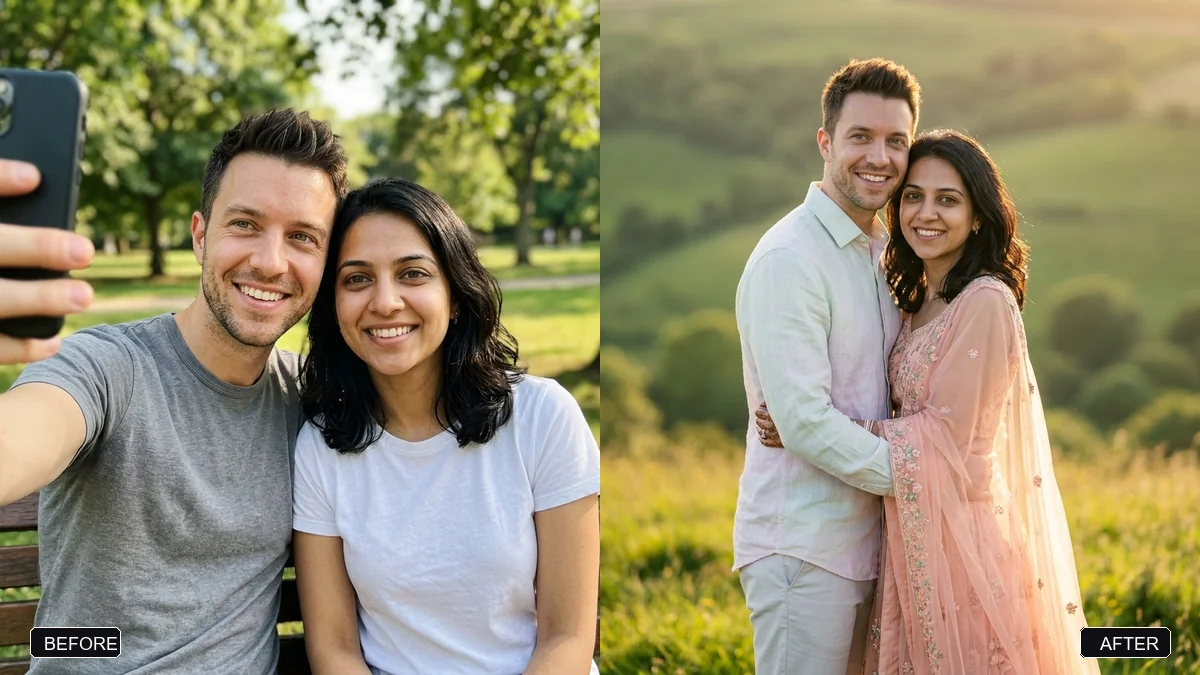
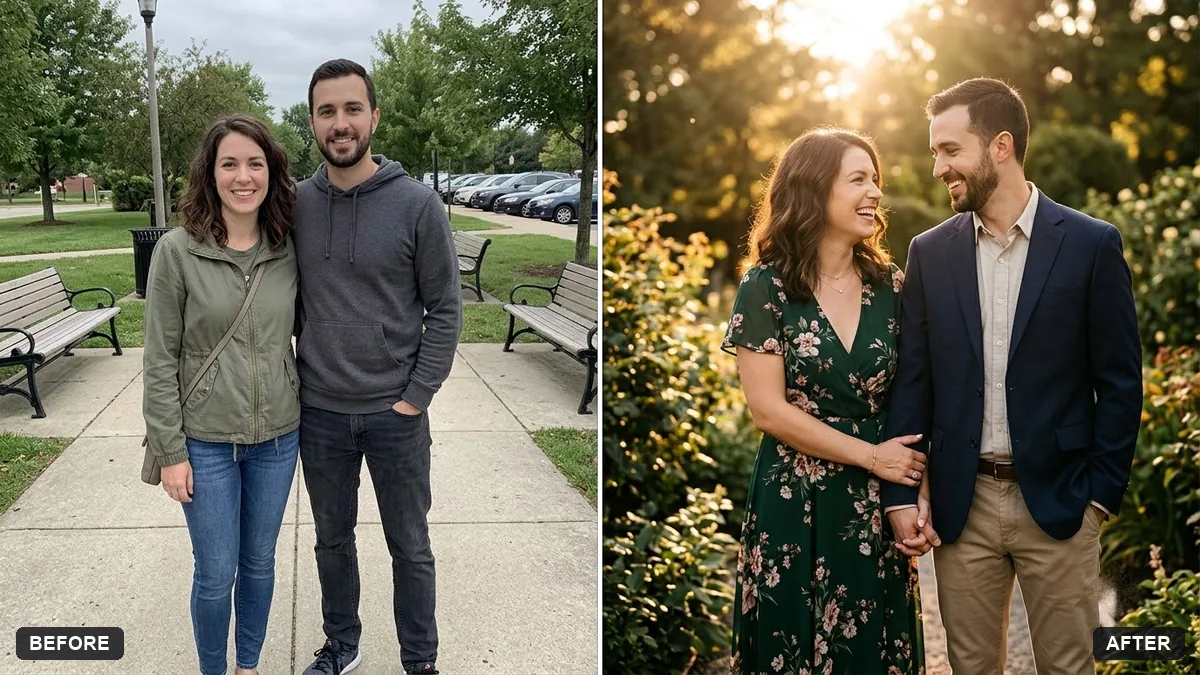
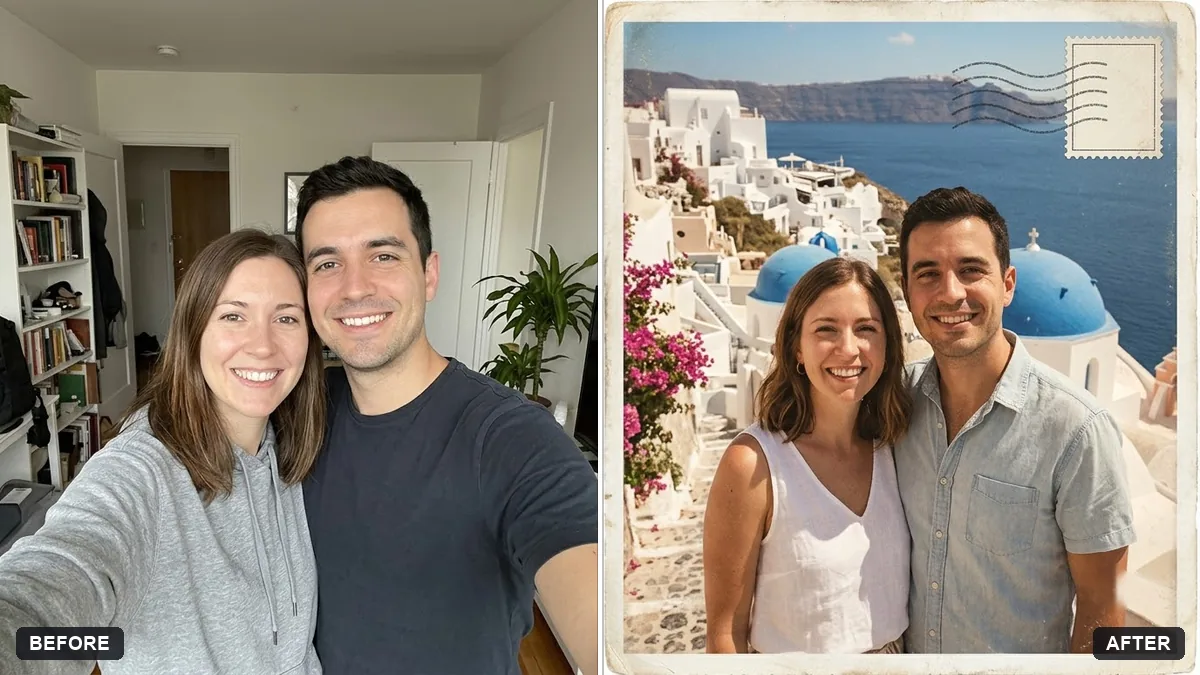
This prompt turns your couple photo into a pre-wedding portrait in a setting you choose, such as a hilltop meadow or palace garden. Both faces, hair and features stay exactly the same.
Turn this couple photo into a cinematic pre-wedding portrait. Keep both faces, hair and features exactly the same.

Setting: [HILLTOP MEADOW / PALACE GARDEN / BEACH AT SUNSET]. Outfits in coordinated [COLOURS], soft golden light, a gentle romantic pose, shallow depth of field, natural skin texture, editorial wedding photography.
Upload one clear photo of each person, or one photo where both faces are visible.
Your photo goes to the AI app you choose, never to PromptUp.
Get a better result
A cinematic couple portrait in the one setting you pick, with coordinated outfits, warm golden light, a gentle pose and shallow focus, keeping both faces.
Two faces are harder to keep than one, so the prompt protects both faces, hair and features before it changes anything. The setting blank sets the whole story, from hilltop to beach. Coordinated outfit colours make the couple look planned together, and natural skin texture keeps it from looking airbrushed.
One of the two faces changes, or you both start to look alike.
Fix: Use one photo where you both face the camera in good light, and pick a single setting from the brackets.
- The pose is stiff or the hands look strange. Name a simple pose: “standing close, foreheads almost touching, one hand on his arm”. Specific poses are easier than “romantic”.
- The outfits clash with the setting. Take two colours from the setting itself, such as ivory and sage for a garden, and use them in the colours box.
- Heights or skin tones between the two people shift. Add “keep our relative heights and skin tones as in the original”. The AI sometimes evens people out.
Replace the colours with “traditional wedding outfits in deep red and gold” and the setting with a temple courtyard. Then check that jewellery and fabric patterns look right.
Keep both faces exactly as in the original photo and do not blend them. Change only the setting, the outfits and the light.
Guides that use this prompt
More photo editing prompts
See all 334 →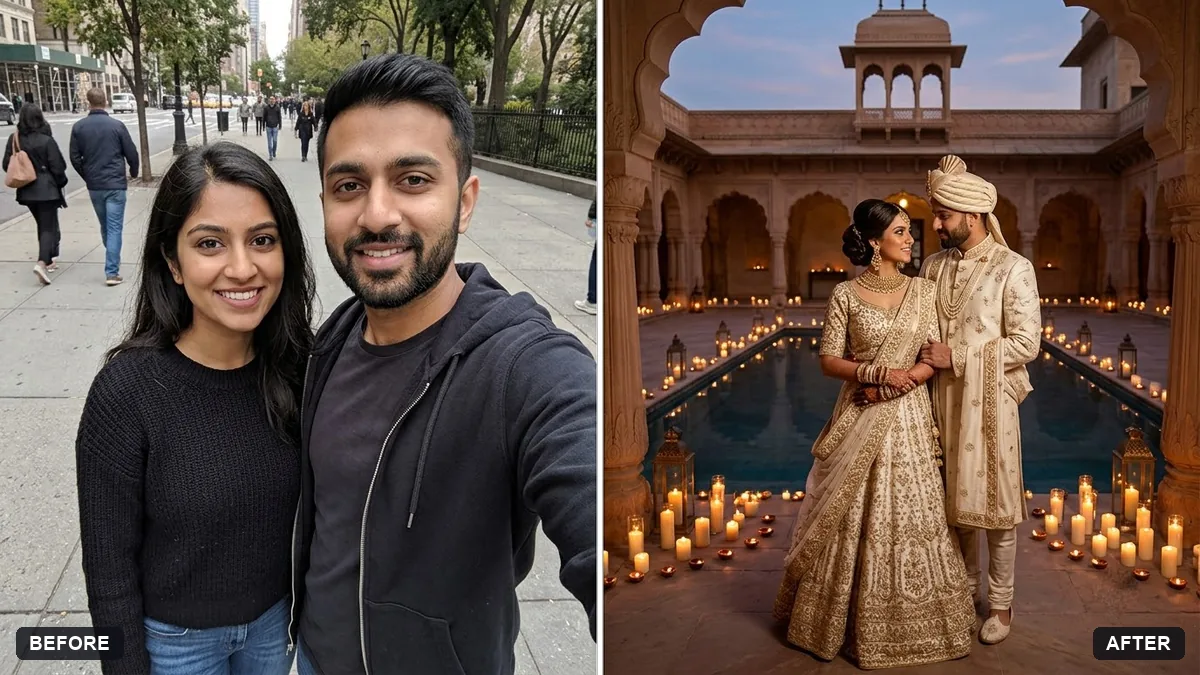
More like this
- Wedding highlight teaserVeo · Kling · Seedance
- Wedding save-the-date cardGemini · ChatGPT · Midjourney
- Write a wedding speechChatGPT · Gemini · Claude
- Run a pre-mortem on your planChatGPT · Gemini · Claude
- Wedding photo to slow-motion clipHiggsfield · Kling