- Updated
Haldi ceremony portrait
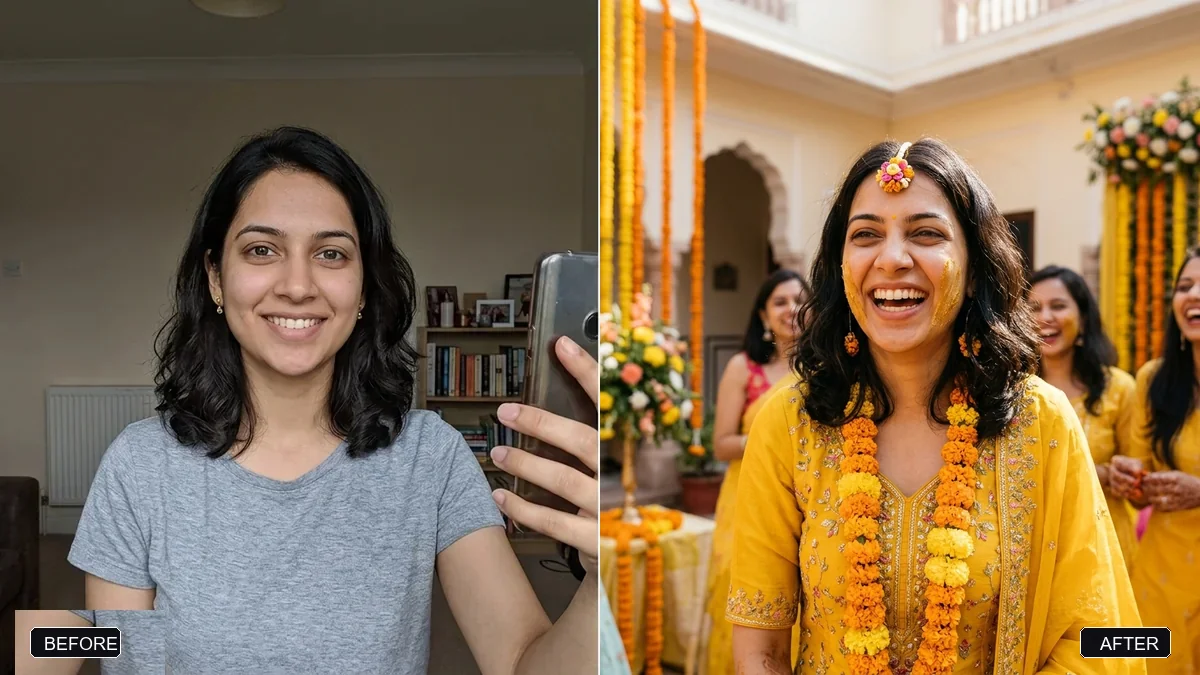
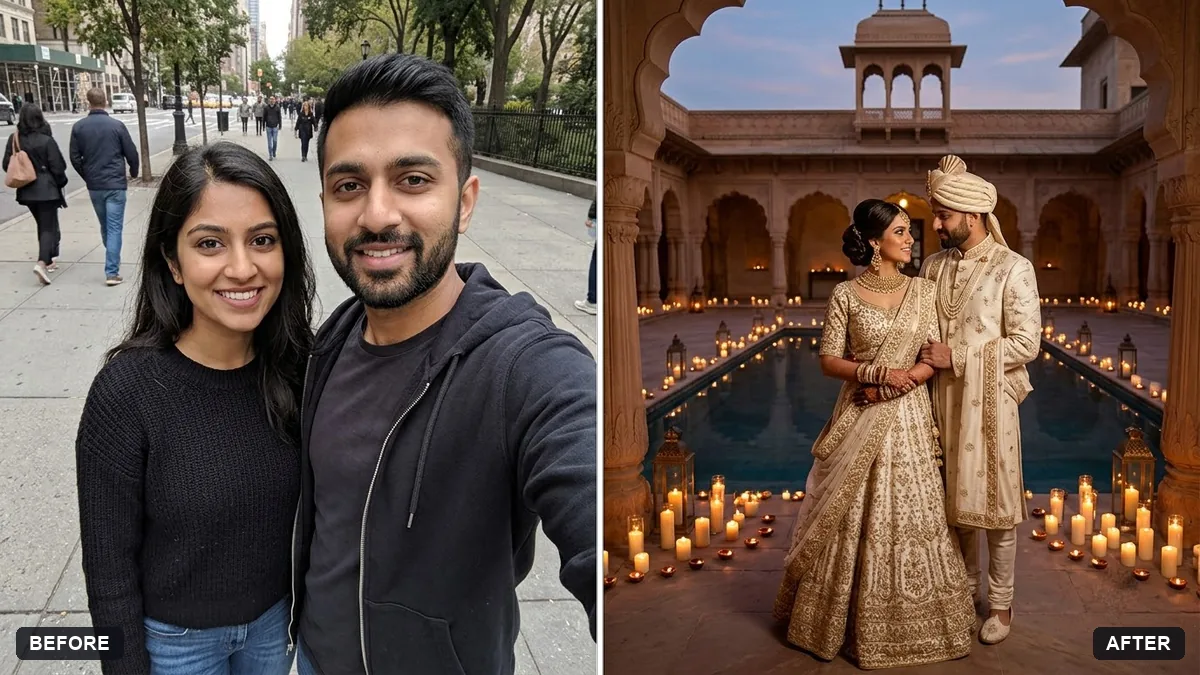
This prompt places you in a bright yellow outfit with fresh marigold garlands and a touch of turmeric for a haldi portrait, keeping your face and features exactly the same.
Turn this photo into a joyful haldi ceremony portrait. Keep my face and features exactly the same.

Bright yellow outfit, fresh marigold garlands, a touch of turmeric on my cheeks, sunlit courtyard with flower decorations, warm laughter, natural colours, candid wedding photography style. Extra instructions: [ANY DETAIL TO KEEP OR AVOID].
Keep the yellow tones warm and natural, and ask for a lively but respectful mood.
Your photo goes to the AI app you choose, never to PromptUp.
Get a better result
Your own face in a joyful haldi portrait: a bright yellow outfit, fresh marigold garlands, a touch of turmeric on the cheeks and a sunlit courtyard with flowers, in a candid wedding photography style.
Haldi is the turmeric ceremony before many Indian weddings, so the prompt gathers its signs: a yellow outfit, marigold garlands and a touch of turmeric on the cheeks. A sunlit courtyard and candid style capture the laughter of the day. Keeping the yellow warm and natural, as the tip says, avoids a harsh filter look.
The turmeric covers the face and changes how you look.
Fix: Ask for “only a light touch of turmeric on both cheeks, face clearly visible”. A heavy paste is the usual cause of a changed face.
- The yellow turns neon. Use the tip and write “warm, natural turmeric yellow, not bright neon”. Keep “natural colours” in the prompt so skin tones stay real.
- The garlands float, or the courtyard looks like a studio. Say “marigold garlands worn around the neck, flowers hung on the wall behind, open daylight courtyard”.
Use a photo of two people and change the line to “a couple sharing a haldi moment, laughing, a gentle touch of turmeric on each other’s cheeks”. Say that both faces stay exactly the same.
Keep my exact face from the original photo: same eyes, nose, smile, skin tone and age. Change only the style.
Guides that use this prompt
More photo editing prompts
See all 334 →
More like this
- Graduation ceremony and cap tossVeo · Kling · Seedance
- Farmer in the fieldGemini · ChatGPT
- Trek summit portraitGemini · ChatGPT
- Wedding photo to slow-motion clipHiggsfield · Kling
- Wedding planning timelineChatGPT · Gemini · Claude