- Updated
Y2K digital camera snapshot
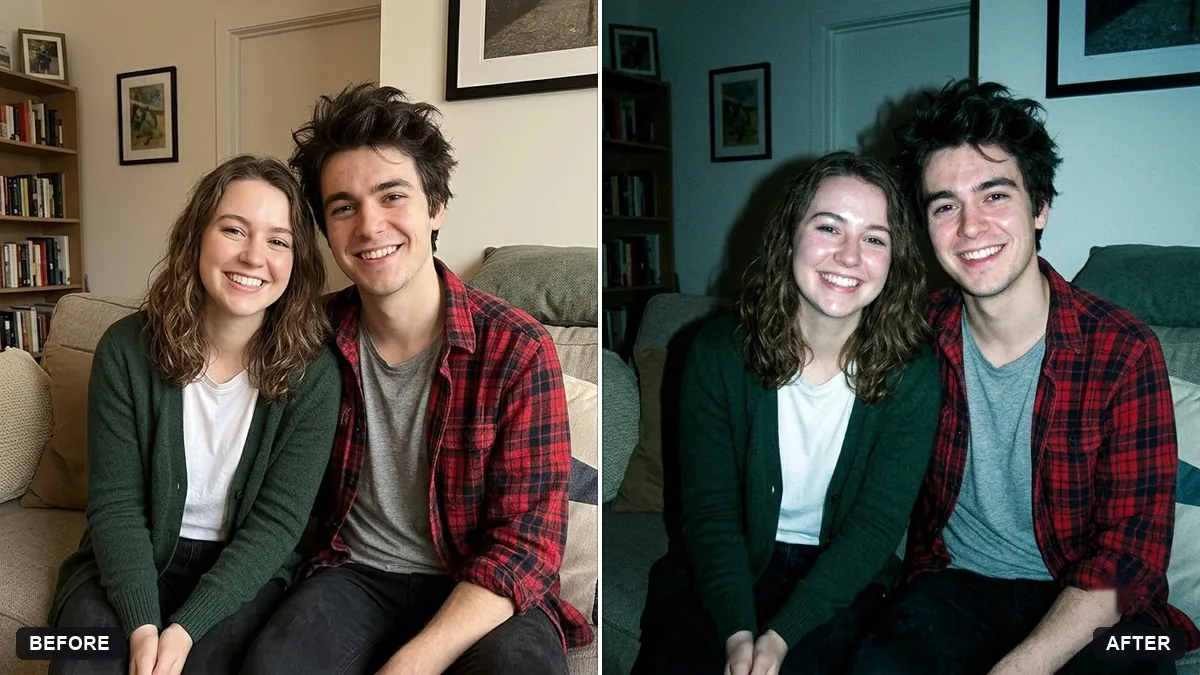
This prompt gives your photo the look of an early 2000s compact digicam: direct on-camera flash and slightly washed colours, keeping your face and features exactly the same.
Restyle this photo as an early 2000s compact digital camera snapshot. Keep my face and features exactly the same.

Direct on-camera flash, slightly overexposed skin, harsh shadows behind me on the wall, low resolution with digital noise, cool colour cast, an orange date stamp "[DATE]" in the corner, casual party vibe.
Lower quality is the point. Ask for "cheap flash and JPEG noise".
Your photo goes to the AI app you choose, never to PromptUp.
Get a better result
Your photo restyled as an early 2000s compact-camera snapshot, with a harsh flash, blown skin, hard wall shadows, digital noise, a cool cast and an orange date stamp in the corner.
The look of early 2000s compact cameras came from their limits, so the prompt asks for those flaws on purpose: harsh on-camera flash, slightly blown-out skin, hard shadows on the wall, low resolution and a cool colour cast. The orange date stamp is the detail everyone remembers. Keeping your face the same means only the camera changes, not you.
The result looks too polished to pass as an old camera.
Fix: Use the tip’s words: “cheap flash, JPEG noise and a little blur”. The low quality is the whole point of this look.
- The date stamp has odd characters. Use a short date such as 14 03 2003 and check the digits. If they break, regenerate or leave the stamp out and add it in an editor.
- Your face changes with the strong flash. Keep “keep my face and features exactly the same” and ask for “flash on skin but facial structure unchanged”.
Swap the flash for “a 2000s camcorder still, interlaced lines, a REC label and a timestamp in the corner”, and keep the low resolution.
Keep my exact face from the original photo: same eyes, nose, smile, skin tone and age. Change only the style.
Guides that use this prompt
More photo editing prompts
See all 334 →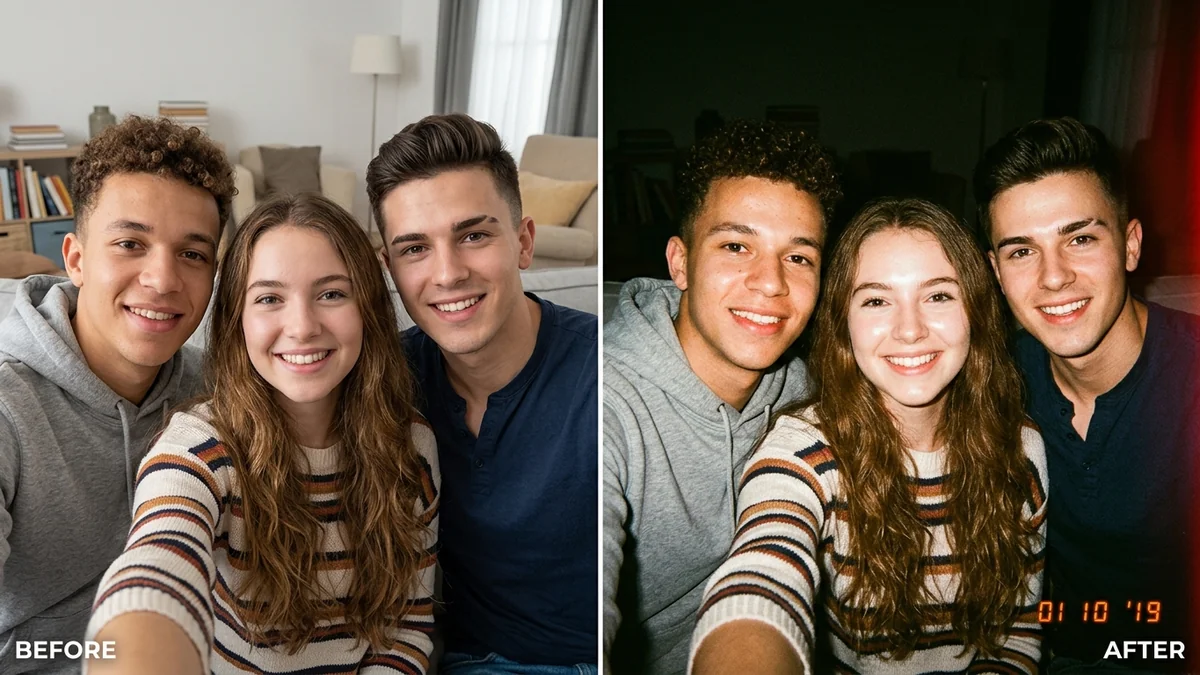
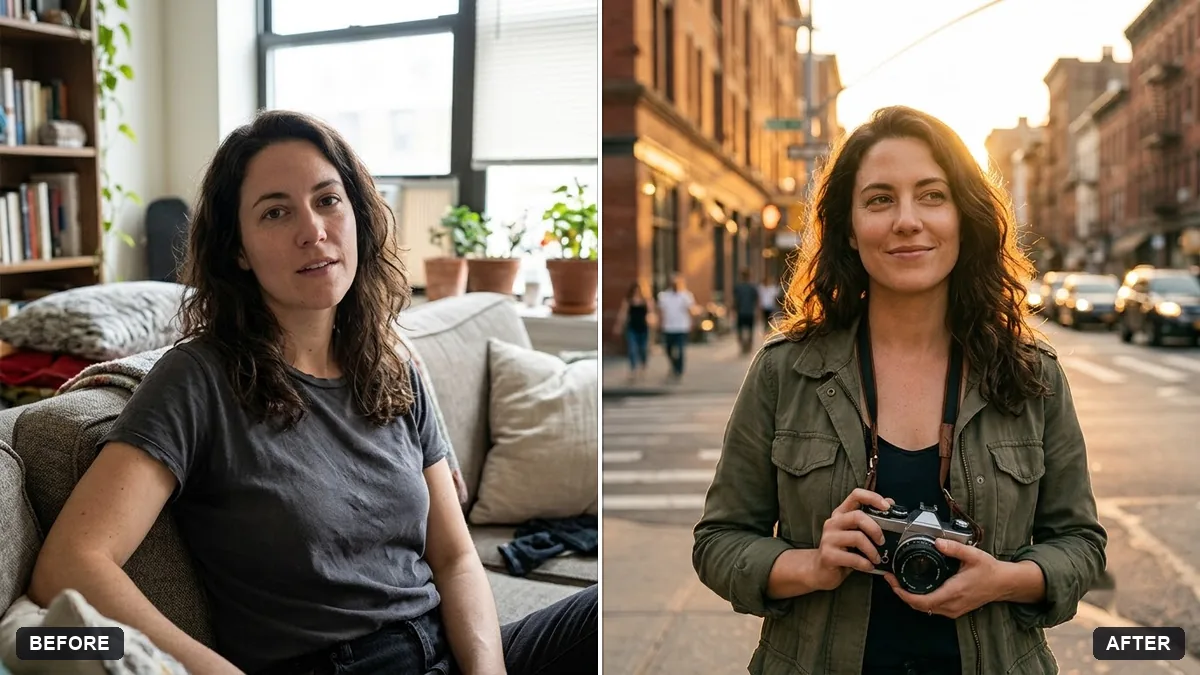
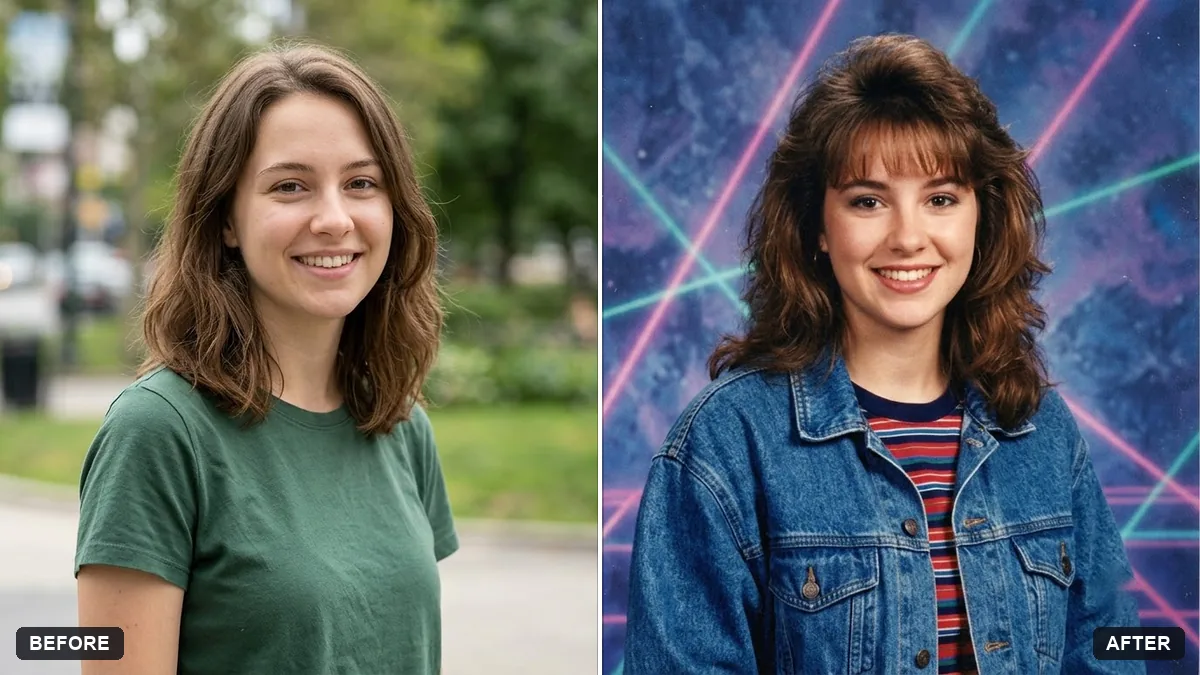
More like this
- Y2K street style photo (Higgsfield Soul)Higgsfield
- Plan a gentle digital detoxChatGPT · Gemini · Claude
- 1960s mod-style portraitGemini · ChatGPT
- 1970s disco portraitGemini · ChatGPT
- 1950s diner portraitGemini · ChatGPT