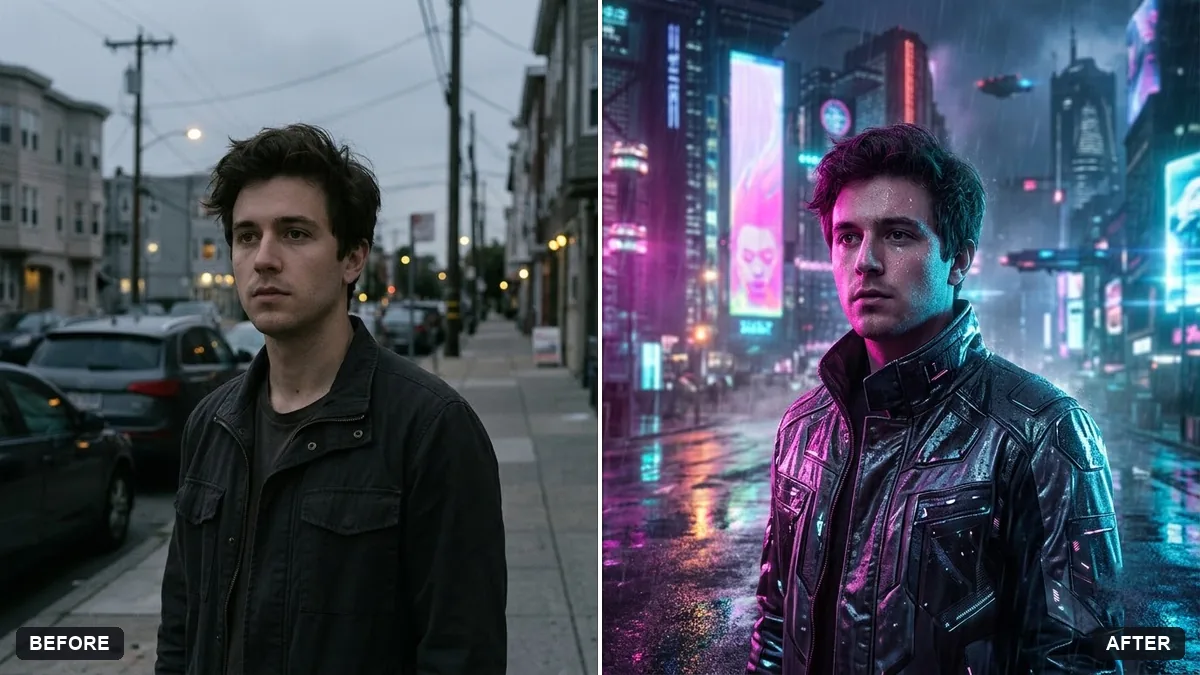
- Updated
Cyberpunk neon portrait
This prompt adds neon lighting in two colours on your face from the sides for a cyberpunk look, keeping your face and features unchanged.
Turn this photo into a cyberpunk portrait. Keep my face and features unchanged.

Add: [COLOUR] and [COLOUR] neon lighting on my face from the sides, a rainy futuristic city with holographic signs behind me, a reflective jacket, subtle glowing accents, wet-skin highlights, cinematic teal and magenta grade, shallow depth of field.
Keep the neon on the sides of the face so it does not hide your features.
Your photo goes to the AI app you choose, never to PromptUp.
Get a better result
Your portrait in a rain-soaked cyberpunk city, with neon in two colours lighting the sides of your face, holographic signs behind you, a reflective jacket and a teal and magenta cinematic grade. Your features stay the same.
The signs behind you carry nonsense text that distracts.
Fix: Ask for “glowing signs with abstract symbols and no readable text”.
- Your own clothes are replaced by a shiny plastic jacket. Say “keep my clothes in their original shape and add a reflective sheen only on the shoulders and sleeves”.
- The wet highlights make your skin look greasy. Add “subtle wet highlights on the cheekbones and the nose only, the skin otherwise natural”.
Change the city to “a crowded Indian street at night, auto-rickshaw silhouettes, tangled wires and neon signs in soft focus, light rain”. It adds a local look to a familiar style.
Keep my face and clothes unchanged, add the neon only at the sides of my face, make the signs abstract with no text and keep the wet highlights subtle.
Guides that use this prompt
More photo editing prompts
See all 334 →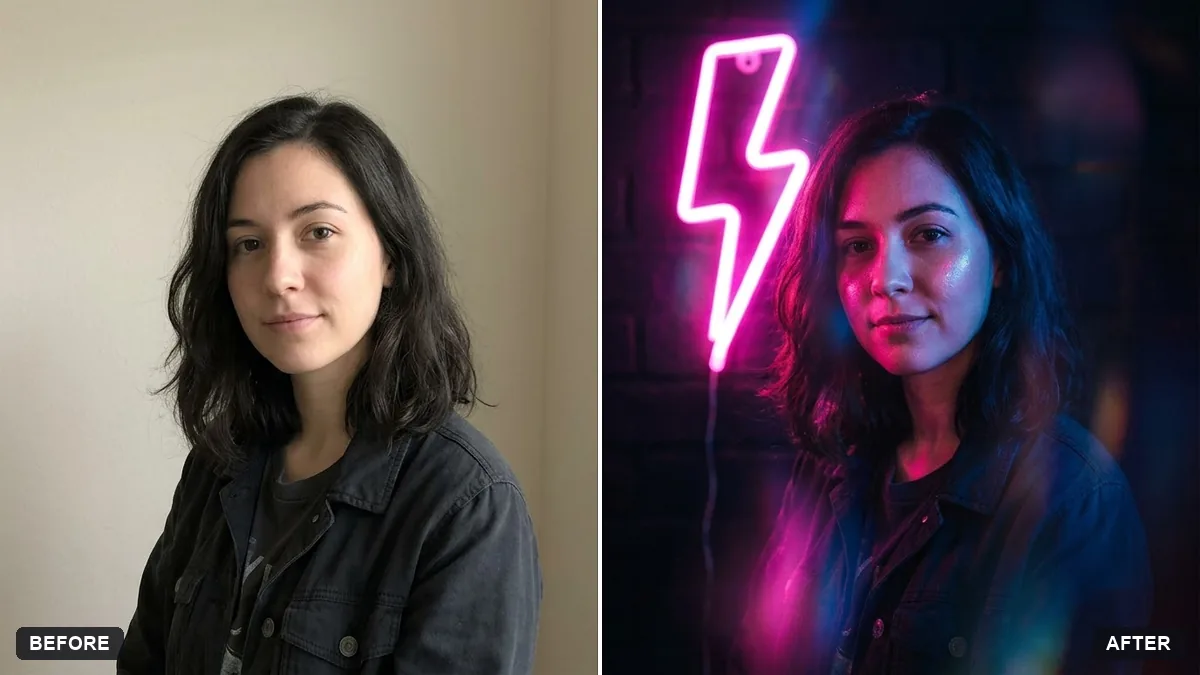
More like this
- Cyberpunk ramen shopMidjourney · Gemini · ChatGPT
- Cyberpunk neon rain streetMidjourney
- Cyberpunk hacker characterMidjourney · Gemini · ChatGPT
- Cyberpunk night market walkVeo · Kling · Seedance
- College fest portraitGemini · ChatGPT