Realistic AI photo prompts: how to stop AI photos looking fake
Published
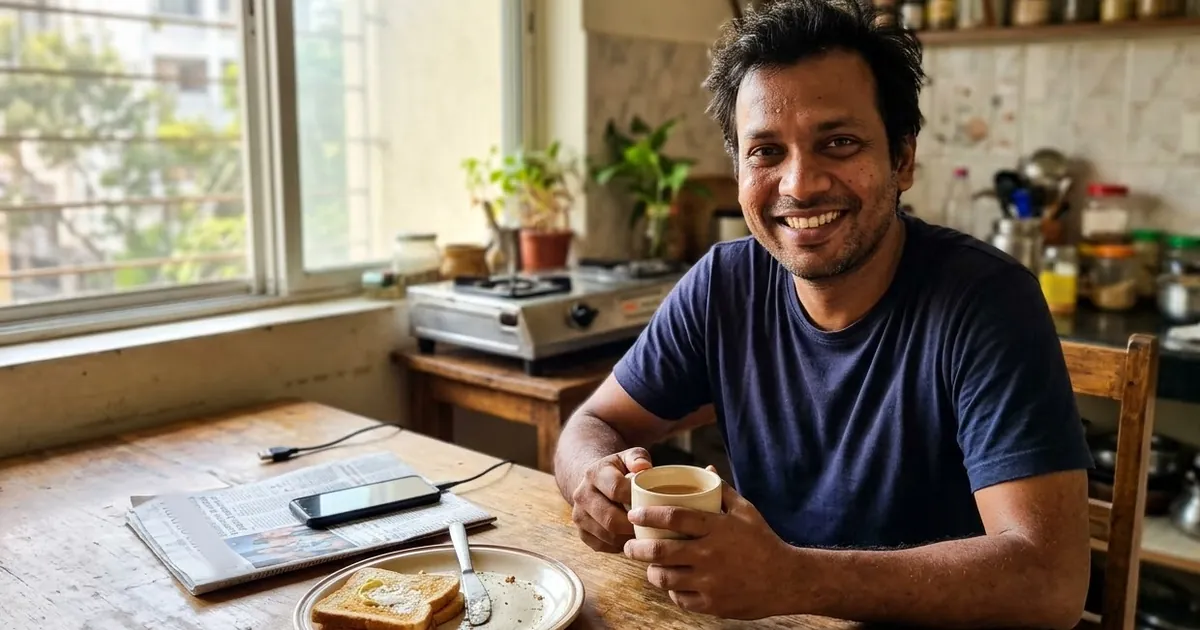
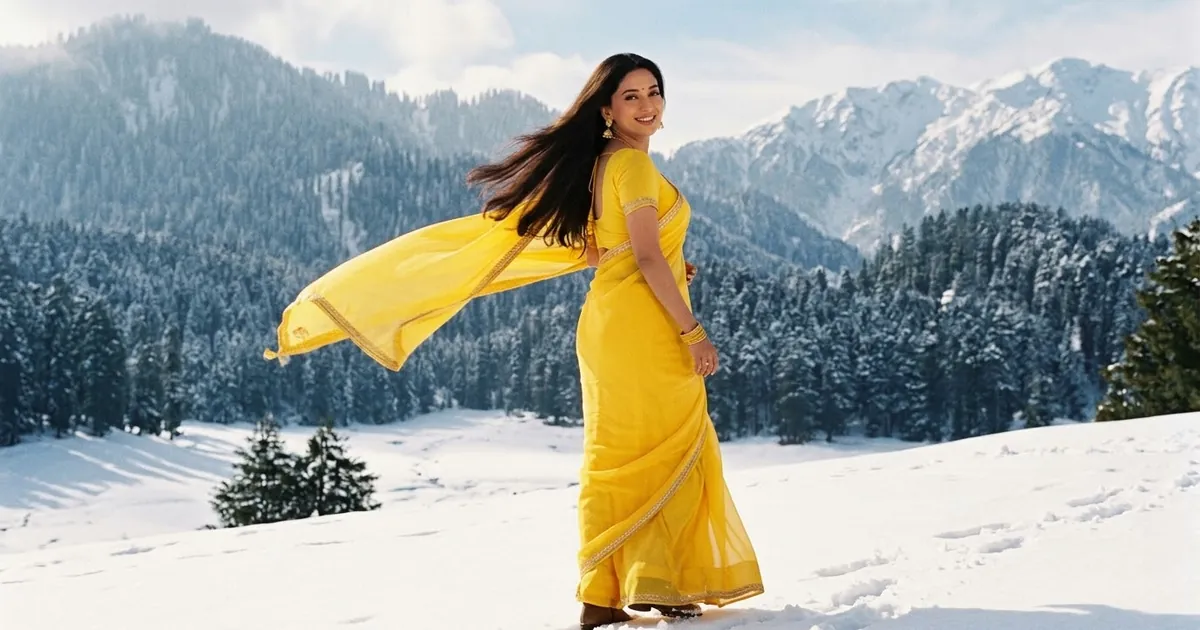
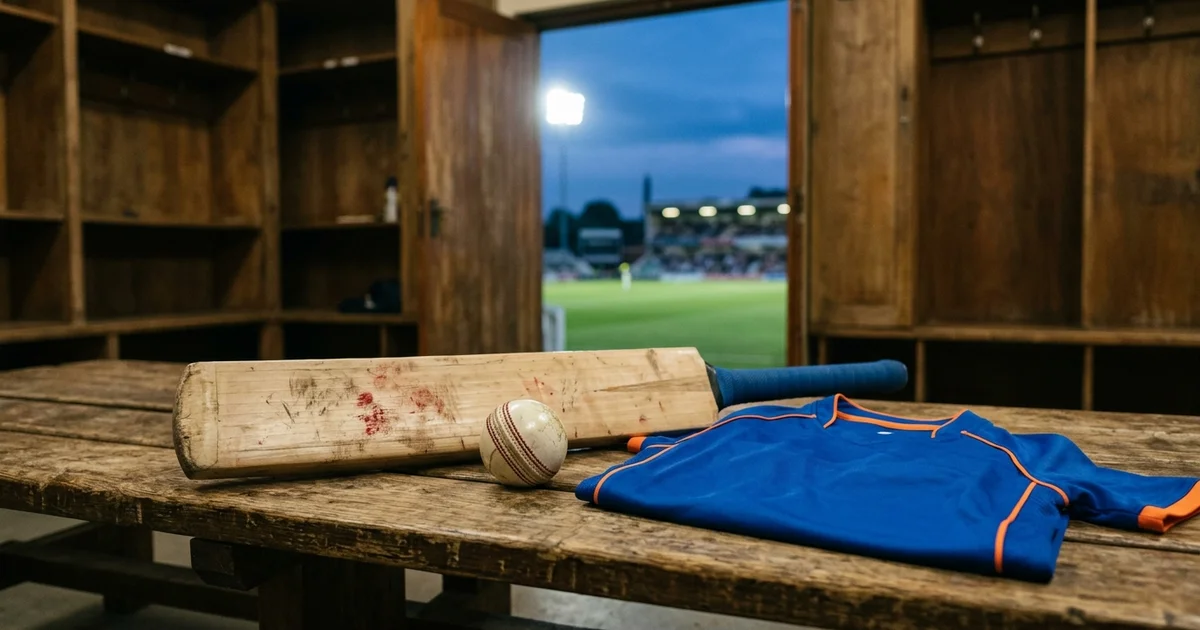
Short answerAI photos look fake because they are too perfect. Ask for real skin texture with pores, one real light source, a normal phone or 35mm camera, an everyday setting with a little mess, and slightly imperfect framing. Remove words like "perfect", "flawless" and "ultra-detailed".
The biggest shift in AI images this year is away from perfection. eWeek and PicLumen both describe a move from over-smoothed "AI faces" to lo-fi, everyday realism. Photos that look like someone just took them on a phone.
That's good news, because it's easy to prompt for once you know why AI photos look fake.
Why AI photos look plastic
Five habits give it away:
- Skin with no texture. No pores, no fine lines, a waxy shine.
- Light from everywhere. Faces lit evenly from all sides, with no clear light source.
- Everything in focus and too sharp.
- Perfectly tidy, symmetrical scenes. Real rooms have cables, cups and clutter.
- Prompt words that ask for perfection: "flawless", "perfect", "8K", "ultra-detailed", "masterpiece".
The realistic photo formula
Replace perfection words with these five parts:
| Part | Say this | Instead of |
|---|---|---|
| Skin | "natural skin texture with visible pores" | "flawless skin" |
| Light | "soft window light from the left" | "perfect lighting" |
| Camera | "shot on a phone" or "35mm film camera, 50mm lens" | "8K, ultra-detailed" |
| Setting | "a lived-in kitchen with a few dishes on the counter" | "a beautiful kitchen" |
| Framing | "candid, slightly off-centre" | "perfect composition" |
Fix a photo you already have
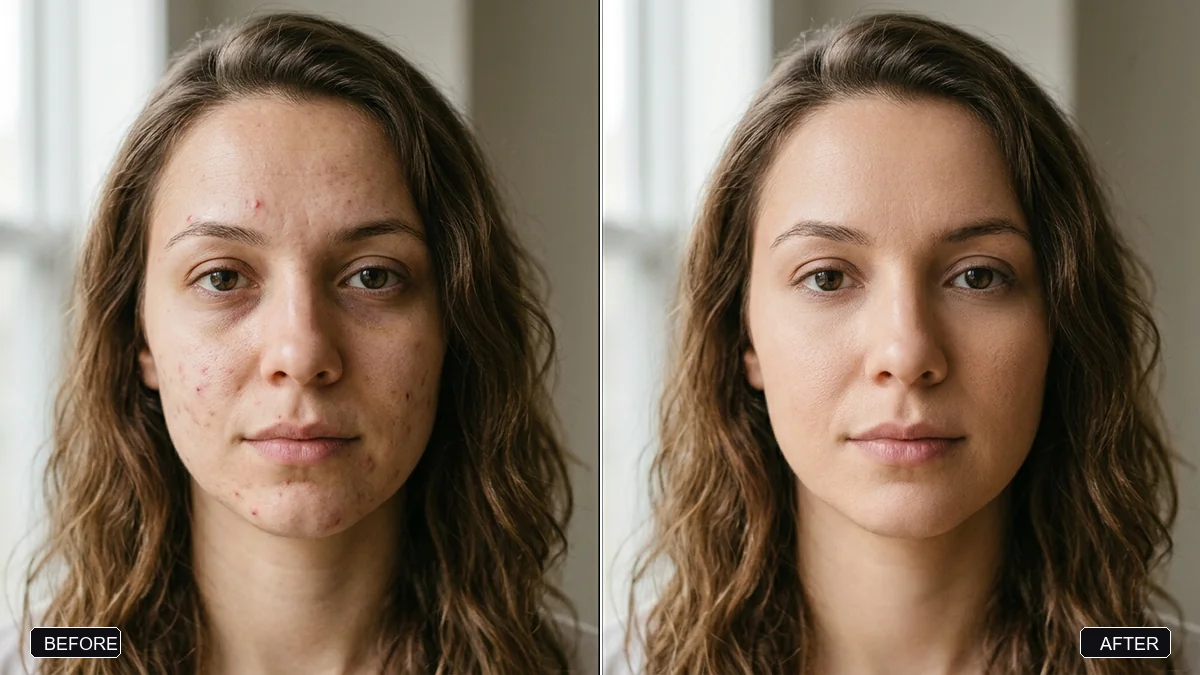
If your AI photo or edited selfie looks fake, upload it with the natural skin retouch prompt, or this:
Make this photo look like a real, unedited photograph. Keep the face, identity and expression exactly the same.

Bring back natural skin texture: visible pores, fine lines, slight unevenness in skin tone. Remove the waxy shine.
Make the light come from one direction, with soft natural shadows.
Add slight softness to the background and a very light film grain.
Do not beautify or slim anything.
For AI images with other problems, like strange hands or melted backgrounds, try the fix AI image prompt.
Create a realistic photo from scratch
For Gemini, ChatGPT, Midjourney or Flux:
A candid photo of [SUBJECT, e.g. a woman in her 30s laughing while reading a message on her phone] in [SETTING, e.g. a small café by the window, a half-finished cup of coffee on the table].
Shot on a phone, natural daylight from the window on the left, soft shadows.
Natural skin texture with visible pores, slightly messy hair, everyday clothes.
Slightly off-centre framing, background a little out of focus, a few ordinary objects on the table.
No retouching, no studio lighting.
The "imperfect on purpose" looks
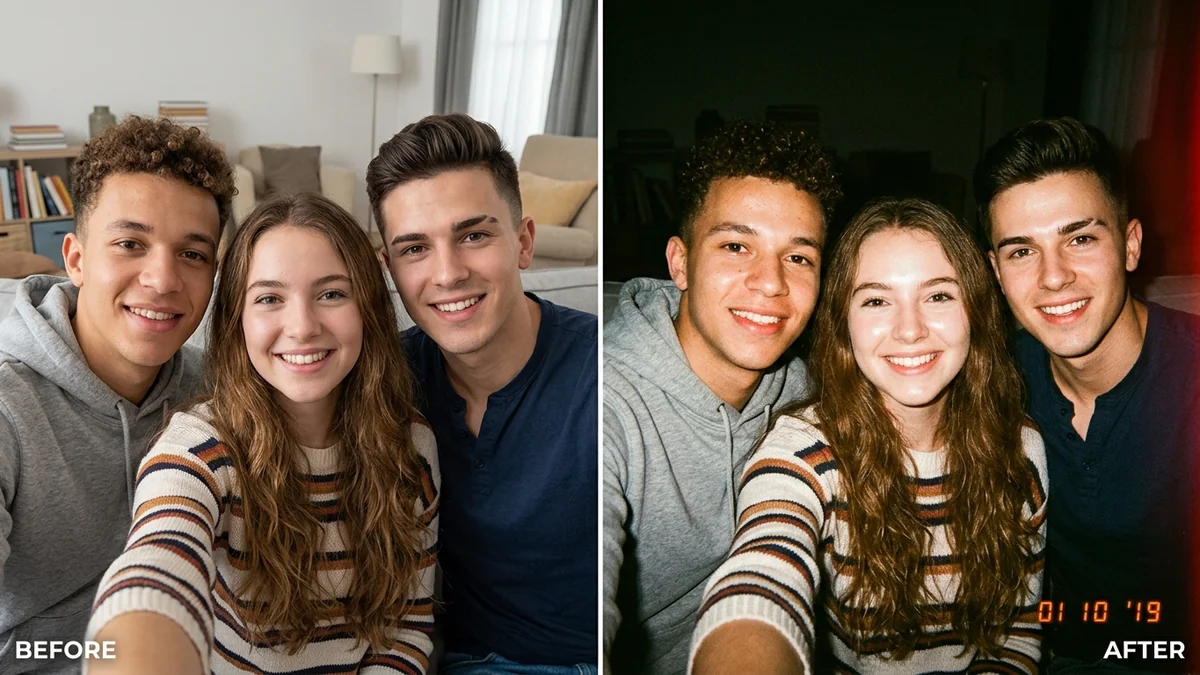
If you want the photo to feel even more real, add one deliberate flaw:
- Film grain: use the add film grain prompt.
- Harsh flash at night: the disposable camera prompt.
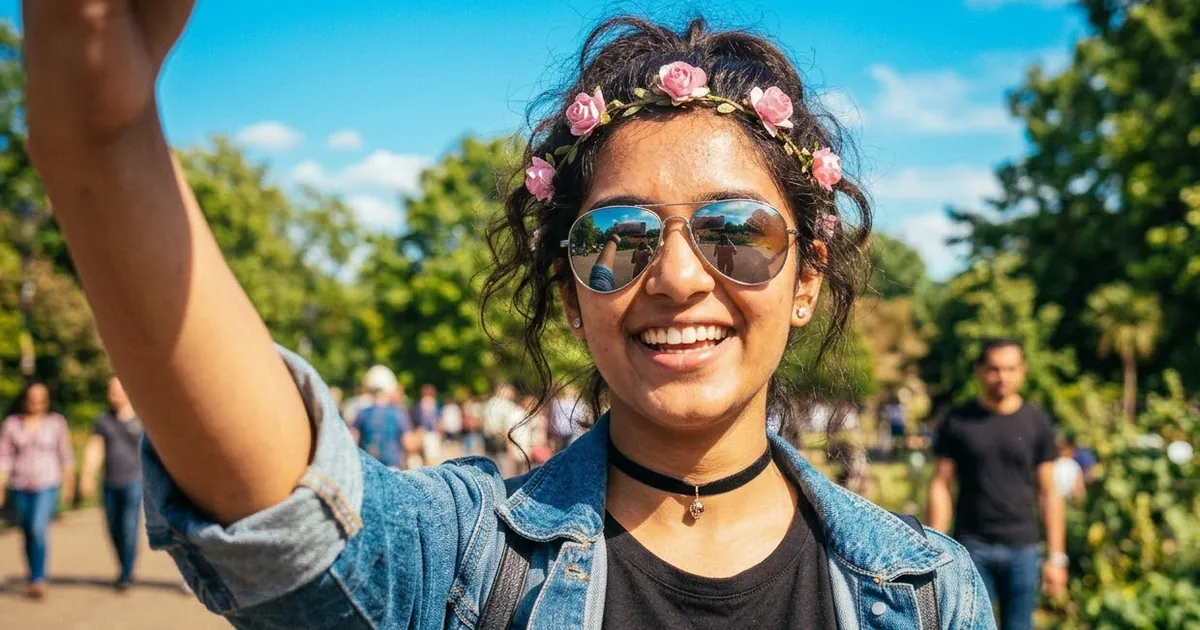
- A mirror selfie: the mirror selfie prompt, which keeps the phone and reflection believable.
- Motion: "a little motion blur on the hands".
Pick one. Adding every flaw at once looks staged.
Use it honestly
Realistic AI photos are great for creative posts, mockups and your own portraits. Don't use them to pass off fake events as real, make pictures of real people without their permission, or replace a real photo where one is expected, like an ID or a listing. Many tools also add invisible markers to show an image is AI-made.
Fixing common problems
The skin still looks smooth. Add "no beauty filter, no skin smoothing" and remove any word like "beautiful" or "glowing".
The light looks flat. Name one light source and its direction.
It looks like a stock photo. Add an ordinary detail: a charger cable, a half-eaten plate, a coat on a chair.
It's too dark and grainy now. Turn it down: "very light grain", "soft daylight".
Where to go from here
For warm analog looks, read our film look AI photo prompts, and for everyday editing, how to edit photos with AI prompts. Every prompt here is free in photo editing prompts. Paste any prompt into the Prompt Doctor to check it for words that make photos look fake.
Quick checklist
- Remove "flawless", "perfect", "8K", "masterpiece".
- Real skin texture, one light source.
- Name a real camera or "shot on a phone".
- Add one ordinary, messy detail.
- One deliberate flaw at most.
Comments
No comments yet. Be the first to share what worked for you.