Free tool · No sign-up · Runs in your browser
Free Gemini prompt generator
Type what you want in one line and get a detailed prompt you can paste straight into Gemini. It works for photo edits (including the Nano Banana image model), old photo restoration, image ideas and everyday writing.
It is free, needs no sign-up and runs in your browser, so your idea and your result are never sent anywhere.
Try:restore my grandfather's old photoremove the people behind meturn my selfie into a studio portrait
From one line to a full prompt
A short request becomes a prompt with the rules Gemini needs to keep the face unchanged and avoid the plastic, over-smoothed look.
You type
restore my grandfather's old photo
You get
Restore this old photo.
My request: "restore my grandfather's old photo".

- Repair scratches, tears, creases, dust and stains.
- Recover faded detail and even out the exposure.
- Gently sharpen faces and fine details without inventing new features.

Rules:
- Keep every person exactly the same: same face, features, expression, skin tone and body shape.
- Do not beautify, slim or age anyone unless I ask.
- Do not change anything I did not ask to change.
- No plastic, over-smoothed or over-sharpened AI look.
- Keep the original resolution and framing unless I ask otherwise.
- Do not add text, logos or watermarks.
How the Gemini prompt generator works
- Type your idea in your own words, the way you would say it.
- PromptUp picks the mode (photo edit, image, video or text) and builds the prompt from its library of 1,611 tested prompts and a set of rules.
- Fill in the [BRACKETED] parts with your own details, then copy the prompt.
- Paste it into Gemini and run it. Use "New variation" for a different wording.
Nothing is sent to a server. The generator runs entirely in your browser, so it is instant and private.
What makes a Gemini prompt work
- Say what must not change. Gemini edits are best when you name what to keep: the same face, the same pose, the same background. The generator adds those rules for you.
- Attach the photo first. For an edit or a restoration, upload the picture in the same message, then paste the prompt. Gemini cannot edit a photo it has not seen.
- One change at a time. Ask for the outfit, then the background, then the light, in separate turns. Stacking five edits in one prompt usually muddies all of them.
- Describe the result in plain words. Gemini understands everyday language. "Warm evening light, soft shadows" works better than a list of technical camera terms.
- Fill in the [BRACKETED] parts. Anything in square brackets is yours to fill: a name, a colour, a place. Leaving them empty gives you a generic result.
Or start from a finished Gemini prompt
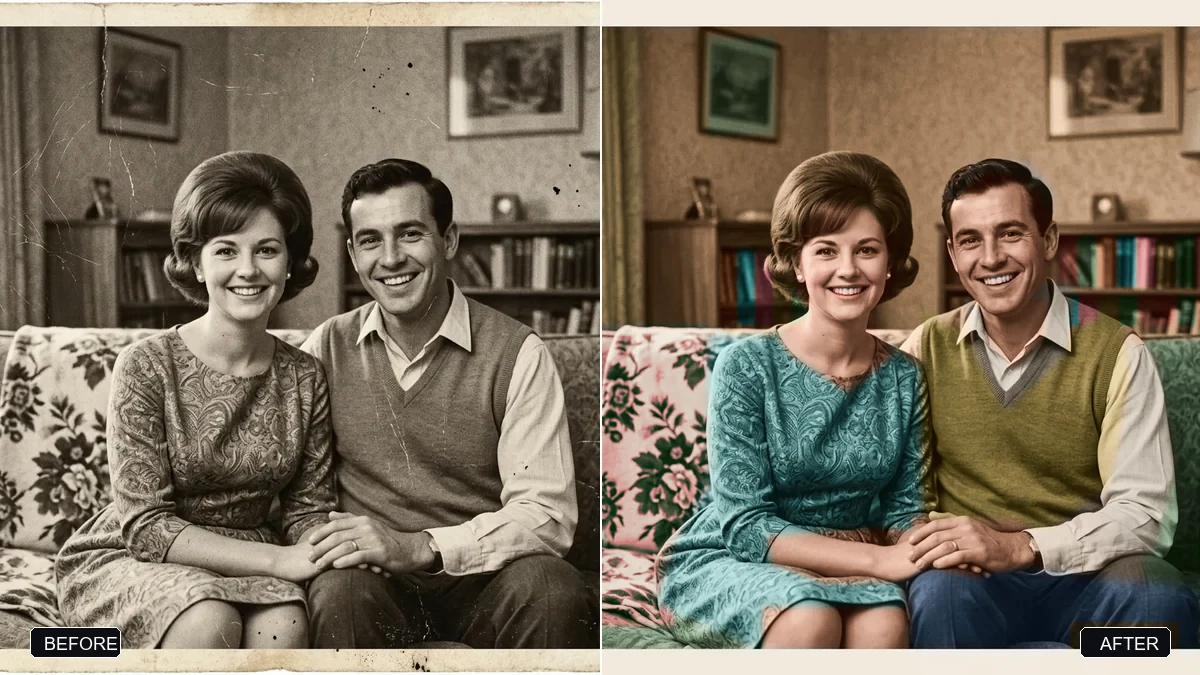 Trending
Restore an old, damaged family photoGemini · ChatGPT
Trending
Restore an old, damaged family photoGemini · ChatGPT
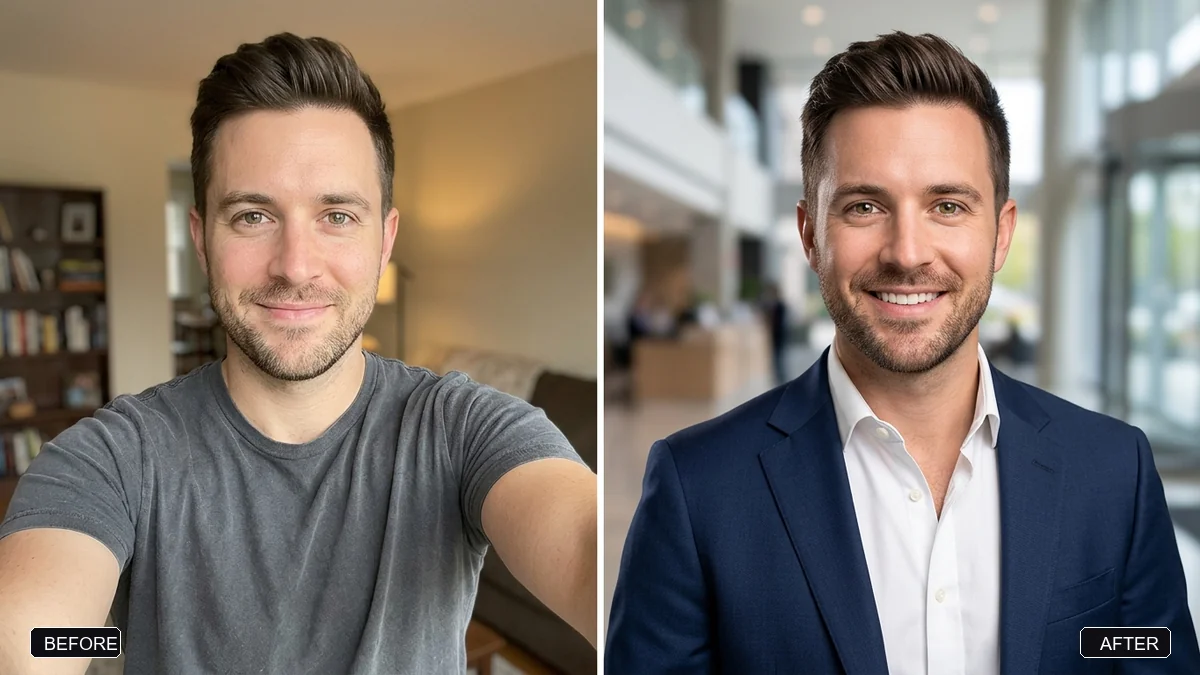 Trending
Pro LinkedIn headshot from a selfieGemini · ChatGPT
Trending
Pro LinkedIn headshot from a selfieGemini · ChatGPT
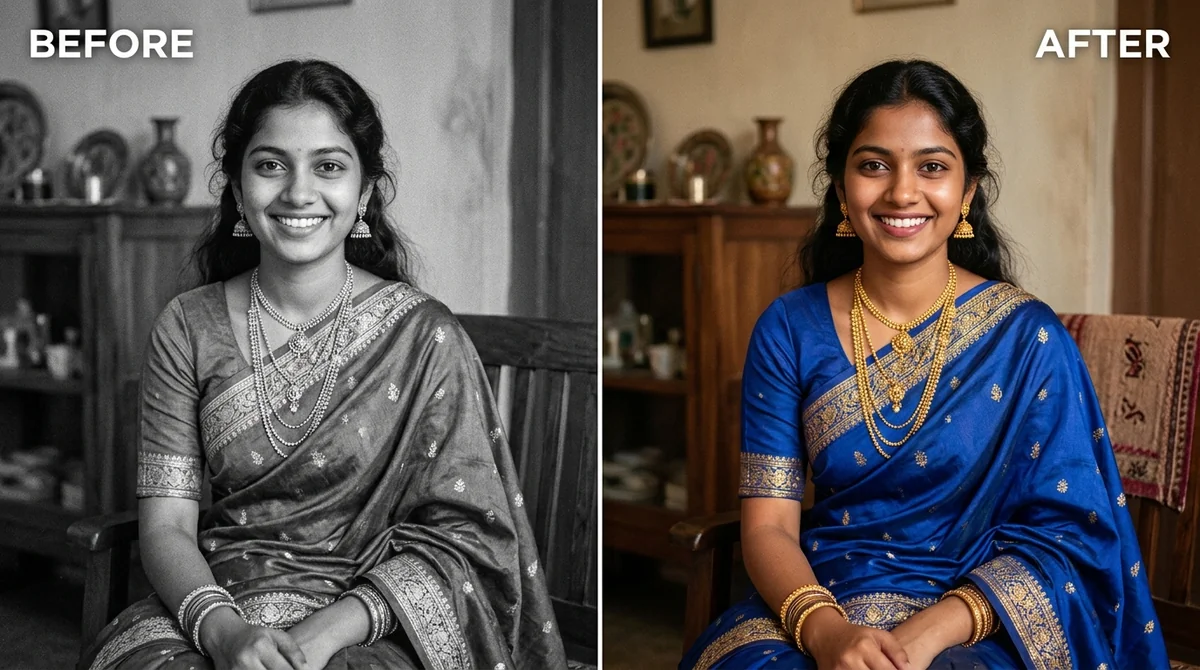 Colourize a black & white photoGemini · ChatGPT
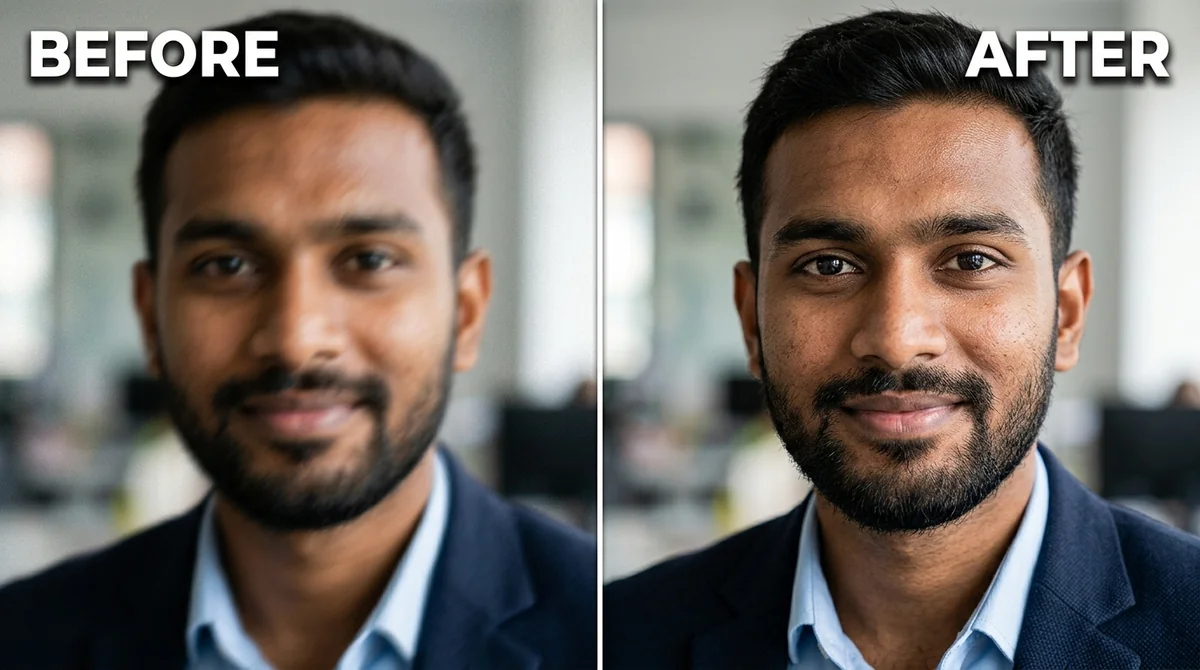 Fix a blurry photo (Sharp & crisp)Gemini · ChatGPT
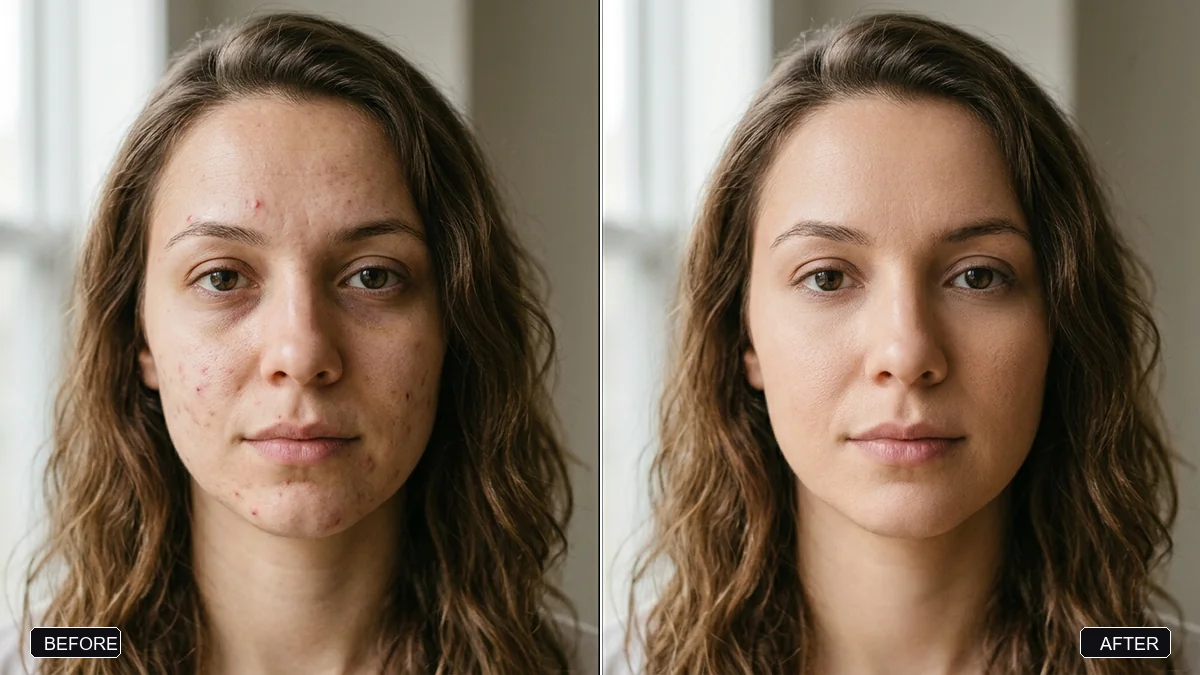 Natural skin retouch (no plastic look)Gemini · ChatGPT
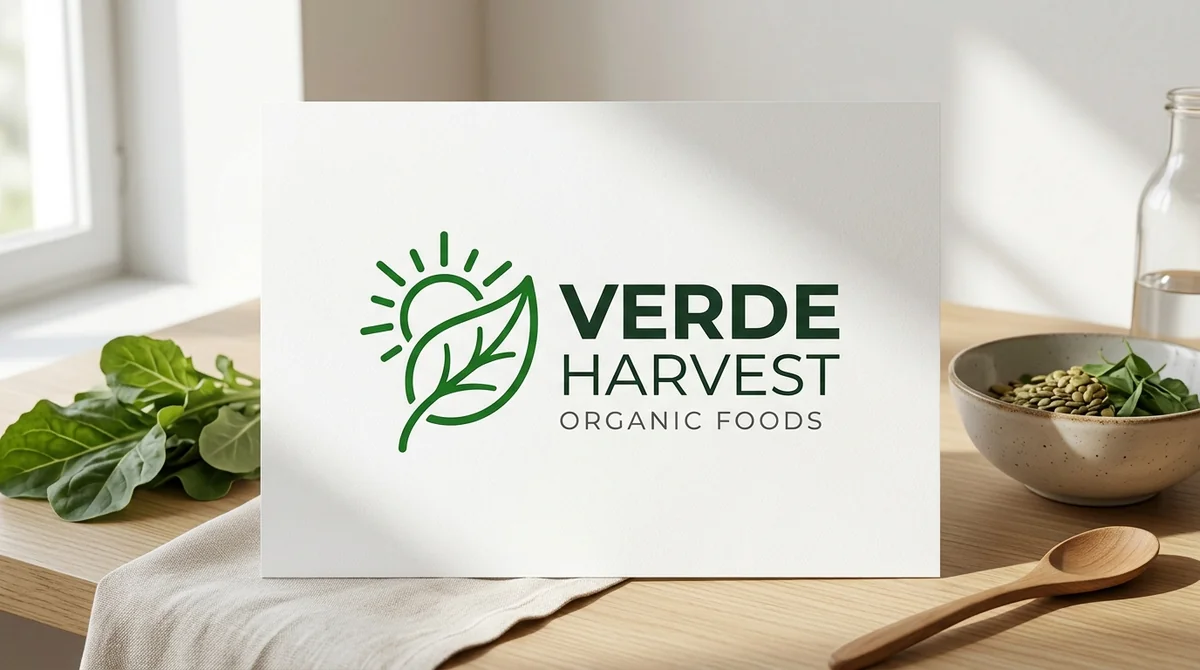 Minimal modern logoChatGPT · Ideogram · Gemini
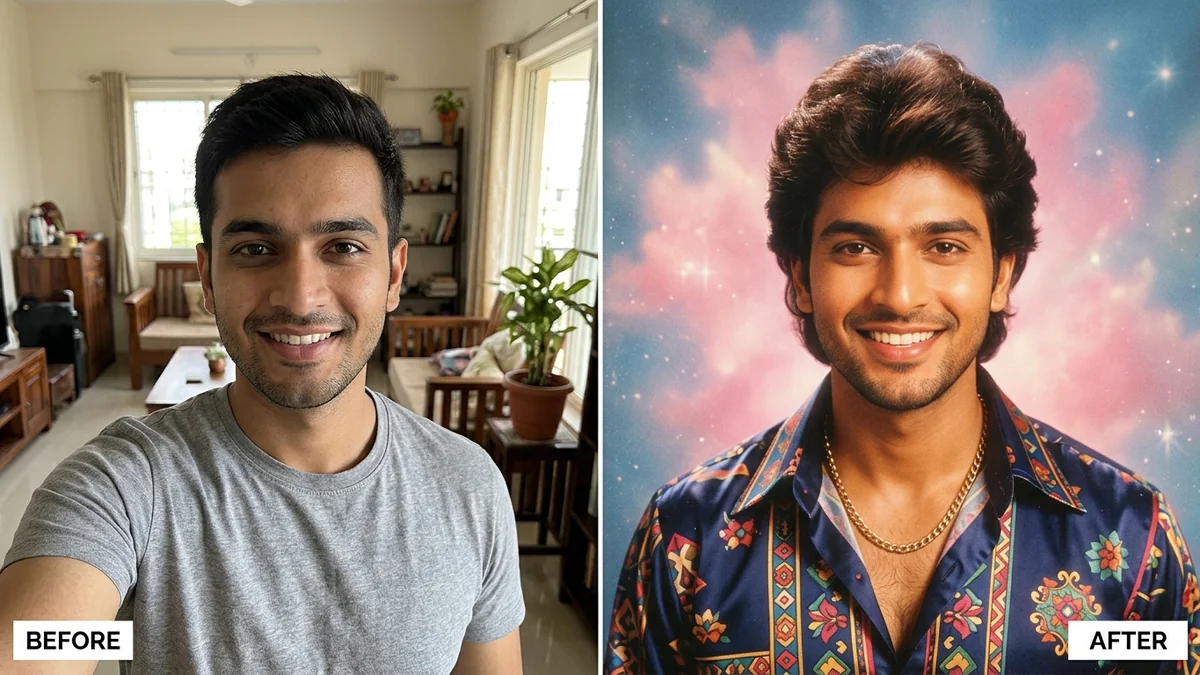 Trending
1980s Bollywood retro portraitGemini · ChatGPT
Trending
1980s Bollywood retro portraitGemini · ChatGPT
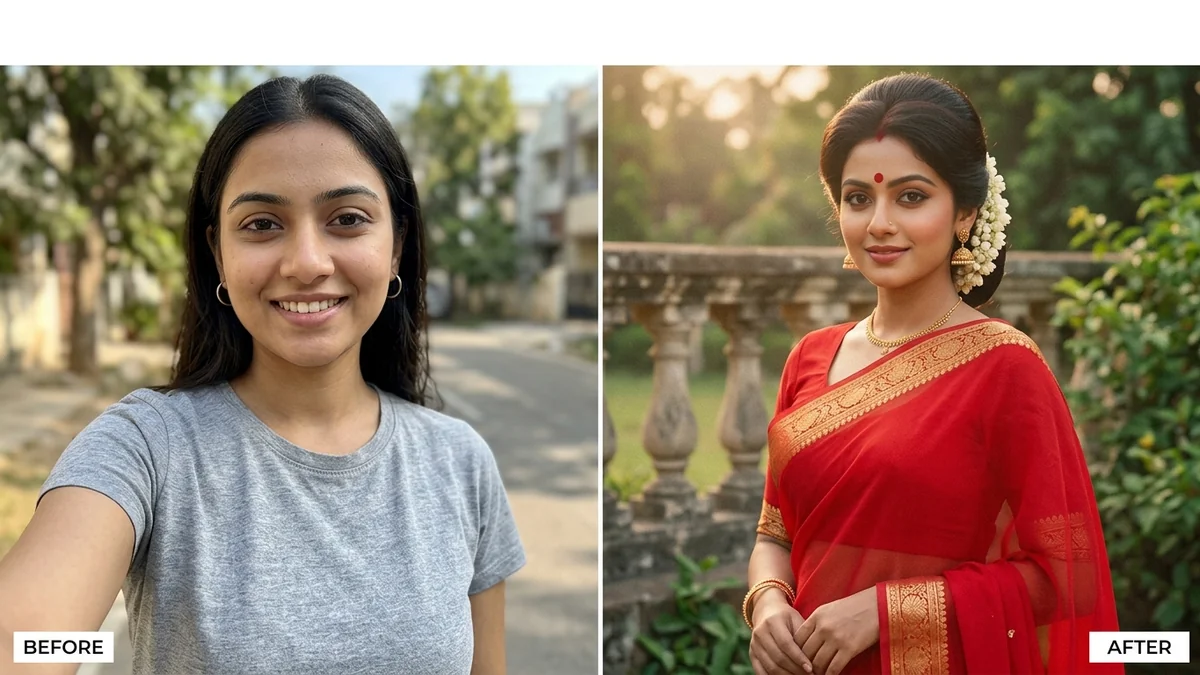 Trending
80s retro saree lookGemini · ChatGPT
Trending
80s retro saree lookGemini · ChatGPT
Questions, answered
Is this Gemini prompt generator free?
Yes. It is free, needs no account and has no daily limit. You do need access to Gemini itself to run the prompt you get.
Does it work for Nano Banana image editing?
Yes. Pick the photo mode, describe the edit in one line, then paste the result into Gemini with your photo attached. The prompt includes rules that keep faces and details unchanged.
Can I use the prompts in ChatGPT or Claude as well?
Text and writing prompts work in all three. Photo edit prompts are written for tools that can edit an uploaded picture, such as Gemini and ChatGPT.
Is my idea sent to a server?
No. The generator runs in your browser. PromptUp does not see what you type or the prompt you get.
How is this different from the Gemini prompts page?
The prompts page is a library of finished, tested prompts you copy. The generator builds a new one around your own idea. Use whichever is faster for you.
Ready to build yours?
Type one line and get the full prompt in a second.