AI video prompts for beginners: how to write a prompt like a shot list
Published
Short answerWrite a video prompt like a shot list: one subject doing one action, the camera move, the light, the format and length, and any spoken words in quotes. Keep each clip short and change one thing per try.
AI video tools such as Veo, Kling and Seedance turn a text description into a short clip. The prompt matters more than most people expect. A vague prompt gives a vague, drifting clip. A prompt written like a shot list, the way a director would brief a camera operator, gives you something you can use.
The examples below come from the video generation prompts in the PromptUp library. You'll also find prompts made for specific tools: Veo, Kling and Seedance.
What a shot list prompt contains
Think of the prompt as answering six questions:
| Question | Example |
|---|---|
| Who or what is in the shot? | "a young man in a gym hoodie" |
| What are they doing? | "turns quickly toward the camera" |
| How does the camera move? | "rapid push-in", "sweeping aerial shot gliding forward" |
| What is the light and style? | "studio rim lighting", "cinematic feel" |
| What is the format? | "9:16 vertical", "8 seconds" |
| Is there sound or speech? | "clear dialogue over light street ambience" |
You don't need every one every time, but each one you leave out is something the AI has to guess.
Start with one subject and one action
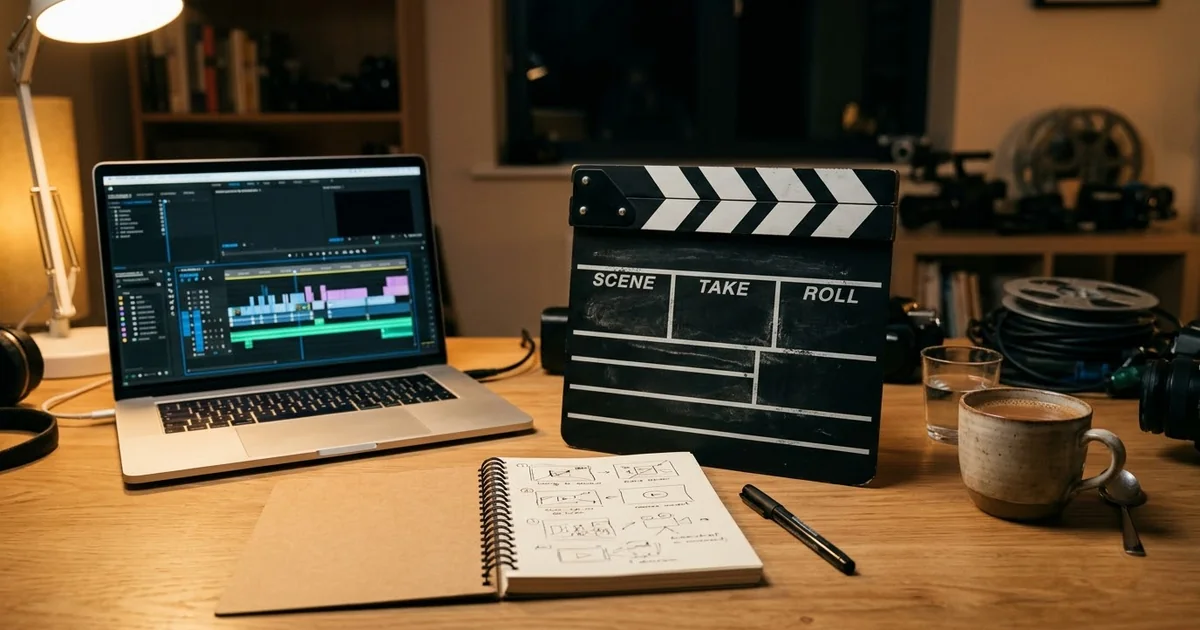
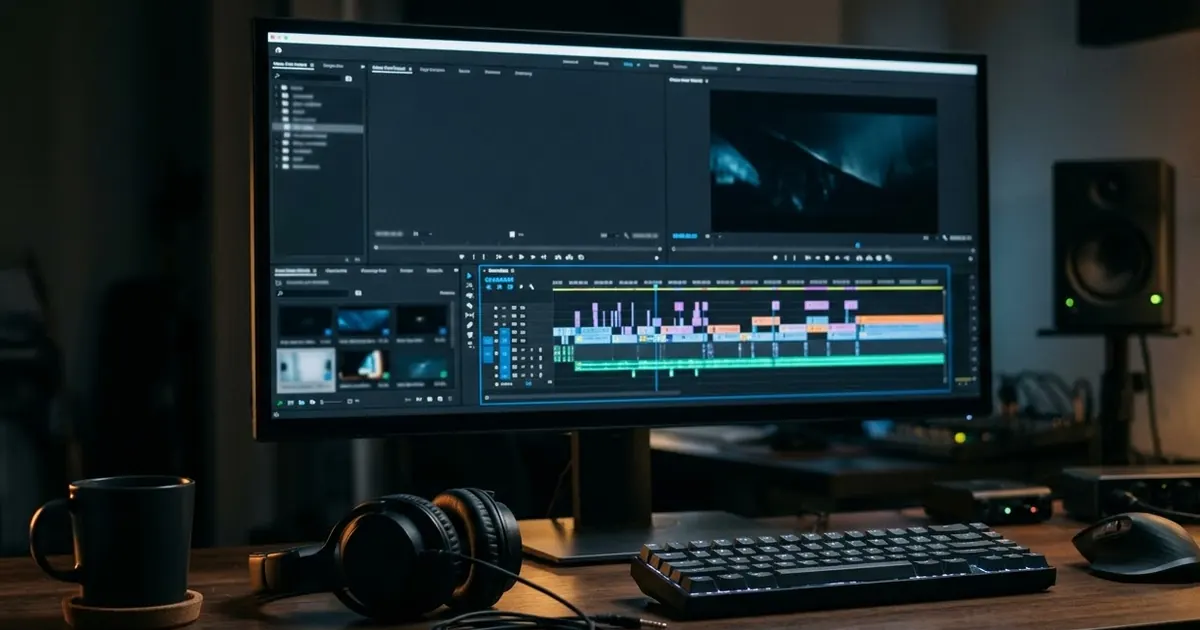
Video models do best with a simple scene. One subject doing one thing is more reliable than a crowd doing five things. If you need a sequence, make separate clips and join them in an editor.
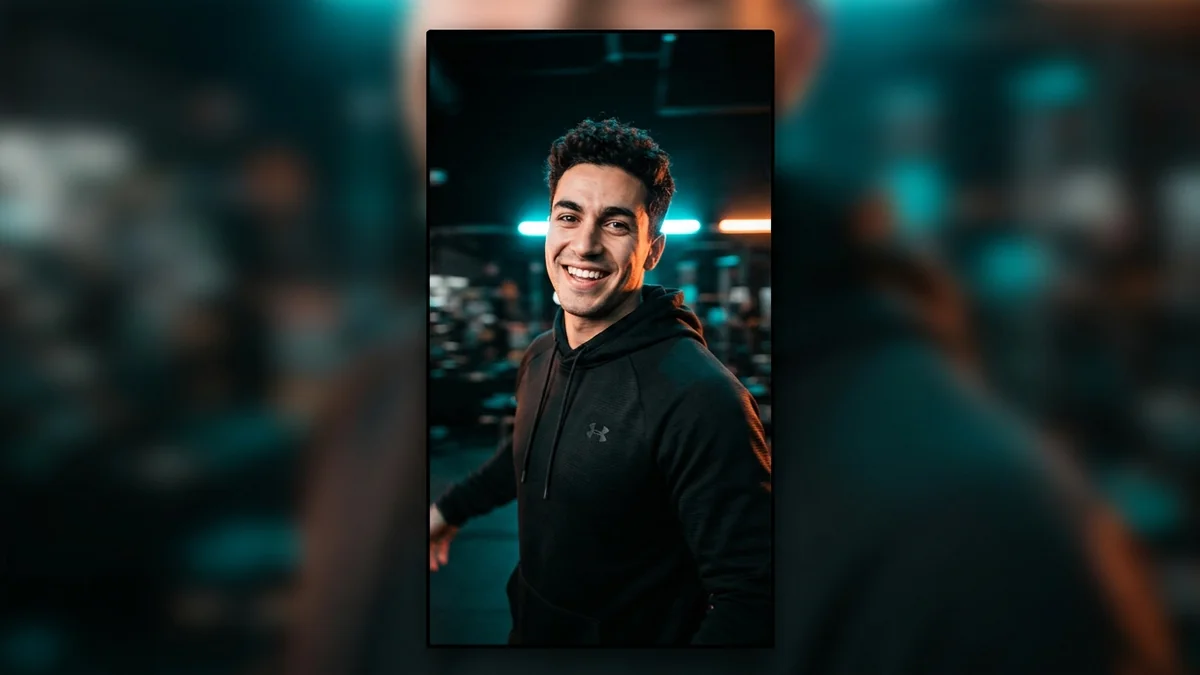
The reel opener prompt is a good example of "one thing":
Vertical, fast, energetic shot: [SUBJECT] turns quickly toward the camera as it does a rapid push-in to his face; he raises his eyebrows with a confident smile. Dynamic camera snap zoom, studio rim lighting. 9:16 vertical.
One person, one turn, one camera move, one expression.
Describe the camera
The camera is the part beginners forget. Name the move:
- Push-in / pull-out: the camera moves toward or away from the subject.
- Pan / tilt: the camera turns left or right, up or down.
- Tracking or gliding shot: the camera moves with the subject.
- Aerial or drone shot: a high, sweeping view.
- Handheld: a slight shake that feels like a real phone or camera.
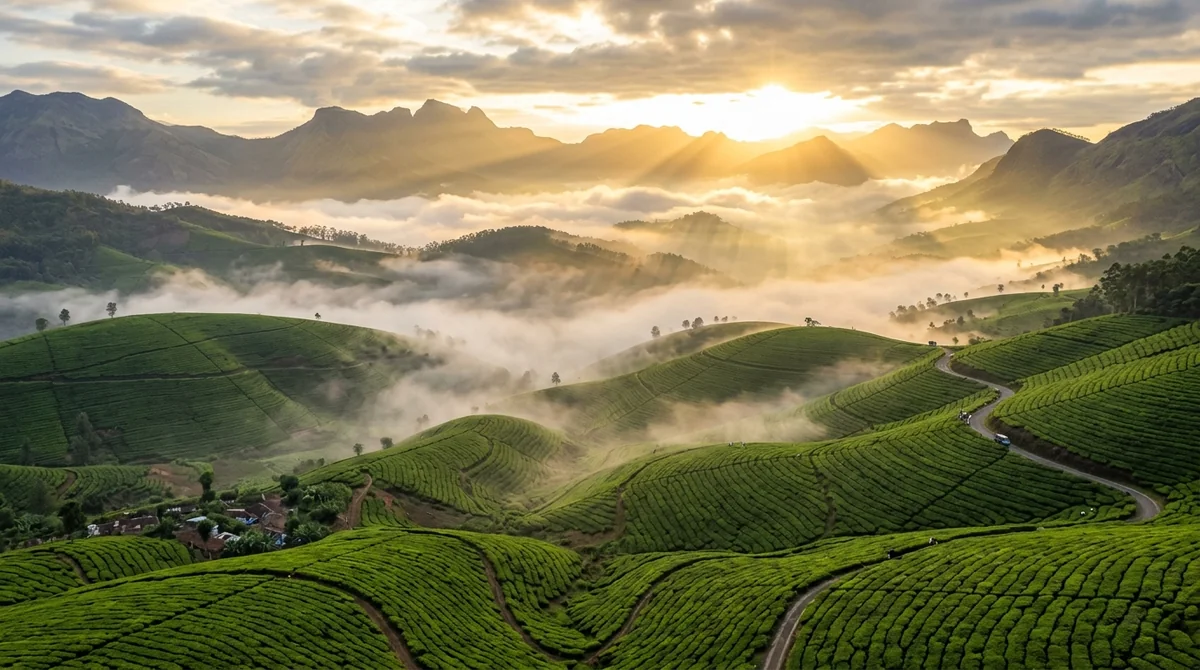
The drone prompt asks for "a sweeping aerial drone shot gliding forward… slowly rising to reveal a valley", which gives the model a clear motion to follow. Naming a real place, such as tea plantations in Munnar, also gives the model more grounded detail.
Say the light and the mood
Light sets the look: "sunrise", "studio backlight", "natural daylight", "neon at night". Add a style word such as "cinematic" if you want a film look. Keep to one mood, so the clip doesn't pull in different directions.
Set the format and length
Say the shape and, if the tool allows it, the length. For social media, vertical is usually 9:16. For a normal video, use 16:9. Most tools also let you choose these in the settings. Check the tool, because the options and clip lengths vary.
Put spoken words in quotes
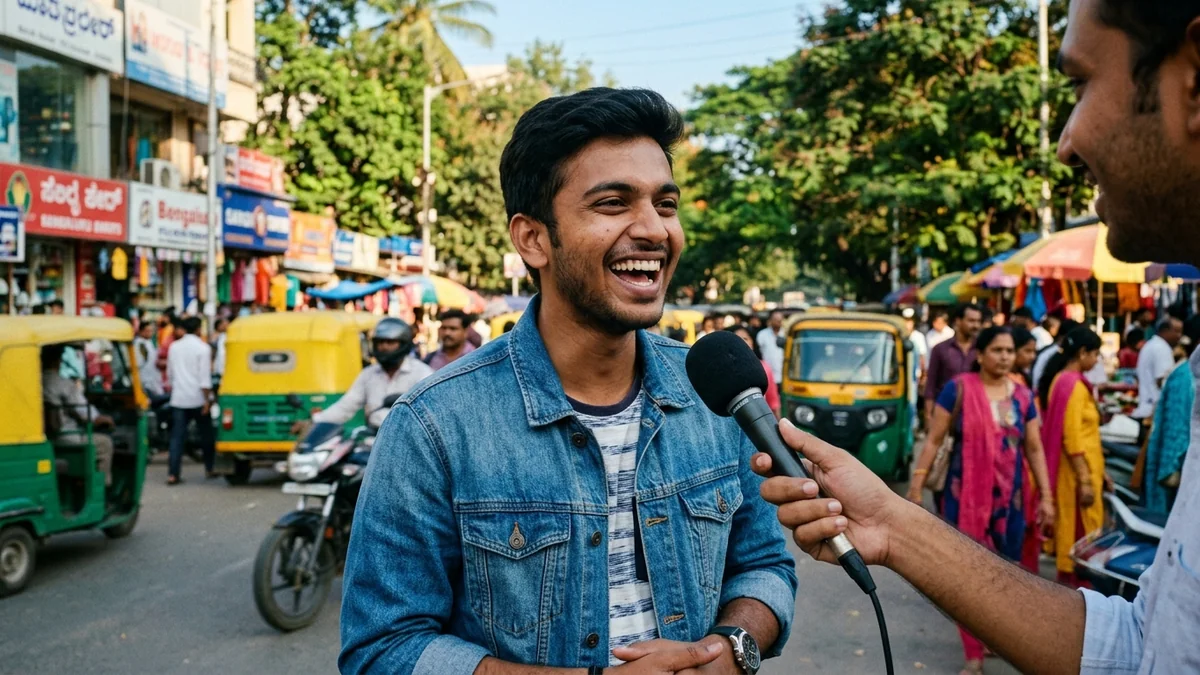
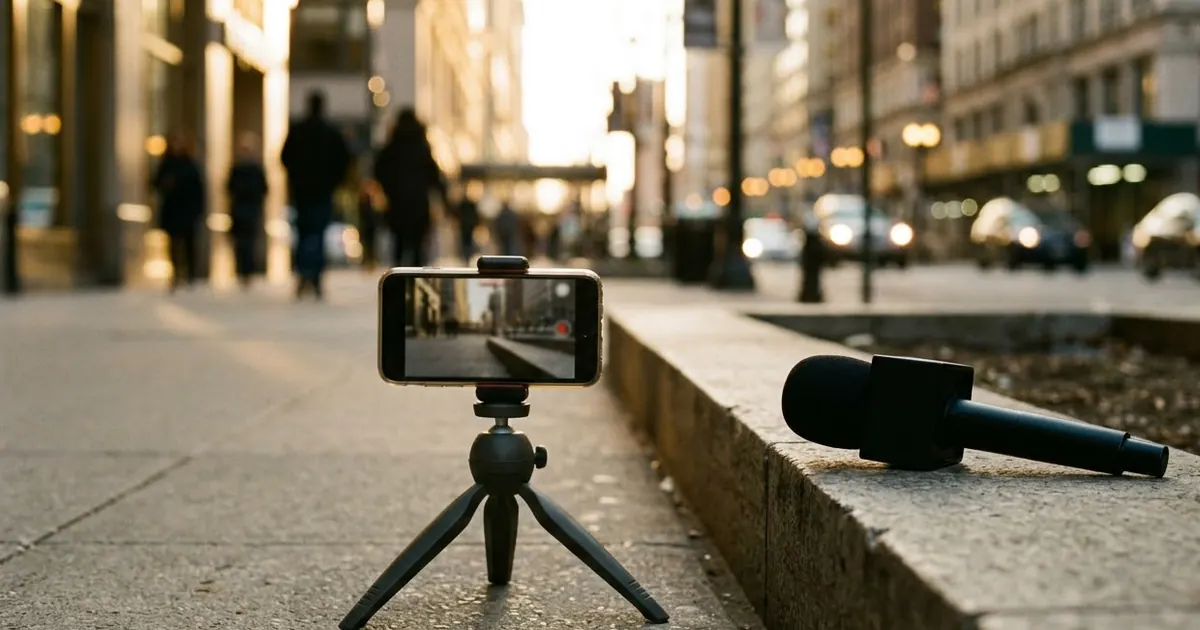
Some tools can generate speech along with the picture. If yours does, write the dialogue in quotes and say who speaks. The street interview prompt does this:
A reporter holds a microphone toward a [PERSON] and asks: "[QUESTION]"

The person laughs and answers naturally: "[ANSWER]"
Keep spoken lines short, so they fit within the clip's length. Check whether your tool supports dialogue, as not all of them do.
Get physics right with specific words
For close-ups and slow motion, specific words help. The water splash prompt asks for a "super slow-motion 1000fps macro shot" of a drop falling into a still pool, with a crown splash, expanding ripples and studio backlight. The technical words tell the model what kind of footage to imitate.
Everyday scenes with a story
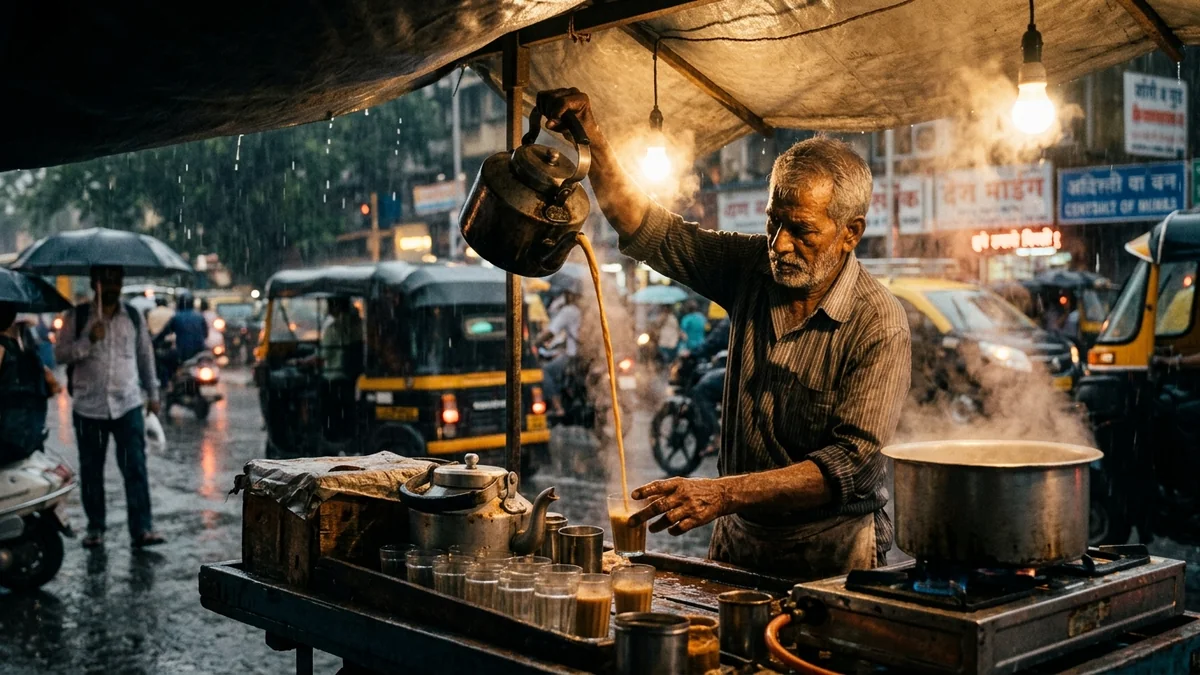
Not every clip needs to be an effect. The rainy street chai vendor prompt, written for Veo, uses one real setting (a Mumbai street in monsoon rain), one person doing one action (pouring tea from a height) and a description of the sound ("authentic ambient street rain foley"). If your tool generates audio, describing the sounds in detail helps make them more realistic.
Iterate one thing at a time
Video takes longer to generate than an image, so change one thing per try:
- Generate two or three takes from the same prompt.
- Decide what's wrong: the camera move, the subject, the light.
- Change only that part and generate again.
For more on this routine, see how to edit a prompt.
Common problems
- Too much happening. Cut it to one subject and one action.
- Odd faces or hands. Use a closer or slower shot, and generate again.
- Text in the video looks wrong. Add captions and titles afterwards in an editor.
- The clip doesn't match your idea. Make the prompt more specific about the camera and the setting.
Rights and safety
Don't create clips that pass off a real person's face or voice as someone else, or that mislead viewers about real events. Many platforms also ask you to label AI-generated video. Check the rules of the tool and the site where you publish.

Comments
No comments yet. Be the first to share what worked for you.