Sora has shut down: how to move your video prompts to Veo, Kling or Seedance
Published
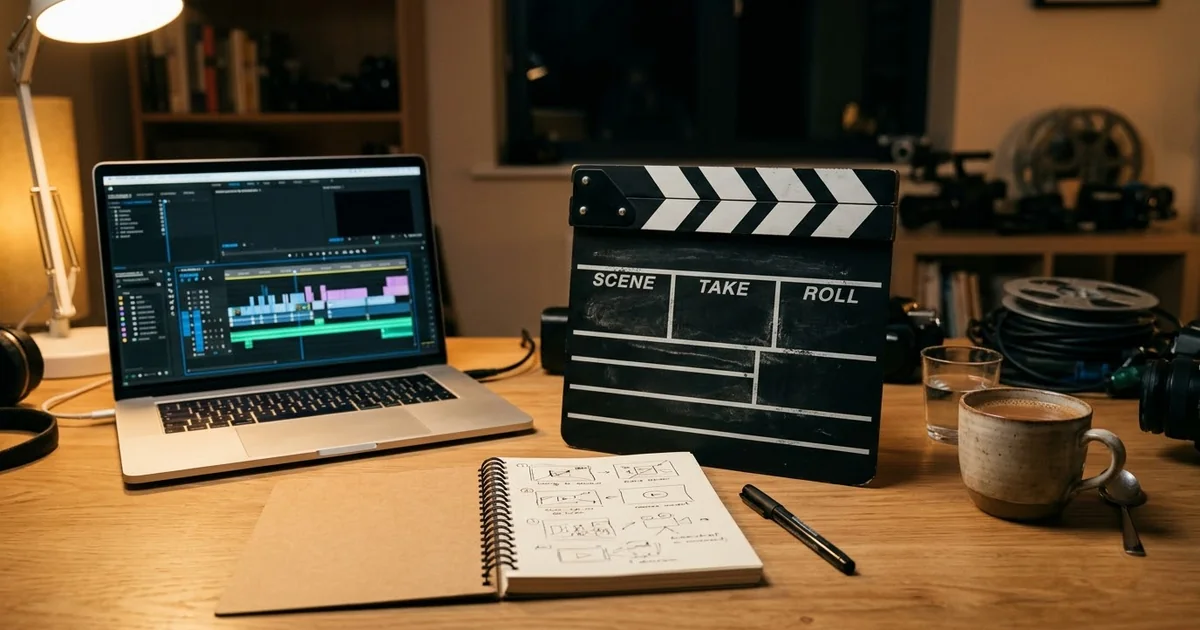
Short answerKeep the scene, but rewrite each prompt in the same order every time: shot and camera, subject and action, setting, light, sound, then shape and length. Test one short clip first and change one detail per try.
If you used Sora, you need a new home for your video prompts. OpenAI closed the Sora web and app experience on 26 April 2026, and the Sora API was switched off on 24 September 2026 (OpenAI Help Center). If you still have videos there, check that page for OpenAI's latest guidance on exporting them.
The good news is that your ideas still work. A good video prompt is mostly a clear description of a shot, and that carries over to other tools such as Veo, Kling and Seedance. What changes is how much each tool wants you to spell out. This guide shows a simple way to rewrite your prompts so they move cleanly.
Why old prompts sometimes fail in a new tool
Every video model reads prompts a little differently. A prompt that worked in one tool can give you the wrong camera move, a static shot or silence in another. The usual reasons are:
- The camera was implied, not stated. One tool guessed a slow push-in; the next one doesn't guess.
- Too many actions. Three things happening in eight seconds get squeezed or dropped.
- No sound description. Tools that make audio need to be told what to hear.
- Shape and length missing. You get a wide clip when you wanted a vertical reel.
The six-line rewrite
Rewrite each old prompt into these six lines, in this order. The order matters because it matches how a shot is planned: what we see, then what happens, then how it feels.
Shot: [SHOT, e.g. medium close-up, handheld / slow aerial drone glide forward].
Subject and action: [WHO OR WHAT, e.g. an elderly chai vendor] [DOES ONE THING, e.g. pours tea from a height in one smooth stream].
Setting: [WHERE AND WHEN, e.g. a busy Mumbai street in monsoon rain, evening].
Light and look: [LIGHT, e.g. warm amber streetlamp glow, wet reflections, documentary realism].
Sound: [SOUND, e.g. rain on the tin roof, traffic far away, tea splashing into glass].
Format: [SHAPE AND LENGTH, e.g. vertical 9:16, about 8 seconds].
One action per clip is the biggest single improvement. If your old prompt had three actions, make three clips and join them in an editor.
An example, before and after
A typical short prompt might say: "Chai seller in the rain, cinematic." It leaves almost everything to the tool.
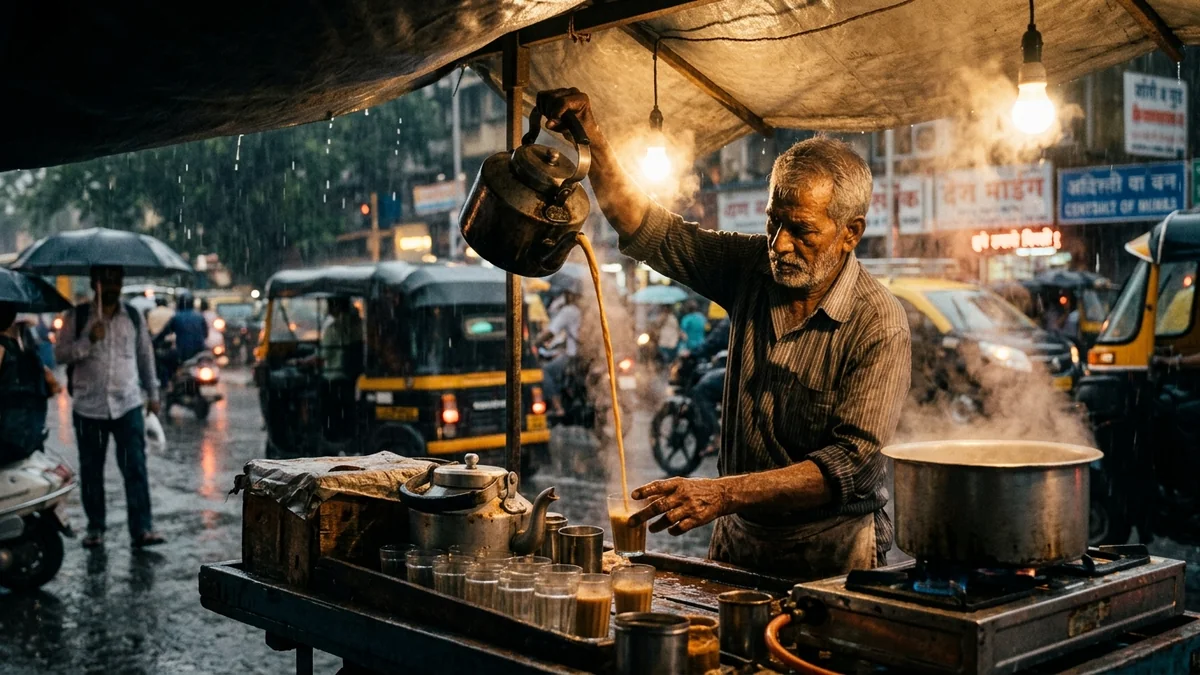
The rainy street chai vendor prompt in the library shows the same idea written out properly:
Medium close-up, handheld documentary shot of an elderly chai vendor on a busy Mumbai street during monsoon rain. He pours steaming tea from a height into small glasses in one long, smooth stream as raindrops fall around his small stall.

Warm amber streetlamp glow, authentic ambient street rain foley.
Notice the camera ("medium close-up, handheld"), the single action (one long pour), the light and the sound. Nothing is left to guess.
Landscapes and drone shots
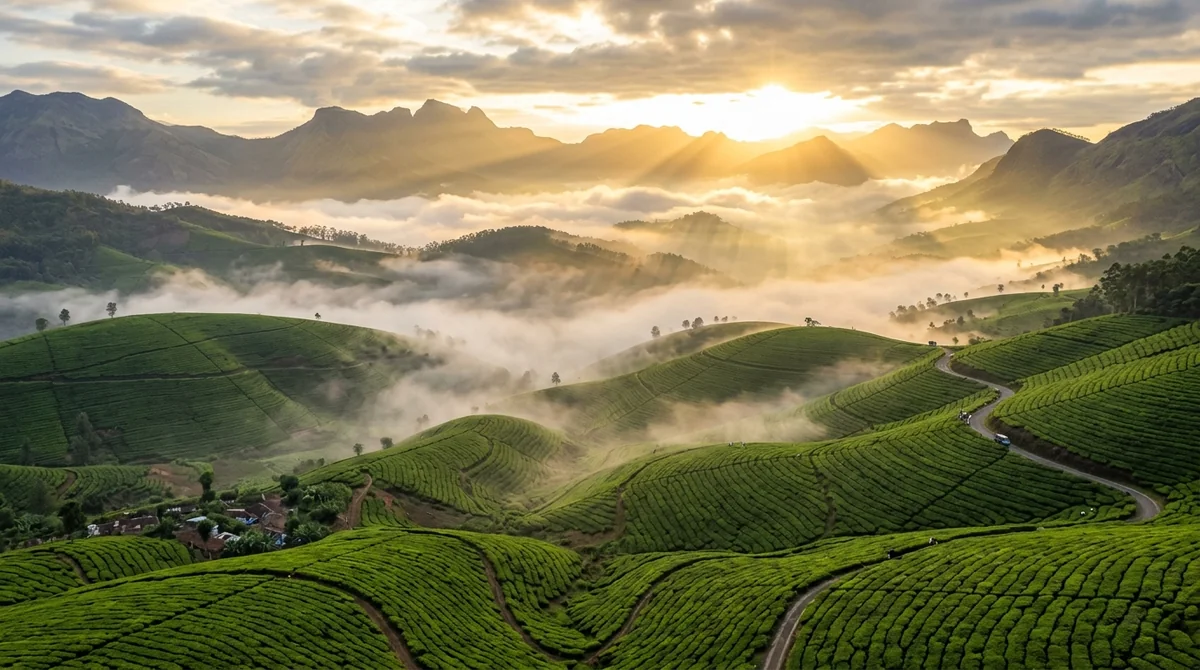
For travel and nature clips, name a real place and one clear camera move. The drone shot over mountains prompt is a good model:
Sweeping aerial drone shot gliding forward over [PLACE, e.g. misty green tea plantations in Munnar], slowly rising to reveal a valley filled with clouds as the sun rises over the peaks. Ultra-smooth gimbal motion, 4k 60fps cinematic feel.
A real place gives the tool believable geography. "Gliding forward, slowly rising to reveal" is one smooth move with a clear ending.
Dialogue and people talking
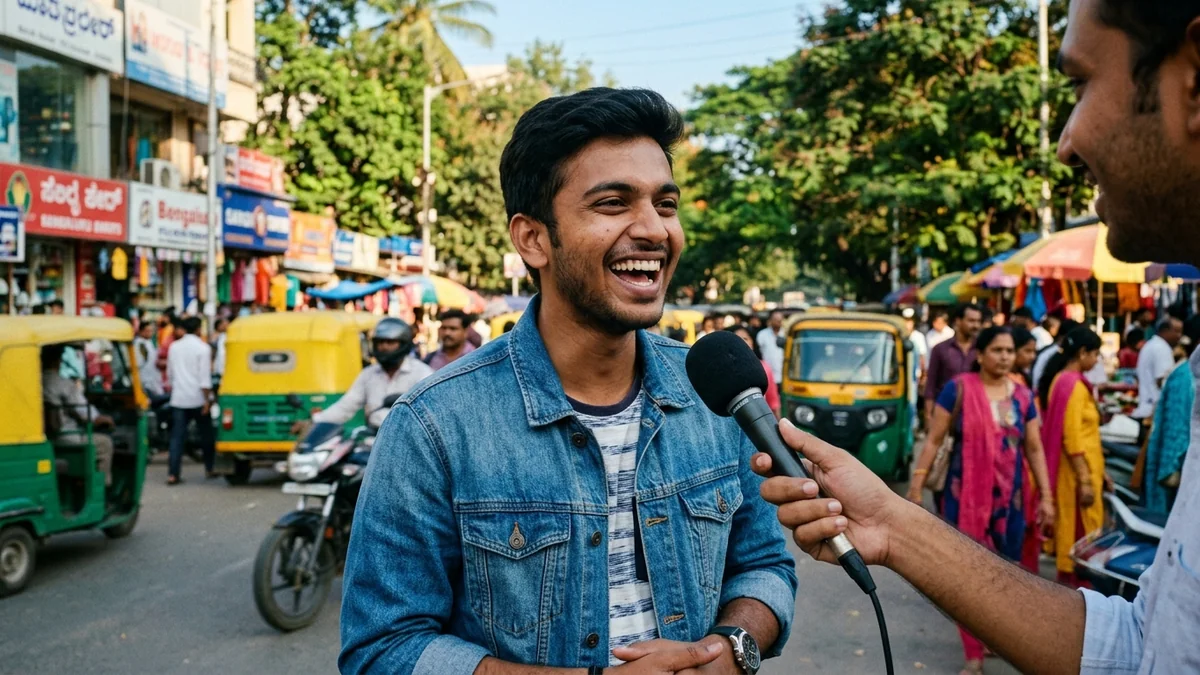
If your Sora prompts had people speaking, put every spoken line in quotes and keep it short. The street interview prompt shows the pattern: who asks, the exact question in quotes, the exact answer in quotes, then the background sound. Short lines fit an eight-second clip; long speeches get cut off.
Starting from a photo
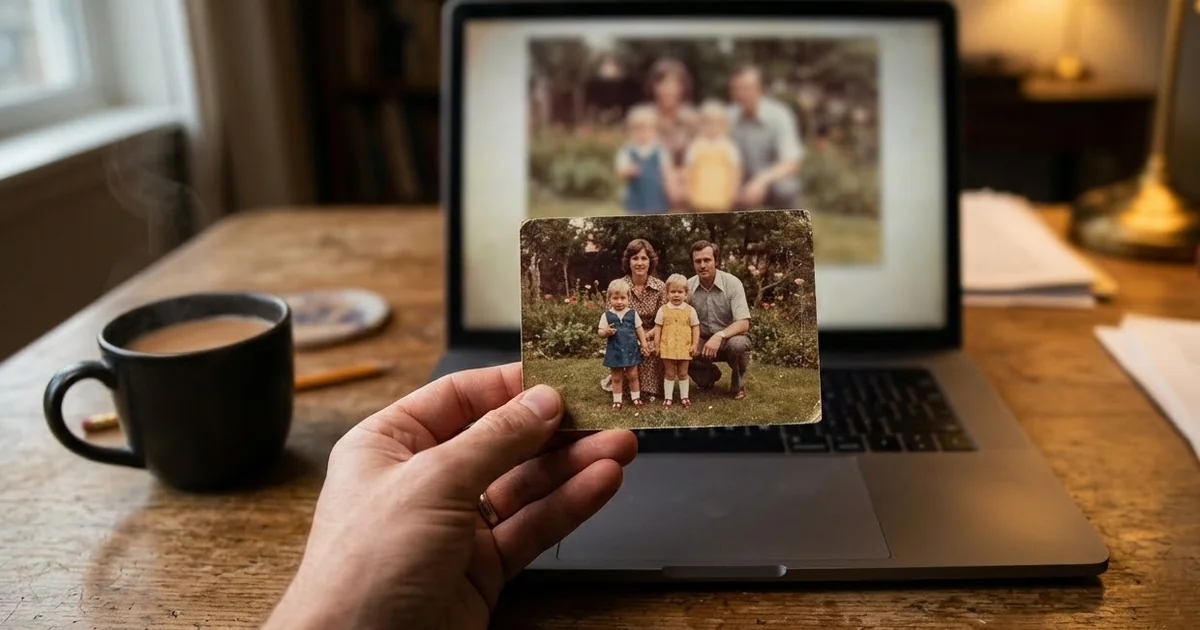
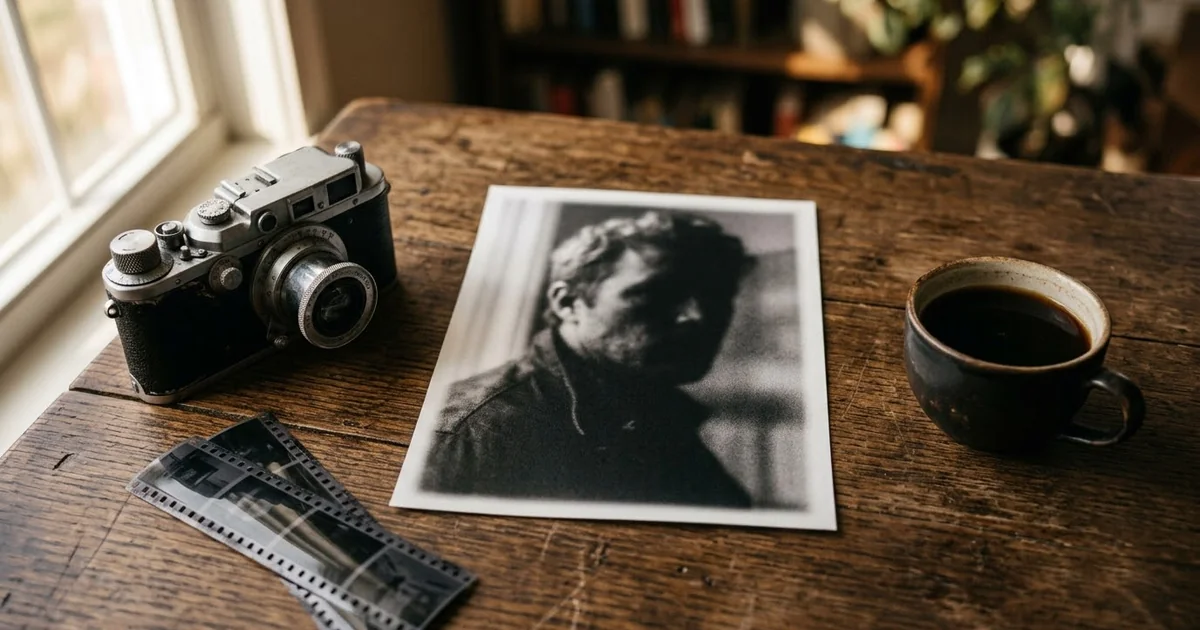
Many Sora users started from a still picture. Most other video tools can do the same (image-to-video). Upload the picture, then describe only the movement, not what is already in the photo. The bring an old photo to life prompt is a gentle example: small natural movements, a blink, a slight smile, and nothing that changes the faces.
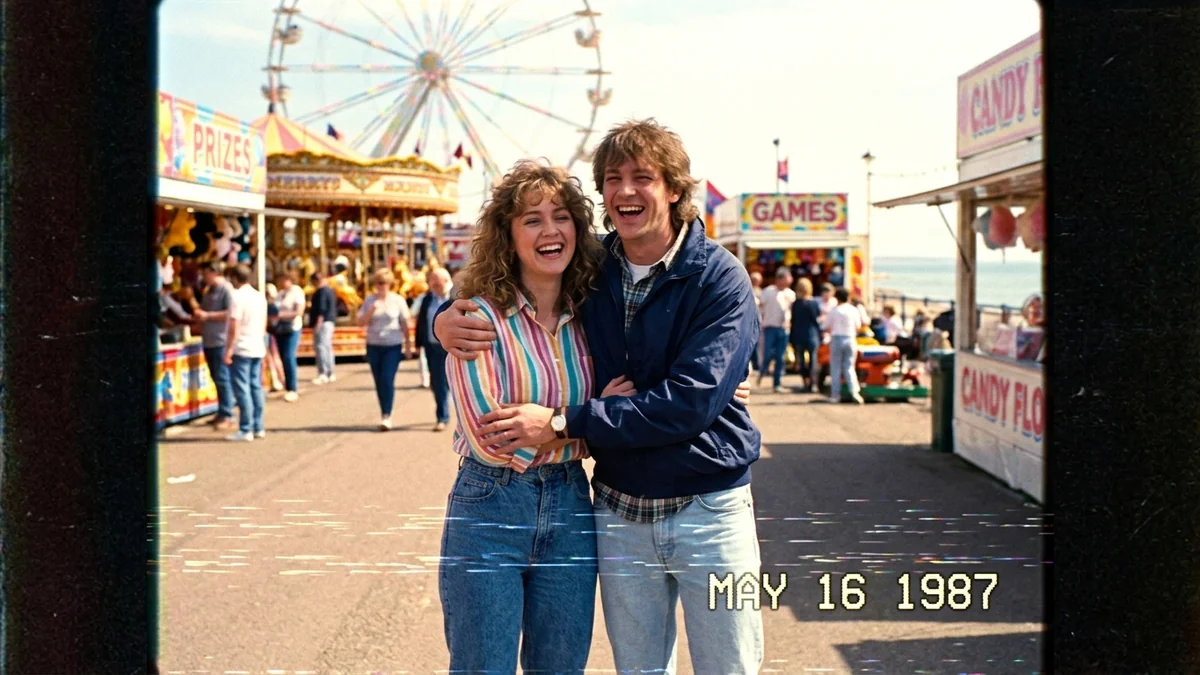
For a playful retro clip, the 1987 VHS home video prompt works well from your own photo too.
Test cheaply, then scale
- Make one short clip first. Check the camera move, the action and the sound before you make more.
- Change one thing per try. If you change the shot, the light and the action together, you can't tell what fixed it.
- Keep a prompt log. Save the version that worked for each tool. Small wording differences matter.
Our AI video prompts for beginners guide goes deeper into camera words and shot types.
Where to go from here
The PromptUp video generation prompts are already written in the six-line style, and there are sets made for specific tools: Veo, Kling and Seedance. Paste an old Sora prompt into the prompt builder to get a structured version to start from.
Quick checklist
- Export anything you still need from Sora, following OpenAI's help page.
- Rewrite each prompt as: shot, subject and action, setting, light, sound, format.
- One action per clip.
- Put spoken lines in quotes and keep them short.
- For image-to-video, describe only the movement.
- Test one short clip, then change one thing per try.
Comments
No comments yet. Be the first to share what worked for you.