Kandinsky 6.0 Video: a free, open model that adds its own sound and lip-sync
Published
Short answerKandinsky 6.0 Video is an open-weight model, reported in early October 2026, that generates short clips with lip-synced speech, music and ambient sound built in. Describe the sound as fully as the picture, and keep each clip to one clear moment.
Most AI video tools generate a silent clip, and you add music or voice afterwards in an editor. Early coverage in October 2026 describes a new open model, Kandinsky 6.0 Video, that generates speech, ambient sound and music in the same pass as the picture, with the speech synced to the speaker's lips.
A word on sourcing: I couldn't find a post about this on Kandinsky Lab's or Sber's own blog, so everything below comes from independent coverage that largely agrees with each other, rather than an official announcement. Treat the details as a solid early picture, not confirmed specs, and check the model's own Hugging Face or GitHub page before you build anything on top of it.
The facts, as reported
| Question | What's reported |
|---|---|
| Who made it? | Kandinsky Lab, the team behind the Kandinsky image models, backed by the Russian company Sber |
| When? | Early October 2026; different reports give 4 or 6 October |
| Sizes | A 29-billion-parameter "Pro" version and a smaller 3-billion "Lite" version |
| Clip length | About 5 seconds |
| Audio | Synced speech, music and ambient sound at 44kHz, generated with the video, not added after |
| Lip-sync | Speech is reported to be synced to the character's mouth movements |
| Licence | Reported as MIT, with code and weights shared via Hugging Face and GitHub |
| Resolution | A separate upscaling model reportedly raises output to Full HD (1920×1080) |
Kompozy's report has the fullest write-up I found, and a Russian tech outlet covering Sber's own description agrees on the core claims: one model producing video, speech, music and ambient sound together.
Who should actually try this
An MIT licence means you, or a developer you work with, can download the weights and run them without paying per clip. That matters most for:
- Developers who want to self-host video generation instead of paying for API credits on every clip.
- People testing open models side by side with paid tools such as Veo, Kling or Seedance.
It matters less if you just want quick videos in an app on your phone. A 29-billion-parameter video model needs a serious GPU to run, so most people will meet this through a hosted demo or a third-party app that wraps it, rather than running it themselves. If that's you, the prompting ideas below still apply wherever you try it.
How to prompt for synced audio and lip-sync
The one genuinely new thing here is a model that listens to your description of sound, not just the picture. Most prompts for silent video tools skip sound entirely, so this is the habit to add.
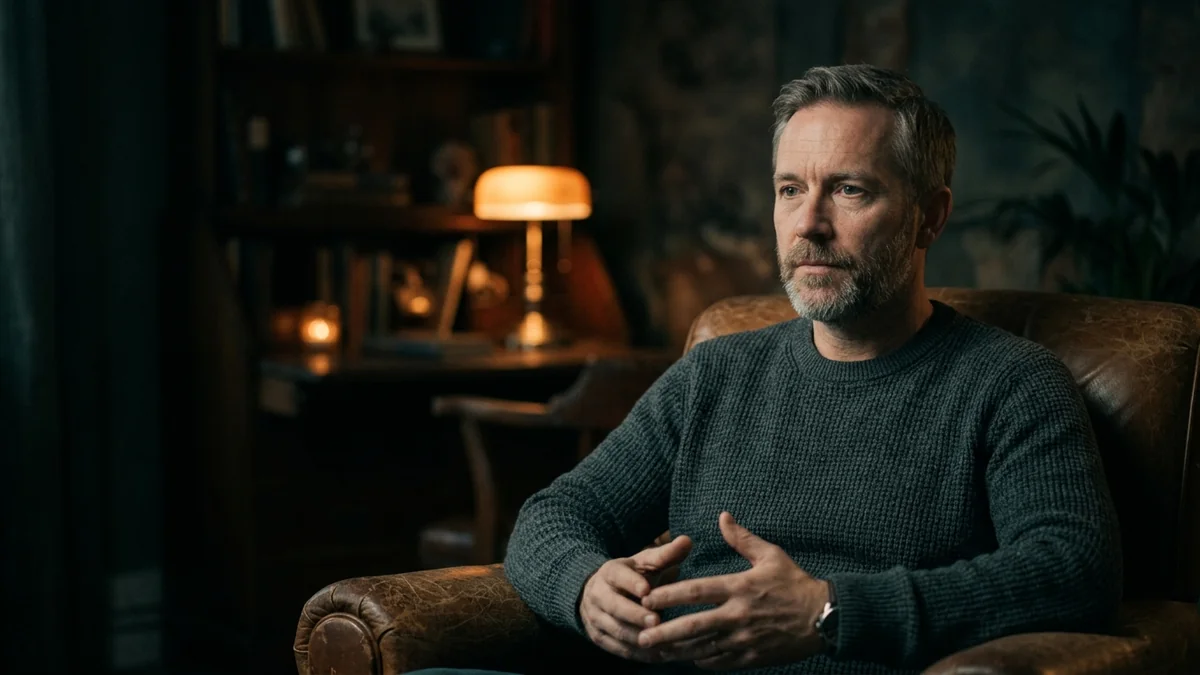
[SUBJECT] sits across a small table and says, looking at the camera: "[LINE, keep it short and natural]"

Setting: [PLACE]. Lighting: [e.g. warm lamp light, one side]. Camera: static, medium shot.

Sound: a clear, natural voice matching the subject, [AMBIENT SOUND, e.g. a quiet hum of a cafe, rain on a window], no music.
Keep the spoken line short, 10 words or fewer. Longer lines give a lip-sync model more chances to drift out of time with the mouth. The documentary interview prompt already uses a short spoken line this way, which makes it a good first test.
For a scene without a scripted line, describe the mood of the sound instead of exact words:
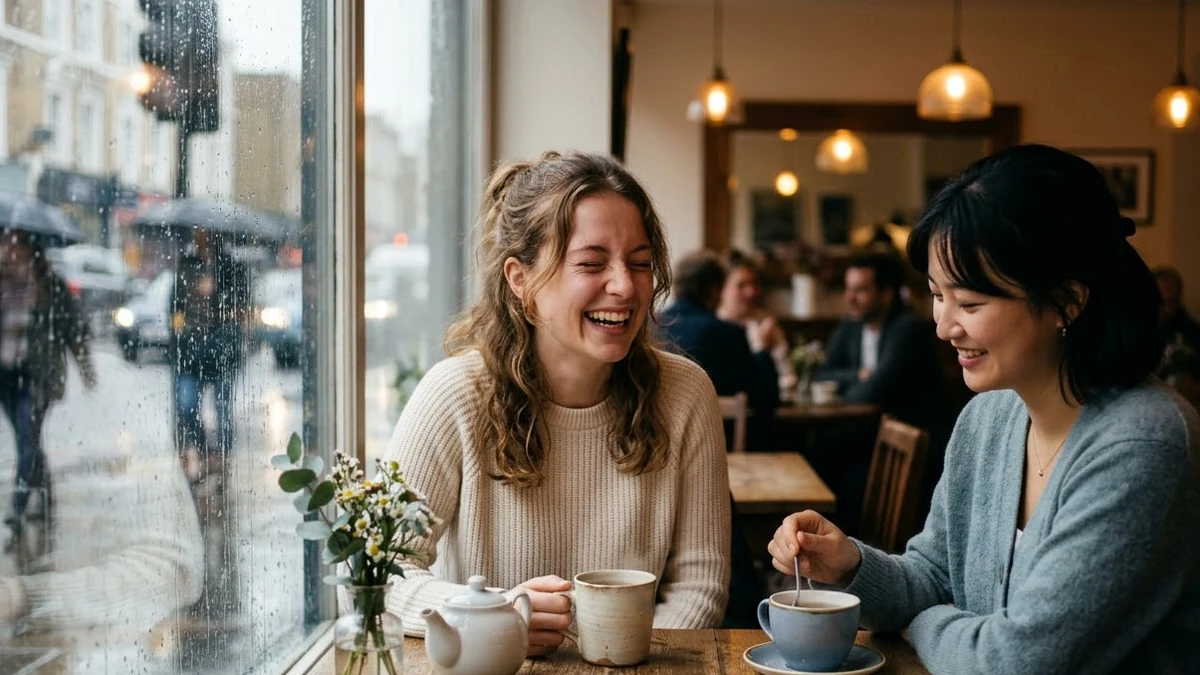
[SUBJECT 1] and [SUBJECT 2] sit at a window table as rain runs down the glass outside. They talk quietly, one laughing softly.

Sound: a warm cafe ambience, soft rain, gentle clinking of cups, low murmured conversation, no clear words needed.
This is close to how the rainy cafe conversation prompt is already written, and it sidesteps the harder job of getting exact words lip-synced.
Three habits that carry over from other video tools
- Name the sound, not just the picture. The chai vendor prompt is built around this: describing rain, pouring tea and street noise in detail, not just "add ambient sound". The same habit pays off here.
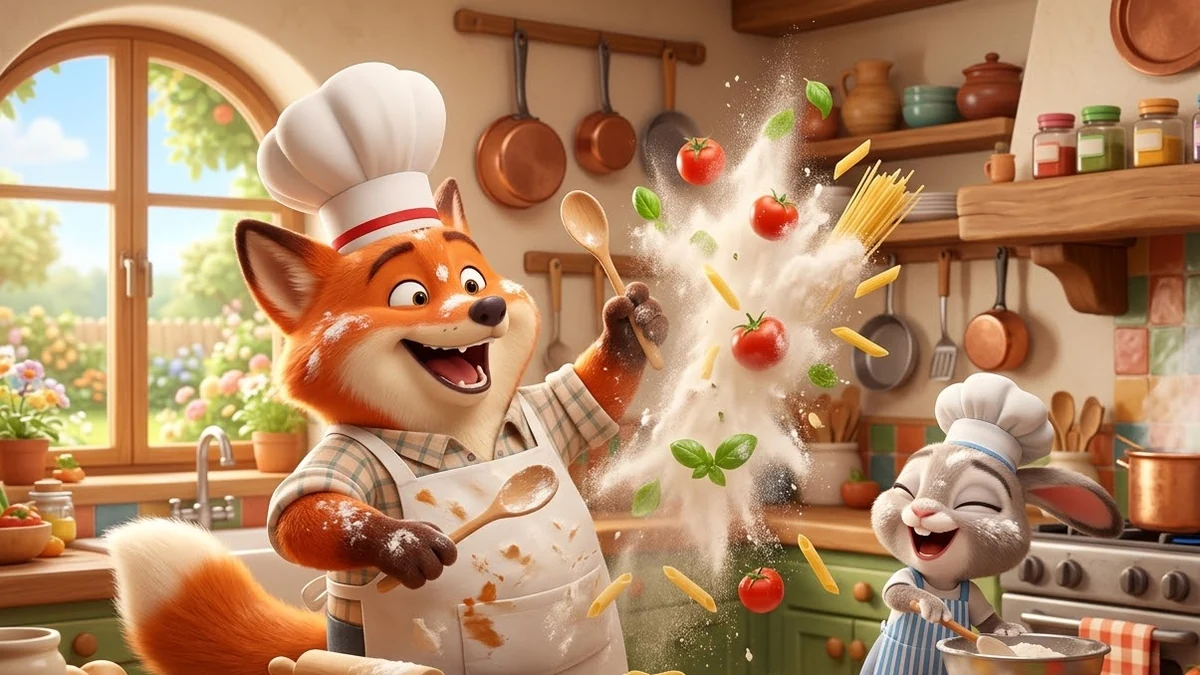
- One clear moment per clip. At around 5 seconds, there's room for one small action, not a story. The cartoon animals cooking prompt works because it's a single beat: a mishap, a laugh, done.
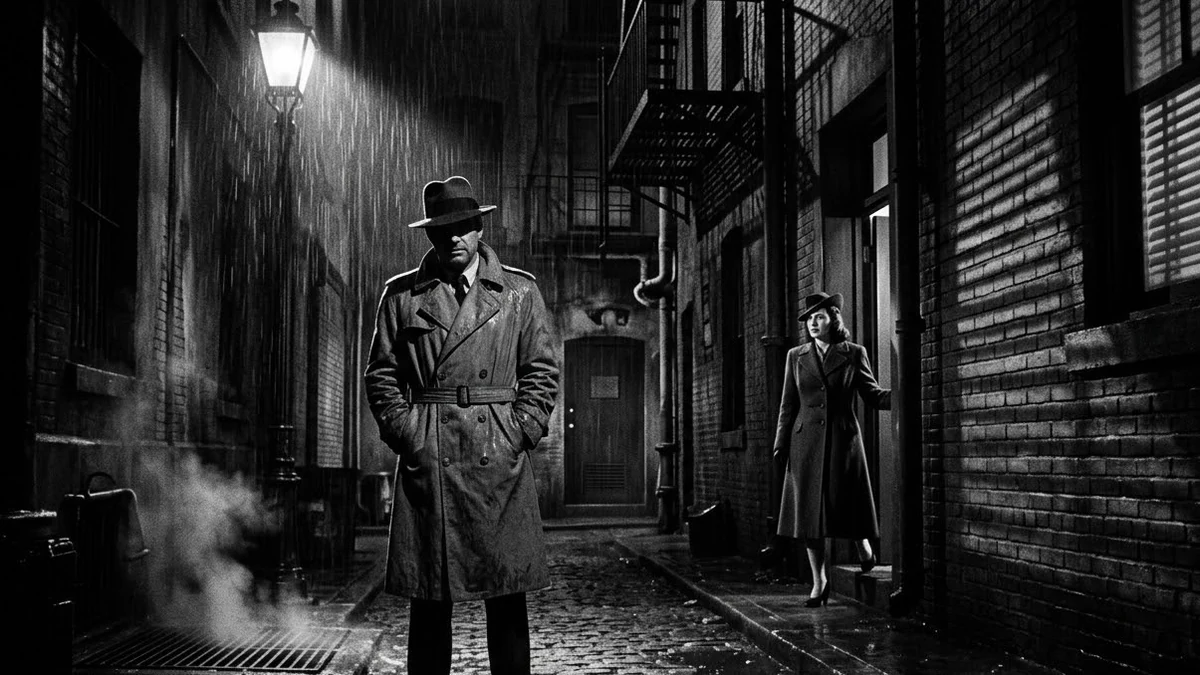
- Mood and lighting words still carry the look. The film noir detective scene shows how a few lighting and atmosphere words set a style, regardless of which model renders it.
What's still unclear
I couldn't confirm pricing, a public demo link, content limits, or exactly how long clips can run beyond the roughly 5-second figure reported. If you try it through a third-party app rather than the open weights directly, check that app's own terms, since they may differ from what Kandinsky Lab ships.
Where to go from here
If you want a fuller prompting guide for a video tool with confirmed specs, see the Kling 4.0 guide. Browse more ready-made options in the video generation prompts collection, or build your own with the prompt builder.
Quick checklist
- Treat every spec here as "reported", not confirmed, until you check the model's own page.
- Write the sound into your prompt: voice, ambience, music, or "no music".
- Keep spoken lines short for a cleaner lip-sync result.
- Describe one clear moment; a 5-second clip has no room for a story arc.
- An MIT licence matters most if you or a developer can self-host; everyone else will likely meet this through someone's app.
Prompts to try

More prompts on this topic
- Talking-head video with lip syncHiggsfield
Comments
No comments yet. Be the first to share what worked for you.