Seedance 2.5: what's new, and how to write prompts for it
Published
Short answerSeedance 2.5 generates a single, unedited shot of up to 30 seconds from one text prompt, double the previous limit, and it accepts up to 50 reference images or clips to keep a subject consistent. Prompt it as a sequence of short stages, one change per stage, rather than one long paragraph.
ByteDance's video model Seedance has a new version. Seedance 2.5 generates a single-shot video of up to 30 seconds from one text prompt, at up to 720p, and it reached ByteDance's own BytePlus developer platform in August 2026. It's also the engine behind newer clips in ByteDance's Jimeng and Dreamina apps.
This guide covers what actually changed and how to write a prompt that uses the extra length well. If you're new to AI video prompts generally, start with AI video prompts for beginners first.
What changed in Seedance 2.5
| What | Seedance 2.5 | Before (2.0) |
|---|---|---|
| Single-shot length | Up to 30 seconds | Up to 15 seconds |
| Base resolution | Up to 720p | Up to 720p |
| References | Up to 50 images, clips or other materials in one generation | A handful at most |
| Starting point | Text-to-video or image-to-video | Text-to-video or image-to-video |
The headline change is the clip length: a single take now runs twice as long before it cuts. Fal.ai's model page lists the 30-second single-shot limit and the 720p base resolution, and notes the much larger reference count for keeping a subject, product or scene consistent across a generation.
A note on claims you'll see elsewhere: some tool pages that run Seedance 2.5, such as Dreamina, advertise 4K output and built-in soundtracks. Those appear to come from Dreamina's own upscaling and audio tools layered on top of the base model, not from Seedance 2.5 itself, so don't assume every platform running it gives you the same finish. Check what your specific app or API plan actually outputs before you plan a project around it.
Why 30 seconds changes how you prompt
At 15 seconds, one idea usually fills the clip: a camera move, a reveal, a short action. At 30 seconds, a single idea repeated for twice as long looks static. The fix is to write the prompt as a short sequence of stages, each with one clear change, instead of one long descriptive paragraph.
BytePlus's own prompting guidance for the model recommends exactly this: write multi-beat shots as consecutive stages, with one primary change per stage, rather than packing everything into a single sentence.
Stage 1: A barista stands behind a café counter at opening time, warm morning light through the window.
Stage 2: She picks up a bag of coffee beans and pours them into a grinder.
Stage 3: Steam rises from the grinder as she switches it on, close-up on her hands.
Stage 4: She steps back, satisfied, as the first customer walks in through the door behind her.

Steady handheld camera, natural café ambience, no dialogue.
Four stages for a 30-second clip is a reasonable starting point. More than five or six tends to rush each moment.
Using the extra reference slots
The jump to up to 50 references matters most when you need a product, a face or a brand element to stay exactly the same while everything around it changes. Upload the clear reference image and describe only what should happen around it:
Use the uploaded bottle photo as the exact product, unchanged. Place it on a rotating stone podium in a dim studio. A single warm spotlight sweeps across the label as the podium turns, slow 30-second rotation, soft shadows, no added text or logos.
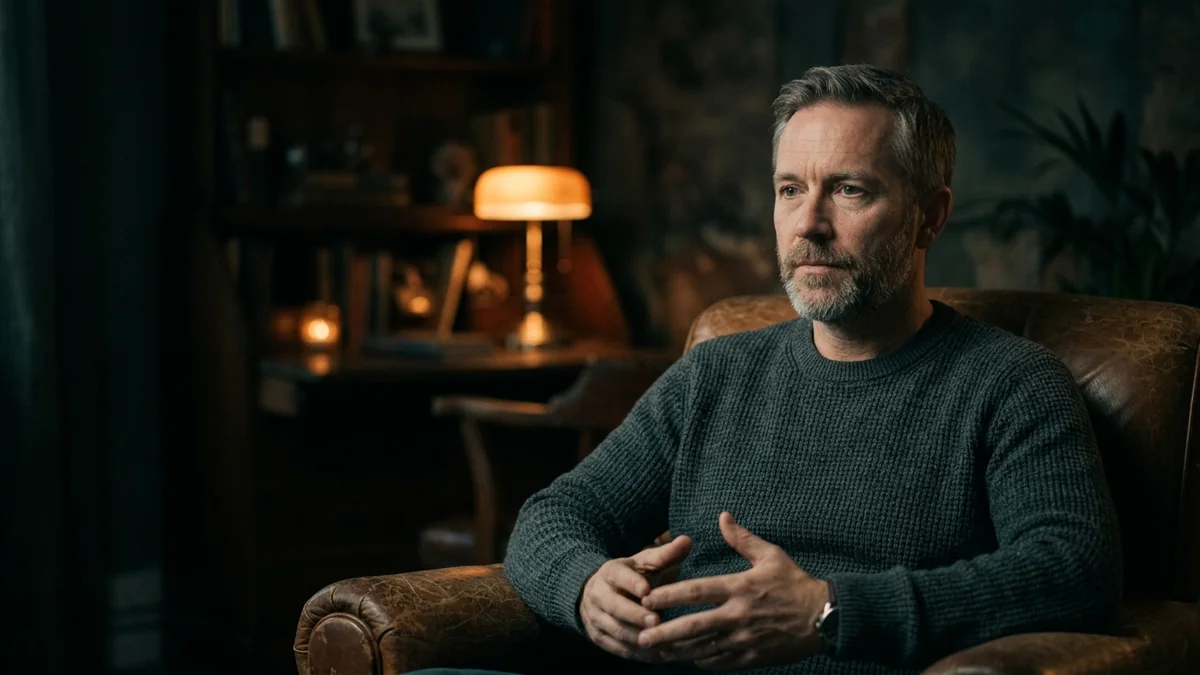
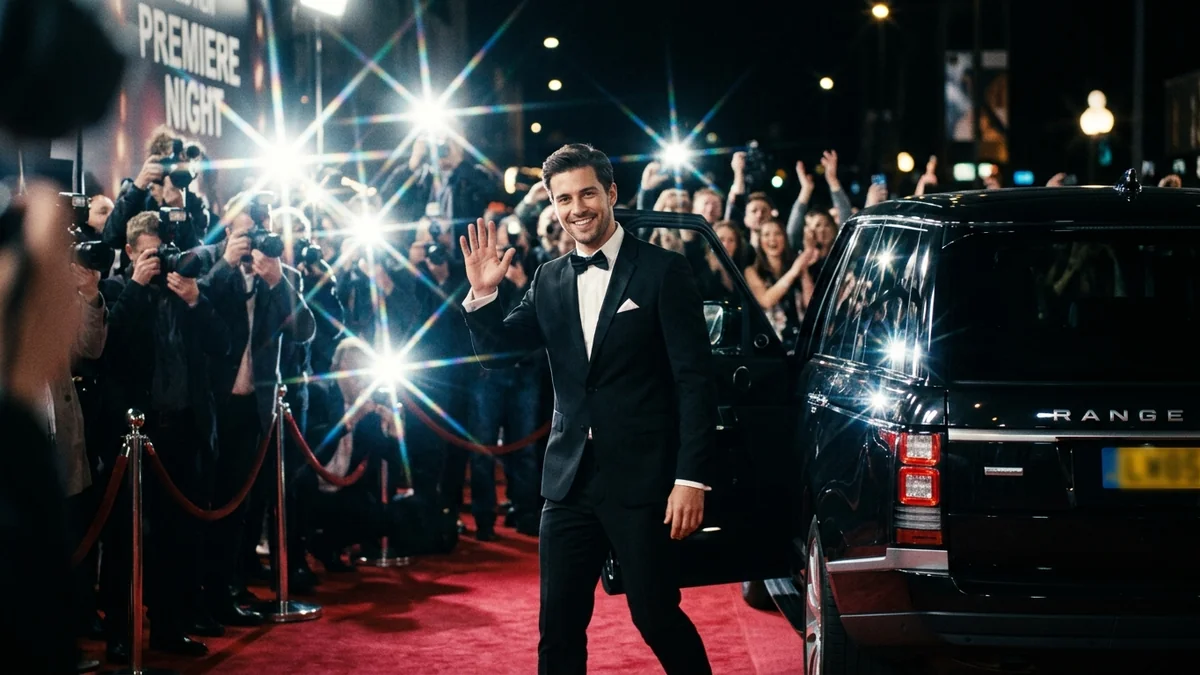
For a people-in-motion example of the same idea, the documentary interview prompt and the red carpet entrance prompt both work from a single consistent subject moving through a short scene, which is the pattern worth copying for longer Seedance clips.
A 30-second nostalgia clip
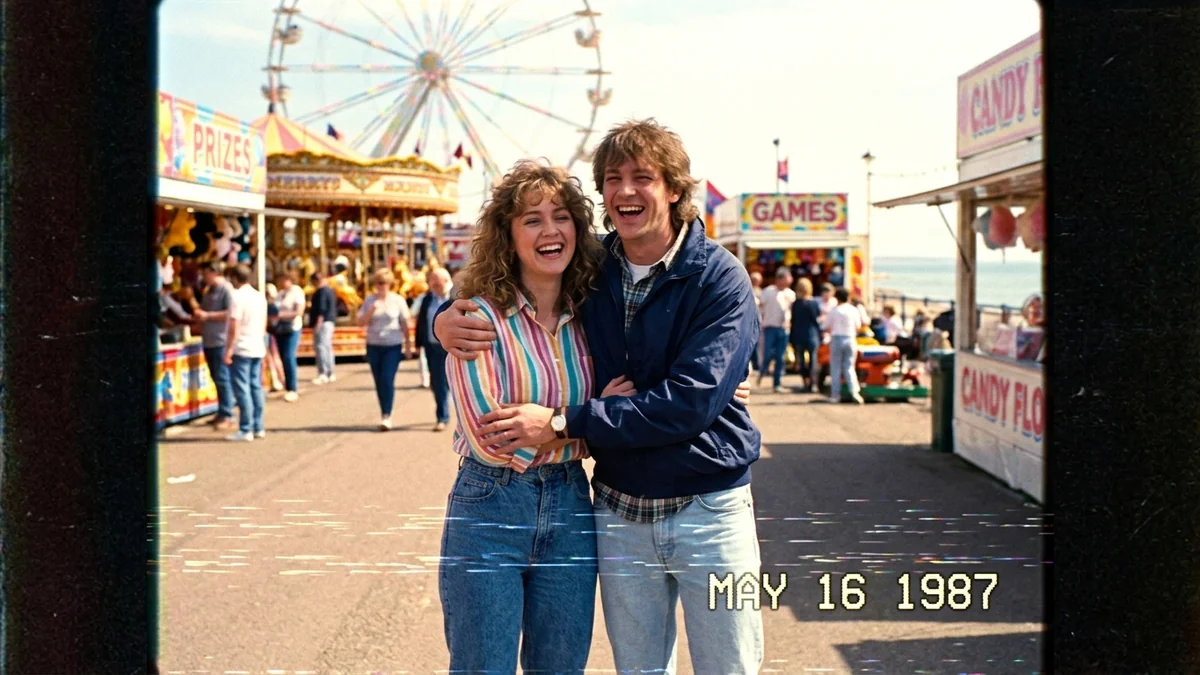
Slow, memory-style scenes hold attention well across a longer clip, because the viewer isn't waiting for fast action. The VHS home-video prompt and the Earth zoom-out prompt both suit this. Try adding a third stage to either one: an establishing shot, a small human gesture, then a slow pull-back, instead of one continuous loop.
A gentle, low-action example
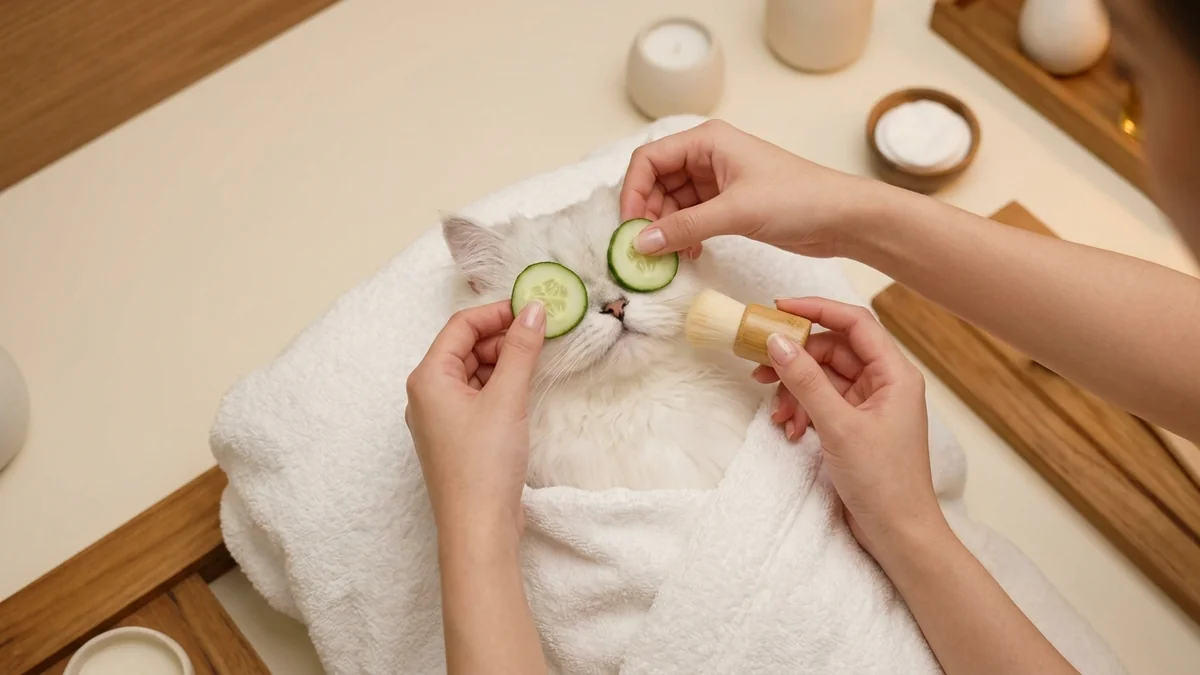
Not every 30-second clip needs a story arc. The pet spa day prompt works as a single calm scene stretched over the full length: describe the start, a small change halfway through (a towel, a brush, a splash), and a settled final moment.
Things to check before you rely on it
- Confirm your platform's actual output. Base Seedance 2.5 is 720p; higher resolutions and finished audio often come from the app layered on top, not the model itself.
- Don't over-pack stages. If a 30-second result looks rushed, cut back to four stages and let each one run longer.
- Keep reference images sharp. With up to 50 allowed, it's tempting to add more, but a blurry or oddly lit reference still carries its flaws into the result.
Where to go from here
For the shot-list basics that still apply here, read AI video prompts for beginners. Browse more ready-made options in the video generation prompts collection, or build your own with the prompt builder.
Quick checklist
- Write a 30-second clip as 4-6 short stages, one change per stage.
- Use a sharp reference image when a subject needs to stay consistent.
- Don't assume 4K or finished audio: check what your specific app actually outputs.
- Start with fewer stages and add more only if the pacing needs it.
- Keep each stage's camera and lighting consistent unless the change is the point.
Comments
No comments yet. Be the first to share what worked for you.